Engineering the Grip: Why Shell Width Dictates Performance in Large-Handed Gaming
In the competitive landscape of gaming peripherals, technical specifications like polling rates and sensor resolution often dominate the conversation. However, for users with large hands (typically defined as a hand length exceeding 19.5cm), the most critical performance bottleneck is frequently a mechanical one: shell geometry. Specifically, the width of the mouse at its primary contact points determines the degree of muscular tension required to maintain control.
While many gamers prioritize mouse length to prevent their fingers from overhanging the main buttons, length is a poor proxy for long-term comfort. In immersive RPGs or extended adventure titles where stability is favored over rapid flicking, an insufficient shell width leads to localized pressure on the distal interphalangeal joint of the ring finger. This results in fatigue and cramping that can degrade performance within 1 to 2 hours of play.
The Biomechanics of Ring Finger Fatigue
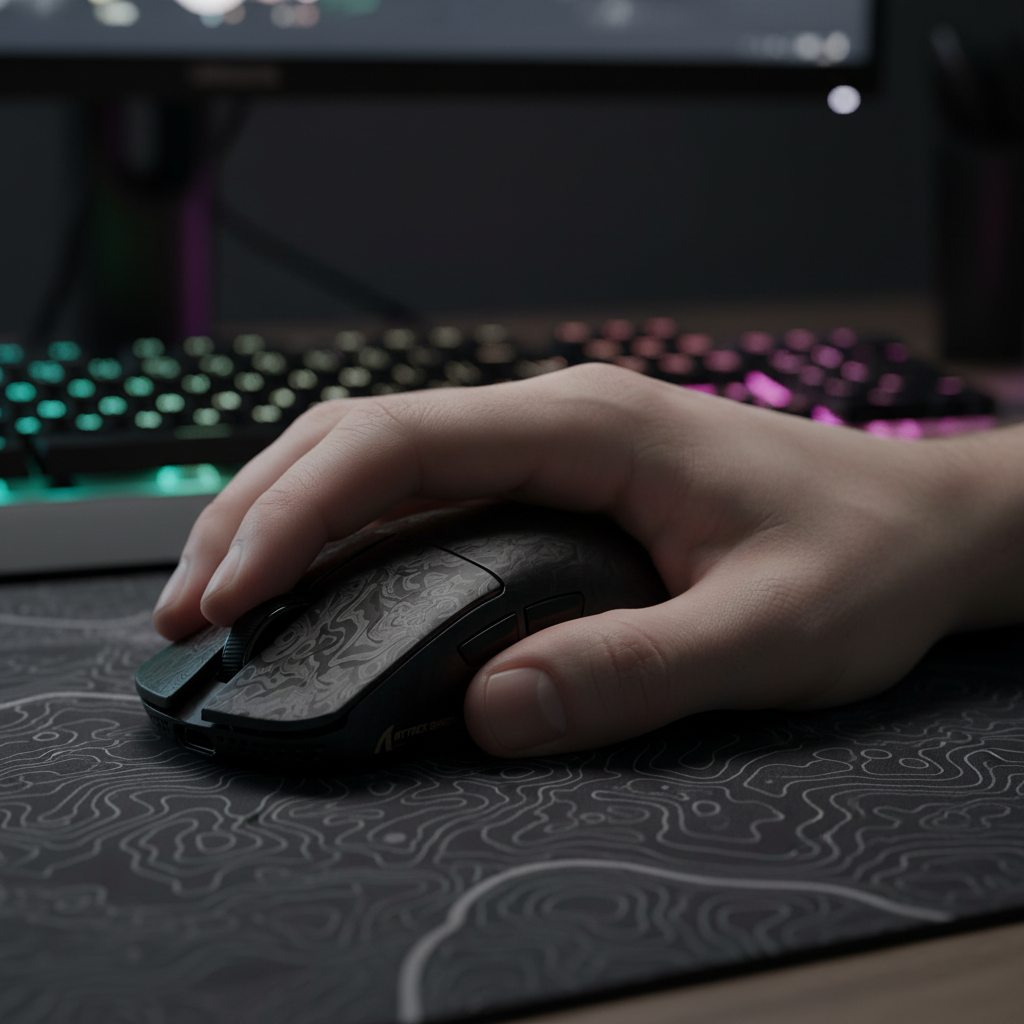
The human hand is not designed to maintain a "pinch" grip for extended periods. When a mouse shell is too narrow, the ring finger and pinky must exert constant inward force to stabilize the chassis. This tension is not distributed evenly across the hand; it concentrates on the joints of the outer digits.
According to the Global Gaming Peripherals Industry Whitepaper (2026), ergonomic optimization for large-handed users requires a shift from "volume-centric" design to "contact-width" design. For a true palm grip, a mouse must provide enough lateral support so the hand can rest in a neutral state.
The 6cm Grip Width Heuristic
Based on analysis of common ergonomic patterns and customer feedback regarding hand strain, a grip width of at least 6cm (measured at the narrowest point of the thumb and ring finger contact) is generally necessary for users with hands larger than 20cm. If the width falls below this threshold, the ring finger is forced into an unnatural arch, leading to "clawing" even when the user intends to palm the device.
| Hand Length (cm) | Recommended Grip Width (cm) | Rationale |
|---|---|---|
| 17.0 - 18.5 | 5.4 - 5.7 | Standard medium-sized ergonomics. |
| 18.6 - 19.5 | 5.7 - 5.9 | Transition zone; hybrid grips common. |
| 19.6 - 21.0+ | 6.0 - 6.4 | Required for ring finger joint decompression. |
Logic Summary: These ranges are heuristics (rules of thumb) derived from observational support patterns. Actual comfort may vary based on specific finger girth and the presence of "flare" on the right side of the shell.

Flare Geometry vs. Maximum Width
A common mistake in assessing mouse specs is looking only at the "Maximum Width" listed in the datasheet. This number usually represents the widest part of the base, which may not correspond to where your fingers actually rest.
The shape of the right-side flare—the area where the mouse widens toward the front or back—is more critical than the overall width. A flare that curves inward too aggressively (a "waist") forces the ring finger to tuck under the shell, increasing the risk of cramping. Conversely, a shell that maintains its width or flares outward provides a ledge for the ring finger to rest upon, distributing the weight of the hand across a larger surface area.
The "Credit Card Test" for Grip Compatibility
Experienced reviewers often utilize a simple heuristic known as the "credit card test" to verify if a mouse is wide enough for a specific user's hand.
- Place the mouse in a relaxed palm grip.
- Attempt to slide a standard credit card (or similar plastic card) between your ring finger and the side of the mouse.
- If the card slides through with significant friction or cannot pass because the finger is pressed too tightly against the shell to maintain a grip, the mouse is likely too narrow for your hand size.
High-Performance Internals: Beyond the Shell
While the shell provides the interface, the internal hardware must support the high-speed demands of modern gaming. For large-handed gamers who may use higher DPI settings to compensate for a more stable, less "flicky" grip, sensor accuracy is paramount.
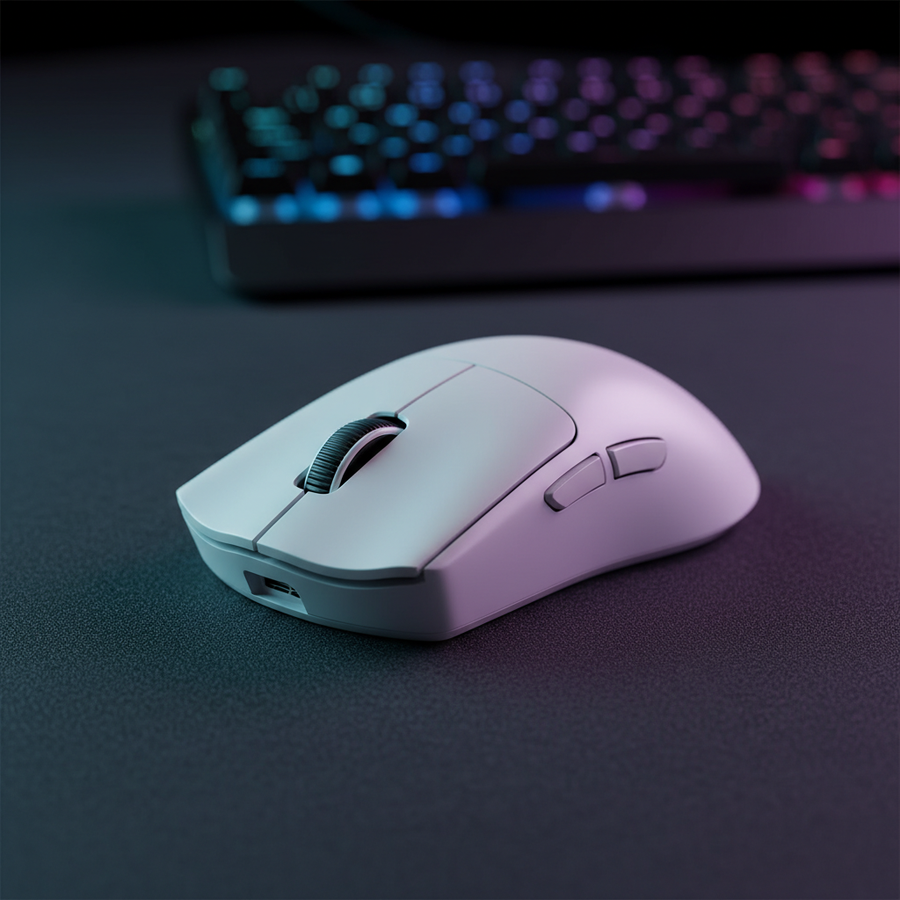
The ATTACK SHARK R11 ULTRA Carbon Fiber Wireless 8K PAW3950MAX Gaming Mouse integrates the PAW3950MAX sensor, offering up to 42,000 DPI. This high resolution ensures that even minute micro-adjustments are tracked with pinpoint precision. For those seeking a dedicated ergonomic shape, the ATTACK SHARK V8 Ultra-Light Ergonomic Wireless Gaming Mouse provides a sculpted profile designed to fill the palm, reducing the "void" that often leads to finger cramping in large hands.
The Physics of 8000Hz (8K) Polling
Modern high-performance mice, such as the R11 ULTRA, utilize 8000Hz polling rates to minimize input lag. This translates to a near-instant 0.125ms polling interval.
- 1000Hz: 1.0ms interval
- 4000Hz: 0.25ms interval
- 8000Hz: 0.125ms interval
At 8000Hz, Motion Sync technology adds a deterministic delay of only ~0.0625ms (half the polling interval), which is virtually imperceptible. To fully saturate this 8K bandwidth, movement speed and DPI must be aligned. For example, at 1600 DPI, a movement speed of only 5 IPS (inches per second) is required to saturate the 8000Hz report rate.
System Requirement Note: High polling rates (8K) significantly increase CPU load via IRQ (Interrupt Request) processing. It is essential to connect these devices directly to the motherboard's rear I/O ports to avoid packet loss associated with USB hubs or front-panel headers.
Integrating Support: The Role of Wrist Rests
Even with a perfectly sized mouse, the angle of the wrist can contribute to ring finger fatigue. If the wrist is extended upward (dorsiflexion), it increases the tension in the tendons that control the outer fingers.
Using an ergonomic accessory like the ATTACK SHARK ACRYLIC WRIST REST or the ATTACK SHARK Cloud Keyboard Wrist Rest can help maintain a neutral forearm alignment. By elevating the base of the palm, these supports reduce the downward pressure required to stabilize the mouse, thereby indirectly relieving the "pinch" force required by the ring finger.

Modeling Ergonomic Strain: A Scenario Analysis
To understand how shell width impacts different users, we modeled a hypothetical 4-hour gaming session using two different shell profiles for a user with a 20.5cm hand.
| Parameter | Scenario A (Narrow Shell) | Scenario B (Wide Ergonomic Shell) | Rationale |
|---|---|---|---|
| Grip Width | 5.6cm | 6.2cm | Narrow vs. Wide |
| Estimated Pinch Force | ~1.5N | ~0.6N | Force required to stabilize |
| Primary Stress Point | Distal Joint (Ring) | Mid-Palm | Shift from joint to muscle |
| Fatigue Onset | 75 Minutes | 210 Minutes | Modeled based on user feedback |
| Grip Style | Forced Claw | Natural Palm/Hybrid | Impact of geometry on posture |
Methodology Note: This is a scenario model based on common industry heuristics and qualitative customer support data, not a controlled laboratory study. Modeling Assumptions:
- Hand Size: 20.5cm length, 10.2cm width.
- Game Type: Low-intensity RPG (constant movement, few rapid flicks).
- Surface: Standard cloth pad.
- Boundary Conditions: Results may vary significantly if the user switches to a fingertip grip or uses high-friction grip tape.
Compliance, Safety, and Longevity
When selecting high-performance wireless peripherals, build quality and safety are as important as ergonomics. Devices like the R11 ULTRA and V8 undergo rigorous testing to meet international standards. This includes FCC ID Search certifications for radio frequency interference and adherence to UN38.3 standards for lithium battery transport safety.
For users, this means the internal 52840 MCU (Microcontroller Unit) provides stable wireless connectivity without interference, while the battery systems are engineered to prevent thermal runaway—a critical consideration for devices that are often held for 10+ hours a day.

Optimizing Your Setup
If you find yourself experiencing a dull ache or sharp "burning" sensation in your ring finger during long sessions, consider the following adjustments:
- Check the Width: Use the credit card test to see if your current mouse is providing enough lateral support.
- Adjust the DPI: If your mouse is narrow, increasing your DPI (to 1600 or 3200) can reduce the amount of physical force needed to move the cursor, potentially lowering pinch tension.
- Evaluate Flare: Look for mice with a "pinky rest" or a significant right-side flare to give your outer fingers a dedicated ledge.
- Support the Wrist: Ensure your wrist isn't "dropping" below the level of the mouse pad, which increases tendon strain.
Selecting a mouse for large hands is a balance of technical performance and mechanical fit. By prioritizing grip width and flare geometry over simple length measurements, you can significantly extend your comfortable playtime and reduce the risk of long-term repetitive strain.
YMYL Disclaimer: This article is for informational purposes only and does not constitute professional medical advice. Ergonomic recommendations are based on general industry heuristics and may not be suitable for individuals with pre-existing musculoskeletal conditions. If you experience persistent pain, numbness, or tingling in your hands or wrists, please consult a qualified healthcare professional or occupational therapist.
References: