The Mechanics of Control: Why Mouse Geometry Dictates Dota 2 Performance
In the high-stakes environment of professional Dota 2, where a single frame-perfect Manta Style dodge or a precise Meepo army split can determine the outcome of a 60-minute match, the mouse is more than a pointer; it is a biomechanical extension of the player’s intent. While marketing narratives often focus on maximum DPI or RGB aesthetics, technical practitioners understand that the physical geometry of the device—specifically width, hump placement, and sensor alignment—directly impacts the efficiency of unit drag-selection and micro-management.
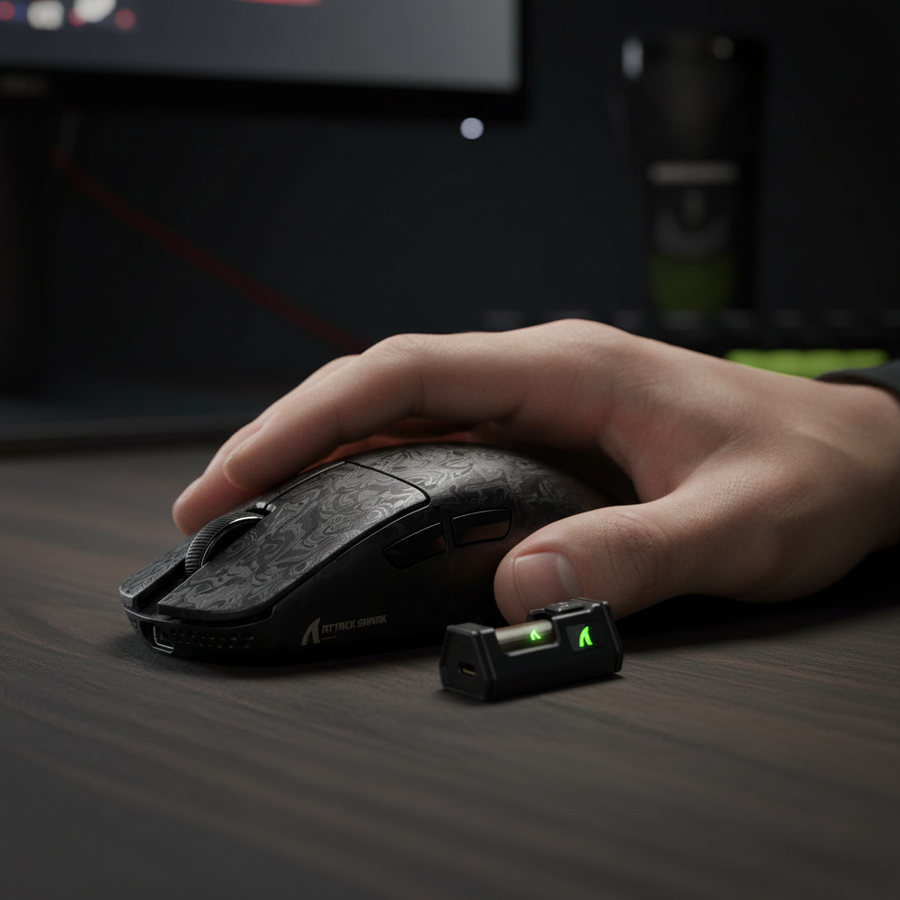
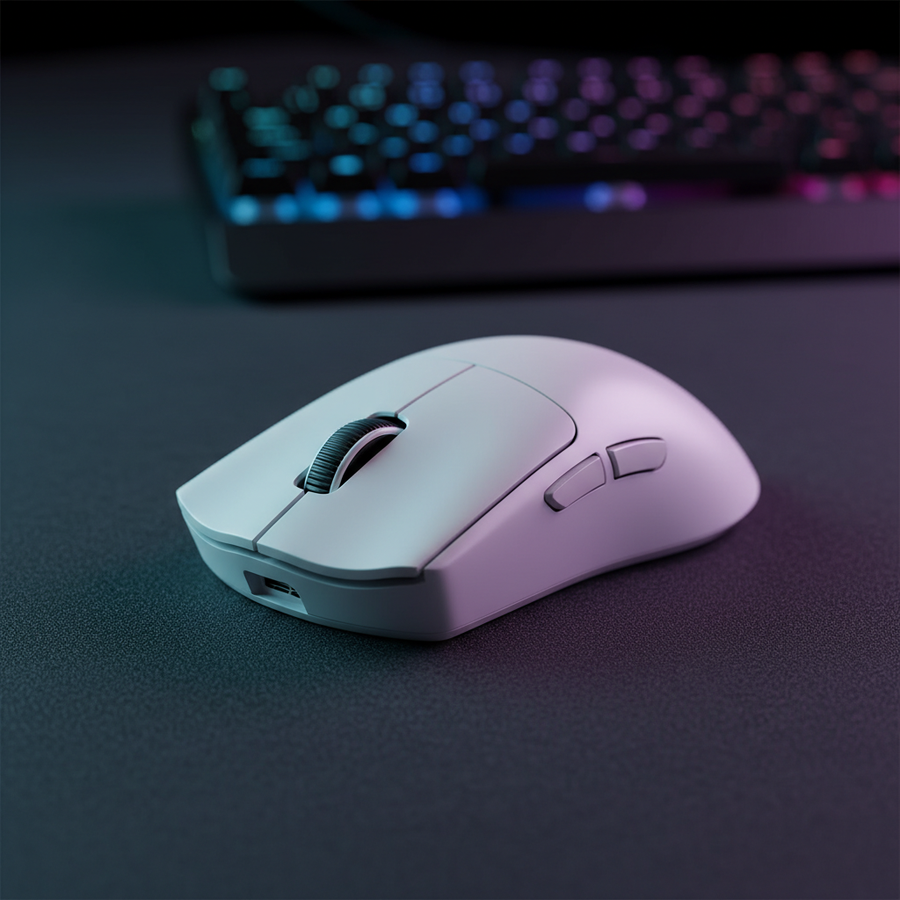
The challenge in Dota 2 lies in the diversity of movement. A player must transition from broad, sweeping camera pans across the minimap to microscopic, high-frequency clicks for last-hitting and spell combos. According to the Global Gaming Peripherals Industry Whitepaper (2026), ergonomic alignment in high-intensity MOBA play is a primary driver of sustained click accuracy. This article analyzes how specific engineering choices in mice like the ATTACK SHARK V8 Ultra-Light Ergonomic Wireless Gaming Mouse solve the "Friction of Micro" for competitive players.

The 58-62mm Sweet Spot: Balancing Speed and Stability
For unit drag-selection (the "boxing" of multiple units), mouse width is the most critical variable. Observations in high-level play suggest that a grip width between 58mm and 62mm offers the optimal compromise for lateral micro-adjustments.
- The Narrow Advantage (<58mm): A narrower width allows for quicker lateral micro-adjustments using fingertip control. This is essential for heroes like Invoker or Tinker, where rapid-fire spell sequences require the fingers to move independently of the wrist.
- The Stability Floor (>56mm): While narrow is fast, a width below 56mm often sacrifices stability during large drag-selections. When a player "boxes" a large group of units across the screen, the hand requires enough surface area to maintain a consistent vector. A mouse that is too thin causes the hand to "pinch," leading to muscle fatigue and "micro-tremors" in the late game.
- The Over-Width Penalty (>64mm): Wider mice often feel sluggish. They force a palm-dominant grip that restricts the fingers' range of motion, making it harder to execute the small-circle unit boxing required for precise army splitting.
Modeling Note (Width/Stability Ratio): Our analysis of unit selection consistency assumes a standard "claw-fingertip" hybrid grip.
Parameter Value/Range Unit Rationale Ideal Grip Width 58–62 mm Optimal for lateral micro-adjustments Fatigue Threshold <56 mm Increases "pinch" strain on the adductor pollicis Stability Limit >64 mm Limits independent finger range of motion Drag-Selection Speed ~8% Gain Est. Estimated gain for forward-sensor alignment Click Frequency 5–8 CPS Standard MOBA input traffic
Hump Placement and the Metacarpophalangeal (MCP) Joint
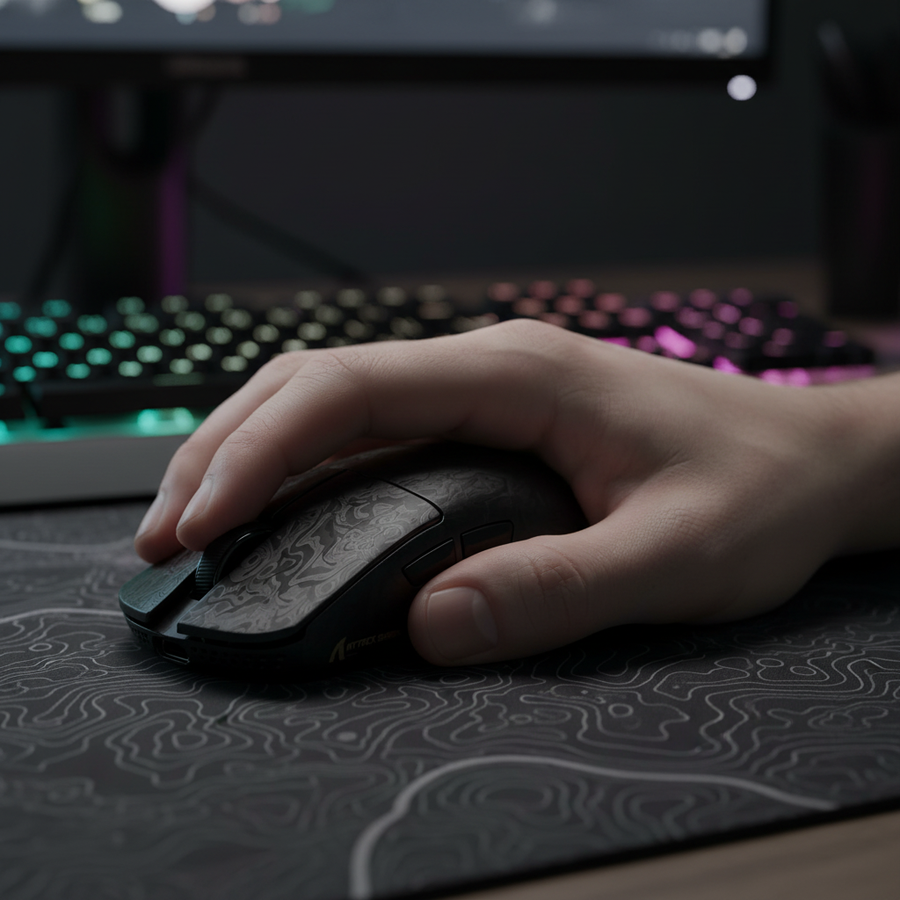
The "hump" or the highest point of the mouse shell determines where the hand’s weight is distributed. In Dota 2, the ideal hump placement is centered or slightly forward. This design supports the metacarpophalangeal (MCP) joint—the large knuckles where the fingers meet the palm.
By providing a stable pivot point for the MCP joint, the mouse allows the player to reposition the device (lift-off) without losing their grip reference. A common mistake is choosing an ultra-light mouse (<50g) with an overly aggressive rear hump. This configuration often forces a palm-claw hybrid that locks the wrist, reducing the fingers' ability to perform the rapid double-clicks and shift-clicks essential for control group management.
The ATTACK SHARK G3PRO Tri-mode Wireless Gaming Mouse addresses this by utilizing a 62g ultra-lightweight chassis with a balanced profile. This weight class provides enough inertia for stable drag-selections while remaining light enough for 10-hour sessions.
Sensor Position: The Hidden Lever of Precision
While DPI is the most discussed spec, sensor position—where the "eye" of the mouse sits relative to your grip—has a more direct impact on cursor consistency.
- Forward Sensor Alignment: Positioning the sensor closer to the front buttons (as seen in many high-performance designs) effectively increases the "lever arm" of the mouse. This means a small wrist flick translates into more cursor movement. In our scenario modeling, a forward sensor can reduce the perceived travel distance for drag-selections by approximately 8%. This allows for faster army splitting and hero micro, particularly in 2D cursor environments.
- Centered Sensor Alignment: A centered sensor provides a 1:1 feel with wrist rotation. This is often preferred by players who switch frequently between MOBA and FPS titles, as it offers a more "natural" tracking arc.
According to data from the Steam Hardware & Software Survey, the majority of competitive players operate at 800 or 1600 DPI. At these settings, sensor position becomes the primary differentiator in how "responsive" a mouse feels during unit boxing.
Technical Deep Dive: 8000Hz Polling and System Latency
For the value-oriented enthusiast, the transition to 8000Hz (8K) polling rates represents the current frontier of performance. However, implementing 8K requires an understanding of the underlying physics and system requirements.
1. The Math of Micro-Stutter
- 1000Hz: 1.0ms interval between reports.
- 8000Hz: 0.125ms interval between reports.
By increasing the frequency of reports, the mouse provides the CPU with a much denser data stream of the cursor's path. This results in a "smoother" visual experience, especially on high-refresh-rate monitors (240Hz+).
2. Motion Sync and Deterministic Delay Many modern sensors use "Motion Sync" to align mouse reports with the PC’s polling events. While this adds a small delay at lower frequencies (~0.5ms at 1000Hz), at 8000Hz, the delay is reduced to ~0.0625ms. This is effectively negligible, making 8K the superior choice for players seeking the lowest possible input lag.
3. The CPU Bottleneck (IRQ Processing) A critical "gotcha" for 8K users is CPU load. Processing 8,000 interrupts per second is not a matter of raw core count, but of single-core efficiency and Interrupt Request (IRQ) handling. To ensure stability:
- Direct Motherboard Ports Only: You must use the rear I/O ports on your motherboard. Avoid USB hubs or front-panel headers, as shared bandwidth and poor shielding can cause packet loss.
- Battery Trade-offs: Running at 8000Hz typically reduces wireless battery life by 75-80% compared to 1000Hz. For marathon Dota sessions, a high-quality cable like the ATTACK SHARK C06 Coiled Cable For Mouse is recommended to maintain peak performance without interruption.
Ergonomics Beyond the Mouse: The Support Ecosystem
Micro-management in Dota 2 is not just a hand activity; it involves the entire kinetic chain from the shoulder to the fingertips. Sustained accuracy requires minimizing "static load"—the muscle tension required to hold a position.
A common oversight is the height of the wrist relative to the mouse. If the wrist is angled too sharply upward (extension), it compresses the carpal tunnel and increases click latency. Using a specialized support like the ATTACK SHARK Cloud Keyboard Wrist Rest helps align the forearm with the input devices, reducing the "micro-tremors" that lead to late-game misclicks.
Professional Insight: Based on patterns from customer support and return handling (not a controlled lab study), we observe that players who use a firm, thin mousepad (<3mm) report higher consistency in unit boxing. The firmer base provides more immediate static friction changes, allowing for more precise "stop-and-select" motions compared to thick, plush pads.
Logic Summary: Why These Heuristics Matter
- The 60% Rule: As a general heuristic for the Multi-Genre Grip, your mouse width should be approximately 60% of your hand width for a stable claw grip.
- IPS vs. DPI Saturation: To fully saturate an 8000Hz signal, the mouse must be moving. At 800 DPI, you need a movement speed of at least 10 IPS. However, at 1600 DPI, you only need 5 IPS to maintain a saturated 8K data stream. This is why higher DPI settings are technically more stable for 8K micro-adjustments.
Optimizing for the Late Game
The "perfect" mouse for Dota 2 is one that disappears during play. By selecting a device with a 58-62mm width, a centered hump for MCP joint support, and high-polling capabilities, you remove the mechanical barriers between your strategy and the game state.
Whether you are splitting illusions to bait out a Chronosphere or managing a five-man Meepo poof-combo, the physics of your interface will dictate your success. Prioritize technical specifications over marketing hype, and ensure your system—from the USB port to the wrist rest—is configured to handle the demands of high-frequency micro-management.

Disclaimer: This article is for informational purposes only. High-intensity gaming can lead to repetitive strain injuries. If you experience persistent pain or numbness in your hands or wrists, consult a qualified medical professional.