






What Is a Rapid Trigger Mouse? How TMR Magnetic Sensing Changes Mouse Clicks
Rapid Trigger resets a mouse button after minimal upward travel, while TMR magnetic sensing enables adjustable actuation without fixed contacts.

Country
Language
Explore practical buying guides, setup ideas, and product tips from the latest articles.
Featured
Rapid Trigger resets a mouse button after minimal upward travel, while TMR magnetic sensing enables adjustable actuation without fixed contacts.

Find out why this Cloud9 League of Legends partnership matters for esports fans, pro-level gear, and accessible gaming peripherals.
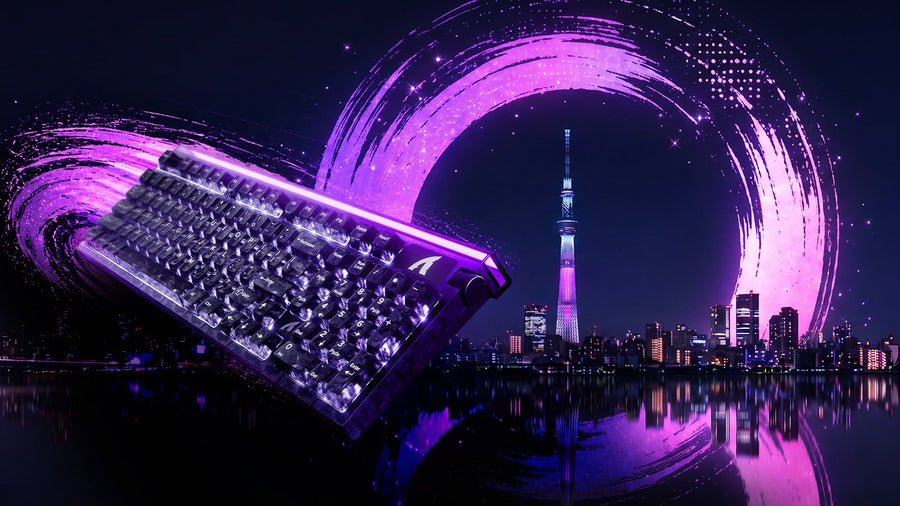
ATTACK SHARK heads to Tokyo Ryutsu Center on September 23, 2026 for hands-on testing of Hall Effect keyboards and gaming mice at Booth B21-B23.
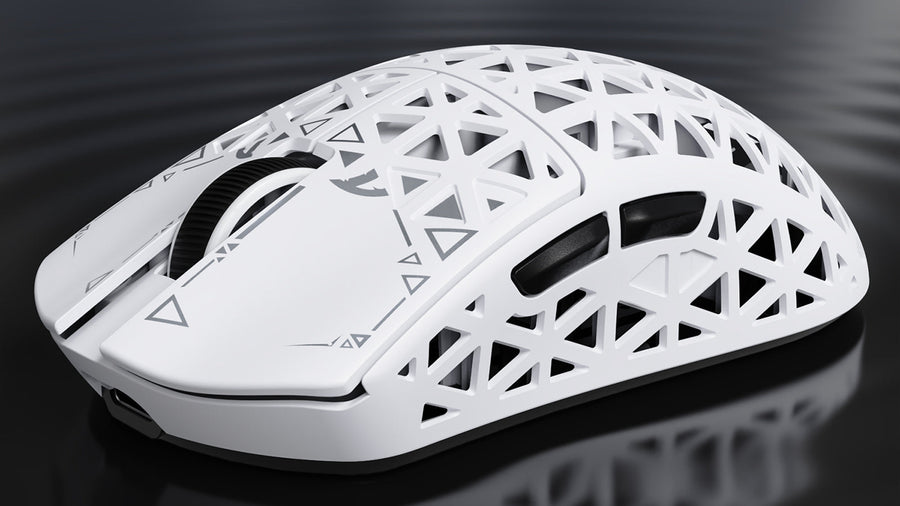
Rigid carbon shell, 8K tri-mode wireless, and a genuinely light body — but slick coating and small skate cutouts mean this ultralight mouse rewards...
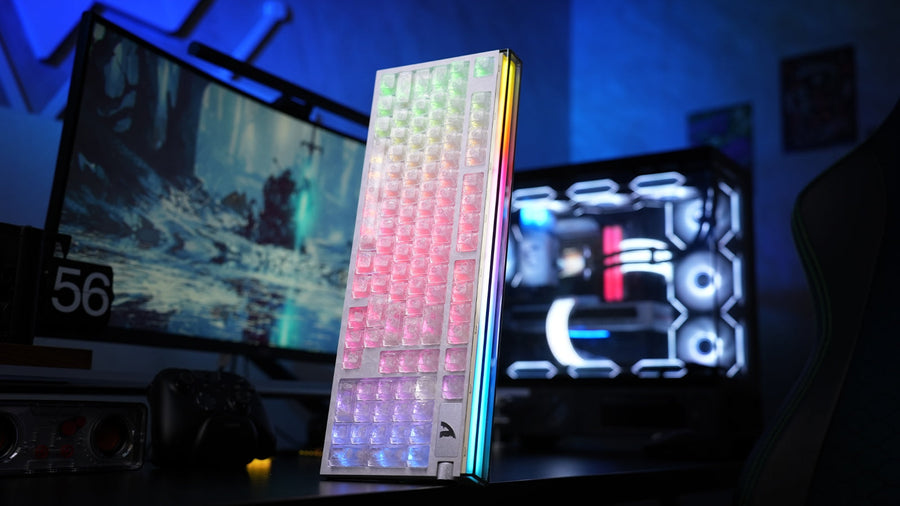
Rapid trigger feels fast, but the settings decide whether it helps. Here is how the R98 HE's 98-key Hall effect layout, rotary display and web driv...
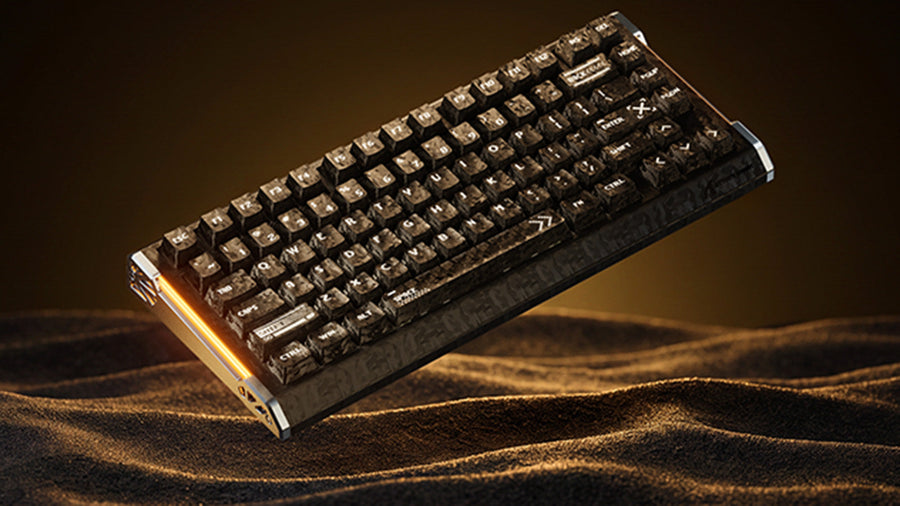
See how the ATTACK SHARK R86 HE magnetic keyboard balances compact 80% size, Hall Effect precision, 8000Hz speed, sound treatment, and daily usabil...
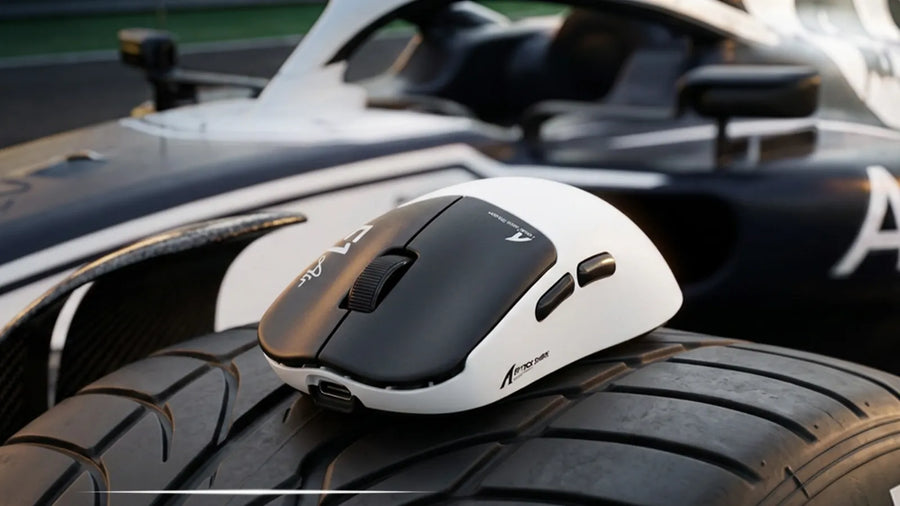
A 39g shell, PAW3955MAX sensor, and dual 8K wireless make the F1 AIR a precision instrument for Valorant, CS2, and Apex. Speed without the weight p...
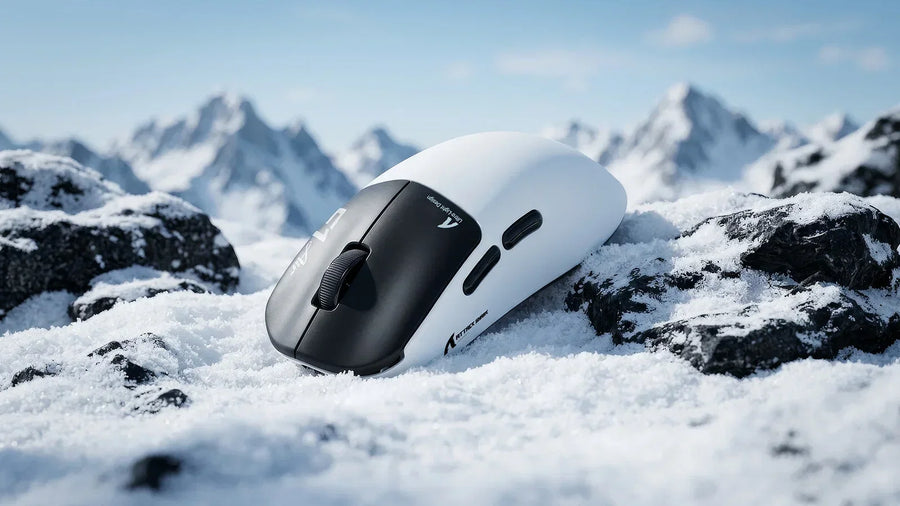
Wrist strain slows your flicks. A 39g ultralight wireless mouse with 8K polling and a 52K DPI sensor keeps your aim sharp and your hand fresh throu...
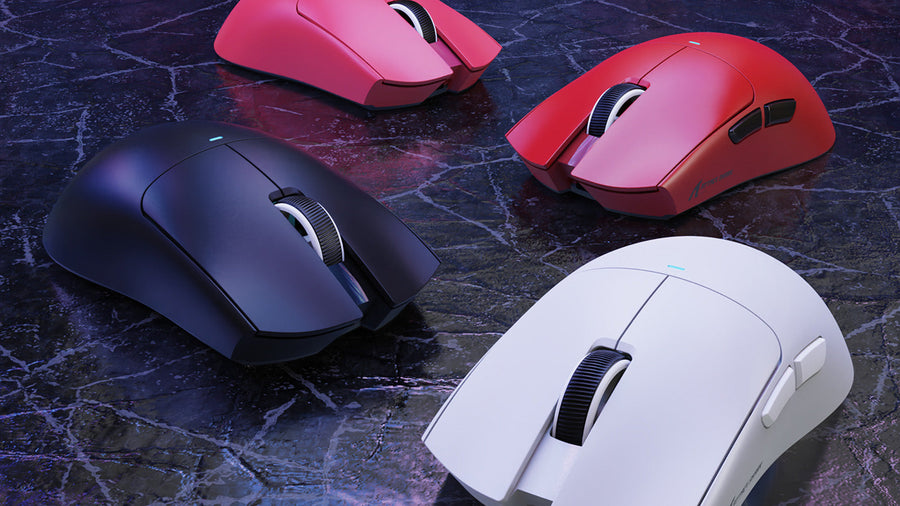
Winning CS2 setups rely on low-latency mice, Rapid Trigger keyboards, low eDPI, static crosshairs, and ergonomic choices that fit your grip.
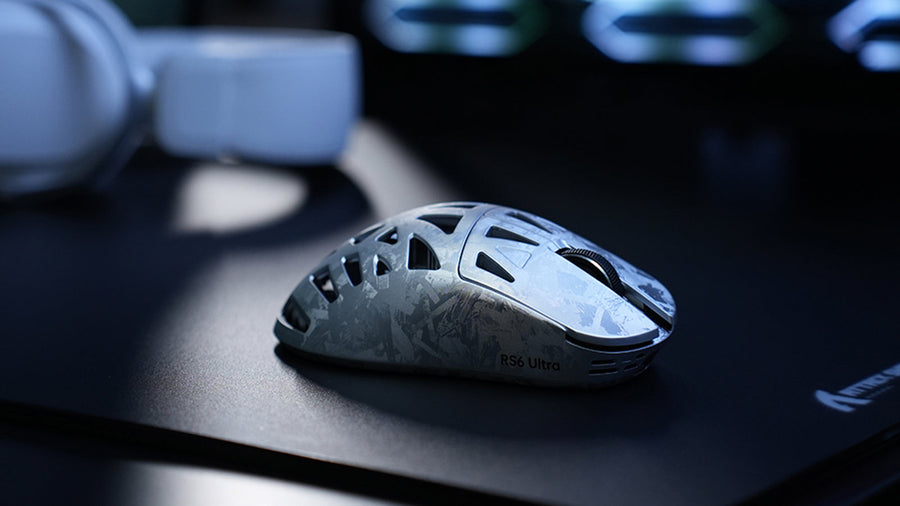
Built for esports, this carbon fiber gaming mouse delivers 52,000 DPI tracking, 8K polling, glass-pad support, and a rigid 63g shell.
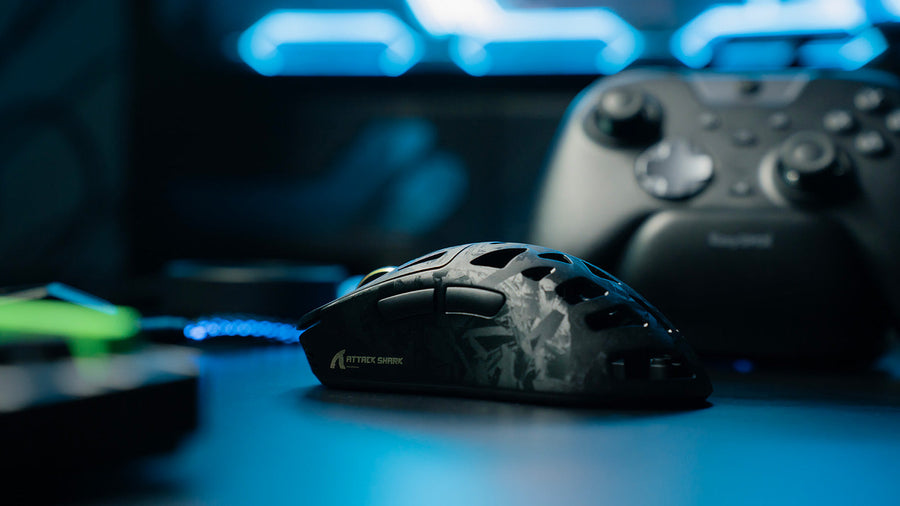
Precision starts with a carbon fiber gaming mouse that reduces weight, limits path deviation, prevents throttling, and supports 52,000 DPI control.
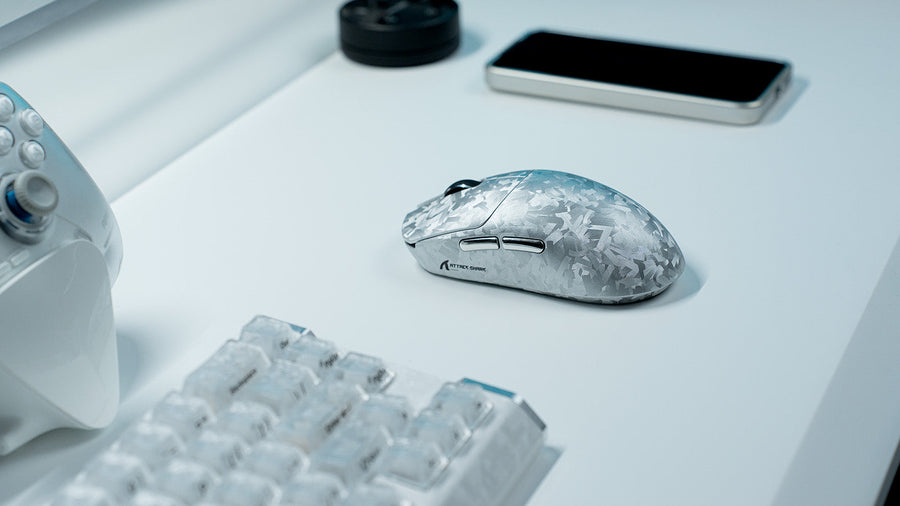
Practical setup tips cover MMO mouse buttons, mouse MMO gaming settings, rapid trigger keyboards, MMO keyboard macros, and map awareness.
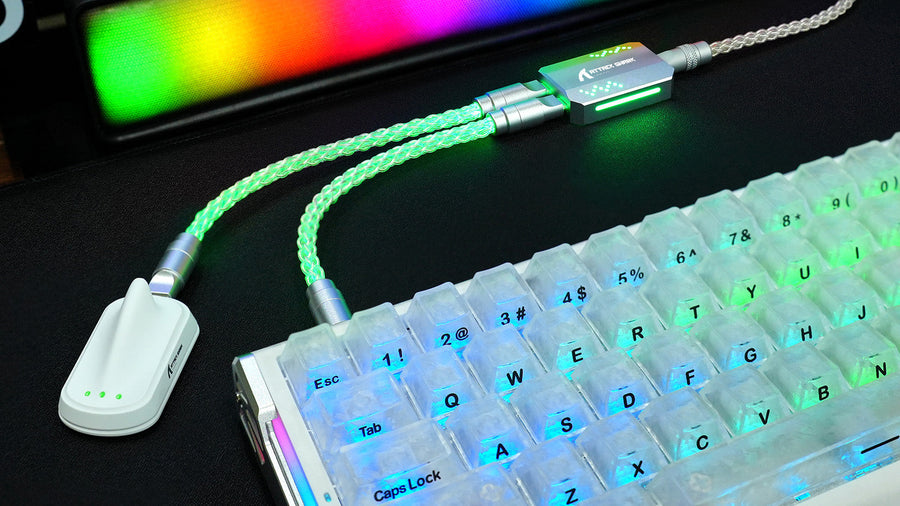
See five coiled keyboard cable benefits: cleaner cable management, easier device swapping, added durability, custom styling, and a more organized d...
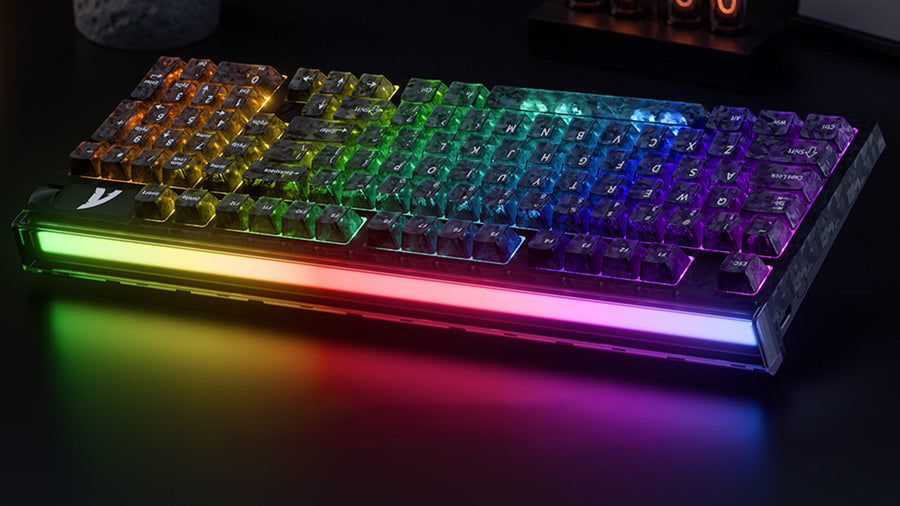
Pro-level 256K scanning, 8000Hz polling, Hall Effect sensors, and 0.005mm Rapid Trigger tuning help reduce keyboard input lag.
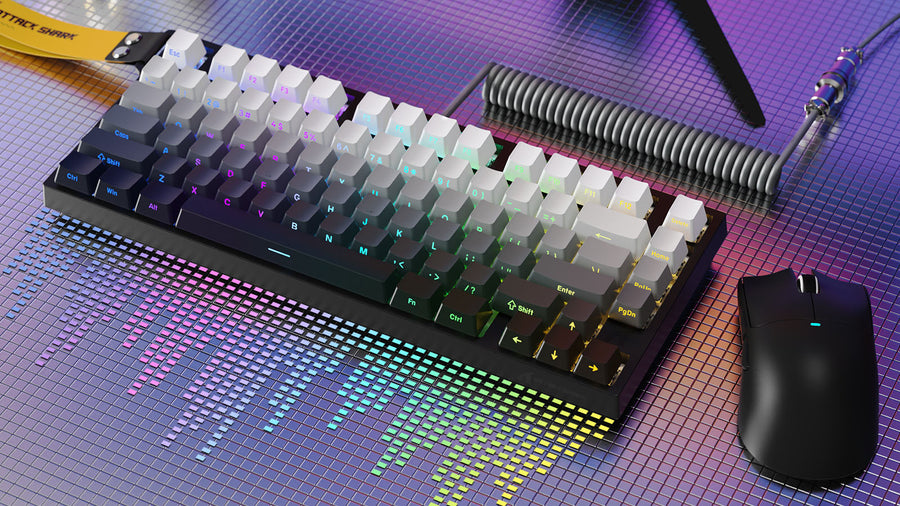
Choose a multi-device wireless keyboard by checking Bluetooth, 2.4GHz dongle support, switching speed, battery life, latency, and typing feel.
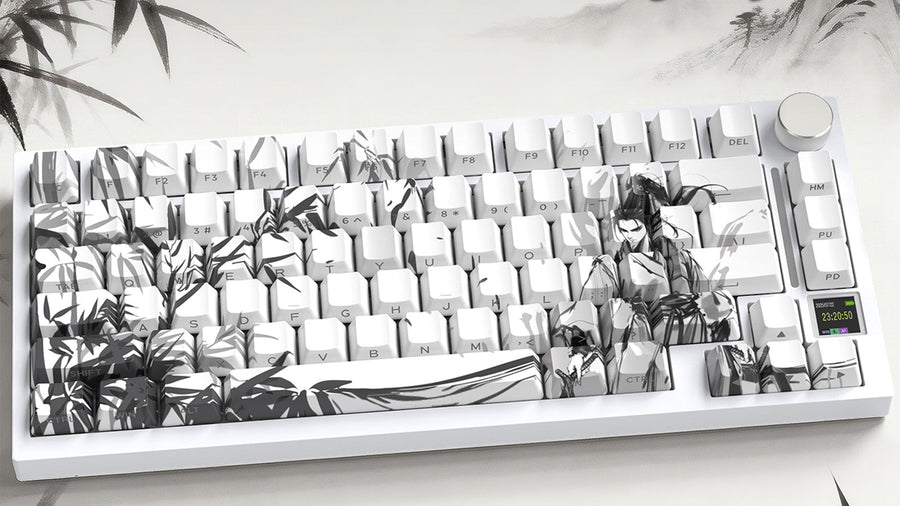
Fix custom keyboard case ping with a force break mod using masking tape, electrical tape, or dampening strips around screw and contact points.


