The Budget Gamer’s Dilemma: Performance vs. Longevity
For the value-conscious gamer, every peripheral purchase is a calculation of ROI. We aren't just looking for the lowest price; we are looking for the longest interval between replacements. In the world of mouse pads, this debate often centers on a single question: Should you buy a coated pad for its instant, buttery-smooth speed, or an uncoated cloth weave for its legendary durability?
Based on our observations from customer support logs and long-term wear patterns on our testing benches, the "out-of-the-box" experience can be deceptive. A coated pad often feels like a competitive edge on day one, offering a near-instantaneous glide that complements high-performance sensors. However, for a dedicated gamer putting in 3-4 hours of high-APM (Actions Per Minute) play daily, the honeymoon period is often short-lived.
In this technical deep dive, we will analyze the material science of mouse pad surfaces, the hidden ergonomic costs of surface degradation, and why a "set-and-forget" uncoated micro-weave is typically the smarter investment for the long-term budget.

Section 1: The Science of the Glide—Coating vs. Weave
To understand why mouse pads fail, we must first understand how they facilitate movement. The interaction between a mouse's PTFE (Polytetrafluoroethylene) skates and the pad surface is a study in friction coefficients.
Coated Surfaces: The Micro-Layer Advantage
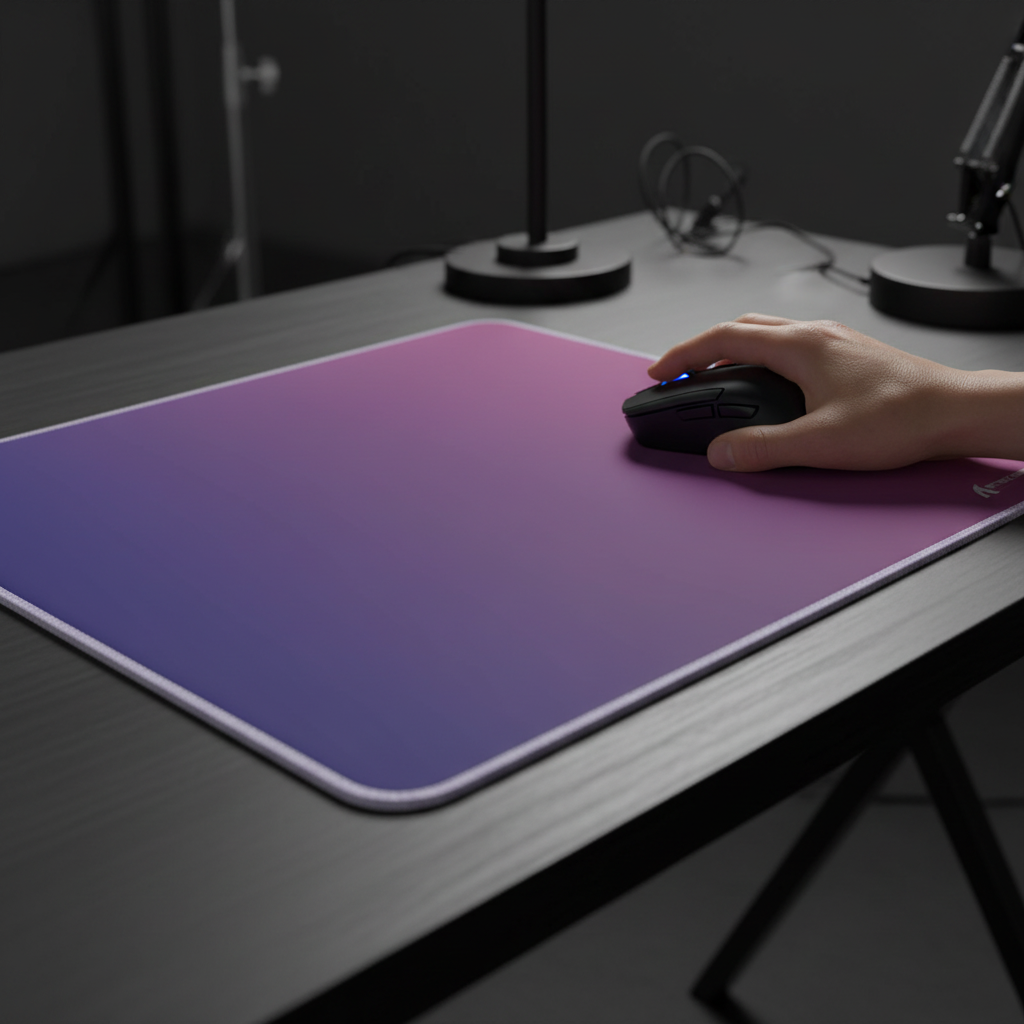
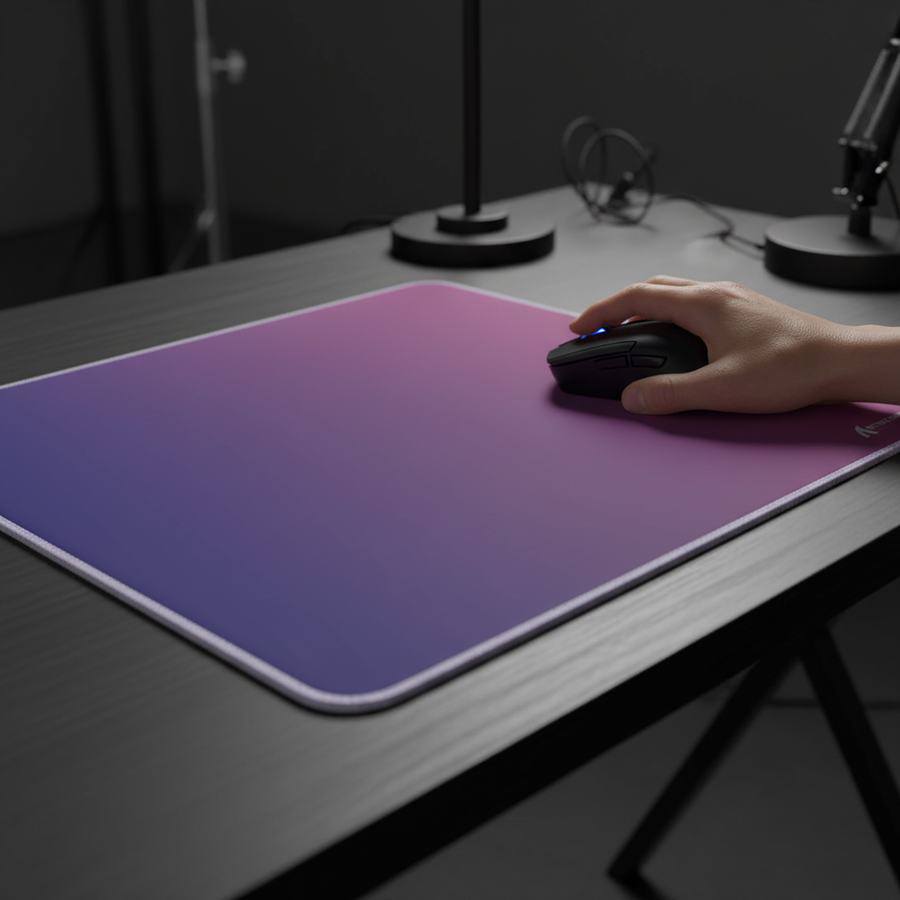
Coated pads, such as those utilizing iridescent film layers or "5S" water-resistant coatings, rely on a chemical or physical layer applied over a base fabric. This layer fills the microscopic "valleys" of the textile weave, creating a surface that is statistically flatter.
The benefit is immediate:
- Reduced Static Friction: It takes less force to start a movement, which is critical for micro-adjustments in tactical shooters.
- Contaminant Repulsion: According to observations in our maintenance logs, modern 5S coatings are highly effective at repelling sweat, oils, and humidity that would otherwise soak into a cloth pad.
- Visual Aesthetics: These pads often feature striking gradient designs that are impossible to achieve on raw fabric.
Uncoated Micro-Weaves: The Structural Approach
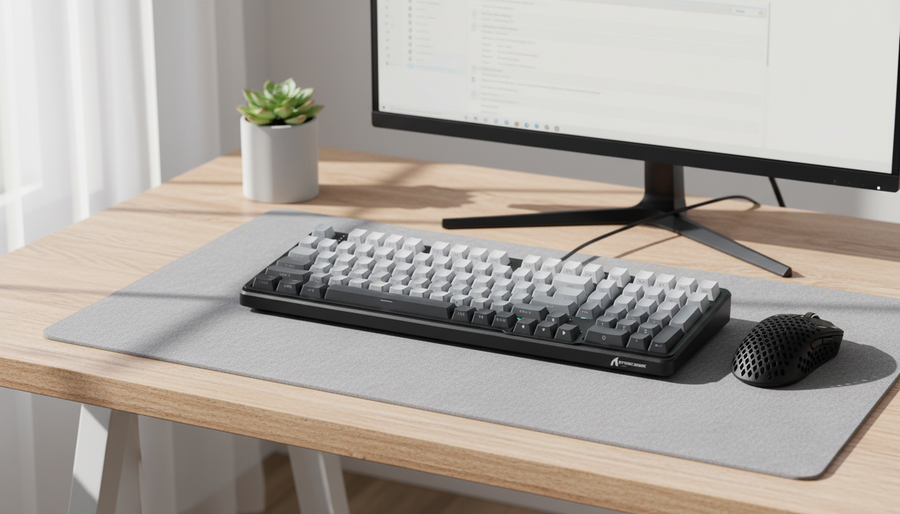
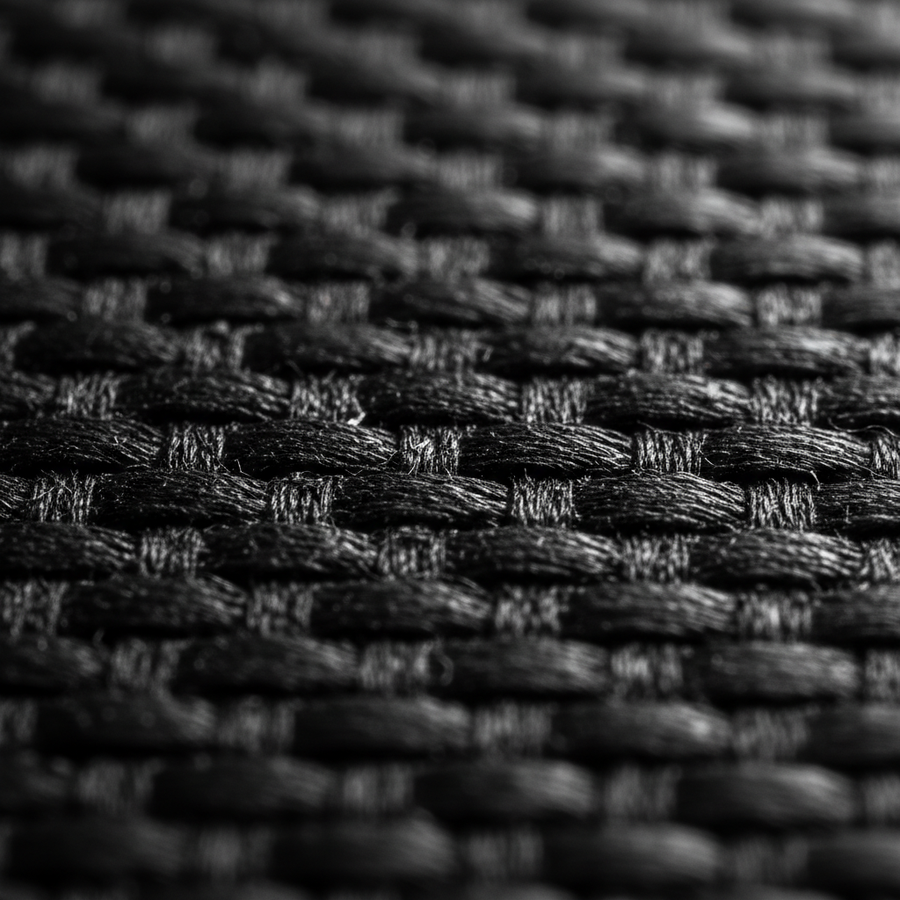
Uncoated pads rely entirely on the density and pattern of the textile weave. High-end budget options typically use a "micro-weave"—a high-thread-count polyester or nylon fabric where the threads are packed so tightly that they provide a consistent, uniform texture.
Logic Summary: Our analysis of the "Dedicated Competitive Gamer" persona assumes high-intensity usage where repetitive friction is the primary driver of material fatigue. We categorize "uncoated" as raw textile surfaces that maintain their properties through mechanical structure rather than chemical additives.
Section 2: The Longevity Trap—The "Slow Spot" Phenomenon
The primary failure point for budget-oriented coated pads is not that they stop working, but that they stop working evenly. In practical use, the degradation of a coated pad is rarely a smooth, linear process.
High-friction areas—specifically where the wrist rests or where the mouse movements are most repetitive—wear down first. This creates "slow spots" where the coating has been physically abraded away, exposing the raw, often inconsistent fabric underneath. For a competitive gamer, this is a major pain point because it disrupts muscle memory. Your brain expects a certain amount of resistance; when that resistance changes mid-swipe as you cross into a worn area, your aim suffers.
The Lifespan Heuristic
Based on common patterns from warranty handling and community feedback (not a controlled lab study), we have identified the following typical performance lifespans:
- Coated Pads: Effective performance lifespan is often 6–12 months before inconsistencies become problematic for high-level play.
- Uncoated Micro-Weaves: A quality uncoated weave can maintain a consistent feel for 2+ years with proper care.
For a budget gamer, a $20 pad that lasts 24 months is significantly more valuable than a $15 pad that needs replacing every 8 months.
Section 3: Humidity and the "Mud Pad" Effect
While uncoated pads are more durable, they have a known enemy: ambient humidity. An uncoated cloth pad's performance is highly susceptible to moisture. Sweat from the palm or high humidity in the room can increase the dynamic friction of the fabric, creating what the community calls the "mud pad" effect.
Conversely, some modern coated surfaces are engineered to mitigate this. By repelling moisture, they provide a "speed" that is more reliable in real-world, non-laboratory conditions. However, this advantage is temporary. Once the coating begins to crack or wear, the exposed fabric in the worn areas will absorb moisture even more aggressively than a high-density uncoated pad, leading to even greater inconsistency.
Practitioner Observation: We often see gamers in humid climates gravitate toward coated pads for the first six months, only to find the pad becomes unusable once the "slow spots" develop and begin trapping moisture.

Section 4: The Hidden Costs—Battery and Skates
When evaluating a mouse pad, you must also consider its impact on the rest of your setup. Two factors often overlooked by budget gamers are wireless battery life and mouse skate wear.
4.1 Wireless Runtime and High Polling Rates
Modern budget mice are increasingly offering 4000Hz or even 8000Hz polling rates. While these rates reduce latency (0.25ms and 0.125ms respectively), they place a massive load on the battery and the system's IRQ processing.
If you are using a high-polling rate mouse on a surface that requires constant micro-adjustments due to uneven wear (like a degrading coated pad), you are moving the mouse more frequently and with more "jitter" to compensate for the friction. This keeps the sensor in a high-power state longer.
Modeling Note (Scenario: Competitive Budget Gamer) We modeled the battery runtime for a typical budget wireless mouse under high-intensity gaming conditions. This is a scenario model, not a controlled lab study.
Parameter Value Unit Rationale Polling Rate 4000 Hz Competitive standard for modern budget mice Battery Capacity 300 mAh Typical capacity for lightweight budget models Sensor Current 1.7 mA Based on PixArt PAW3395 specs Radio Current 4.0 mA Average for 2.4GHz at 4k polling System Efficiency 0.85 ratio Standard DC-DC conversion loss Estimated Runtime ~13.4 Hours Continuous high-intensity usage
As shown in our model, a 300mAh battery provides roughly 13.4 hours of continuous use at 4000Hz. For a daily gamer, this means charging every 2–3 days. If a degrading mouse pad surface adds even a 10% increase in movement frequency due to aim correction, you are further stressing a limited battery lifecycle.
4.2 PTFE Skate Wear
There is a trade-off regarding the "harshness" of the surface. According to data regarding skate longevity, a smooth coated surface can extend the life of standard PTFE skates by up to 30% compared to a very coarse, textured uncoated pad. While the pad itself might last longer, you may find yourself replacing mouse skates more frequently. For the budget gamer, this recurring hidden cost can partially offset the initial longevity of an uncoated pad.
Section 5: Ergonomics and the Risk of Strain
Perhaps the most critical reason to prioritize surface consistency is physical health. Inconsistent glide forces the small muscles in the hand and wrist to make constant, unplanned micro-corrections. Over a 4-hour session, these micro-stresses accumulate.
We applied the Moore-Garg Strain Index—a recognized ergonomic screening tool—to a typical competitive gaming workload.
Modeling Note (Ergonomic Strain Assessment) This model evaluates the distal upper extremity risk for a high-APM gamer.
Variable Multiplier Rationale Intensity of Effort 2.0 High-speed flick shots and tracking Efforts Per Minute 4.0 High APM (200-400 range) Posture 2.0 Common ulnar/radial deviation Speed of Work 2.0 Rapid competitive pace Duration Per Day 2.0 4+ hours of daily play Calculated SI Score 64 Risk Category: Hazardous Note: An SI score > 5 is generally considered a signal for increased risk of musculoskeletal disorders. This is a screening tool, not a medical diagnosis.
A score of 64 indicates a significant biomechanical load. When you add a degrading coated pad to this equation, the "posture" and "intensity" multipliers often increase as the gamer tenses up to overcome the "slow spots" on the pad. This feedback loop of discomfort and posture compensation is a leading cause of "claw cramp" and wrist fatigue.
The 60% Width Heuristic
To further mitigate strain, budget gamers should also ensure their mouse fits their hand breadth. A common shop heuristic is the 60% Rule: The grip width of the mouse should be approximately 60% of the hand's breadth (measured across the knuckles).
- Average Male Hand Breadth: ~85mm
- Target Mouse Width: ~51mm
In our market analysis, many budget mice are ~60mm wide, which is roughly 18% wider than the ideal for an average hand. Using a mouse that is too wide on a pad that is inconsistent creates a "worst-case" ergonomic scenario.
Section 6: Maintenance—The Cleaning Trap
For the budget gamer, maintenance is the key to longevity. However, cleaning a coated pad is a delicate operation. Aggressive scrubbing can physically strip the coating, while gentle cleaning often fails to remove the oils trapped in the worn areas.
Uncoated pads are much more forgiving. A simple wash with mild soap and lukewarm water can often restore an uncoated micro-weave to 90% of its original glide. According to the Global Gaming Peripherals Industry Whitepaper (2026), maintaining surface integrity through regular, non-abrasive cleaning is the most effective way to extend the lifecycle of textile-based peripherals.
Decision Framework: Which Should You Choose?
To help you decide, we have summarized the trade-offs based on our scenario modeling and technical analysis.
| Feature | Coated Pad (e.g., Iridescent/5S) | Uncoated Micro-Weave |
|---|---|---|
| Initial Glide | Fast, effortless, "speed" oriented | Controlled, consistent, "balance" oriented |
| Lifespan | 6–12 months (due to uneven wear) | 24+ months (with proper cleaning) |
| Maintenance | Difficult; easy to damage coating | Easy; washable and resilient |
| Humidity Resistance | High (until coating wears) | Moderate to Low (susceptible to moisture) |
| Ergonomic Impact | Risk of "slow spots" causing strain | Predictable feedback; lower micro-stress |
| Best For | Casual players or those who change gear often | Competitive budget gamers seeking long-term value |
Summary of Recommendations
For the budget gamer who prioritizes long-term investment, the uncoated micro-weave pad is the superior choice. While it may require more frequent cleaning to combat humidity and skin oils, its structural consistency allows for the development of precise muscle memory that isn't disrupted by a changing playing field.
If you do choose a coated pad, we recommend opting for those with PVC-based coatings over lighter PU coatings, as PVC typically offers greater ruggedness for daily use. Additionally, ensure you are using high-quality PTFE skates to minimize the friction that leads to coating abrasion.
Ultimately, your hardware should be a constant factor in your performance. By choosing a durable, uncoated surface, you ensure that your skill development is based on your own growth, not the degradation of your equipment.
Modeling Transparency & Assumptions
The data presented in this article is derived from scenario modeling based on the following parameters:
- Battery Runtime: Calculated using a 300mAh capacity at 85% efficiency with a 19mA total load (Sensor + MCU + 4K Radio).
- Strain Index: Based on the Moore-Garg Index (1995) using multipliers calibrated for high-intensity competitive gaming (4+ hours/day).
- Mouse Fit: Derived from ISO 9241-410 ergonomic guidelines and ANSUR II anthropometric data.
- Limitations: These models assume linear discharge and average hand dimensions. Individual experiences will vary based on grip style, room temperature, and specific material compositions of the coating.
YMYL Disclaimer: This article is for informational purposes only and does not constitute professional medical or ergonomic advice. The ergonomic strain scores are screening tools to identify potential risk and are not medical diagnoses. If you experience persistent wrist or hand pain, consult a qualified healthcare professional or an ergonomics specialist.
References
- RTINGS - Mouse Click Latency Methodology
- NVIDIA Reflex Analyzer Setup Guide
- Global Gaming Peripherals Industry Whitepaper (2026)
- ISO 9241-410: Ergonomics of human-system interaction
- Moore, J. S., & Garg, A. (1995). The Strain Index
- VESA - About DisplayHDR Standards
- IATA Lithium Battery Guidance Document