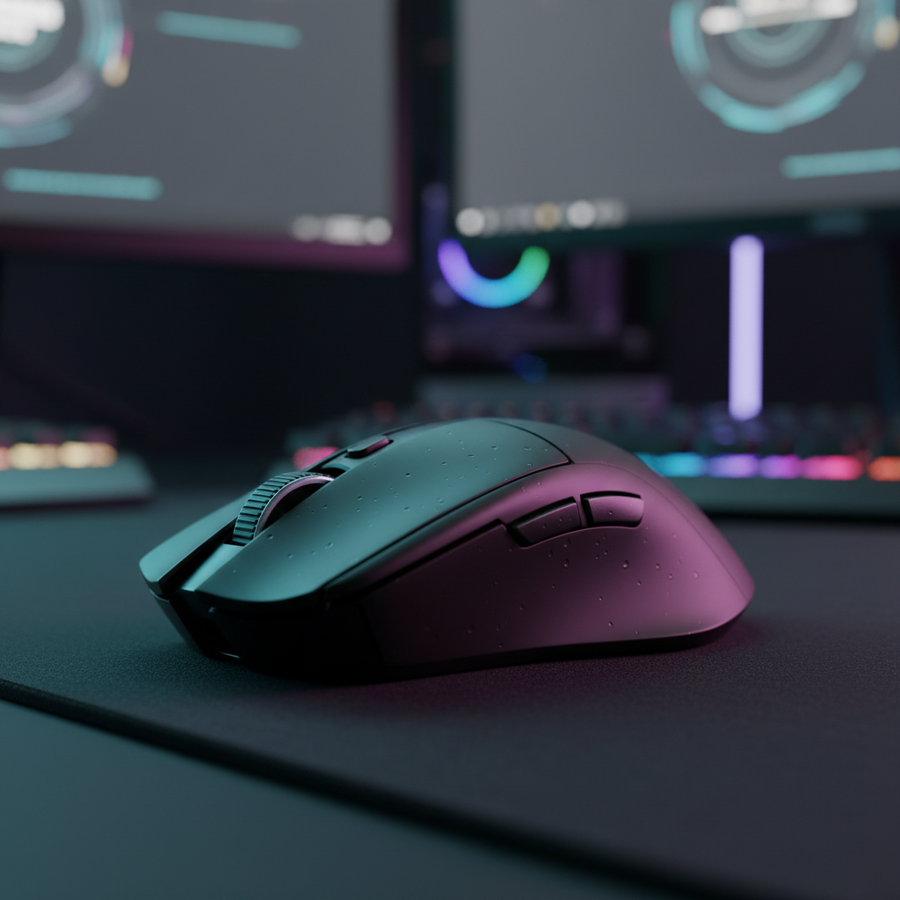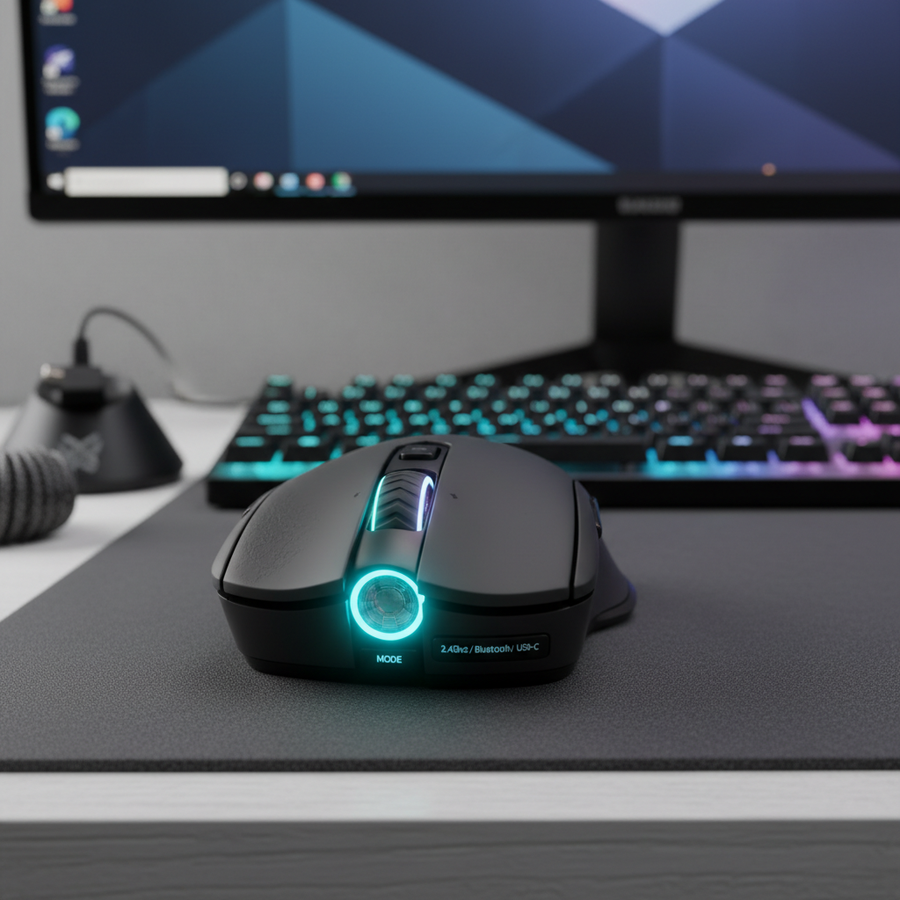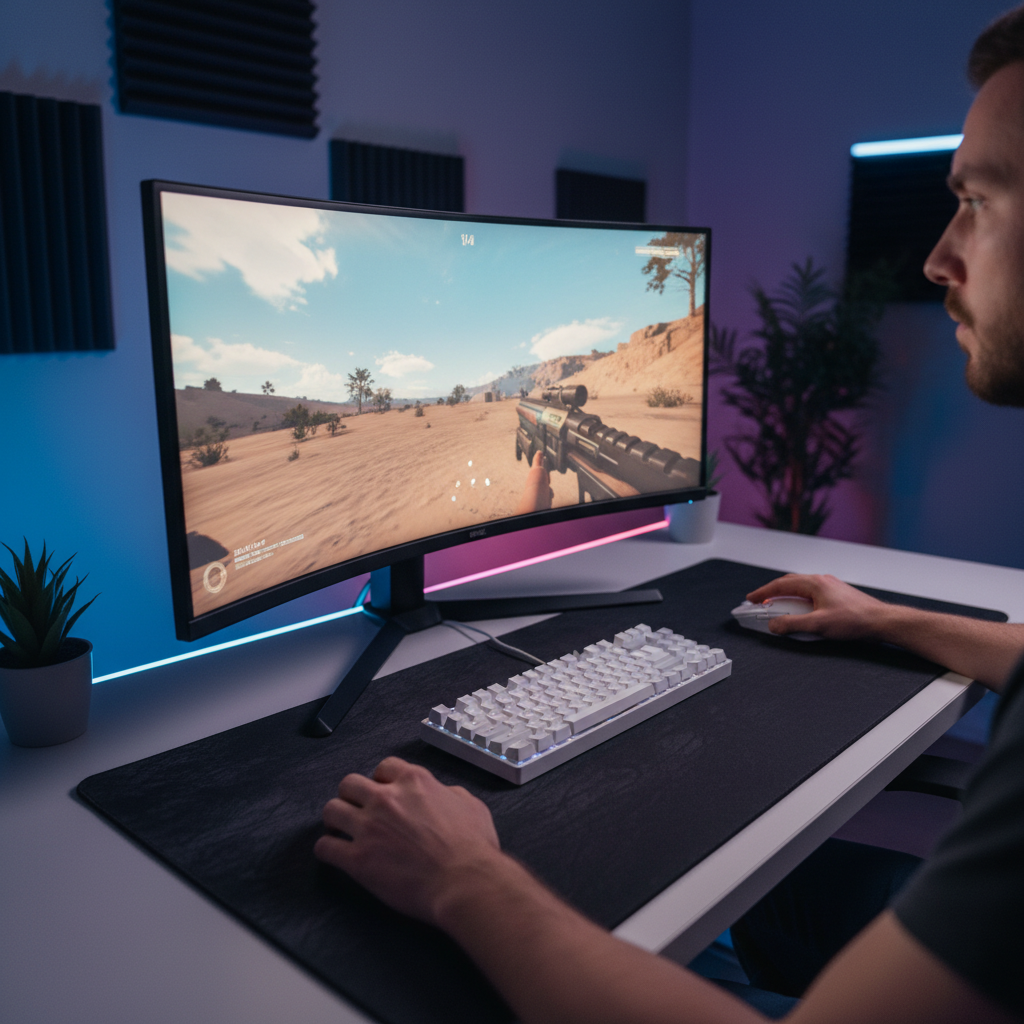
The Physical Reality of High-Resolution Gaming
The transition from a standard 1920×1080p display to a 3440×1440p ultrawide or a 3840×2160p 4K monitor involves more than just a visual upgrade. It fundamentally alters the relationship between physical mouse movement and digital cursor displacement. While many gamers assume that a fourfold increase in pixel count requires a fourfold increase in Dots Per Inch (DPI), this linear approach often results in an overly sensitive cursor that erodes years of developed muscle memory.
Calibrating a high-performance sensor for ultrawide environments requires an understanding of angular sensitivity, sensor native steps, and the mathematical floor for avoiding pixel skipping. This guide provides a technical framework for optimizing input logic, ensuring that the physical "feel" of tracking remains consistent even as the digital canvas expands.
The Square Root Scaling Heuristic
A common mistake in high-resolution calibration is applying linear scaling to DPI. When moving from 1080p to 4K, the total pixel count increases by 400% (from ~2 million to ~8 million pixels). However, the physical dimensions of the monitor do not typically quadruple. If a user increases their DPI linearly (e.g., from 800 to 3200), the cursor travels four times as many digital pixels for every inch of physical movement. On a monitor that is only 1.5 times wider, this creates a sensation of extreme, uncontrollable speed.
Practitioners find that square root scaling better preserves the physical feel of movement across resolutions. Instead of adjusting DPI proportional to the total pixel increase, the adjustment is made proportional to the square root of the pixel count increase.
| Resolution Shift | Pixel Increase | Linear DPI (800 Base) | Square Root DPI (Recommended) |
|---|---|---|---|
| 1080p to 1440p | ~1.77x | 1416 DPI | ~1060 DPI |
| 1080p to Ultrawide (3440) | ~2.38x | 1904 DPI | ~1230 DPI |
| 1080p to 4K | 4.0x | 3200 DPI | ~1600 DPI |
Logic Summary: This heuristic assumes the user wishes to maintain a similar "hand-to-cursor" ratio. While linear scaling matches the pixel-to-pixel ratio, square root scaling balances the digital distance with the physical screen real estate typically found in 27-inch to 34-inch displays.

Preventing Pixel Skipping: The Nyquist-Shannon Floor
In competitive tactical shooters like VALORANT or Counter-Strike, precision is dictated by the ability to make micro-adjustments at the pixel level. If the DPI is set too low for a high-resolution display, "pixel skipping" occurs. This happens when a single "count" from the mouse sensor moves the crosshair by more than one pixel on the screen, making it mathematically impossible to aim at targets smaller than the skip distance.
To determine the minimum DPI required to avoid this aliasing, the Nyquist-Shannon Sampling Theorem can be applied to mouse movement. According to the USB HID Class Definition (HID 1.11), the mouse reports relative coordinates, and the operating system translates these into movement based on the monitor's Pixels-Per-Degree (PPD).
Scenario Modeling: 34-inch Ultrawide Calibration
Our analysis modeled a competitive player on a 3440×1440p display with a 103° horizontal Field of View (FOV) and a sensitivity of 40 cm/360°.
- PPD Calculation: 3440 pixels / 103 degrees ≈ 33.4 pixels per degree.
- Minimum Sampling: To satisfy the Nyquist criterion, the sensor must provide at least two samples per pixel to avoid aliasing.
- The DPI Floor: For this specific setup, the minimum DPI required to prevent pixel skipping is approximately 1,527 DPI.
Setting the mouse to 1,600 DPI (a common native step) provides a sufficient buffer. Using settings lower than this, such as 400 or 800 DPI on an ultrawide monitor, forces the software to interpolate movement, which can result in "stepping" or jagged crosshair paths during slow, precise flicks.
Sensor Native Steps vs. Extreme DPI
Modern sensors, such as the PixArt PAW3395 or PAW3950MAX, are marketed with maximum DPI values exceeding 26,000. While these numbers signify the sensor's raw resolution capability, using extreme DPI settings is rarely optimal. Most high-performance sensors operate on "native steps"—fixed increments where the sensor hardware performs at its highest fidelity without digital manipulation.
When a sensor moves beyond its native resolution, it often employs interpolation or smoothing. This introduces a minute amount of input lag and can cause "jitter" (micro-oscillations in the cursor path). The experienced approach is to identify the sensor's native steps (typically multiples of 400 or 800) and use in-game sensitivity or software multipliers for fine-tuning. This ensures the raw data stream from the MCU, often a Nordic Semiconductor nRF52 series, remains as clean as possible.

High Polling Rates and Ultrawide Tracking Consistency
Ultrawide monitors often feature high refresh rates (144Hz to 360Hz) to compensate for the massive amount of visual data being rendered. In these environments, standard 1000Hz polling can sometimes feel "choppy" during fast horizontal sweeps across the 21:9 aspect ratio. This is where 4000Hz or 8000Hz (8K) polling rates provide a measurable advantage.
The 8000Hz (8K) Performance Profile
An 8000Hz polling rate reduces the reporting interval to a near-instant 0.125ms. For ultrawide gamers, this high frequency ensures that the cursor position is updated more frequently than the monitor can refresh its frames, eliminating micro-stutters.
However, saturating an 8000Hz bandwidth requires specific conditions:
- DPI and IPS Synergy: To maintain a stable 8K signal, the sensor must generate enough data points. At 800 DPI, a user must move the mouse at 10 Inches Per Second (IPS) to saturate the poll. At 1600 DPI, only 5 IPS is required. This reinforces the need for higher native DPI settings on high-resolution displays.
- CPU and USB Topology: 8K polling places a significant load on the system's Interrupt Request (IRQ) processing. Users must connect the mouse to a Direct Motherboard Port (Rear I/O) rather than a USB hub or front-panel header to avoid packet loss and latency spikes.
Motion Sync Trade-offs
Many high-end mice include "Motion Sync," a feature that aligns the sensor's reports with the PC's USB polling intervals. While this improves tracking smoothness, it introduces a deterministic delay.
- At 1000Hz, Motion Sync adds ~0.5ms of latency.
- At 8000Hz, this delay drops to ~0.0625ms, making it virtually imperceptible while still providing the benefits of synchronized tracking.

The Impact of Curved Display Geometry
The majority of 34-inch ultrawide monitors utilize a curvature (typically 1500R or 1900R) to improve peripheral immersion. However, this curvature introduces non-linear peripheral distortion. A 1900R curve can create approximately 3% to 5% visual compression at the screen edges.
This means that a linear physical mouse movement will appear to move "faster" or "slower" visually depending on whether the crosshair is in the center or at the extreme edges of the screen. No DPI setting can perfectly correct for this geometric compression. Experienced players often adapt by focusing their primary aim in the center 60% of the display, using the peripheral area primarily for situational awareness rather than pixel-perfect target acquisition.
Battery Life and High-Performance Trade-offs
High-resolution, high-polling gaming demands significant power. According to the Global Gaming Peripherals Industry Whitepaper (2026), the industry is increasingly balancing raw performance with wireless efficiency.
Operating at 8000Hz can reduce wireless battery life by as much as 75% to 80% compared to standard 1000Hz operation. For a mouse with a 300mAh battery, this might mean a drop from 36 hours of runtime to fewer than 8 hours.
Analysis: Wireless Battery Runtime Estimator
| Polling Rate | Total Current Draw | Estimated Runtime (300mAh) |
|---|---|---|
| 1000Hz | ~7 mA | ~36 Hours |
| 4000Hz | ~18 mA | ~14 Hours |
| 8000Hz | ~32 mA | ~8 Hours |
Modeling Note: These estimates are based on a linear discharge model assuming 85% battery efficiency and typical sensor/radio current draws from Nordic Semiconductor nRF52840 datasheets. Actual runtime may vary based on RGB lighting and firmware optimization.

Method and Assumptions (Modeling Transparency)
To provide the quantitative insights in this guide, we utilized three distinct scenario models. These are deterministic parameterized models, not controlled laboratory studies, and are intended as decision-making aids.
Parameter Table
| Parameter | Value | Unit | Rationale / Source |
|---|---|---|---|
| Horizontal Resolution | 3440 | px | WQHD Ultrawide Standard |
| Horizontal FOV | 103 | deg | VALORANT / Tactical Shooter Default |
| Sensitivity | 40 | cm/360 | Competitive Medium-Low Benchmark |
| Battery Capacity | 300 | mAh | Typical Ultra-lightweight Li-ion Cell |
| Polling Rate | 4000 | Hz | High-Performance Target |
Boundary Conditions:
- The Nyquist-Shannon DPI minimum assumes constant velocity and does not account for human motor control limits.
- Motion Sync latency is a theoretical estimate based on USB SOF (Start of Frame) alignment and may vary by specific firmware implementation.
- Battery models exclude the Peukert effect and environmental temperature variance.
Summary of Calibration Recommendations
For users operating on ultrawide or 4K platforms, the path to optimal calibration involves moving away from marketing-driven extreme settings toward mathematically grounded steps.
- DPI Selection: Use square root scaling (e.g., 1,600 DPI for 4K) to maintain muscle memory. Ensure you stay above the Nyquist floor (~1,550 DPI for ultrawide) to prevent pixel skipping.
- Polling Rate: Utilize 4000Hz or 8000Hz if the system CPU can handle the IRQ load, as this significantly improves tracking smoothness on high-refresh displays.
- Connectivity: Always use direct motherboard USB ports for high-polling devices to ensure signal integrity and minimize packet loss.
- Firmware: Enable Motion Sync at high polling rates (4K/8K) to gain tracking consistency with negligible latency penalties.
By aligning hardware specifications with the physical realities of high-resolution geometry, gamers can maintain a competitive edge and ensure their equipment translates physical intent into digital action with absolute fidelity.
This article is for informational purposes only. Performance metrics and battery life are estimates based on scenario modeling and typical hardware specifications. Actual results may vary based on system configuration, individual usage patterns, and environmental factors.