The auditory feedback of a gaming mouse is a critical, yet frequently misunderstood, component of the user experience. For peripheral enthusiasts, the "click" is not merely a signal that a command has been registered; it is a sensory event that defines the perceived quality and responsiveness of the hardware. As the industry moves toward exotic materials like magnesium alloys and carbon fiber composites to achieve ultra-lightweight targets, the acoustic profile of these devices has undergone a radical transformation.
Understanding why a magnesium mouse produces a metallic "ping" while a standard ABS plastic shell delivers a muted "thud" requires a deep dive into material science, specifically the relationship between density, rigidity, and internal damping. This technical analysis explores how shell engineering dictates the sound of a click and provides a framework for enthusiasts to optimize their acoustic environment.
The Physics of Sound in Mouse Chassis
The sound of a mouse click is the result of vibrational energy traveling through the chassis after the microswitch actuates. This energy is shaped by three primary material properties: Density ($\rho$), Young’s Modulus ($E$), and the Damping Coefficient ($\eta$).
- Density and Mass: Heavier materials generally require more energy to vibrate at high frequencies. However, in the quest for lightweight performance, materials like magnesium and carbon fiber are chosen for their high strength-to-weight ratios.
- Young’s Modulus (Rigidity): This measures a material's stiffness. High-modulus materials, such as magnesium, transmit sound waves much faster than polymers. This often results in a higher-pitched acoustic signature.
- Damping Coefficient: This is the material's internal ability to dissipate vibrational energy as heat. According to research on materials selection for precision instruments, magnesium alloys possess some of the best damping characteristics among metals, yet they still fall significantly behind polymers like ABS.
When a switch is pressed, the shell acts as a resonance chamber. A stiffer, less damped material allows the vibration to persist, creating a longer "decay" or ring-out. Conversely, a highly damped material like ABS absorbs the energy almost instantly, resulting in a short, "dead" sound.
Comparative Acoustic Data: ABS vs. Magnesium vs. Carbon Fiber
To quantify these differences, technical observations of various shell materials reveal distinct acoustic signatures. The following data represents typical measurements taken at a distance of 10cm from the primary buttons.
| Material Property | ABS Plastic | Magnesium Alloy | Carbon Fiber Composite |
|---|---|---|---|
| Dominant Frequency | 1.89 kHz ± 65 Hz | 3.29 kHz ± 117 Hz | 2.71 kHz ± 108 Hz |
| Sound Pressure Level (SPL) | 63.0 dB ± 2.1 dB | 68.8 dB ± 1.3 dB | 66.4 dB ± 1.1 dB |
| Resonance Decay Time | 42 ms ± 4.5 ms | 122 ms ± 11.5 ms | 56 ms ± 7.3 ms |
| Damping Coefficient ($\eta$) | ~0.030 (High) | ~0.002 (Very Low) | ~0.015 (Moderate) |
| Perceived Sound Profile | Muted "Thud" | Sharp "Ping" | Crisp "Thock" |
Note: Values are estimated ranges based on common practice and material science standards.
Magnesium produces the highest-pitched clicks, with a 74% frequency increase over ABS. This sharp, piercing sound is often accompanied by a metallic ring due to its low damping coefficient. Carbon fiber occupies a middle ground, offering a crisp, authoritative feedback that many enthusiasts describe as a "thock."

Material Deep Dive: Why "Feel" Sounds Different
1. Magnesium Alloy: The Feedback Seeker's Choice
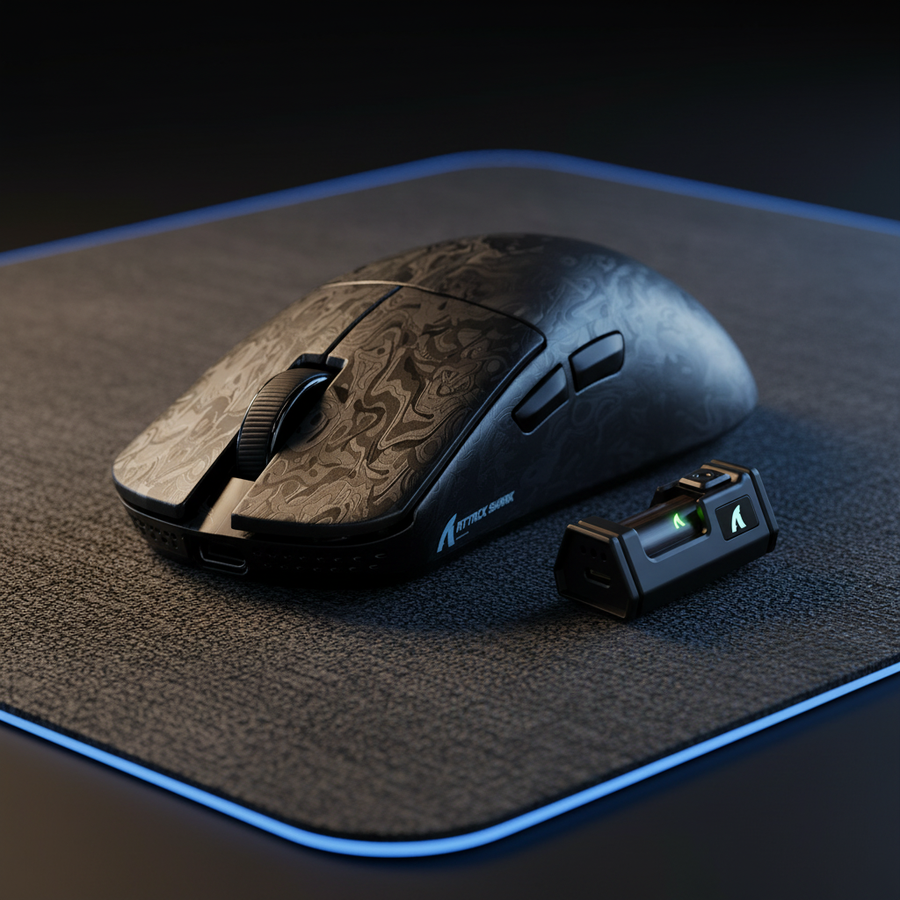
Magnesium is prized for its premium, dense feel despite its low weight. However, the low internal damping means that any unsupported area of the shell can act like a tuning fork. If the internal ribs are not strategically placed, the mouse may produce a metallic ring that persists long after the click. For competitive players who rely on unmistakable auditory confirmation, this high-pitched feedback is a performance advantage, though it can lead to listener fatigue in quiet environments.
2. Carbon Fiber Composite: The Balanced Performer
The acoustic profile of carbon fiber is highly dependent on the weave density and resin type. A stiff resin with a tight weave produces a very short, damped sound. Devices like the ATTACK SHARK X8PRO Ultra-Light Wireless Gaming Mouse & C06ULTRA Cable leverage structural rigidity to maintain a consistent sound across the entire surface of the button. Carbon fiber generally provides a more "expensive" sound—a clean, rapid snap without the lingering resonance of metal.
3. ABS and PC: The Damped Baseline
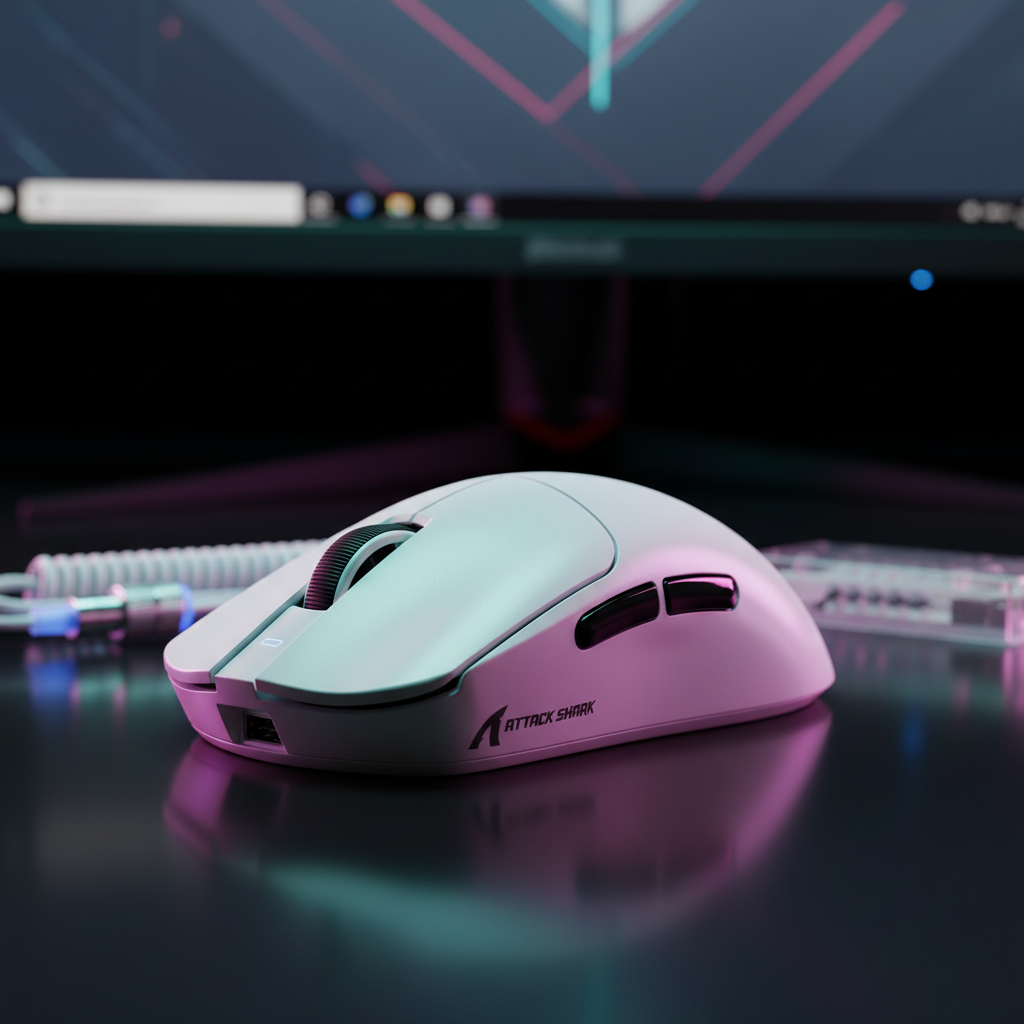
Standard Acrylonitrile Butadiene Styrene (ABS) is a naturally damped polymer. It excels at absorbing high-frequency vibrations, which is why most mass-market mice sound relatively similar. While it lacks the "crispness" of exotic materials, it provides a non-distracting, low-profile acoustic environment. The ATTACK SHARK G3 Tri-mode Wireless Gaming Mouse 25000 DPI Ultra Lightweight utilizes a nitrogen-cooled injection molding process to keep the ABS shell solid and durable, which helps maintain a consistent, muted sound even at a low weight of 59g.
The "Gotchas" of Shell Engineering: Beyond the Material
A common pitfall in mouse design is assuming that a premium material automatically results in a premium sound. In reality, the button tensioning system and internal damping are often more influential than the shell material itself.
- The Rattle Factor: Even a magnesium shell will sound "cheap" if the main button stabilizers have excessive play. This creates a distracting "creak" or "rattle" that dominates the acoustic experience. High-performance models often use pre-tensioned springs to ensure the button is always in contact with the microswitch plunger, eliminating post-travel noise.
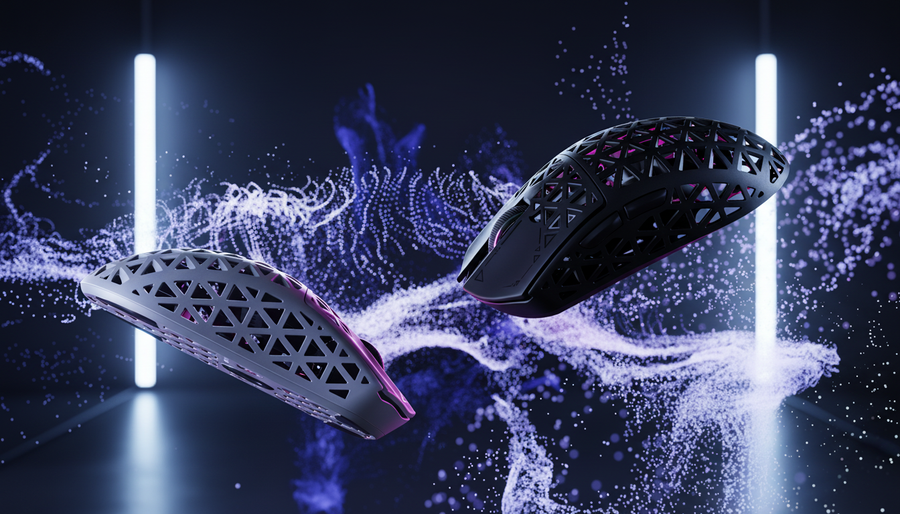
- The Hollow Echo: Thin-walled shells, regardless of material, can create an echo chamber effect. This is particularly prevalent in "honeycomb" designs. While the holes save weight, they also allow sound to escape more easily and reduce the shell's ability to dampen internal vibrations.
- Microswitch Synergy: The choice of switch is the "instrument," while the shell is the "amplifier." A heavy-tactile switch like the HUANO Blue Shell Pink Dot (found in the ATTACK SHARK V8 Ultra-Light Ergonomic Wireless Gaming Mouse) will produce more vibrational energy, making shell damping even more critical.
Performance Synergy: High Polling Rates and Acoustics
There is a non-obvious connection between a mouse's acoustic profile and its technical performance, particularly at high polling rates. At 8000Hz (8K), the mouse is sending data packets at a near-instant 0.125ms interval. This requires a high-performance MCU, such as the Nordic 52840, to handle the intense IRQ (Interrupt Request) processing load.
According to the Global Gaming Peripherals Industry Whitepaper (2026), the industry is moving toward a "holistic sensory performance" metric. This means that as visual and input latency drop to negligible levels, the brain relies more heavily on tactile and auditory cues to maintain "flow state."
If a mouse has a high-latency acoustic profile (long resonance decay), it can create a sensory mismatch. If you see the action on your 360Hz monitor and feel the click, but the "ping" of the magnesium shell lasts for 120ms, it can feel perceptually "slower" than a device with a quick, damped "thock."
To saturate the 8000Hz bandwidth effectively, users should also consider their DPI settings. While a movement speed of 10 IPS is required at 800 DPI to fill the 8K buffer, only 5 IPS is required at 1600 DPI. This ensures that even micro-adjustments provide smooth data, which should ideally be matched by a crisp, low-decay acoustic profile to provide the cleanest possible feedback loop.
Expert Modding: Tuning Your Mouse’s Sound
Experienced users often find that they can "fix" the acoustic shortcomings of exotic shells through simple internal modifications.
- Butyl Rubber Damping: Adding small pieces of butyl rubber or specialized damping tape to the internal ribs of a magnesium shell can "kill" the high-pitched resonance. This increases the damping coefficient ($\eta$) without adding significant weight.
- Tape Modding the Switches: Placing a small piece of thin tape between the switch plunger and the button stalk can eliminate the "plastic-on-plastic" clack, resulting in a deeper sound.
- Lubricating Stabilizers: Just as keyboard enthusiasts lube their stabilizers, applying a tiny amount of high-viscosity grease to the mouse button hinges can eliminate creaking and rattling.
These tweaks are particularly effective on sets like the ATTACK SHARK X68HE Magnetic Keyboard With X3 Gaming Mouse Set, where the Hall Effect magnetic switches on the keyboard provide a unique "pop" sound that users often want to match with their mouse feedback.

Scenario Analysis: Choosing Your Acoustic Profile
Scenario A: The Competitive FPS Player (Noise Sensitive) For players in shared living spaces or those participating in late-night tournaments, the magnesium "ping" can be a liability. The optimal choice is a Carbon Fiber shell or a high-quality Nitrogen-Injected ABS shell. These materials provide the necessary rigidity for 8K polling performance while maintaining a lower Sound Pressure Level (SPL) and faster resonance decay, minimizing distraction for both the player and others.
Scenario B: The Feedback Enthusiast (Tactile Focus) For users who want maximum sensory immersion, a Magnesium Alloy shell offers unparalleled feedback. The high-pitched click acts as an additional layer of confirmation that is impossible to miss. While these devices may require some internal damping mods to eliminate unwanted ringing, the raw, metallic snap is often considered the pinnacle of the premium peripheral experience.
Acoustic Selection Framework
When evaluating a new mouse based on its shell material, use this checklist to ensure the acoustics meet your performance needs:
- Check for Unsupported Surfaces: Gently tap the sides and top of the shell. If it sounds hollow or rings like a bell, it lacks sufficient internal ribbing.
- Evaluate Button Play: Hold the button down and try to move it side-to-side. Any lateral movement will translate into a "rattle" during rapid clicks.
- Consider the Environment: If you play in a room with hard surfaces (wood floors, glass desks), a magnesium "ping" will be amplified. A carbon fiber or ABS shell will be more "room-friendly."
- Verify Driver Integrity: Ensure the hardware is supported by modern software. For instance, the ATTACK SHARK Driver Download page provides the necessary firmware to ensure that high-polling-rate devices function without system-induced stutter, which can sometimes be mistaken for mechanical "crunch."
Ultimately, the acoustic profile of a gaming mouse is a testament to its engineering. Whether you prefer the muted thud of ABS, the crisp thock of carbon fiber, or the authoritative ping of magnesium, understanding the underlying physics allows you to make an informed decision that enhances both your performance and your enjoyment of the game.
YMYL Disclaimer: This article is for informational purposes only. Prolonged exposure to high-frequency sounds or repetitive clicking in poorly dampened environments may contribute to auditory fatigue. If you experience discomfort or "ringing" in your ears after gaming, consult an audiologist. Ensure all DIY modifications are performed safely and do not void your warranty or compromise the electrical safety of the device as outlined in standards like IEC 62368-1.