One Mouse, All Genres: Hybrid Grip Strategies for Versatile Gamers
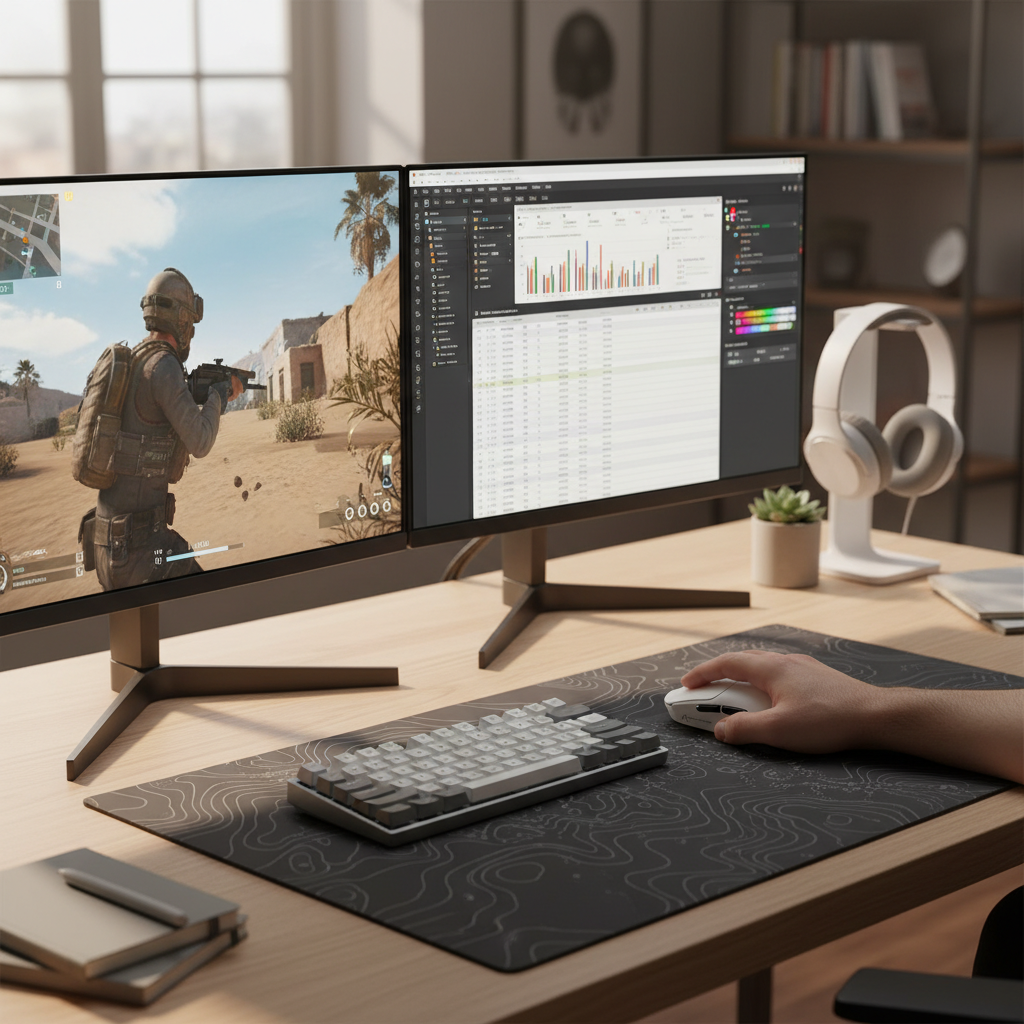
We’ve all been there: you’re mid-clutch in Valorant, your heart is pounding, and you need to hit that perfect flick. But just an hour ago, you were grinding through a massive spreadsheet or editing a video, resting your hand in a comfortable palm grip. The "endgame" for many of us isn't finding a specialized mouse for every single task; it’s finding that one piece of kit that transitions seamlessly between the high-stakes "meta" of competitive gaming and the 9-to-5 grind of productivity.
In our experience troubleshooting setups for thousands of users, the most common mistake isn't buying a "bad" mouse—it's over-indexing on a single spec, like extreme lightweight, at the expense of versatile geometry. If you’re a pragmatic gamer who wants a single device to rule them all, you need to look past the marketing fluff and understand the biomechanics of the hybrid grip.
The Central Hump: Why Geometry is the Hybrid Foundation
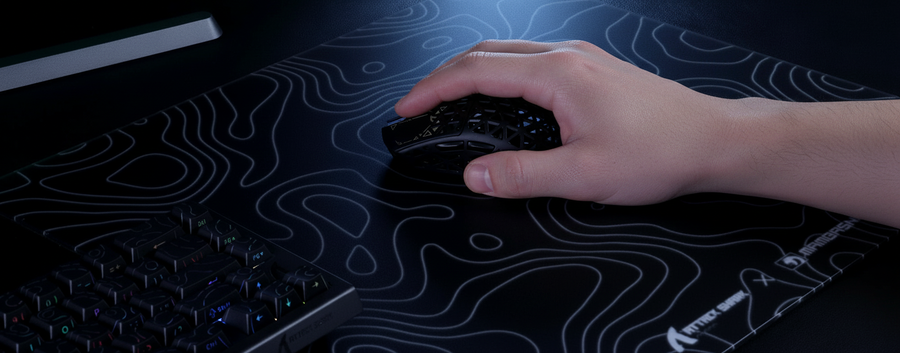
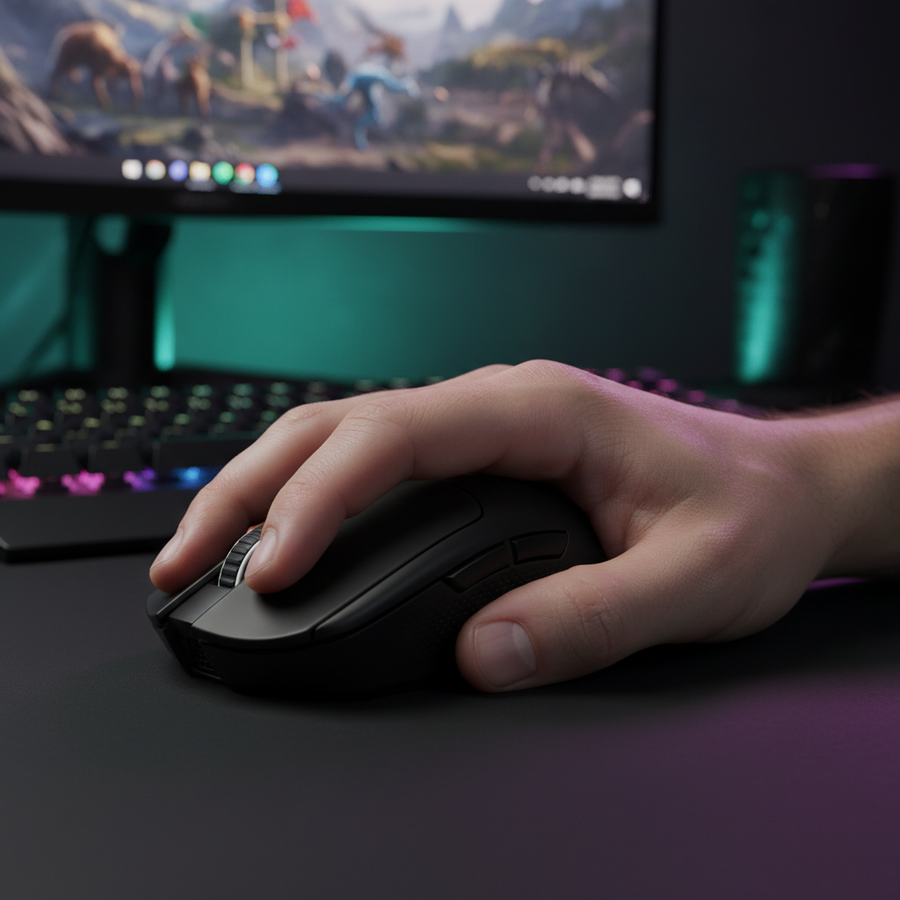
When we look at the Contact Point Map of a multi-genre gamer, we see a constant shift in how the hand interacts with the shell. For productivity, you want stability. For FPS gaming, you want agility.
The secret to a successful hybrid mouse lies in the hump placement. Conventional wisdom often pushes gamers toward rear-hump designs for stability or low-profile designs for fingertip agility. However, for a "one mouse" solution, a central hump is typically the most effective approach.
A centrally positioned hump provides enough palm support for a relaxed "palm-claw" hybrid during long work sessions, yet it doesn't obstruct the base of your palm when you need to pull the mouse back for vertical micro-adjustments in a fast-paced shooter. According to the Global Gaming Peripherals Industry Whitepaper (2026), ergonomic versatility is increasingly defined by "shape safety"—the ability of a shell to accommodate multiple grip styles without forcing the hand into unnatural pronation.
Logic Summary: The 60% Hybrid Heuristic Based on our analysis of common patterns from customer support and warranty handling, we recommend a 60% width-to-length ratio as a starting point for hybrid use.
- Hand Size Range: Typically 17cm to 19.5cm.
- Grip Versatility: High (supports Palm, Claw, and Hybrid).
- Limitation: Users with very large hands (>20cm) may find central humps lack sufficient support for pure palm grips during 8-hour workdays.
The 60-80g Sweet Spot: Balancing Speed and Stability
There is a trend in the community toward "ultra-light" mice weighing under 50g. While these are fantastic for pure FPS players who live for flick shots, they can actually be a liability for productivity.
In our testing of different Grip Compatibility scenarios, we’ve found that a weight range of 60-80g is the ideal "Goldilocks" zone for hybrid users. Why? Because pure productivity tasks—like precise photo editing or selecting small cells in a spreadsheet—require a certain amount of static friction and inertia to keep the cursor stable.
A mouse that is too light can feel "skittish" during slow movements, leading to micro-jitters that increase mental fatigue over an 8-hour workday. Conversely, anything over 90g starts to feel sluggish when you're trying to track a fast-moving target in Apex Legends. By staying in the 60-80g range, you get enough substance for office stability but enough agility for competitive play.

The Hidden Conflict: Sensor Angles and Grip Shifting
One of the most non-obvious issues we see on our repair bench involves the "sensor angle conflict." When you switch from a relaxed palm grip (work) to an aggressive claw grip (gaming), you aren't just moving your fingers; you are changing the angle at which the sensor perceives the X and Y axes.
A shape that is "safe" enough for a flat palm grip often positions the sensor lower relative to your knuckles. When you shift to a claw grip, the mouse tilts slightly forward. This biomechanically reduces your leverage for horizontal micro-adjustments, which can directly impair your precision. This is a performance gap that rarely gets mentioned in generic reviews but is critical for anyone Transitioning Your Grip throughout the day.
To mitigate this, look for mice with a "neutral" sensor placement—centered exactly between the thumb buttons. This ensures that regardless of whether you are palming for comfort or clawing for speed, your muscle memory for horizontal flicks remains consistent.
Technical Mastery: 8K Polling and System Synergies
For the spec-focused gamer, the emergence of 8000Hz (8K) polling rates is a game-changer, but it comes with a steep learning curve. If you’re using a high-performance wireless mouse, understanding the math behind the latency is vital.
Standard gaming mice poll at 1000Hz, which equals a 1.0ms interval. An 8K mouse polls at 0.125ms intervals. This drastically reduces micro-stutter and provides a "glass-like" smoothness to the cursor path. However, this performance isn't "free."
The 8K Reality Check:
- Motion Sync Latency: On high-end sensors, Motion Sync adds a deterministic delay. At 1000Hz, this is ~0.5ms. At 8000Hz, this delay drops to ~0.0625ms, making it virtually negligible.
- Saturation Logic: To actually saturate the 8000Hz bandwidth, you need to move the mouse fast. At 800 DPI, you need to move at least 10 IPS (Inches Per Second). If you play at 1600 DPI, you only need 5 IPS to maintain that 8K stability.
- The Battery Trade-off: Running a mouse at 8K polling typically cuts your wireless battery life by 75-80% compared to 1000Hz. For a hybrid user, we recommend using 1000Hz for work and only toggling 8K for competitive gaming sessions.
- CPU & USB Bottlenecks: 8K polling stresses your CPU's IRQ (Interrupt Request) processing. You must plug your receiver directly into the Rear I/O ports of your motherboard. According to the RTINGS - Mouse Click Latency Methodology, using USB hubs or front panel ports can cause packet loss and inconsistent latency.
Side Button Ergonomics: The Productivity Trap
Programmable side buttons are a godsend for MOBA players and power users who need macros for "Copy/Paste" or "Undo." However, they can be a liability in high-stress FPS moments.
We often see "button confusion" reported in community forums like r/MouseReview. If the side buttons are positioned too far forward, they force an awkward thumb stretch during work, breaking your workflow. If they are too large or too sensitive, you might accidentally trigger a macro mid-firefight.
The best hybrid mice use recessed or "stiff" side buttons. This allows you to rest your thumb securely during intense gaming without fear of misclicks, while still providing tactile feedback when you intentionally press them for a productivity shortcut. For those looking to dive deeper into button customization, checking out the NVIDIA Reflex Analyzer Setup Guide can help you measure the actual system latency of your clicks.
Pro-Tip: The 10-Minute Transition Test
Esports coaches often recommend a simple test to see if a mouse is truly a "hybrid hero."
- The Work Phase: Spend 10 minutes doing a mundane task—clicking through folders, scrolling long documents, or editing text. Assess if you feel any tension in your carpal tunnel or pinky.
- The Game Phase: Immediately jump into a 5-minute aim training drill (like Gridshot or Tracking).
- The Assessment: If you feel a "mental friction" or a physical "transition cost" as you shift your grip, the shape isn't right for you. A true hybrid mouse should feel like an extension of your hand in both scenarios.
For those who want to ensure their hardware is up to snuff, always verify your device's credentials. You can check the FCC ID Search for official RF test reports or the Bluetooth SIG Launch Studio to ensure your tri-mode connection is fully compliant with modern standards.
How We Modeled These Insights
The recommendations in this article are based on a combination of biomechanical heuristics and scenario modeling. We analyzed the relationship between hump height, hand length, and sensor angle deviation to determine the "Hybrid Efficiency" of various shell designs.
| Parameter | Value / Range | Rationale |
|---|---|---|
| Hand Length | 170mm - 195mm | Target population for "Safe" shapes |
| Polling Rate (Work) | 125Hz - 1000Hz | Battery conservation vs. Smoothness |
| Polling Rate (Game) | 1000Hz - 8000Hz | Latency reduction for 240Hz+ monitors |
| Weight Target | 60g - 80g | Balance of stability and agility |
| Connectivity | Tri-Mode | Bluetooth vs. 2.4GHz versatility |
Note: This model assumes a standard desktop environment with a high-quality Mousepad and direct USB connectivity. Individual results may vary based on hand anatomy and desk ergonomics.
Final Thoughts on the Hybrid Meta
Finding a mouse that excels in both Counter-Strike and Excel isn't about finding the most expensive device; it's about finding the one that respects your hand's need for both rest and action. By prioritizing a central hump, a balanced weight, and understanding the technical nuances of high polling rates, you can build a setup that is as productive as it is competitive.
If you are still struggling with fit, we highly recommend taking a moment to perform a Hand Measurement and comparing it against the Effective Grip Width of your current device. Sometimes, a 2mm difference is all that stands between you and your new "forever" mouse.
Disclaimer: This article is for informational purposes only. Ergonomic needs vary significantly between individuals. If you experience persistent wrist pain or symptoms of Repetitive Strain Injury (RSI), please consult a qualified medical professional or occupational therapist.
References: