




Why Does a Gaming Mouse Feel Different on Different Mousepads?
Find out why gaming mouse tracking changes across pads, run a controlled surface swap, and decide whether to clean, replace the pad, or inspect the mouse.

Country
Language
Explore practical buying guides, setup ideas, and product tips from the latest articles.
Featured
Find out why gaming mouse tracking changes across pads, run a controlled surface swap, and decide whether to clean, replace the pad, or inspect the mouse.
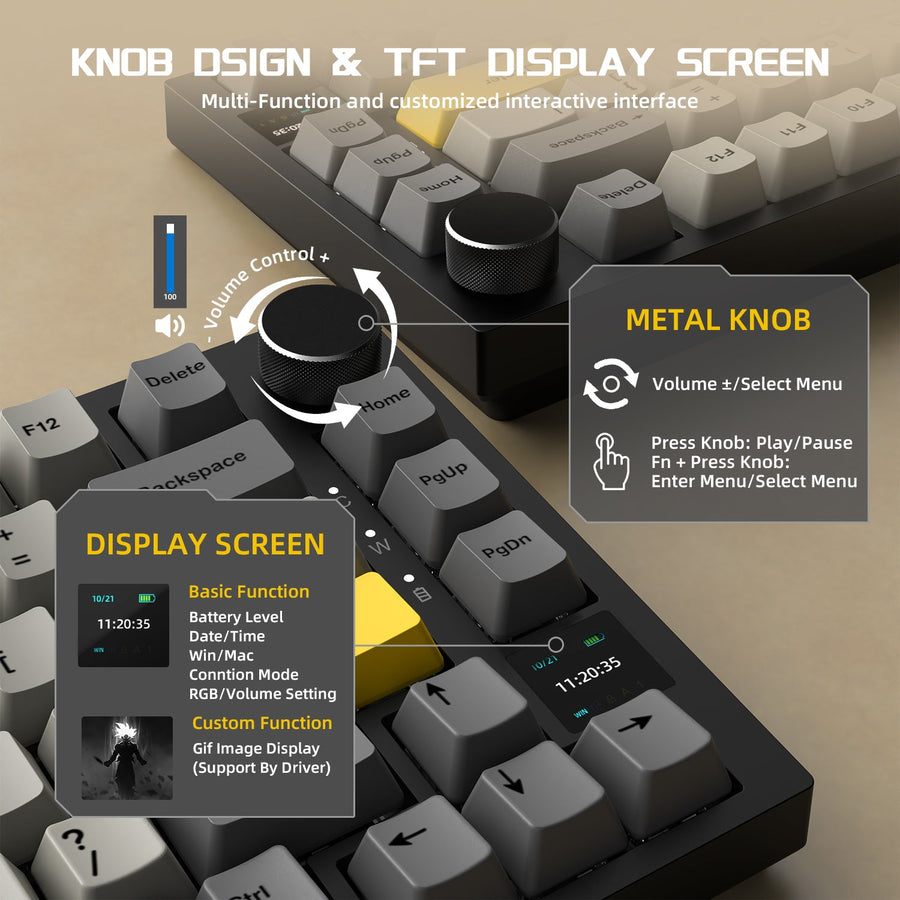
Choose a gaming keyboard layout by the work you repeat most. This guide compares compact, 75%, TKL, and full-size boards for programming, schoolwor...
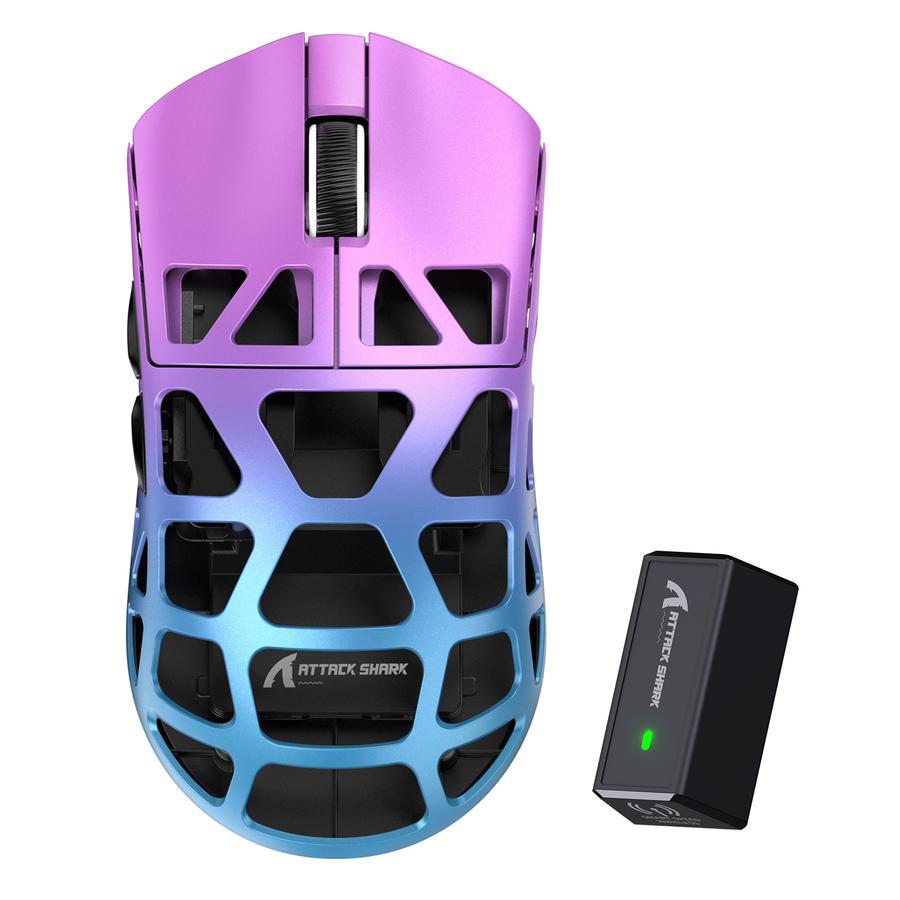
Measure hand length and width, compare mouse length, width, height, and shell shape, then use grip-specific reach checks to decide whether a small ...
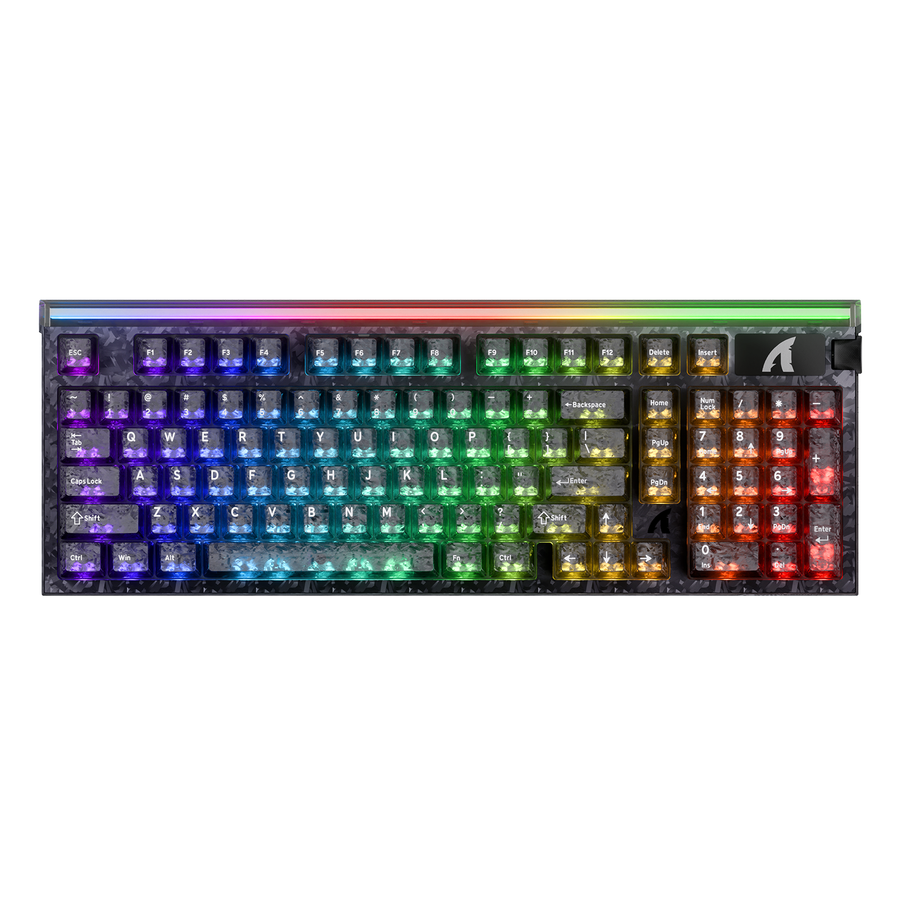
Hall Effect keyboards usually continue handling ordinary key input after you close the configuration tool. Whether rapid trigger, actuation, profil...
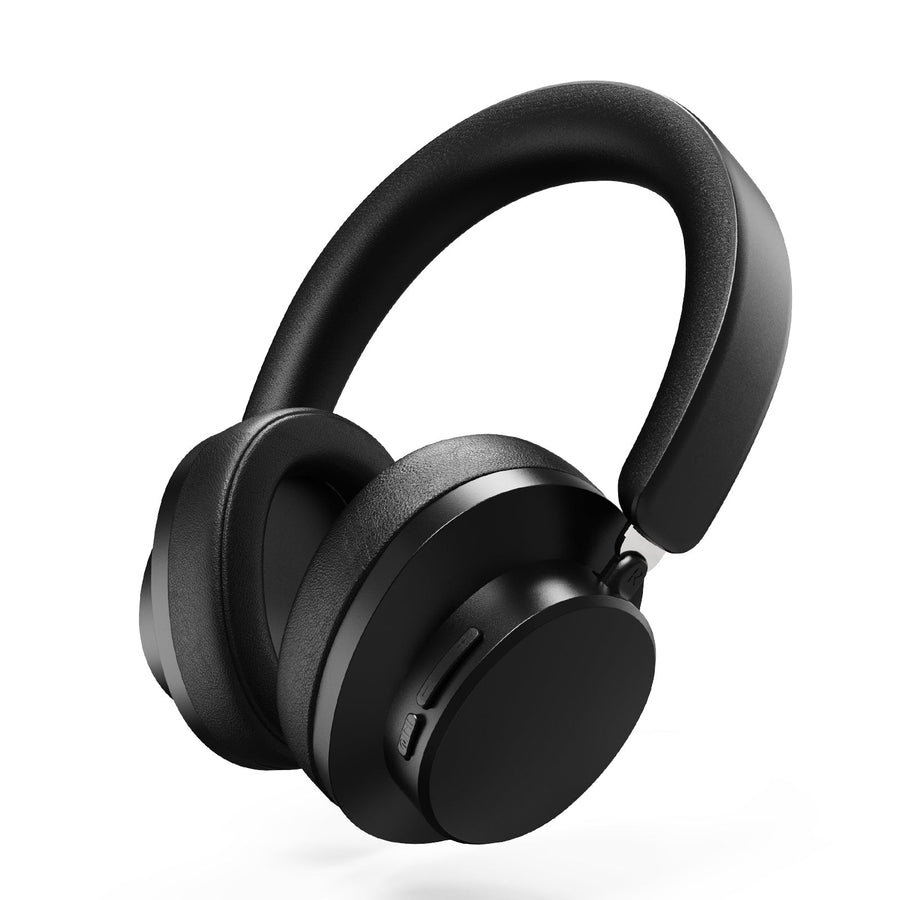
Choose wired, wireless, or tri-mode by starting with your setup, then screen comfort, battery conditions, microphone needs, and exact platform supp...
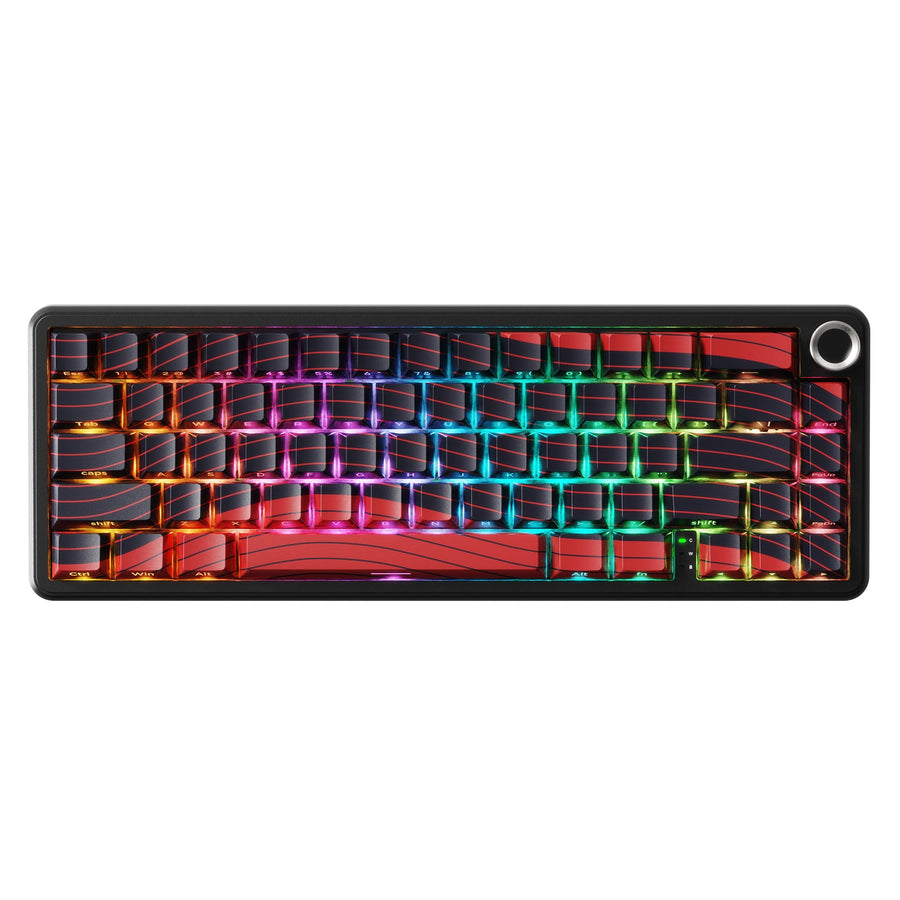
Tested 2.4GHz wireless can replace wired for some competitive setups, but wired remains the lower-variable choice for high-stakes play. Bluetooth i...
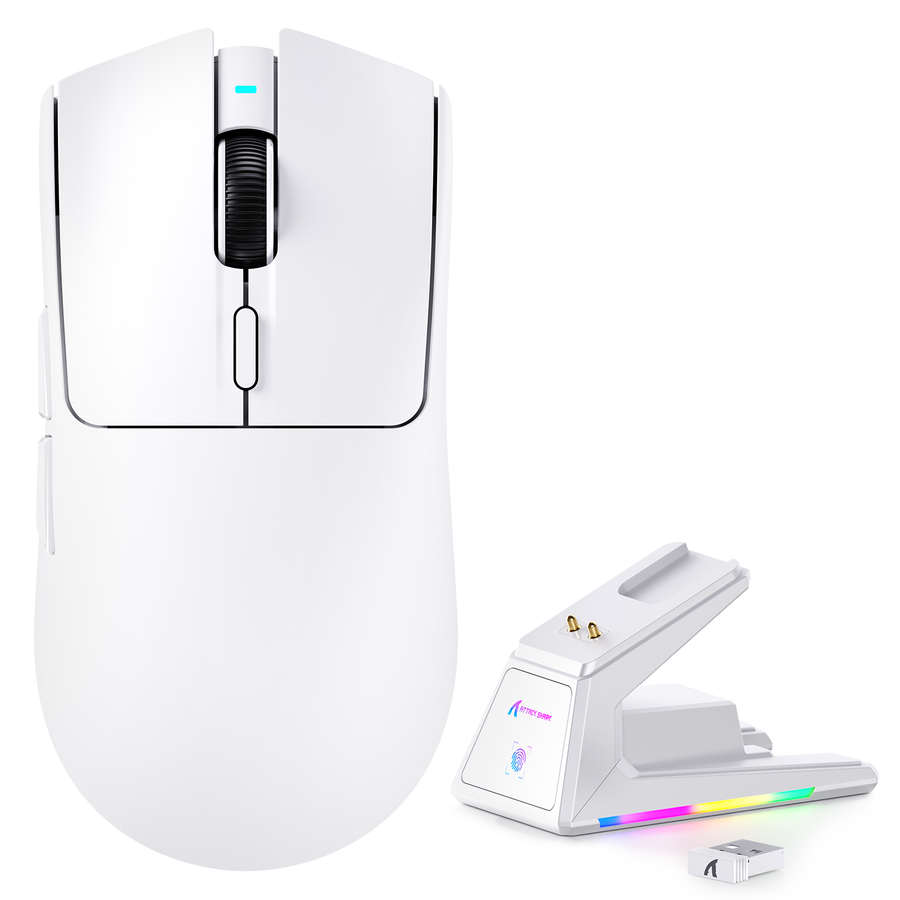
Choose wired for fixed, charging-free simplicity, 2.4GHz wireless for cable-free gaming movement, Bluetooth for compatible portable convenience, an...

Learn how to build a quieter gaming setup by isolating keyboard, mouse, desk, cable, and microphone noise, then applying the least disruptive fix b...
A conservative Windows workflow for checking gaming keyboard and mouse drivers before installation, from official source verification through file ...
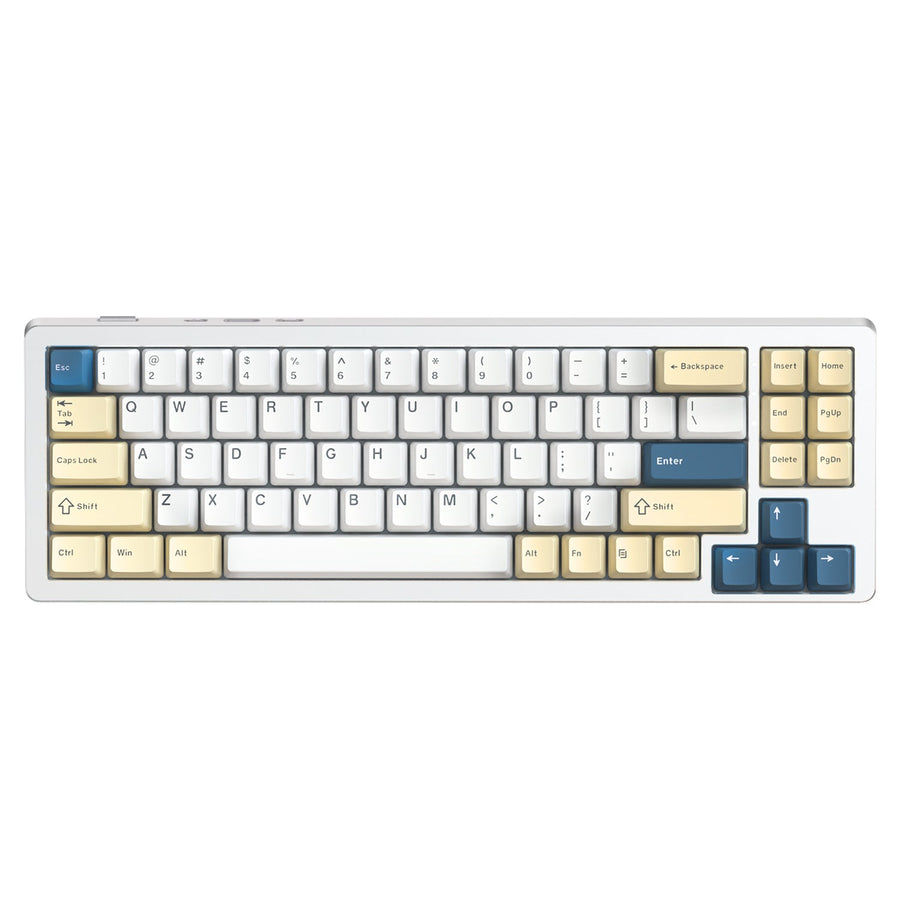
Wireless gaming keyboard battery life depends on the connection mode, lighting, performance settings, sleep behavior, and your daily use pattern. T...

Use this chronological gaming mouse quality check to preserve return evidence, test controls and tracking, isolate wireless or software issues, and...
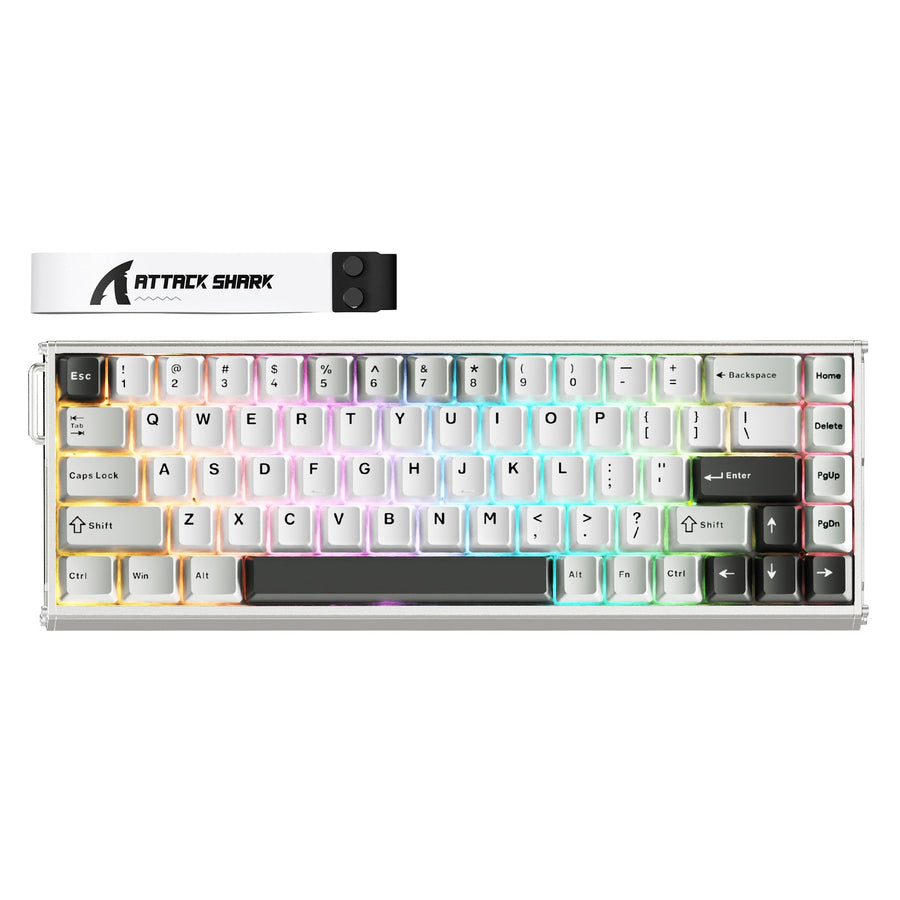
When gaming keyboard software cannot find your device, first test a direct supported connection and ordinary typing. That result separates a connec...
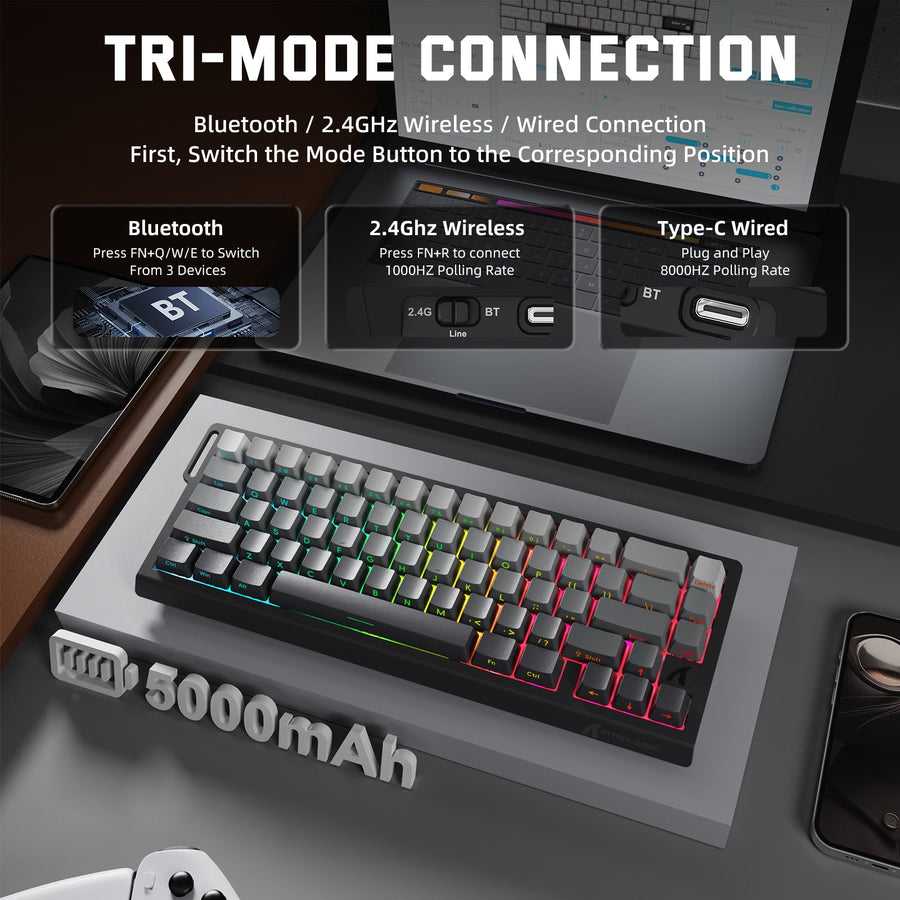
Onboard memory is the key portability threshold, but it applies feature by feature. This guide explains what may travel between PCs, what remains h...
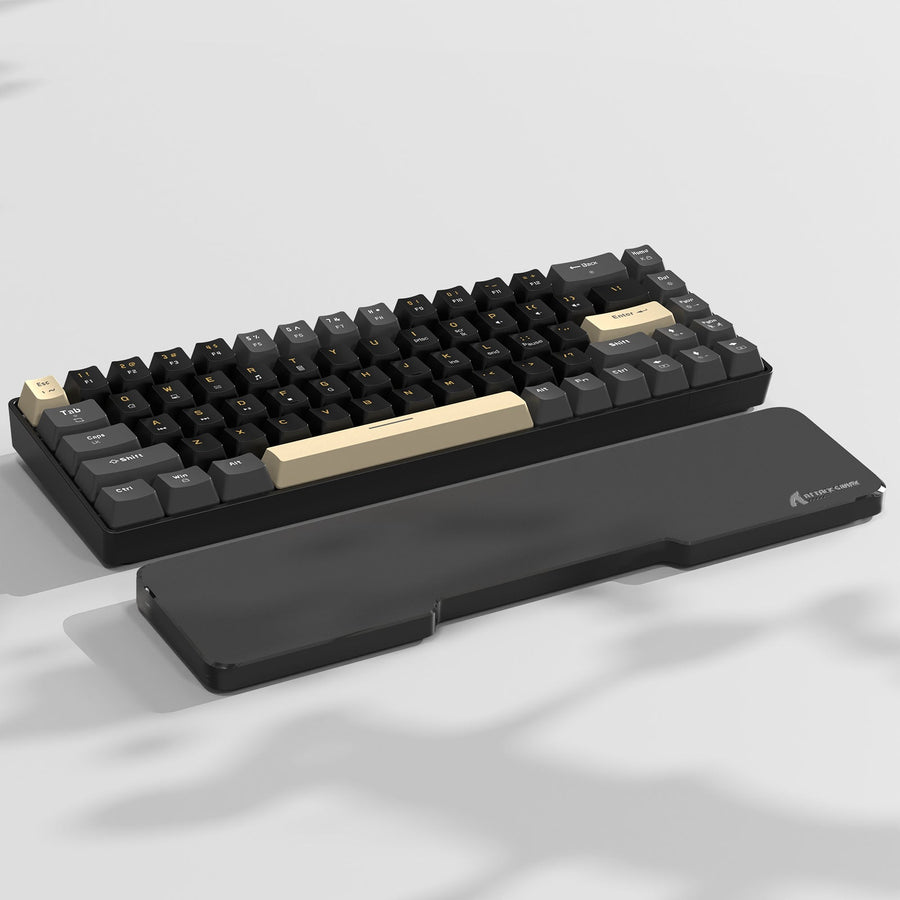
The right gaming desk depth is the shallowest option that fits your monitor, gaming keyboards, mousepad, cables, chair position, and room layout wi...
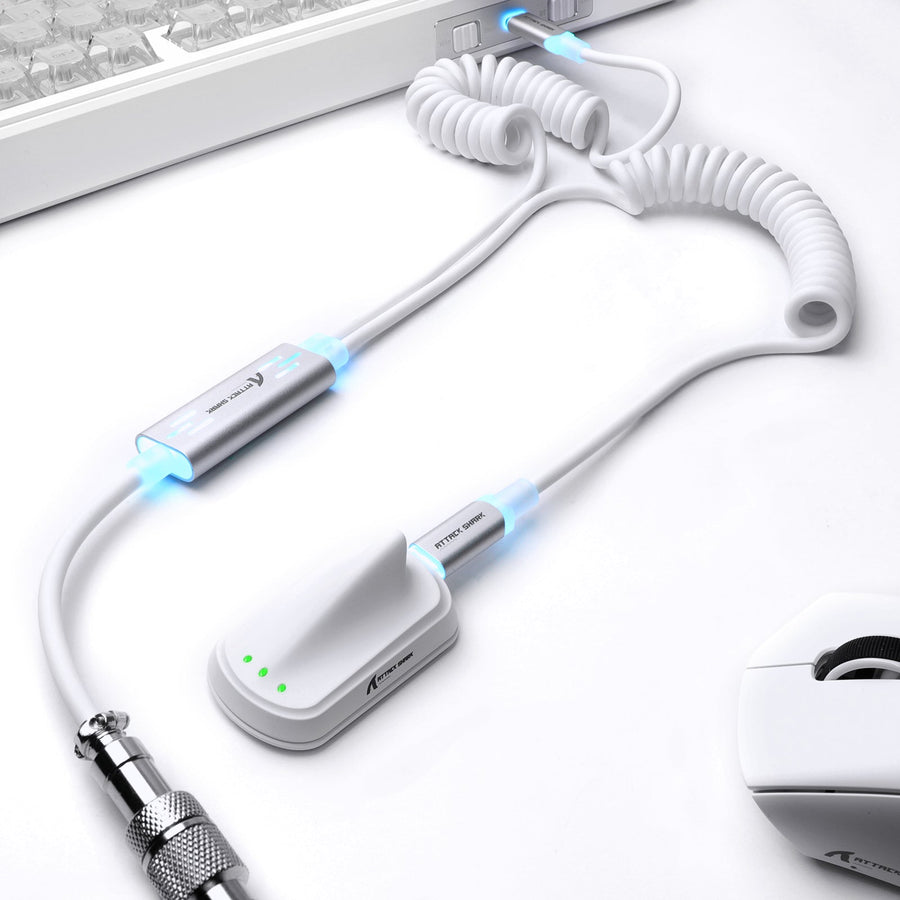
A damaged or poorly connected USB cable can contribute to keyboard interruptions, but the same symptoms may come from the port, hub, firmware, keyb...
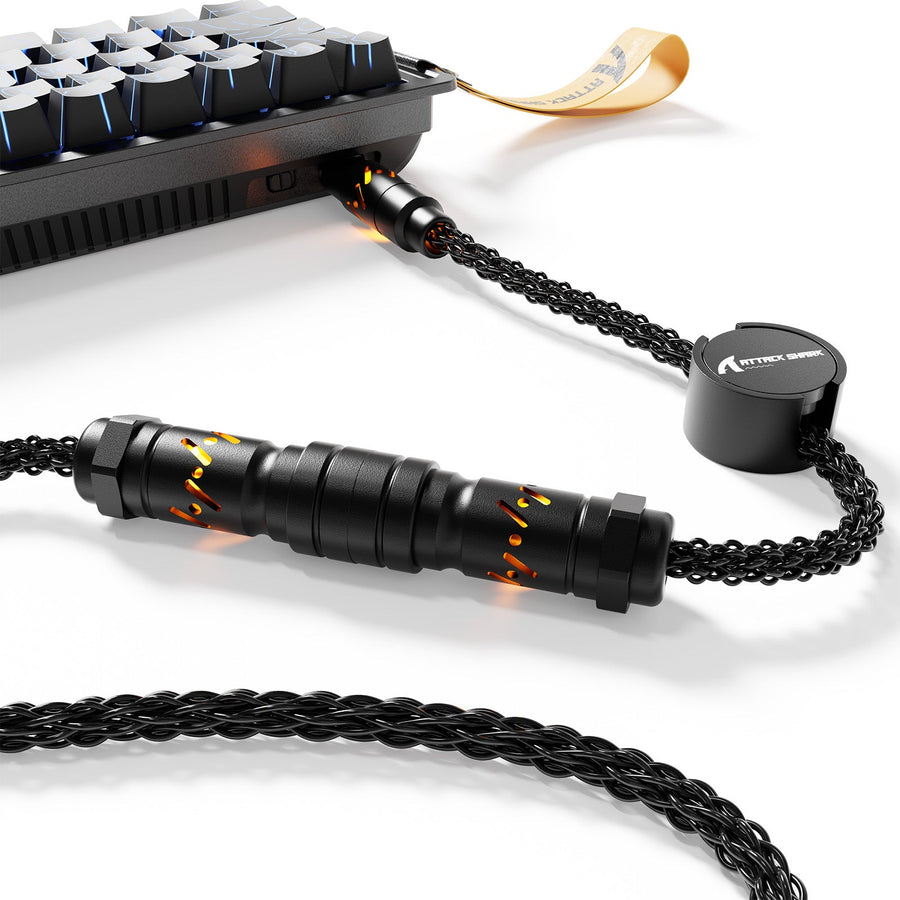
Create a cleaner gaming setup by mapping every cable before buying organizers, separating fixed and moving paths, preserving connector access, and ...