


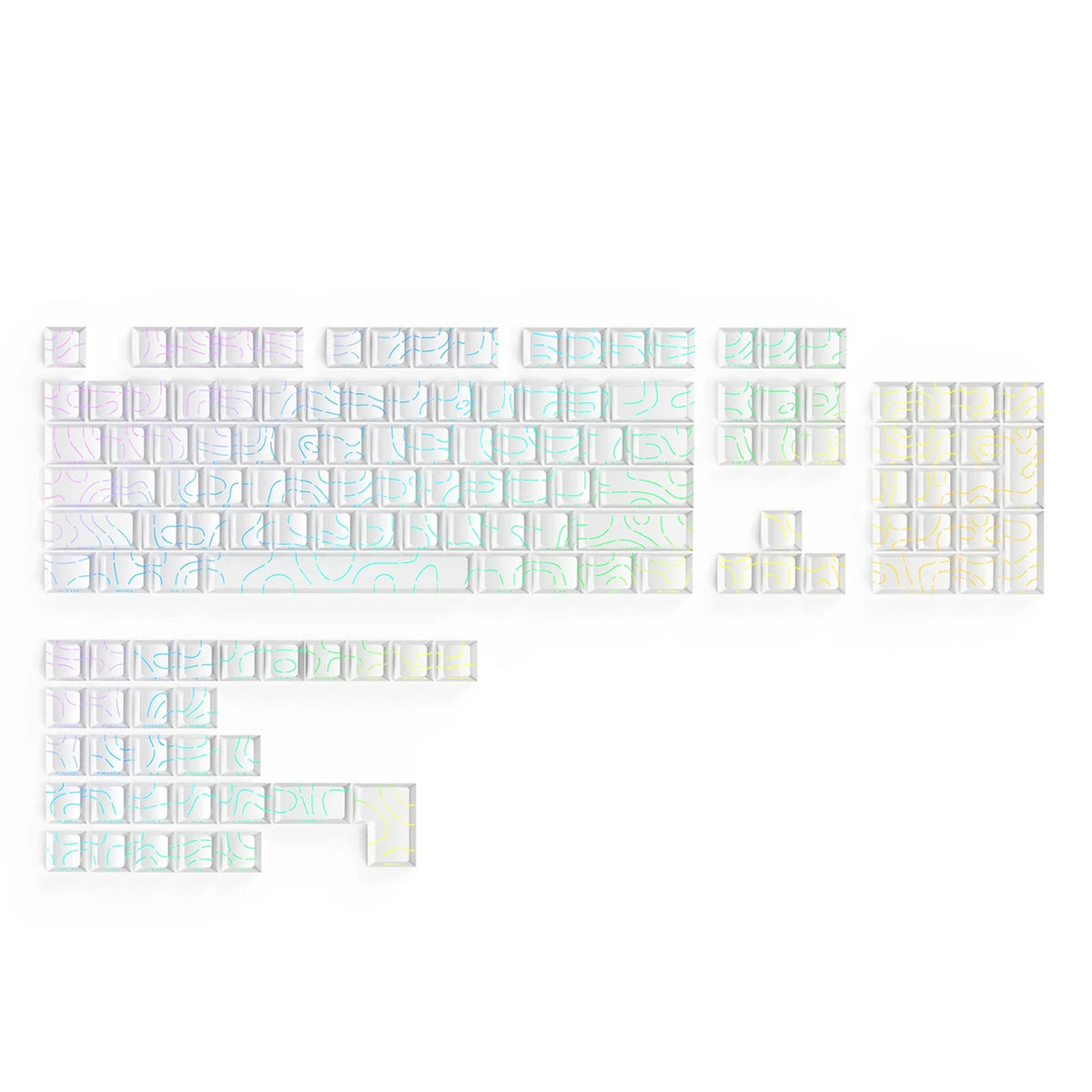
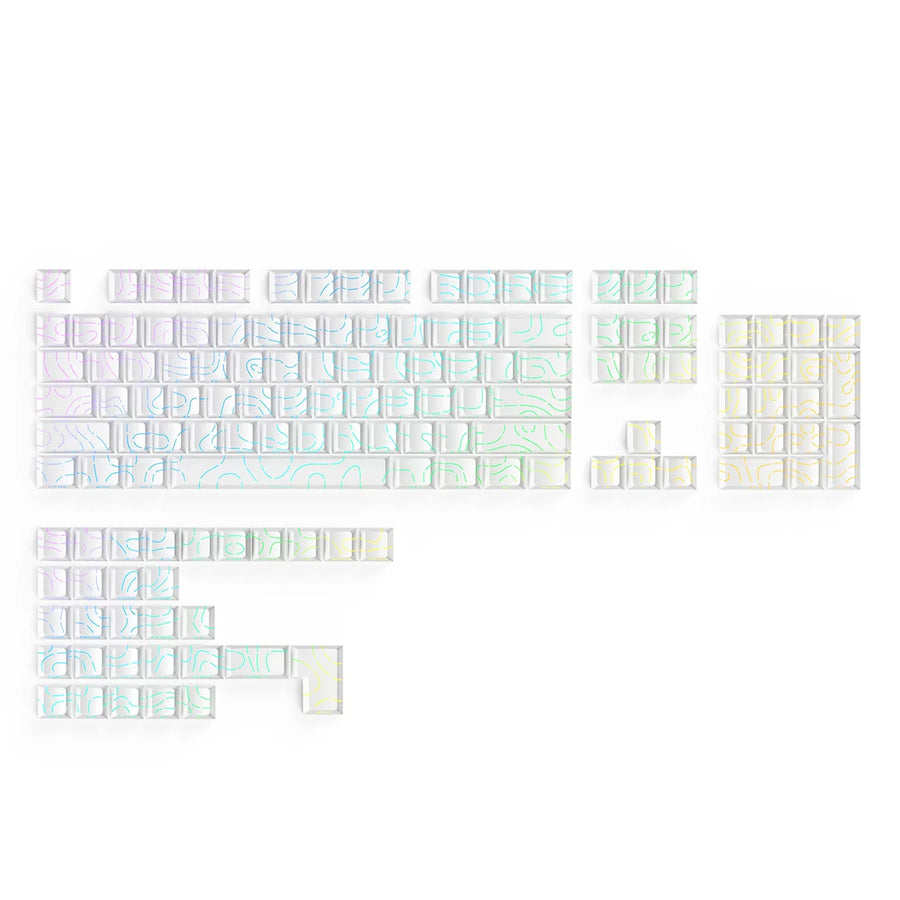
Pick RGB keycaps for legends you can read in the room where you type. Don't pick them for the brightest glow alone. A good choice comes down to three things: the characters themselves let light through, those characters sit where your keyboard's LEDs can reach them, and the set fits your keyboard's stems and layout.
A cap can glow nicely around its edges and still have dark, hard-to-read letters. So check the legend first. Then judge the look in your own room. Fit comes last.
Choose for Readable Legends, Not Glow Alone
Look at whether light passes through the characters, not just around the cap. Glow that leaks around a key's edges looks pretty, but it doesn't make the letters easier to see.
The legend is the printed or molded character on a keycap. On a shine-through cap, that legend is translucent. That means shine-through legends transmit LED light from the LED under the cap, so the character itself lights up. Work through these checks before you pick a set:
- Find the words "shine-through" in the listing. Construction labels can mislead you. A set can be double-shot, meaning it's molded from two plastics, and the legend can still be opaque. In short, double-shot alone does not confirm shine-through. Look for a direct shine-through claim.
- Locate the legend that is meant to light. Some sets light the top legends. Others put the lit characters on the front or side of the cap. If a set lists secondary front legends, find out whether those glow too or only the main ones.
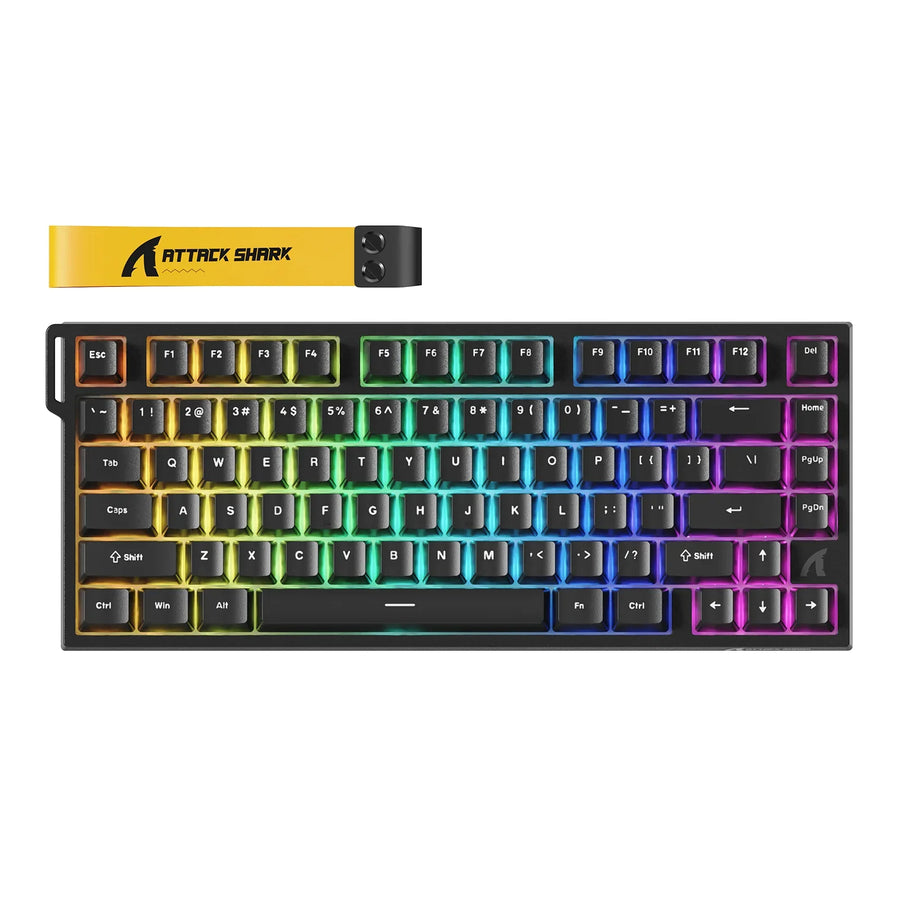
- Compare LED position with legend placement. Find out where your keyboard's LEDs sit under each key, using its specs or manual. Then compare LED position with legend placement on the set you want. No single LED position works with every legend location, so compare your own board and set rather than assuming they match.
Plastic also changes how the lit legend looks once light gets through. If you're weighing materials, our guide to ABS vs. PBT keycaps covers the tradeoffs.
Judge the Legends in Your Usual Room
Test the characters in the lighting you actually type in, with your keyboard lighting set the way you normally use it. A product photo taken in a dark studio won't tell you how the keys look at your desk at noon or late at night.
If you can try a sample key or an installed set, look at the letters themselves, not the overall glow. In a bright room, ask whether the characters still stand out without leaning in. In a dim room, check that you see clear letter shapes and not just a lit cap. Try the keys you look at most, like modifiers and number keys.

How it looks is your call. A dramatic, glowing look is a fine choice if the legends stay easy enough for you to read. If the look and readability pull in different directions and you depend on seeing the keys, go with readability.
Check the Set Against Your Keyboard
Compare your keyboard's exact model specs with the keycap set's compatibility details and layout diagram before you choose. A broad label like "full size," or a total key count, is only a starting point.
- Identify your keyboard's stem type and layout. Use the exact model's spec sheet or manual. The stem is the post on the switch that the keycap snaps onto. MX-style is one widely listed type.
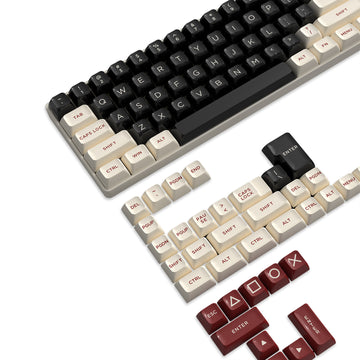
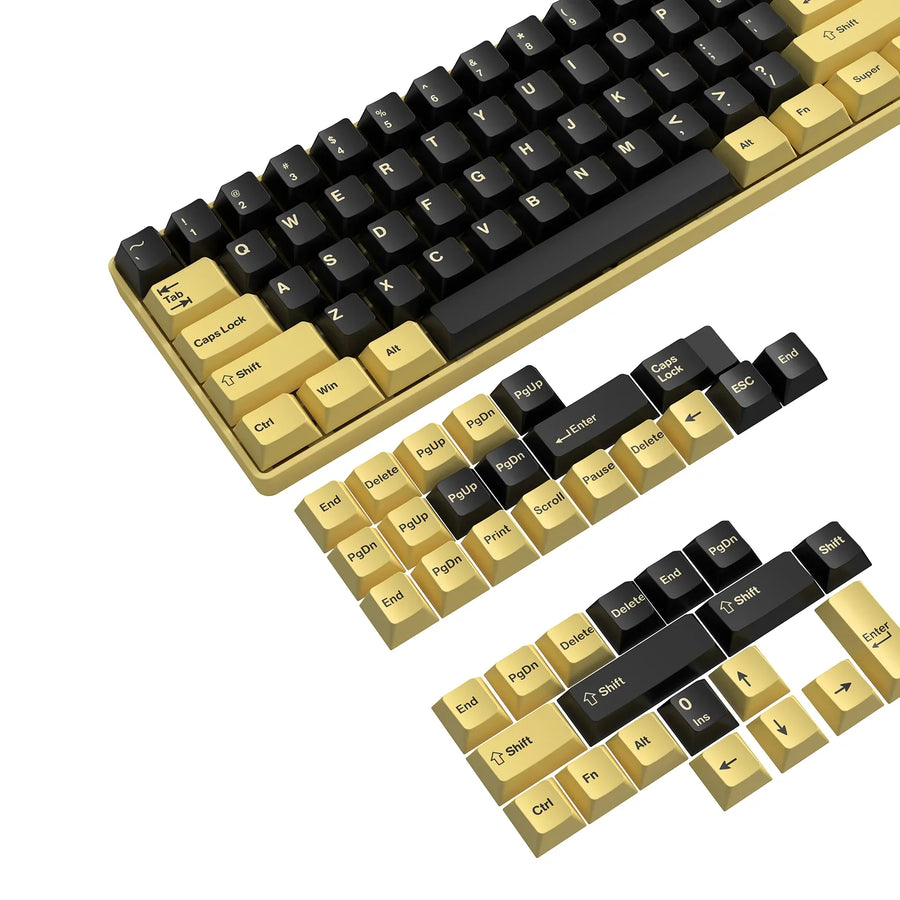
- Match those details to the set's stated compatibility. For example, the listing for our SK06 shine-through keycap set states double-shot PBT with shine-through side legends, 135-key ANSI/ISO support, and MX-style compatibility. Those are exactly the kinds of details to compare with your board's specs. They don't mean a set fits every keyboard.
- Check odd key widths and the spacebar. Lay your keyboard's bottom row, Shift keys, Enter key, and any unusual keys against the set's diagram. A large key count doesn't guarantee that every size you need is included.
- Fill gaps before you buy. If either your keyboard or the set leaves out a detail you need, ask the seller or manufacturer. Don't assume it fits.
Once you know your stem type and layout, you can browse keycap sets with those requirements in mind.
FAQs
Do RGB keyboards need special keycaps to show lighting?
Not to glow, but they do for lit characters. RGB on the box describes the LEDs. Whether the legends light up depends on the keycaps. Our article on whether a keyboard needs RGB can help you decide how much the lighting matters to you.

Will my stock keycaps' lit legends match aftermarket shine-through caps?
Not necessarily. Your stock caps and any replacement set are separate choices, and each one can place and light its legends differently. Check the new set's legend placement on its own.
Can I just turn up the brightness if the letters look dim?
Turning up the brightness only helps if the legend lets light through and sits where the LED reaches it. If the legend is opaque, more LED output just adds glow around the cap. Your fix in that case is a different set, not a brighter setting.
Does keycap profile matter for an RGB keyboard?
Profile means the shape and height of the caps, and it affects how they look under light. Compare it alongside legend placement. Our Cherry profile keycaps and XDA profile keycaps collections group sets by shape, so you can narrow the options before checking each listing's shine-through details.