Building a streaming presence requires more than just high-level gameplay; it demands professional audio and visual presentation. Audiences expect a clear, distraction-free experience that highlights the creator's personality. While a powerful PC is the engine of a broadcast, the peripherals and environment determine the actual quality of the viewer's experience.
This guide outlines the fundamental components needed for a modern streaming setup, prioritizing hardware that minimizes background noise and maximizes aesthetic appeal. By focusing on the right starter kit, new creators can establish a professional brand from their very first broadcast.

1. Core Computing and Multi-Monitor Layouts
The ability to encode high-definition video while running a game is the primary technical hurdle for streamers. Most modern setups utilize a processor with at least eight cores and a dedicated graphics card with hardware-accelerated encoding. This ensures that the game's frame rate remains stable while the broadcast software transmits data to platforms like Twitch or YouTube.
A secondary monitor is no longer a luxury; it is a necessity for live interaction. You need a dedicated screen to view your chat, manage alerts, and monitor your stream software (like OBS Studio). Without a second screen, you are forced to minimize your game, which breaks the immersion and makes it difficult to respond to your audience in real-time.
2. The Audio Priority: Microphones and Sound Control
Audio quality is the single most important factor in viewer retention. Poor video can be forgiven, but distorted or noisy audio will drive an audience away immediately. Most beginners start with a USB condenser microphone due to its ease of use. However, these microphones are extremely sensitive and pick up every sound in the room, including the clicks of your mouse and the tapping of your keys.
To manage this, professional streamers focus on quiet input devices. Finding the best silent gaming keyboard is often a top priority for those who do not have a sound-treated studio. Keeping the microphone on a boom arm—away from the vibrations of the desk—further improves the vocal clarity of the broadcast.
3. Input Hardware: The Silent Keyboard Advantage
When you are live on air, the repetitive sound of a mechanical keyboard can become a significant irritant for your listeners. High-frequency "clacking" sounds are difficult to filter out even with advanced AI noise suppression software. This is why a silent wireless keyboard is an essential part of a modern streamer's toolkit.
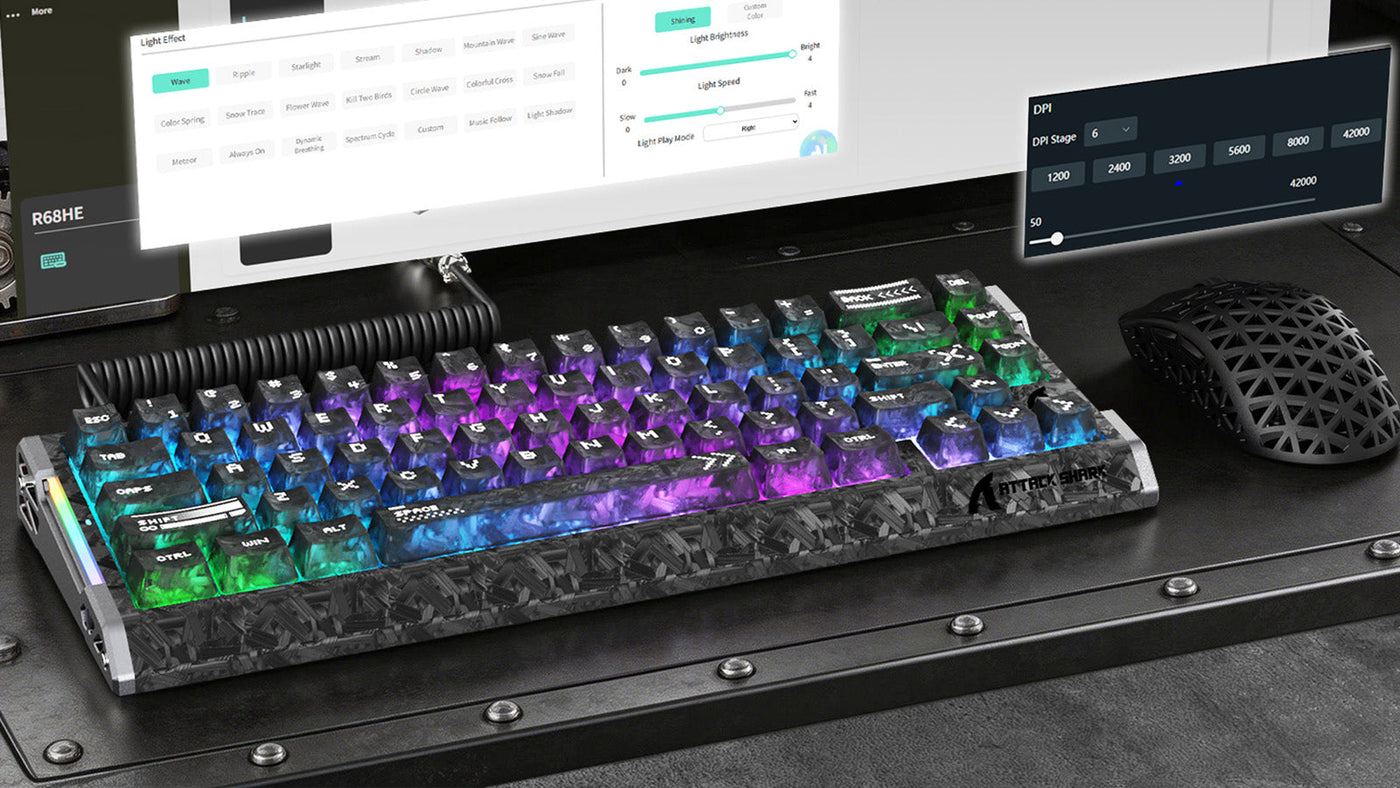
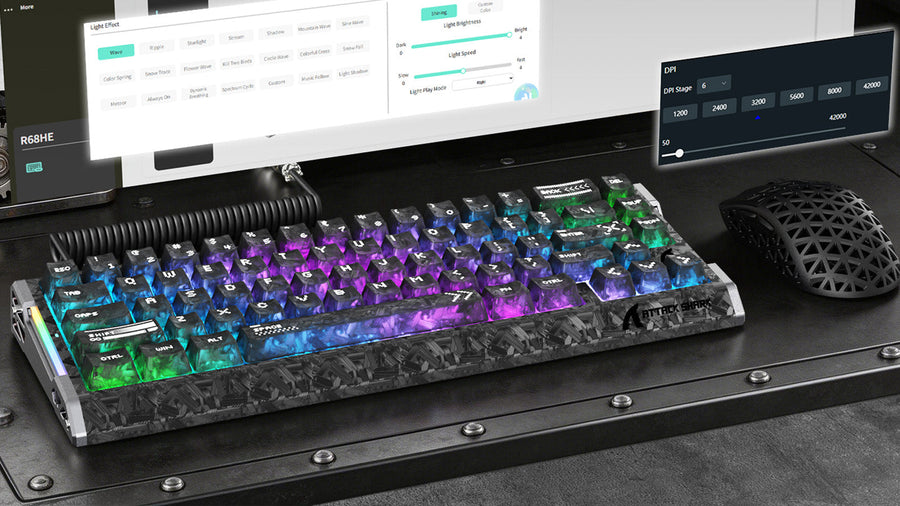
A silent wireless keyboard utilizes dampened switches that significantly reduce the decibel level of every keypress. For streamers who frequently play fast-paced games requiring high actions-per-minute, this noise reduction is vital. When looking for the best silent gaming keyboard, ensure it uses 2.4GHz wireless technology. Unlike standard Bluetooth, 2.4GHz connections provide the instantaneous response time required for competitive gaming. By investing in the best silent gaming keyboard, you ensure your commentary remains the focal point of the audio track without competing against the sound of your hardware. Furthermore, using a silent wireless keyboard contributes to a minimalist, cable-free desk aesthetic that looks professional on a hand-cam.

4. Visual Precision: Gaming Mice for Content Creators
Your mouse is another potential source of auditory clutter. In genres like MOBA or FPS, the constant clicking of a standard gaming mouse is easily captured by sensitive microphones. A silent gaming mouse uses specialized switches that provide tactile feedback without the sharp audible click. This allows you to maintain peak performance while keeping your stream's audio clean and professional.
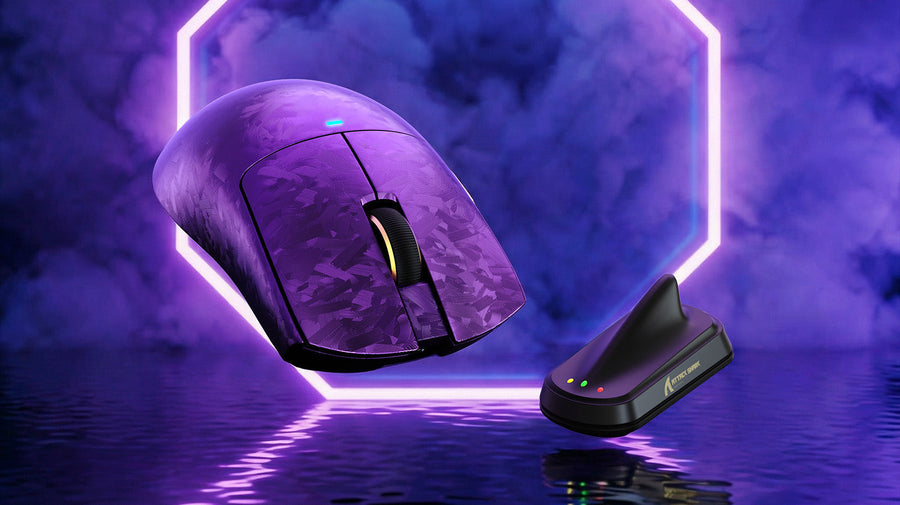
Beyond performance, the look of your gear matters for your on-camera presentation. Many streamers choose a white gaming mouse wireless to brighten up their desk setup. White peripherals reflect RGB lighting better than black ones, creating a more vibrant look during night-time broadcasts. A white gaming mouse wireless also stands out against dark desk mats, making your hand movements more visible and engaging for the audience. When selecting a silent gaming mouse, look for one with a high-end optical sensor to ensure you don't sacrifice accuracy for quietness. Pairing a white gaming mouse wireless with a high-quality sensor gives you the perfect combination of style and precision for your first broadcast.
5. Lighting and Camera Configuration
Lighting is the difference between an amateur-looking stream and a professional studio. Even an expensive camera will look grainy and poor in low light.
- Key Light: Place your main light at a 45-degree angle to your face to provide even coverage.
- Fill Light: Use a secondary, softer light on the opposite side to soften shadows.
- Aesthetic Lighting: LED strips or "smart" bulbs in the background help create depth and visual interest behind you.
Webcams are the standard for beginners, but ensure yours supports at least 1080p at 60fps. As you grow, you might transition to a mirrorless camera with a capture card, which provides the cinematic "bokeh" or blurred background effect that many top-tier creators use.
6. Internet Stability and Encoding Software
A stable internet connection is the backbone of your broadcast. You should always use a wired Ethernet connection rather than Wi-Fi. Fiber optic internet with at least 10 Mbps of upload speed is recommended for a stable 1080p broadcast at 60 frames per second.
OBS Studio remains the standard software for streamers. It allows you to create different "scenes" and "sources," giving you total control over what your audience sees. You can set up a "Starting Soon" screen, a "Gameplay" screen with your webcam overlay, and a "Just Chatting" screen for direct interaction. Learning how to configure noise gates and compressors within OBS will further enhance the silence of your setup.
7. Common Questions for New Streamers
What is the best way to reduce keyboard noise on stream?
The most effective way is to use a silent wireless keyboard. These are specifically designed with dampened switches to eliminate the high-pitched clack of mechanical keys. Additionally, placing your keyboard on a thick desk mat and using a cardioid microphone on a boom arm will further isolate the sound.
Is wireless gear good enough for competitive gaming while streaming?
Yes, modern 2.4GHz wireless technology has reached a point where there is no perceptible latency compared to wired connections. Using a white gaming mouse wireless or a wireless keyboard allows for better cable management, which makes your desk look much cleaner on camera during your broadcast.
Why should I choose a silent gaming mouse?
A silent gaming mouse prevents the repetitive, sharp clicking sounds from being picked up by your microphone. This is especially important for streamers who play click-heavy games like League of Legends or Diablo, where the noise can be distracting for the audience.
How can I make a budget webcam look professional?
Lighting is the secret. Use two light sources to eliminate shadows on your face. Additionally, many streamers use software filters to adjust the saturation and contrast of their webcam in OBS, making the image look much closer to a professional DSLR camera.
8. Setting Up Your Branding and Overlays
Once your gear is ready, you need to consider the visual branding of your stream. This includes your logo, overlays, and alert sounds.
- Overlays: Keep them minimal. You don't want to hide the game behind too many graphics.
- Alerts: Use subtle sounds that don't startle the audience.
- Consistency: Use a consistent color scheme across your social media and stream to build a recognizable brand.
A clean desk setup with coordinated peripherals, such as a white gaming mouse wireless, can be part of this branding, creating a "signature look" that viewers associate with your channel. For a deeper dive into reducing all input noise, see our guide on how to reduce mouse click sound.
Conclusion: Build Your Stream Right the First Time
Launching your first broadcast is a milestone that requires careful preparation. By prioritizing audio quality with the best silent gaming keyboard and a silent gaming mouse, you remove the technical distractions that often plague new streamers. Focusing on a clean, professional aesthetic with a white gaming mouse wireless and a silent wireless keyboard ensures your channel looks as good as it sounds.
Focus on the essentials first: a stable PC, clear audio, and good lighting. As your community grows, you can continue to refine your gear and branding to match your evolving content style. Consistency and professionalism are the keys to long-term success in the streaming industry.