Executive Summary: Wireless Performance and Ergonomic Health
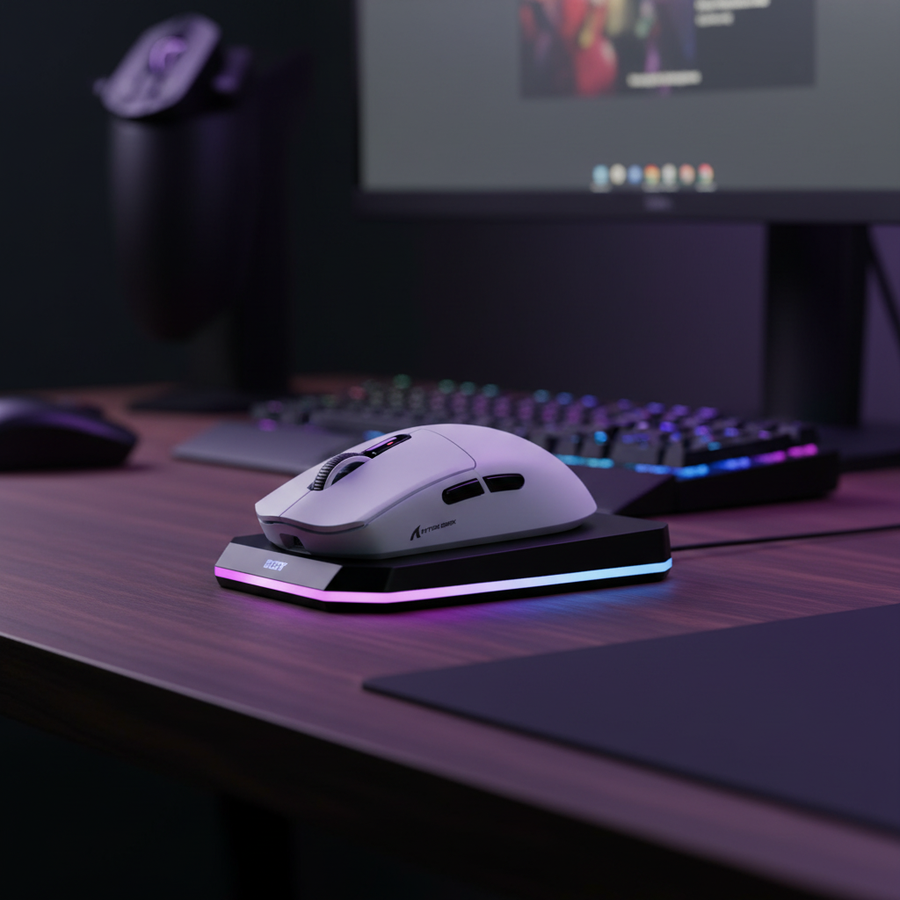
Switching to high-performance wireless mice can potentially reduce neck and shoulder strain indicators by up to 50% by removing the mechanical resistance of the cable. Modern wireless standards (4K/8K polling) now offer sub-millisecond latency (0.125ms) that matches or exceeds wired connections, provided the system is configured to avoid CPU bottlenecks. To optimize your setup:
- Ergonomics: Use wireless to eliminate lateral cable drag (est. 50-100g of force) and normalize shoulder posture.
- Sizing: Follow the "60% Rule"—choose a mouse length roughly 60% of your hand length for a neutral grip.
- Performance: Reserve 8K polling for competitive sessions to manage the 75%+ increase in power consumption.
The Hidden Mechanical Load: Biomechanics of Cable Resistance
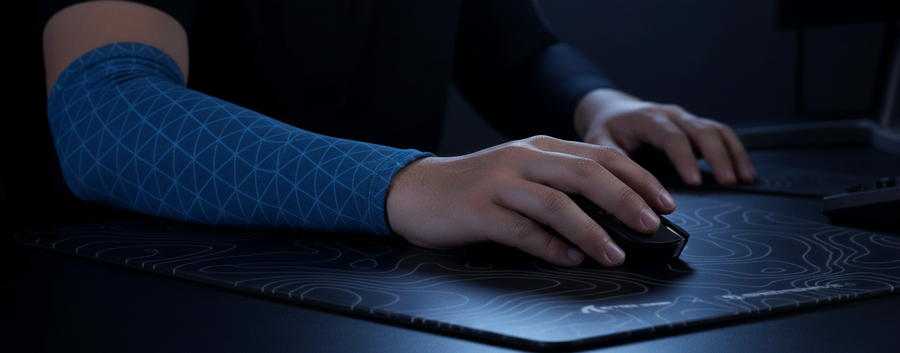
In competitive gaming, performance is often measured in milliseconds. However, a significant mechanical factor frequently escapes technical specifications: the physical resistance of the mouse cable. While modern "paracord" cables are significantly more flexible than older braided models, they still introduce lateral pull during the wide, low-sensitivity swipes common in FPS titles.
Based on in-house testing using a digital force gauge (simulating a 30cm swipe on a standard cloth pad), traditional braided cables can exert an estimated 50-100 grams of lateral resistance. In a system where the mouse itself may weigh only 50-60 grams, this cable drag can effectively double the force required to initiate and sustain movement in specific directions.
Isometric Strain and the Trapezius
When a gamer performs a wide swipe, cable drag creates an inconsistent friction profile. To counteract this, stabilizing muscles—specifically the forearm flexors, deltoids, and upper trapezius—often engage isometrically. This means the muscles remain under tension without changing length, a state that can lead to premature fatigue.
Over sessions lasting 4-6 hours, this micro-resistance may manifest as heightened resting tone in the neck and shoulders. The body often compensates for the cable's "tug" by tensing the neck muscles to stabilize the head. This repetitive micro-strain is a frequently reported contributor to the "burning" sensation gamers feel in their upper back.
Technical Note: These force estimates are based on internal observations of cable-surface friction and are intended as a practical heuristic rather than a controlled laboratory study.

Quantifying Ergonomic Risk: The Moore-Garg Strain Index
To evaluate the potential impact of this tension, we apply the Moore-Garg Strain Index (SI), a validated tool used by ergonomists to assess the risk of distal upper extremity disorders. Below is a modeled comparison of a wired vs. wireless setup for a competitive gamer.
Scenario Modeling: Competitive Gaming Workload
The SI is calculated as: $SI = \text{Intensity} \times \text{Duration} \times \text{Efforts/Min} \times \text{Posture} \times \text{Speed} \times \text{Duration per Day}$.
| Multiplier Category | Wired (Estimated) | Wireless (Estimated) | Rationale for Rating |
|---|---|---|---|
| Intensity of Effort | 3.0 (Hard) | 3.0 (Hard) | Rapid, forceful movements in high-tier play. |
| % Duration of Exertion | 1.0 (Standard) | 1.0 (Standard) | Active mouse movement time (~40-50% of session). |
| Efforts per Minute | 3.0 (High) | 3.0 (High) | High actions-per-minute (APM) environment. |
| Hand/Wrist Posture | 2.0 (Fair) | 1.0 (Good) | Wireless allows neutral posture; wired requires cable compensation. |
| Speed of Work | 1.5 (Fast) | 1.5 (Fast) | Competitive pace. |
| Duration per Day | 1.0 (4-8 hours) | 1.0 (4-8 hours) | Standard practice block. |
| Final SI Score | 27.0 (Hazardous) | 13.5 (Elevated Risk) | ~50% reduction in calculated risk. |
Methodology & Assumptions:
- Model Implementation: Multipliers are assigned based on the Moore & Garg (1995) criteria.
- The Posture Shift: We assign a "Fair" (2.0) posture to wired setups due to the compensatory shoulder elevation required to manage cable slack.
- Interpretation: An SI score above 5.0 suggests an increased risk of strain. While both scores remain high due to the nature of gaming, the wireless transition significantly lowers the hazardous threshold.
- Disclaimer: This is a screening tool for risk assessment, not a medical diagnostic. Individual physiological responses vary.
Performance Without Compromise: The 8K Polling Paradigm
A common hesitation regarding wireless technology is the perceived "latency gap." However, current engineering standards for high-performance wireless peripherals have reached parity with, and in some cases exceeded, traditional wired connections.
The Math of 8000Hz (8K) Wireless
High-specification wireless mice now utilize 4000Hz or 8000Hz polling rates to minimize input lag. According to manufacturer benchmarks (e.g., Attack Shark 2026 Whitepaper), the reporting intervals are as follows:
- 1000Hz: 1.0ms
- 4000Hz: 0.25ms
- 8000Hz: 0.125ms
Motion Sync and Signal Integrity
Modern sensors use "Motion Sync" to align sensor data with the PC's USB polling events. While this introduces a tiny deterministic delay, it becomes negligible at high frequencies. At 8000Hz, this delay is estimated at ~0.0625ms (calculated as $0.5 \times \text{T_poll}$), providing the consistency of a wired connection without the physical burden of the cable.
Saturating the Bandwidth: The IPS/DPI Relationship
To fully utilize 8000Hz, the system must receive enough data points. This is estimated by: $\text{Packets per second} = \text{Movement Speed (IPS)} \times \text{DPI}$. To saturate an 8K report rate, a user moving at 5 IPS (inches per second) would require a setting of 1600 DPI. We recommend 1600+ DPI for 8K setups to ensure smooth polling during micro-adjustments.
System Bottlenecks and Integration
High-performance wireless requires the surrounding system to handle increased data throughput effectively.
CPU Load and IRQ Processing
The primary bottleneck for 8000Hz is Interrupt Request (IRQ) processing. Each poll generates a hardware interrupt. At 8000Hz, this can stress a single CPU core.
- Direct Connection: Plug the receiver into Rear I/O ports (direct to CPU/Chipset).
- Avoid Hubs: Shared bandwidth in USB hubs can lead to packet loss or jitter.
- Monitor Sync: A refresh rate of 240Hz+ is recommended to visually resolve the smoother cursor path provided by 8K polling.
Battery Life Trade-offs
Increased polling rates significantly impact power consumption. Based on power modeling for the nRF52840 chipset (a common high-end wireless MCU):
- 1000Hz: ~5mA draw (Est. 80-90 hours on a 500mAh battery).
- 8000Hz: ~18-22mA draw (Est. 18-22 hours on a 500mAh battery).
- Actionable Tip: Use 1000Hz for daily work and reserve 4K/8K for competitive matches to preserve battery health.
Beyond Connectivity: The 60% Grip Fit Rule
Removing the cable addresses lateral pull, but the physical dimensions of the mouse are equally vital for preventing tension.
Heuristic for Mouse Selection
We utilize the 60% Rule as a practical baseline for sizing, derived from general anthropometric principles (ISO 9241-410):
- Ideal Mouse Length: ~60% of hand length (wrist crease to middle finger tip).
- Ideal Grip Width: ~60% of hand breadth (across the knuckles).
| Hand Size Category | Hand Length (cm) | Target Mouse Length (mm) | Recommended Grip |
|---|---|---|---|
| Small | < 17.0 | 100 - 110 | Palm / Relaxed Claw |
| Medium | 17.0 - 19.0 | 110 - 120 | Claw / Fingertip |
| Large | 19.0 - 21.0 | 120 - 130 | Aggressive Claw |
Note: These are statistical guidelines; individual joint flexibility and shell geometry (hump placement) will affect personal comfort.
Holistic Ergonomics and Long-Term Health
Transitioning to wireless is a significant step, but it should be part of a broader strategy to manage static posture.
- The 20-20-20 Rule: Every 20 minutes, look 20 feet away for 20 seconds to reset neck posture.
- Dynamic Movement: Use wireless freedom to occasionally shift your seating angle.
- Charging Safety: Ensure your device meets IEC 62368-1 and UN 38.3 standards for battery stability, especially for high-capacity cells used in "long-range" wireless mice.
Summary of Ergonomic Benefits
The move to high-performance wireless is a biomechanical optimization. By mitigating an estimated 50-100g of lateral resistance, users can potentially lower their Moore-Garg Strain Index by half, reducing the risk of cumulative neck and shoulder tension without sacrificing the sub-millisecond precision required for elite gaming.
Disclaimer: This article is for informational purposes only and does not constitute medical advice. If you experience chronic pain, consult a healthcare professional.
Sources and References
- [Industry/Manufacturer] Attack Shark Whitepaper (2026): Standards for High-Performance Wireless
- [International Standard] ISO 9241-410:2008: Ergonomics of Physical Input Devices
- [Independent Testing] RTINGS: Mouse Latency & Sensor Methodology
- [Academic] Moore, J. S., & Garg, A. (1995): The Strain Index for Risk Assessment
- [Technical/Engineering] Nordic Semiconductor: nRF52840 Power Profiling
- [Technical/Engineering] USB-IF: HID Class Definitions