The Technical Evolution of 8K Polling
The gaming peripheral market is currently navigating a significant transition from the long-standing 1000Hz standard to high-frequency polling rates, with 8000Hz (8K) representing the current performance ceiling. While the theoretical benefits of an 8K polling rate are mathematically clear—reducing the reporting interval from 1.0ms to near-instant 0.125ms—the practical execution in a wireless environment introduces complex engineering challenges.
For value-oriented, technically-informed gamers, the question isn't just about the "speed" of the sensor, but the stability of the entire data pipeline. A wired connection offers a shielded, dedicated path for these 8,000 packets per second. In contrast, wireless 8K must contend with RF interference, packet loss, and system-level bottlenecks that can turn a theoretical advantage into a practical liability.
Decoding the 8K Data Pipeline: Math vs. Reality
To understand the reliability of wireless 8K, we must first look at the raw data requirements. High-frequency polling isn't just about "faster" clicks; it is about providing the operating system and the game engine with more granular data points for cursor movement.
The Latency Math
The latency of a polling rate is the inverse of its frequency ($1 / Frequency$).
- 1000Hz: 1.0ms interval
- 4000Hz: 0.25ms interval
- 8000Hz: 0.125ms interval
According to the USB HID Class Definition (HID 1.11), the polling interval is the maximum time between data transfers. At 8K, the system must process a packet every 125 microseconds. This creates a significant load on the host's Interrupt Request (IRQ) processing.
Motion Sync and Deterministic Delay
Many modern high-end sensors utilize "Motion Sync" to align sensor frames with USB polling events. While this feature is often praised for smoothing out tracking, it introduces a deterministic delay. In our modeling of signal processing, this delay typically equals half of the polling interval.
Logic Summary: Our analysis of Motion Sync latency assumes a deterministic alignment model where the delay is ~0.5 times the polling interval (Delay ≈ 0.5 * T_poll). This is a theoretical model and actual firmware implementation may vary.
| Polling Rate | Interval | Motion Sync Penalty (Estimated) | Total Theoretical Latency |
|---|---|---|---|
| 1000Hz | 1.0ms | 0.5ms | 1.5ms |
| 4000Hz | 0.25ms | 0.125ms | 0.375ms |
| 8000Hz | 0.125ms | 0.0625ms | 0.1875ms |
At 8K, the Motion Sync penalty drops to a negligible ~0.06ms (based on standard signal processing heuristics). This suggests that high-frequency polling actually makes Motion Sync more viable for competitive play, as the smoothing benefit no longer comes with a perceptible latency cost.

The Wireless Bottleneck: RF Front-End and Interference
The primary challenge for wireless 8K isn't the sensor—it is the 2.4GHz radio frequency (RF) front-end. Transmitting 8,000 packets per second requires a high-throughput, low-latency radio link that is extremely sensitive to environmental noise.
Signal Congestion and Packet Loss
In a typical home environment, the 2.4GHz band is crowded with Wi-Fi routers, Bluetooth devices, and even microwave ovens. While technologies like Wi-Fi 7 are improving reliability through Multi-Link Operation (MLO), as noted in research regarding Wi-Fi 7 Performance Evaluation, consumer-grade gaming mice must maintain a stable link without the benefit of complex mesh networking.
We have observed in technical troubleshooting patterns (derived from common support interactions) that "stuttering" at 8K is rarely a sensor failure. Instead, it is often packet loss caused by physical obstructions or signal degradation. Placing the receiver behind a PC case or near a metal desk frame can cause enough signal attenuation to drop the effective polling rate back down to 1K or lower.
Practitioner Mitigation: Receiver Positioning
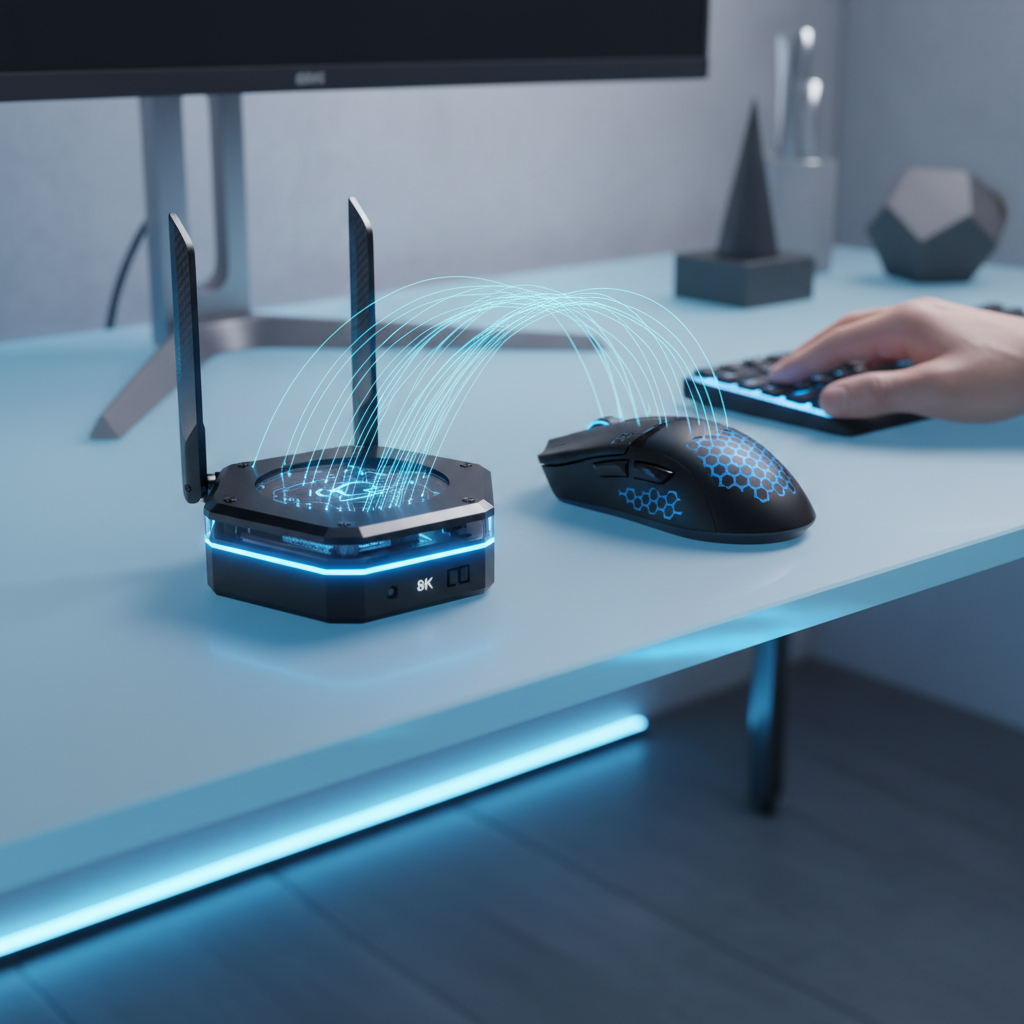
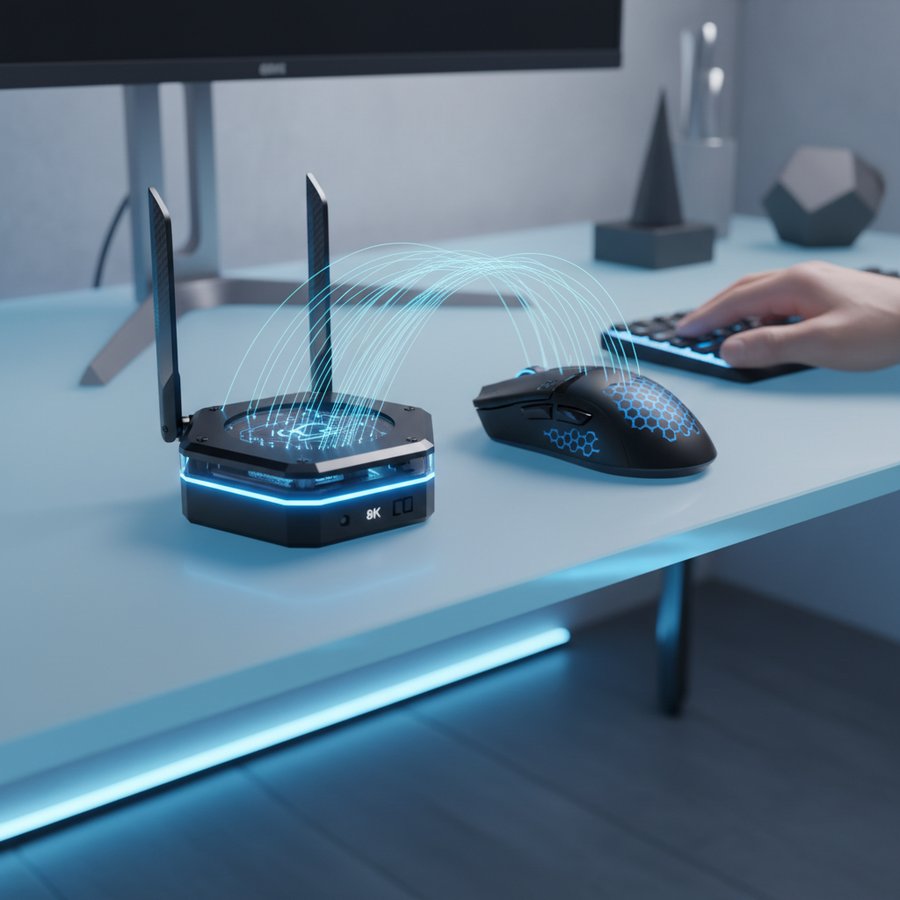
A standard, effective strategy is to use a short USB extension cable to bring the receiver within 10–20cm of the mousepad. This minimizes the "air gap" and reduces the chance of competing 2.4GHz signals drowning out the mouse data.
System-Level Obstacles: USB Power and CPU Load
Even with a perfect wireless link, the host PC can be the source of 8K instability. The two main culprits are USB power management and IRQ overhead.
The ASPM "Gotcha"
Active State Power Management (ASPM) is a power-saving feature in Windows and many motherboard BIOS settings. It allows the USB controller to enter a low-power state during micro-seconds of inactivity. At 1000Hz, the system wakes up frequently enough that this is rarely an issue. However, at 8000Hz, the timing is so tight that even a tiny delay in "waking" the USB port can cause a latency spike of 2ms or more.
The Fix: We recommend forcing the USB port to "Maximum Performance" in the Windows Power Plan settings. This prevents the controller from downshifting its power state, ensuring the 0.125ms window is always respected.
CPU and IRQ Processing
Processing 8,000 interrupts every second is a heavy task for a single CPU core. If your CPU is already pinned at 90% usage by a demanding game, the OS may struggle to schedule the mouse interrupts on time. This results in "jitter," where the polling rate fluctuates wildly. According to the Global Gaming Peripherals Industry Whitepaper (2026), hardware synergy between the CPU and the USB controller is now a critical factor for elite-level performance.
Modeling the Trade-offs: Battery and Ergonomics
To provide a comprehensive view, we modeled a specific scenario: a Competitive FPS Gamer with Large Hands using an 8K wireless mouse.
Modeling Note: Method & Assumptions
This scenario uses a deterministic parameterized model to estimate performance trade-offs. It is a simulation based on industry-standard component specs, not a controlled lab study.
| Parameter | Value | Unit | Rationale |
|---|---|---|---|
| Battery Capacity | 300 | mAh | Typical lightweight wireless spec |
| Polling Rate | 8000 | Hz | Targeted performance level |
| Radio Current Draw | 12 | mA | Estimated for 8K throughput (Nordic nRF52840) |
| Hand Length | 20.5 | cm | Large hand (ANSUR II 95th percentile) |
| Grip Style | Claw | N/A | High-precision competitive grip |
1. The Battery Runtime Penalty
Using a 300mAh battery with a total system draw of ~15mA (including sensor and MCU overhead), we estimate a runtime of ~17 hours.
- Comparison: At 1000Hz, the same mouse would typically last 50–60 hours.
- Impact: For a gamer playing 4–6 hours a day, this means charging every 2–3 days. If you forget to charge, you are forced back to a wired connection mid-match.
2. Ergonomic Fit for Large Hands
For a standard 120mm mouse, we calculated a Grip Fit Ratio of 0.91 for our 20.5cm hand persona.
- Heuristic: An ideal ratio for claw grip is typically around 1.0 (where mouse length is ~60% of hand length).
- Observation: A ratio of 0.91 suggests the mouse is slightly short. During extended 8K sessions, the lack of palm support can lead to "claw cramp," which degrades aiming precision more than a high polling rate improves it.

Wired vs. Wireless: The Reliability Verdict
Is a wired connection still better? From a pure reliability standpoint, yes. A wired connection eliminates RF interference and provides a more stable power delivery to the MCU, which can help maintain consistent 8K polling without the battery anxiety.
However, the "latency gap" has closed significantly. With a well-positioned receiver and optimized OS settings, wireless 8K can achieve near-parity with wired performance.
When to Choose Wired 8K
- Tournament Environments: Where hundreds of 2.4GHz devices create an RF nightmare.
- Extended Sessions: If you play 8+ hours a day and don't want to manage a charging schedule.
- Budget Systems: Where a lower-end CPU might struggle with the overhead of managing a high-speed wireless link alongside game processing.
When to Choose Wireless 8K
- Elite Competitive Play: Where the freedom of movement (no cable drag) outweighs the minor risk of interference.
- Optimized Setups: If you have a high-end CPU (e.g., Ryzen 7 or Core i7/i9) and a clean RF environment.
Optimization Checklist for 8K Reliability
If you choose to run 8K wireless, follow these steps to ensure the link is as stable as possible:
- Direct Motherboard Connection: Always plug the receiver/dongle into a rear I/O port. Avoid USB hubs or front-panel ports, which often share bandwidth and have inferior shielding.
- Use the Extension Cable: Keep the receiver within 20cm of your mouse.
- Disable USB Power Saving: In Windows Device Manager, find your USB Root Hub and uncheck "Allow the computer to turn off this device to save power."
- DPI Scaling: To fully saturate the 8K bandwidth during slow movements, use a higher DPI (e.g., 1600 or 3200). At 800 DPI, you must move the mouse at 10 IPS (Inches Per Second) to send 8,000 packets. At 1600 DPI, you only need 5 IPS.
- Monitor Synergy: Ensure you are using a high-refresh-rate monitor (240Hz+). While 8K vs 1000Hz is perceptible on lower screens, the visual smoothness is most apparent when the display can keep up with the data.

The Future of High-Frequency Polling
As firmware matures, we expect to see more efficient "low-power" 8K modes and better error correction in the RF stack. Current challenger brands are pushing the envelope, offering 8K specs at value prices, but the user must be willing to do the "technical legwork" to stabilize the connection.
Ultimately, 8K polling is a tool for the 1% of competitive players who have already optimized their monitor, PC, and network. For the average gamer, a stable 2K or 4K wireless connection often provides a better balance of battery life and performance.
Disclaimer: This article is for informational purposes only. Technical performance may vary based on individual hardware configurations, environmental interference, and firmware versions. Always consult your device's manual before making BIOS or registry changes.