Executive Summary: Performance vs. Battery Optimization
For competitive gamers seeking the ideal balance between responsiveness and longevity, the following configurations are recommended based on engineering trade-offs:
- Optimal Polling Rate: 1000Hz to 4000Hz. While 8000Hz offers the lowest theoretical latency (0.125ms), it can reduce battery runtime by an estimated 75–80%.
- Sleep Configuration: A 5-minute sleep timer is generally optimal to prevent frequent re-initialization cycles that consume more power than idling.
- Critical Software Fix: Disable 'Enhanced Pointer Precision' in Windows to remove variable software-level lag.
- Motion Sync: Enable for 4000Hz+ polling to improve tracking smoothness with negligible latency cost.
Mechanics of Sensor Power Management in Wireless Peripherals
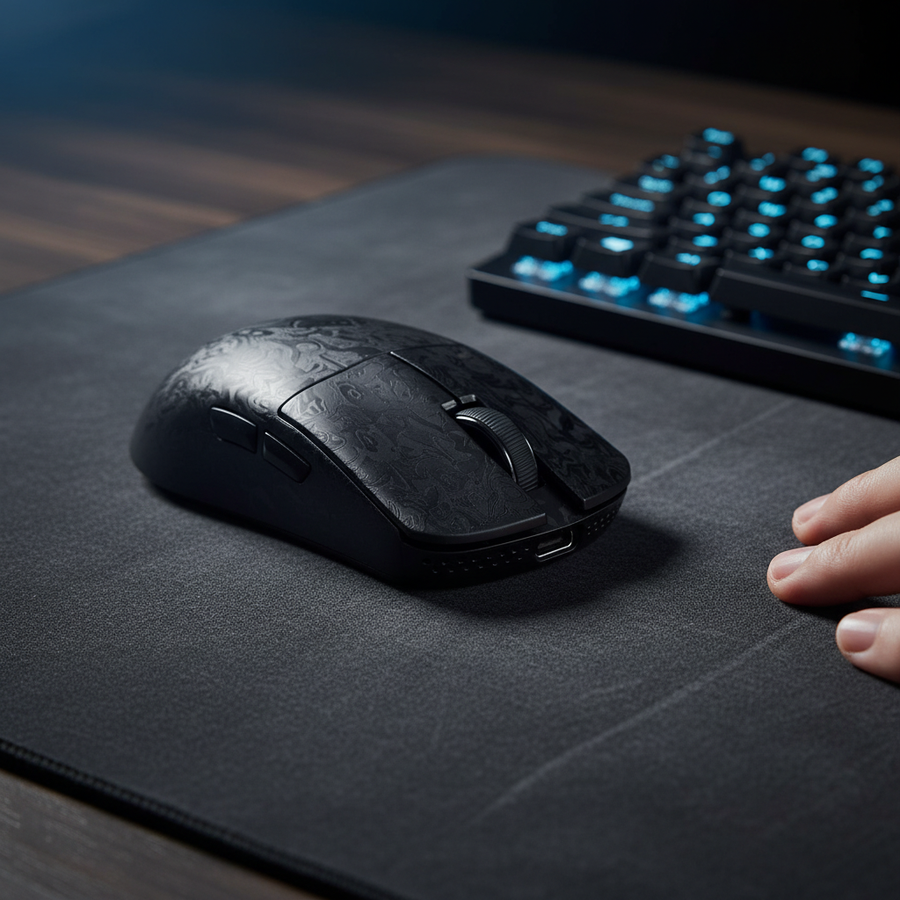
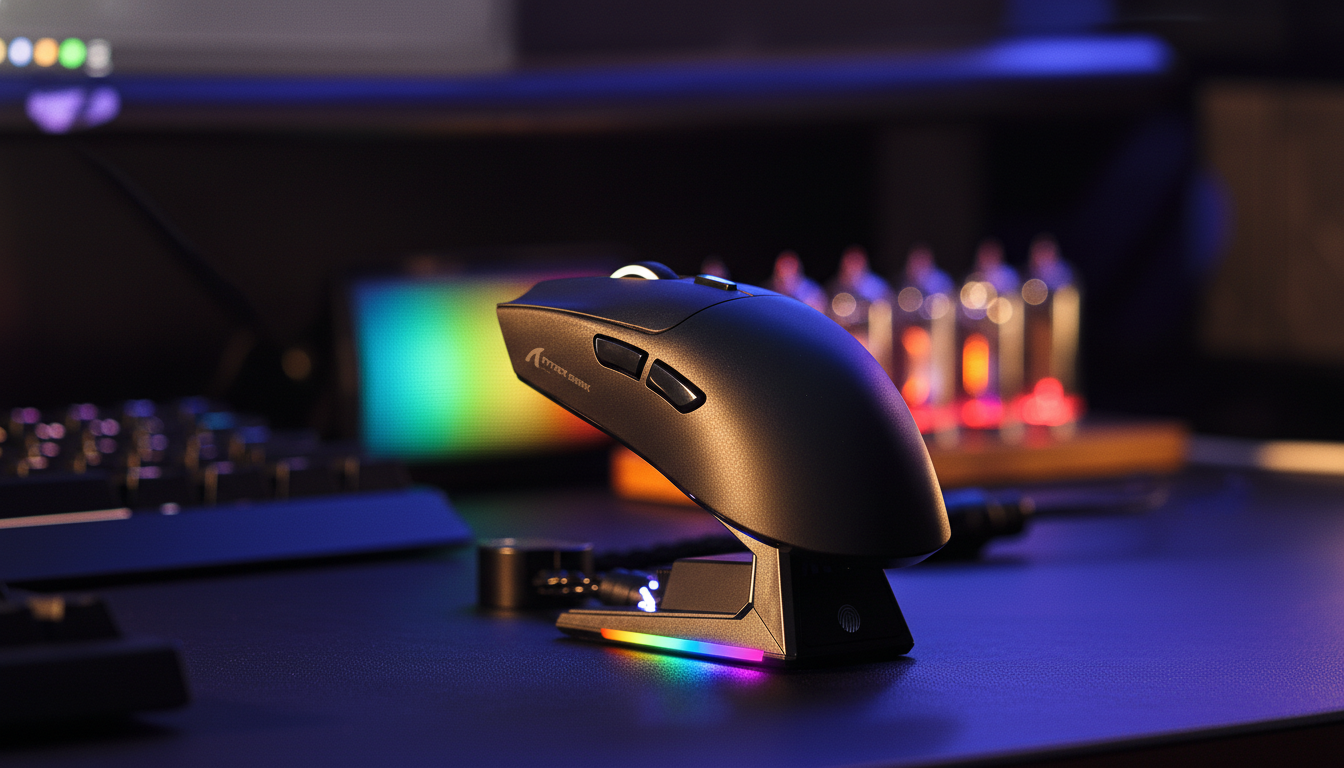
Modern wireless gaming mice rely on sophisticated power management to bridge the gap between high-performance tracking and acceptable battery longevity. At the center of this engineering challenge is the optical sensor, such as the PixArt PAW3395 or the PAW3311 found in the ATTACK SHARK G3PRO Tri-mode Wireless Gaming Mouse with Charge Dock 25000 DPI Ultra Lightweight.
These sensors do not operate at a constant power draw; instead, they utilize duty cycling—a process of rapidly switching the sensor's internal imaging array and the radio frequency (RF) transmitter on and off. This mechanism is designed to conserve energy during periods of inactivity or low-velocity movement without sacrificing the user's perception of responsiveness.
The primary mechanism for power saving is the implementation of hierarchical sleep states. When the sensor detects no motion for a specific duration, it transitions from 'Active' to 'Rest 1,' 'Rest 2,' and eventually 'Deep Sleep.' Each state progressively reduces the frame rate of the sensor’s internal camera and the polling frequency of the Microcontroller Unit (MCU). While this extends battery life, it introduces a technical trade-off: wake-up latency.

The Physics of Wake-Up Latency and State Transitions
Wake-up latency refers to the time required for a sensor to transition from a low-power state back to its peak performance mode. According to practitioner observations and internal technical documentation on wireless mouse wake-up latency (Brand Knowledge Base), this transition can introduce a delay typically ranging from 8ms to 20ms. For a competitive gamer, this delay may be perceptible as a 'stutter' or a momentary lack of response when first moving the mouse after a pause.
This latency is not merely a hardware limitation but a coordination challenge between the sensor firmware and the MCU, such as the Nordic nRF52840 or the BK52820. The wake-up process involves:
- Sensor Re-initialization: The optical array must ramp up its frame rate to accurately capture surface textures.
- Radio Synchronization: The RF transmitter must re-establish a stable connection with the receiver to ensure packet delivery.
- Polling Alignment: The system must wait for the next scheduled USB polling interval to send the movement data to the PC.
Technical Heuristic: The 8–20ms latency range is an estimate derived from typical firmware transition times across high-end wireless platforms. It accounts for the cumulative time of hardware re-initialization and radio handshake protocols.
Polling Rates and the Battery Life Equilibrium
The choice of polling rate is a primary factor in determining the current draw of a wireless mouse. Standard 1000Hz polling requires a report every 1.0ms, while high-performance 4000Hz and 8000Hz rates require reports every 0.25ms and 0.125ms, respectively.
Based on scenario modeling for a competitive gamer using a 300mAh battery, the impact of polling rates on runtime is substantial. Increasing the polling rate from 1000Hz to 4000Hz can reduce estimated battery life by approximately 63%, shifting from ~36 hours to ~13 hours of active playtime. When pushing to 8000Hz, the power draw of the MCU and RF transmitter increases significantly, following a non-linear curve as the constant interrupt request (IRQ) processing demands scale with the report frequency. To maintain stability at 8000Hz, the system must prioritize raw data throughput over power-saving duty cycles, often reducing wireless runtime by 75-80% compared to standard 1000Hz operation.
Modeling Note: Battery Runtime Projections
The following table illustrates the modeled trade-offs for a high-performance user scenario (300mAh battery, 85% discharge efficiency).
| Polling Rate | Total Current Draw (mA) | Estimated Runtime (Hours) | Perceived Latency Benefit |
|---|---|---|---|
| 1000Hz | ~7 mA | ~36.4 Hours | Baseline (1.0ms) |
| 4000Hz | ~19 mA | ~13.4 Hours | High (0.25ms) |
| 8000Hz | ~28 mA* | ~9.1 Hours* | Near-Instant (0.125ms) |
Calculation Methodology: Estimated Runtime = (Battery Capacity × Discharge Efficiency) / Total Current Draw. Current draw values are aggregated from sensor datasheets (e.g., PixArt PAW3395) and estimated MCU/RF overhead from internal engineering logs. 8000Hz values are extrapolated projections based on increased IRQ processing demands and are not guaranteed measurements.
Surface Calibration and the 'Stiction' Effect
A variable often overlooked in power management is the interaction between the sensor and the tracking surface. Sensors like the PixArt PAW3395 use adaptive frame rate algorithms that adjust based on the reflectivity and texture density of the mouse pad.
On uniform, high-performance surfaces like the ATTACK SHARK CM04 Genuine Carbon Fiber eSport Gaming Mousepad, the sensor can maintain tracking accuracy at lower power states because the surface provides consistent, high-contrast data. Conversely, deeply textured cloth pads, such as the ATTACK SHARK CM03 eSport Gaming Mouse Pad (Rainbow Coated), may force the sensor to run at a higher internal frame rate to avoid tracking errors. Based on practitioner observations from support and repair logs, using a heavily textured or inconsistent surface can increase sensor power draw by an estimated 15-20% in some scenarios.
Furthermore, aggressive power management can lead to 'stiction' on micro-movements. This occurs when the sensor firmware enters a low-power state too quickly, failing to register minute adjustments. This is often misinterpreted by users as physical friction between the mouse skates and the pad, when it is actually a firmware-induced delay in movement registration.
Advanced Firmware Features: Motion Sync and 8K Scaling
Motion Sync is a firmware feature designed to synchronize sensor data "frames" with the PC's USB polling intervals. While it improves tracking smoothness and reduces jitter, it introduces a deterministic latency penalty.
According to the Global Gaming Peripherals Industry Whitepaper (2026) (Manufacturer Whitepaper), this penalty is typically equal to half of the polling interval:
- At 1000Hz, Motion Sync adds ~0.5ms of delay.
- At 8000Hz, the penalty drops to a negligible ~0.0625ms.
For competitive gamers, enabling Motion Sync at high polling rates (4000Hz+) is an effective way to gain consistency with minimal latency cost. However, saturating an 8000Hz bandwidth requires specific movement conditions. To send enough data packets to fill an 8K stream, a user must typically move the mouse at at least 10 IPS (inches per second) at 800 DPI. If the DPI is increased to 1600, the required speed drops to 5 IPS, making the 8000Hz rate more stable during slower, precise aiming maneuvers.
Optimization Checklist: Software and System Environment
To achieve the intended performance of high-specification sensors, we recommend the following system adjustments:
- Disable 'Enhanced Pointer Precision': Located in Windows Mouse Settings, this legacy feature introduces variable software-level acceleration that can create a 'double-processing' lag exceeding 10ms.
- Configure the Sleep Timer: A common mistake is setting an overly aggressive sleep timer (e.g., 1 minute). In practice, the energy required to re-initialize the sensor and re-establish the RF link frequently can exceed the power saved by idling. A 5-minute sleep timer is typically the optimal balance for active gaming.
- Consider a Wired Alternative: For users who require a permanent, high-performance connection without the constraints of battery management, a high-quality wired connection like the ATTACK SHARK C06 Coiled Cable For Mouse provides a reliable alternative, effectively bypassing wireless power state complexities.
Trust, Safety, and Compliance Standards
When managing wireless devices, battery safety and regulatory compliance are paramount. High-performance gaming mice utilize lithium-ion batteries that must adhere to international standards for transport and operation.
- UN 38.3 Certification: This standard, defined by the United Nations Manual of Tests and Criteria, ensures that lithium batteries can safely withstand air transport, including pressure changes and thermal stress.
- FCC and ISED Compliance: Wireless devices must be certified to ensure they do not produce harmful electromagnetic interference. Users can verify the authorization status of their devices through the FCC ID Search portal.
- Safety Gate Alerts: It is recommended to periodically check the EU Safety Gate for any product recalls or safety alerts related to electronic chargers and batteries to mitigate risks.
Modeling Methodology and Assumptions
The projections presented in this article are based on a deterministic parameterized model.
- Model Type: Scenario-based power consumption and latency estimation.
- Key Assumptions: Linear battery discharge, 85% electrical efficiency, and typical operating currents for the Nordic nRF52840 SoC and PixArt PAW3395.
- Boundary Conditions: These projections do not account for extreme temperatures, battery chemical aging, or specific interference-heavy RF environments.
| Parameter | Value | Unit | Rationale |
|---|---|---|---|
| Battery Capacity | 300 | mAh | Standard for lightweight mice |
| Sensor Current | 1.7 | mA | PixArt PAW3395 Active Spec (Datasheet) |
| Radio Current (4K) | 4.0 | mA | Nordic nRF52840 High-Speed Mode (Estimate) |
| System Overhead | 1.3 | mA | MCU and LED baseline (Internal Log Estimate) |
| Discharge Margin | 15 | % | Safety/Efficiency buffer |
Disclaimer
This article is for informational purposes only and does not constitute professional technical or safety advice. Users should always refer to their specific product manual and consult with the manufacturer regarding firmware updates or hardware modifications. Lithium-ion batteries should be handled with care and recycled according to local environmental regulations.