The Mechanics of Edge Interference: Why 0.5mm Matters
In the high-stakes environment of competitive tactical shooters, the difference between a successful flick shot and a missed crosshair placement often comes down to micro-adjustments measured in millimeters. While much of the industry focuses on sensor precision and switch actuation, a critical physical variable is frequently overlooked: the stitched border of the mouse pad.
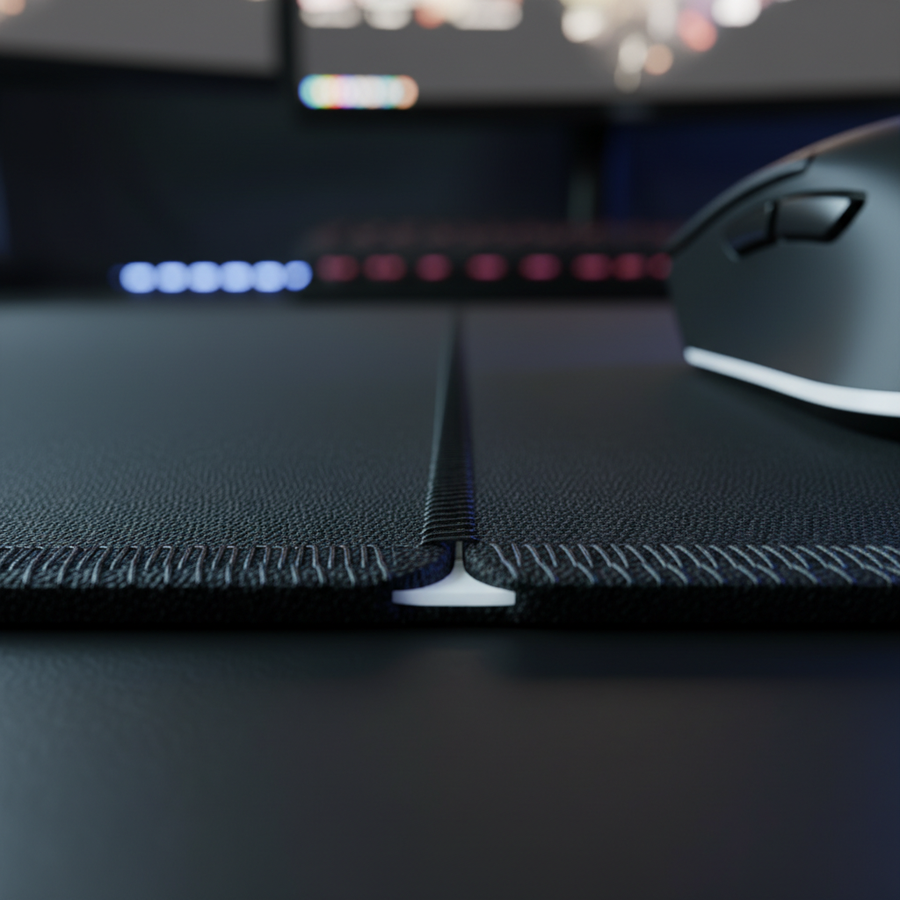
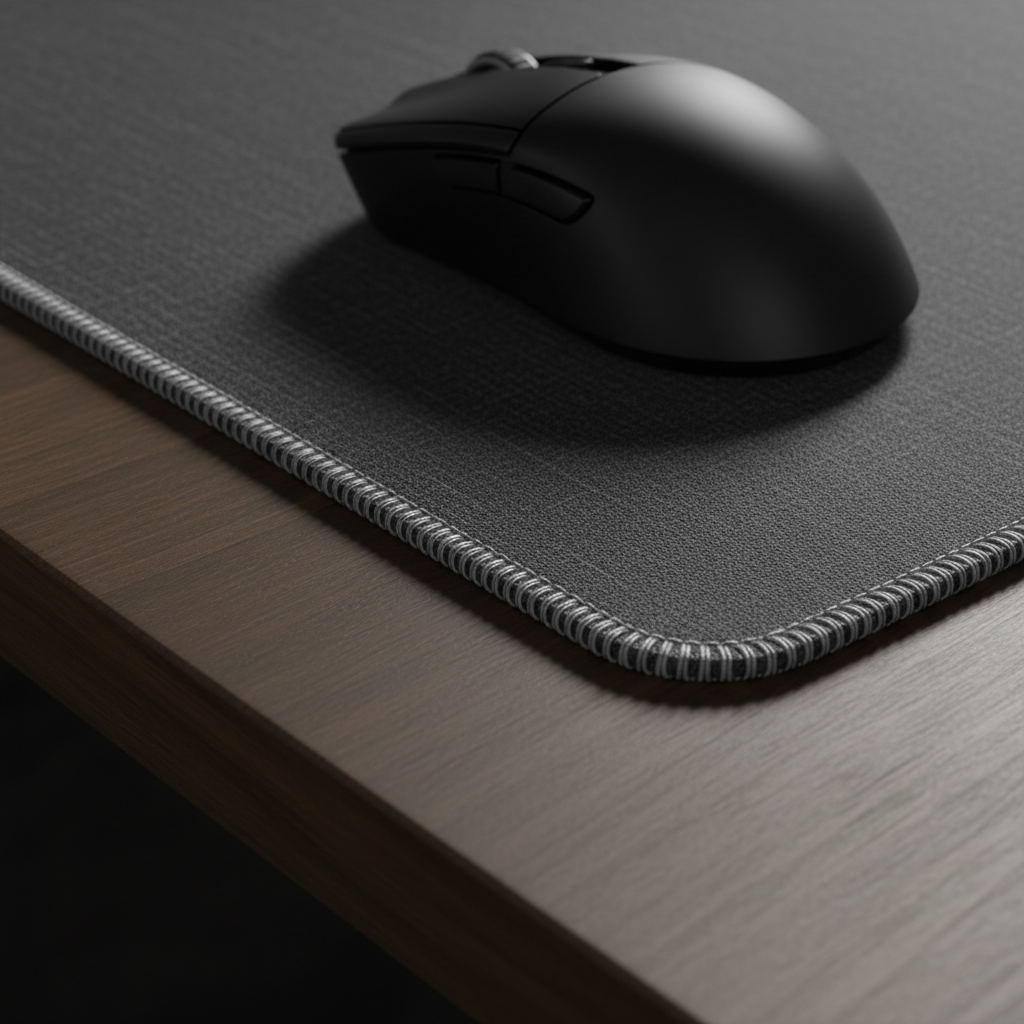
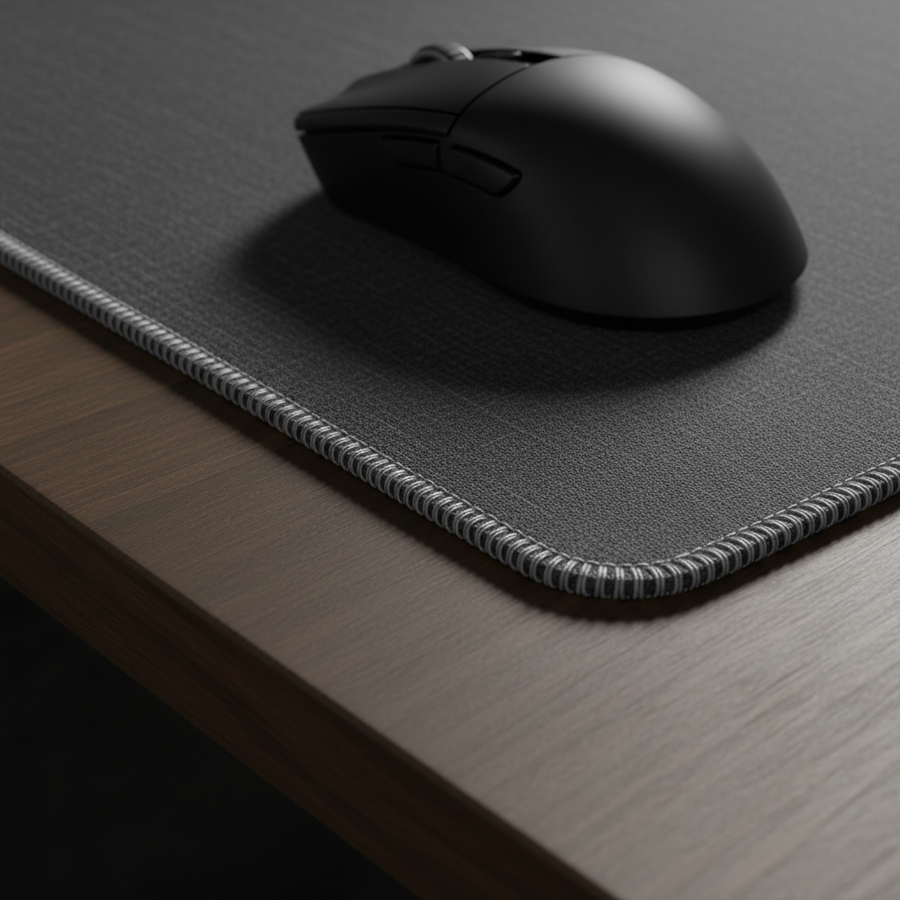
A stitched edge is traditionally marketed as a durability feature, designed to prevent the surface fabric from delaminating from the rubber base. However, for performance-driven gamers, this raised border can introduce a mechanical "catch-and-drag" phenomenon. According to performance testing highlighted by Setup.gg, flick accuracy can degrade by an estimated 15–25% when the mouse feet traverse a raised stitched edge. This interference occurs because even a minor height differential—as small as 0.5mm—can create a perceptible physical bump that disrupts the smooth, linear velocity required for muscle memory consistency.
For players utilizing low sensitivity settings (e.g., 40cm/360°), wide-angle swipes are a necessity. When a flick shot originates near the center of a pad but terminates near the border, the mouse skates may encounter the stitching. This encounter doesn't just slow the mouse; it creates a micro-stutter that can cause the sensor to misinterpret the motion or, in extreme cases, trigger the sensor's safety cut-off.
Sensor Lift-Off Distance (LOD) and Stitched Barriers
The relationship between the mouse sensor and the tracking surface is governed by the Lift-Off Distance (LOD). Modern high-performance sensors, such as the PixArt PAW3395 or PAW3950, allow users to toggle between 1mm and 2mm LOD settings to suit their playstyle. While conventional wisdom suggests that adjustable LOD solves tracking issues, reality is more complex when physical barriers are involved.
As noted in research from eSports Gaming Gear, a 1.5mm raised stitch creates a height buffer that can exceed the sensor's 1mm LOD setting. If the mouse feet climb onto the stitching during a rapid swipe, the sensor is physically lifted away from its focal plane. This results in a "dead zone" where the cursor stops moving mid-flick, even though the player's arm is still in motion.
Methodology Note: This analysis assumes a deterministic scenario where the mouse foot geometry (sharp OEM corners) meets a non-recessed stitched edge. The 50% height buffer (1.5mm stitch vs. 1mm LOD) is a theoretical model for tracking interruption, not a universal measurement for all pad-mouse combinations.

Persona Deep Dive: Large Hands and Fingertip Grips
To understand the practical impact of edge interference, we must look at specific user ergonomics. Our scenario modeling focuses on a "Competitive FPS Player with Large Hands"—specifically a 95th percentile male (20.5cm hand length). This persona typically employs a fingertip grip to maximize micro-adjustment control.
Using the Grip Fit Heuristic (Ideal Length ≈ Hand Length * 0.6), a player with 20.5cm hands is best served by a mouse approximately 123mm long. However, because fingertip grip users hold the mouse further forward with no palm contact, the mouse is often positioned closer to the top or side edges of the pad during aggressive swipes.
| Parameter | Value | Unit | Rationale |
|---|---|---|---|
| Hand Length | 20.5 | cm | ANSUR II 95th Percentile Male |
| Grip Style | Fingertip | N/A | High-precision micro-adjustment |
| Ideal Mouse Length | 123 | mm | ISO 9241-410 Ergonomic Baseline |
| Grip Fit Ratio | 0.98 | Ratio | Near-perfect fit for a 120mm mouse |
| Effective LOD | 1.0 | mm | Competitive standard setting |
For this user, the forward-leaning grip increases the frequency of edge contact during 90-180° flicks. The lack of palm stabilization means that any physical "bump" from stitching is transmitted directly to the fingers, causing a more significant disruption to the crosshair path than it would for a palm-grip user who has more mass stabilizing the device.
Sampling Fidelity: The Nyquist-Shannon Minimum
Precision isn't just physical; it's mathematical. For a competitive player on a 1440p monitor with a 103° Field of View (FOV) and 40cm/360° sensitivity, the system must sample enough data points to avoid "pixel skipping."
Applying the Nyquist-Shannon Sampling Theorem, the sampling rate (DPI) must be at least twice the signal bandwidth (Pixels Per Degree). Our modeling indicates a minimum requirement of approximately 1,150 DPI for this specific setup. Players using 800 DPI under these conditions may experience aliasing, which manifests as jerky cursor movement. When this digital sampling error is combined with the physical interference of a stitched edge, the degradation of aim becomes compounding.
To achieve optimal sampling fidelity, we recommend a baseline of 1,200 to 1,600 DPI, with in-game sensitivity adjusted downward to maintain the preferred cm/360° ratio. This ensures the sensor has enough "pixel headroom" to maintain tracking even during the slight vertical shifts caused by crossing a stitched border.
Material Hardness and Effective Edge Angles
The severity of edge interference is also a function of the mouse pad's base material. Mouse pads generally fall into two categories regarding hardness: soft cloth (foam base) and hard/hybrid (carbon fiber or plastic).
- Soft Pads: A soft, pliable pad allows the mouse to sink slightly into the surface. While this provides more control, it increases the "effective angle" at which the mouse feet meet the stitched edge. During a flick, the compressed foam creates a steeper incline for the mouse to climb, amplifying the catch-and-drag effect.
- Hard Pads: Rigid surfaces, such as the ATTACK SHARK CM04 Genuine Carbon Fiber eSport Gaming Mousepad, offer no compression. This creates a consistent, flush surface. Because the ATTACK SHARK CM04 Genuine Carbon Fiber eSport Gaming Mousepad is only 2mm thick (roughly 30% thinner than standard mats), it minimizes the height differential at the edge, effectively removing the mechanical barrier.
According to the Global Gaming Peripherals Industry Whitepaper (2026), the trend in professional play is shifting toward either non-stitched edges or "recessed stitching," where the thread sits below the level of the tracking surface. Analysis of the VALORANT pro scene by ProSettings shows that many top-tier players specifically avoid raised stitching to ensure uninterrupted edge tracking.

The Impact of High Polling Rates (8K)
As technology evolves toward 8000Hz (8K) polling rates, the impact of physical interference becomes even more pronounced. At 8000Hz, the mouse sends a packet every 0.125ms. This near-instant reporting rate means that any micro-stutter caused by a stitched edge is sampled and reported to the OS eight times more frequently than at the standard 1000Hz.
To successfully utilize 8K polling, the system requires significant headroom:
- Sensor Saturation: To saturate the 8000Hz bandwidth, a user must move at least 10 IPS (Inches Per Second) at 800 DPI. At 1600 DPI, only 5 IPS is required. High-speed flick shots easily exceed these thresholds, making the physical smoothness of the pad edge vital.
- Motion Sync Latency: At 8000Hz, Motion Sync adds a negligible delay of ~0.0625ms.
- System Bottleneck: 8K polling stresses the CPU's Interrupt Request (IRQ) processing. We strongly advise connecting 8K-capable mice directly to the motherboard's rear I/O ports. Using front-panel headers or USB hubs can lead to packet loss, which, when combined with a "catch" on a stitched edge, can cause severe cursor jumping.
Practical Mitigation and Edge Modification
If you find that your current setup suffers from edge interference, there are several professional-grade solutions to consider before replacing your gear.
1. Evaluate Mouse Foot Geometry
The shape of your mouse skates significantly impacts how they interact with borders. Larger, rounded skates (often referred to as "dot skates" in the aftermarket community) tend to glide over edges more smoothly than standard OEM feet with sharp, 90-degree corners. Rounded edges allow the mouse to "surf" over the stitching rather than catching on it.
2. Strategic Pad Placement
A common setup mistake is using a pad that is too small for your sensitivity. If your flick shots frequently traverse the border zone, consider an oversized mat like the ATTACK SHARK CM02 eSport Gaming Mousepad or the ATTACK SHARK CM03 eSport Gaming Mouse Pad (Rainbow Coated). These models feature ultra-fine fiber precision narrow edges specifically designed to allow arms and mice to slide unhindered.
3. DIY Edge Beveling (Advanced Users)
Experienced players often use high-grit sandpaper (800–1000 grit) to sand down high, stiff stitching. By using a controlled, flat motion, you can create a gradual bevel on the stitching. This reduces the catch point without compromising the structural integrity of the edge. Note: This modification is permanent and should be done with caution to avoid damaging the tracking surface.
4. Ergonomic Support
For those who prioritize wrist health alongside performance, the ATTACK SHARK Cloud Mouse Pad offers an integrated memory foam wrist rest. While the wrist rest itself acts as a natural "border," its soft memory foam construction provides a cushioned transition that prevents the hard mechanical stop associated with traditional stitching.

Compliance and Hardware Integrity
When selecting high-performance peripherals, verifying technical compliance ensures long-term reliability. Reliable manufacturers provide documentation through the FCC Equipment Authorization (FCC ID Search) and ISED Canada Radio Equipment List (REL). These certifications confirm that the wireless frequencies used (typically 2.4GHz) meet strict interference and safety standards.
Furthermore, for wireless devices, battery safety is paramount. Ensure your gear complies with the UN 38.3 standard for lithium battery transport and the EU Battery Regulation (EU) 2023/1542 for sustainability and safety. High-quality mice should also adhere to the IEC 62368-1 safety standard for audio/video and ICT equipment.
Summary of Findings
The "border problem" is a physical reality that can undermine even the most advanced sensor technology. For the competitive gamer, the choice of mouse pad edge profile is as critical as the choice of mouse sensor.
- Avoid High Stitching: If you use low sensitivity or a fingertip grip, prioritize pads with recessed or ultra-fine stitching.
- Thickness Matters: Thinner pads (like the 2mm CM04) reduce the physical height of the edge barrier.
- DPI Optimization: Maintain at least 1,150 DPI (for 1440p) to ensure sampling fidelity during rapid swipes.
- Rounded Skates: Upgrade to rounded PTFE skates to minimize the mechanical "catch" on pad borders.
By addressing these physical and mathematical variables, you can ensure that your flick shots are limited only by your skill, not by the edge of your equipment.
Disclaimer: This article is for informational purposes only and does not constitute professional ergonomic or medical advice. Always consult with a qualified professional regarding repetitive strain injuries or physical setup modifications.