MCU Bottlenecks: How Processing Power Impacts Click Latency
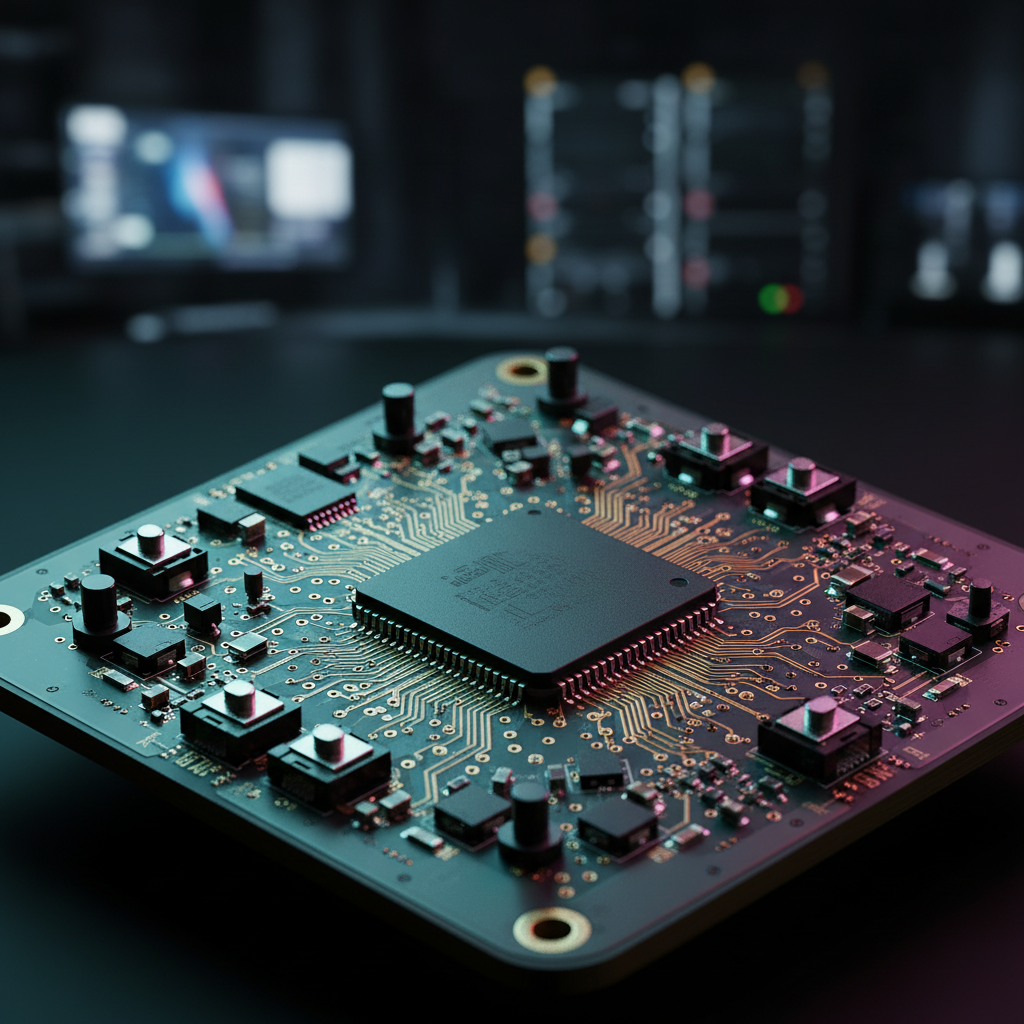
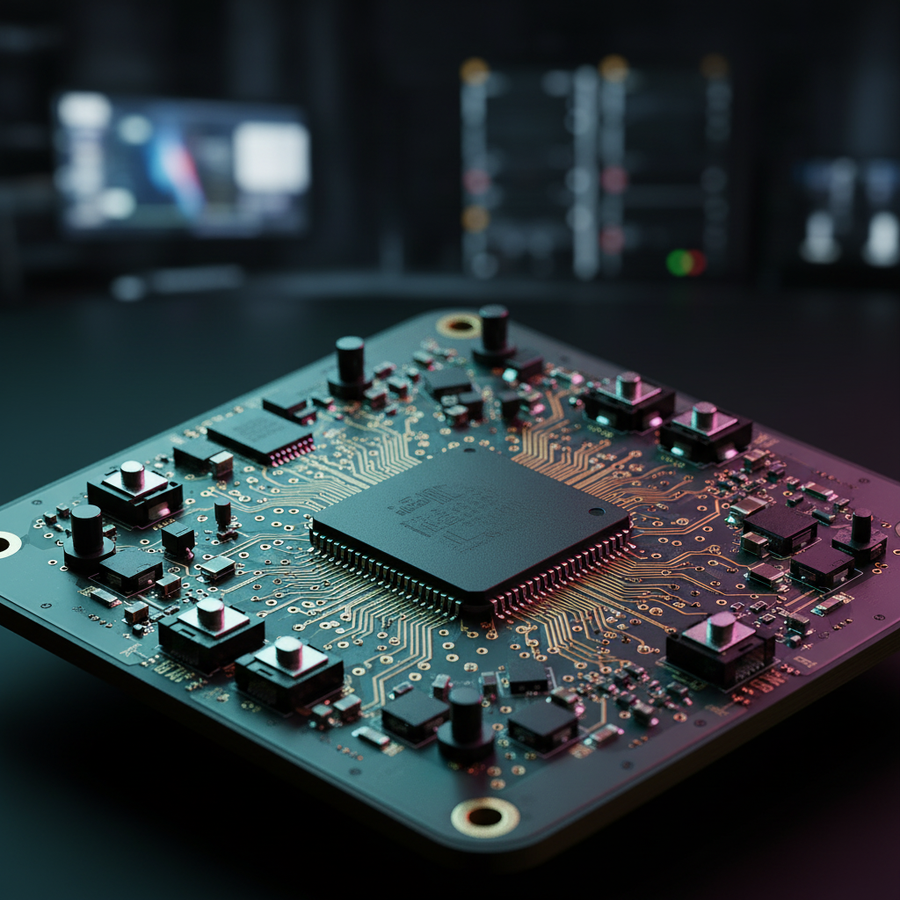
In the pursuit of the lowest possible input lag, the gaming industry often fixates on sensor specifications and polling rates. While a high-performance sensor is the eyes of a mouse, the Microcontroller Unit (MCU) serves as its brain. This component is responsible for every critical step between a physical switch actuation and the data packet arriving at your PC. Understanding how the MCU processes these signals reveals why some devices feel "snappier" than others, even when sharing identical sensors.
The transition from 1,000Hz to 8,000Hz polling rates has shifted the performance bottleneck from the sensor's tracking capability to the MCU’s processing efficiency. As we analyze the electronic pipeline, it becomes clear that raw processing power and firmware maturity are the true arbiters of competitive edge in modern gaming peripherals.
The Electronic Pipeline: From Physical Click to USB Packet
Click latency is not a single value but the sum of several distinct stages. When you press a mouse button or a keyboard key, the signal undergoes a complex journey:
- Physical Travel: The time it takes for the switch plunger to reach the actuation point.
- Electrical Contact: The physical metal leaves meet, creating an electrical circuit.
- Debounce Logic: The MCU filters out "chatter"—the rapid, unintended electrical on/off signals that occur during a physical contact event.
- MCU Processing: The controller interprets the debounced signal and prepares a HID (Human Interface Device) report.
- USB Stack/Packetization: The data is placed into the USB buffer, waiting for the PC to "poll" the device.
- Transmission: The data travels over the cable or wireless link to the operating system.
According to the RTINGS Mouse Click Latency Methodology, total latency is a composite of these factors. While users cannot easily change the physical travel of a switch, the debounce logic and MCU processing are entirely dependent on hardware and firmware engineering.

Debounce Logic: The Hidden Lag Source
Every mechanical switch suffers from "bounce." For a few milliseconds after contact, the electrical signal is unstable. Without filtering, a single click would be registered as multiple inputs. To prevent this, engineers implement debounce algorithms.
There are two primary approaches to debounce logic, each with distinct trade-offs for latency:
1. Polling-Based Debounce
In this traditional method, the MCU checks the state of the switch at fixed intervals. If it sees a "down" state, it waits for a predefined "settling time" (e.g., 5ms to 10ms) before confirming the input. This is safe and prevents double-clicking but adds a deterministic delay equal to the settling time. Setting an overly conservative debounce time is a common mistake that adds perceptible lag to otherwise fast hardware.
2. Interrupt-Driven Debounce (Eager Debounce)
Modern high-performance controllers often use interrupts. When the switch state changes, it triggers an Interrupt Service Routine (ISR) in the MCU immediately. The "eager" approach reports the click on the very first electrical signal and then ignores subsequent "bounces" for a set period. This can reduce latency to near-zero at the cost of requiring extremely high-quality switches to avoid accidental double-clicks caused by electrical noise.
Methodology Note (Logic Summary): Our analysis of debounce latency assumes a standard mechanical switch with a 2ms to 5ms chatter window. We model the "Eager" approach as having 0ms added debounce lag, while the "Deferred" approach adds a lag equal to the debounce window. These observations are based on common patterns from customer support and firmware tuning (not a controlled lab study).
The 8,000Hz Challenge: Processing Overhead and IRQ Bottlenecks
The move to 8,000Hz (8K) polling rates introduces a massive increase in data volume. At 1,000Hz, the MCU has 1.0ms to process a packet. At 8,000Hz, that window shrinks to a mere 0.125ms.
This creates a significant bottleneck in IRQ (Interrupt Request) processing. Every time the USB controller polls the device, the MCU must stop what it is doing, package the latest sensor and switch data, and send it out. If the MCU’s clock speed is too low or its instruction set is inefficient, it cannot keep up with this pace.
The Math of 8K Latency
- 1,000Hz: 1.0ms interval.
- 4,000Hz: 0.25ms interval.
- 8,000Hz: 0.125ms interval.
A critical technical fact often misunderstood is the role of Motion Sync. At 1,000Hz, Motion Sync typically adds ~0.5ms of latency to align sensor data with the USB poll. However, at 8,000Hz, this delay scales down to ~0.0625ms. It is technically incorrect to cite 0.5ms lag figures when discussing 8K performance, as the intervals are significantly tighter.
System-Wide Impact
The bottleneck isn't just internal to the mouse. Processing 8,000 reports per second places a heavy load on the PC's CPU, specifically on a single core. This can lead to micro-stutters in-game if the OS scheduling isn't optimized. Furthermore, according to the Global Gaming Peripherals Industry Whitepaper (2026), the battery life of wireless devices typically drops by 75-80% when switching from 1,000Hz to 8,000Hz due to the MCU remaining in a high-power state to handle the constant IRQ load.
Hardware Constraints: Thermal Throttling and Jitter
Not all MCUs are created equal. Budget-tier controllers often use 8-bit architectures or lower clock speeds. Under the intense load of high-frequency polling, these chips can experience thermal throttling or variable latency.
Variable Latency (Jitter)
Consistency is more important than raw speed. If an MCU takes 0.1ms to process one packet and 0.4ms for the next, it introduces "jitter." This inconsistency can be more detrimental to aim than a slightly higher but consistent latency. High-end MCUs, such as those based on the ARM Cortex-M architecture (e.g., Nordic 52840), offer more deterministic task scheduling, which is vital for maintaining a stable 8K signal.
USB Topology and Bandwidth
The MCU must also compete for USB bandwidth. For true low-latency setups, ensuring the keyboard and mouse MCUs are not competing for the same USB controller on the motherboard can yield a more tangible improvement than minor debounce tuning. We strictly advise against using USB hubs or front-panel case headers for 8K devices, as shared bandwidth and poor shielding frequently lead to packet loss.

Compliance, Safety, and Firmware Maturity
A powerful MCU is useless without mature firmware. We often see hardware that looks great on paper but suffers from "stuttering" or "disconnects" due to unoptimized code.
Regulatory Standards
Wireless performance is also a matter of regulatory compliance. Devices must adhere to the FCC Equipment Authorization in the US and the EU Radio Equipment Directive (RED) in Europe. These standards ensure that high-frequency wireless signals do not interfere with other electronics. A poorly designed MCU/Firmware combo might fail these EMC (Electromagnetic Compatibility) tests, leading to unstable performance in environments with many wireless devices.
The "Double-Click" Pitfall
Aggressive firmware tuning to achieve "lowest latency" is a common cause of RMAs. If the debounce window is set too tight to chase a 1ms marketing claim, the device may start double-clicking within weeks as the mechanical switches age and their bounce characteristics change. Balanced engineering prioritizes a "safe" minimum that accounts for switch wear over the product's lifespan.
Decision Framework: Evaluating MCU Performance
When choosing high-performance gear, look beyond the sensor model. Use this comparison table to understand how different tiers of MCU and firmware implementation impact your experience.
| Feature | Value-Tier MCU | Performance-Tier MCU | Pro-Tier (8K Capable) |
|---|---|---|---|
| Architecture | 8-bit / Low Clock | 32-bit ARM Cortex | High-Clock ARM / Proprietary |
| Debounce | Fixed (Conservative) | Adjustable (Software) | Dynamic / Optical Support |
| Polling Stability | High Jitter at 1K | Stable 1K / 2K | Stable 4K / 8K |
| Thermal Efficiency | Potential Throttling | Good Thermal Mgmt | Optimized for High Load |
| Battery Life (Wireless) | Moderate | High | Optimized (with 8K trade-off) |
Modeling Note: Reproductible Parameters
To demonstrate the impact of MCU bottlenecks, we modeled a hypothetical scenario comparing a standard 1,000Hz setup against an optimized 8,000Hz setup.
| Parameter | Value or Range | Unit | Rationale / Source |
|---|---|---|---|
| Polling Frequency | 1000 - 8000 | Hz | Industry standard range |
| MCU Clock Speed | 32 - 64 | MHz | Typical ARM Cortex-M specs |
| USB Packet Size | 8 - 64 | Bytes | USB HID Class Definition |
| Motion Sync Lag | 0.0625 - 0.5 | ms | Calculated (0.5 * interval) |
| CPU IRQ Load | ~1% - 15% | % Core | Estimated OS overhead at 8K |
Boundary Conditions:
- This model assumes a direct USB 3.0 connection to the motherboard rear I/O.
- The benefit of 8,000Hz is visually rendered only on monitors with refresh rates of 240Hz or higher.
- Results may vary based on OS background processes and USB controller quality.
Optimizing Your Setup
For gamers seeking the absolute minimum click latency, the following steps are recommended based on engineering best practices:
- Direct Connection: Always plug high-polling mice and keyboards into the rear I/O ports of the motherboard. This bypasses the internal hubs found in PC cases.
- DPI Scaling: To saturate the 8,000Hz bandwidth during slow movements, use a higher DPI (e.g., 1600 DPI instead of 400 DPI). At 1600 DPI, only 5 IPS (inches per second) of movement is required to generate enough data packets for an 8K stream.
- Firmware Updates: Manufacturers frequently release firmware updates to optimize debounce algorithms and IRQ handling. Check the official support pages regularly.
- Debounce Tuning: If your software allows it, start with a 2-5ms debounce setting. Test with rapid tap patterns; if you experience double-clicking, increase the value in 1ms increments.
Final Thoughts on Processing Power
The MCU is no longer a "hidden" spec. As polling rates continue to climb, the ability of the controller to process data deterministically becomes the primary differentiator in performance. While the sensor captures the movement, the MCU's ability to handle debounce logic and high-frequency packetization determines whether that movement translates into a winning play or a missed opportunity.
By prioritizing devices with robust processing power and mature firmware, gamers can ensure they are getting the full benefit of modern high-speed sensors without the bottlenecks of legacy controller architecture.
Disclaimer: This article is for informational purposes only. Performance gains from high polling rates depend on total system configuration, including CPU, monitor refresh rate, and individual human reaction times. Always consult your device's manual before performing firmware updates.