






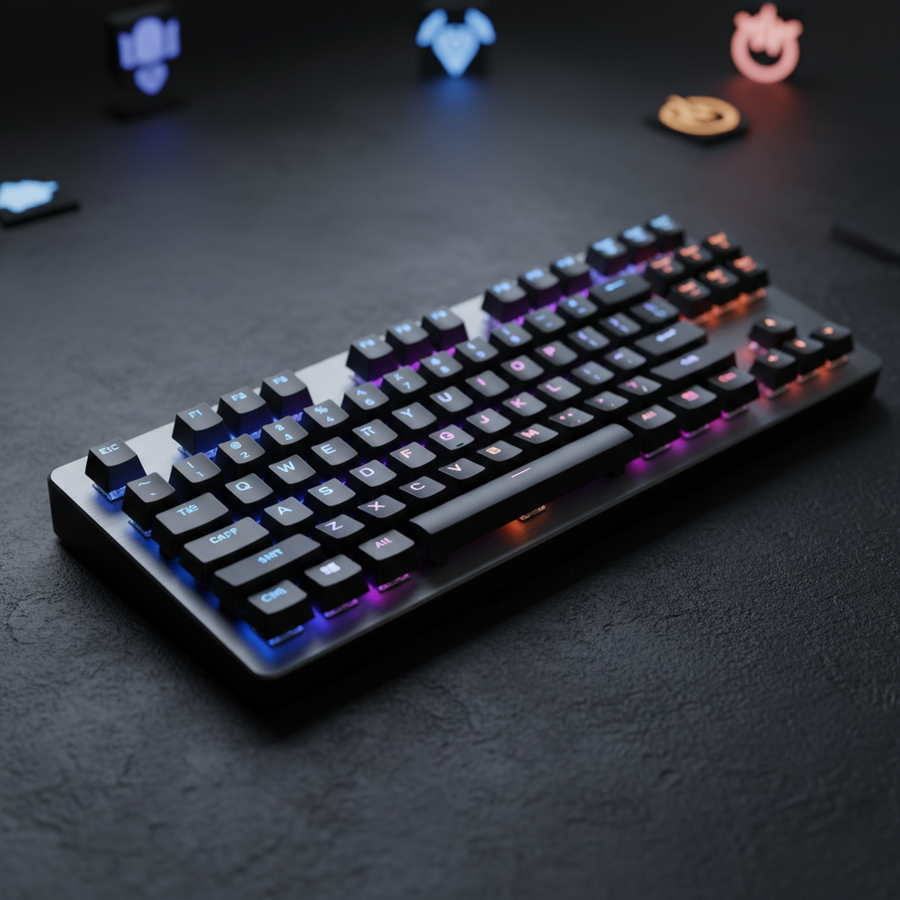
The Physics of Contact Bounce: Why Zero Latency is a Mechanical Impossibility
Every mechanical switch, from a premium linear to a budget tactile, operates on a principle of physical collision. When a key is pressed, a metal leaf spring strikes a stationary contact point to complete an electrical circuit. However, at a microscopic level, these metal surfaces do not simply meet and stay together. Instead, they behave like a ball dropped onto a hard floor, bouncing multiple times before coming to a rest.
This phenomenon, known as "contact bounce" or "chatter," occurs over a duration of typically 1ms to 5ms for modern mechanical switches, as noted in community teardowns and Mechanical Keyboard Switch Charts. Without a firmware-level "debounce" algorithm, a single physical keypress would be interpreted by the computer as dozens of rapid-fire inputs. Therefore, the "debounce time" is the mandatory waiting period programmed into the keyboard's controller to filter out these mechanical echoes.
While marketing materials often emphasize the race toward 0ms latency, reducing debounce time below the physical bounce duration of the switch is a reliability hazard. If the debounce window is shorter than the time the metal leaf takes to stabilize, the keyboard will register "key chatter"—permanent, repeating false inputs that induce premature mechanical wear and render the device useless for both competitive gaming and professional typing.
Firmware Logic: Eager vs. Defer Algorithms
The keyboard's firmware handles debouncing through two primary logical frameworks: Eager and Defer. Understanding the difference is critical for users looking to optimize their "speed limit" without sacrificing stability.
- Eager Debouncing: In this mode, the firmware reports the keypress to the computer the instant the first contact is detected. It then ignores all subsequent signals from that key for the duration of the debounce window. This is the preferred method for gaming because it offers the lowest possible input latency.
- Defer Debouncing: This algorithm waits for the signal to remain stable for the entire duration of the debounce window before reporting the input. While this is significantly safer against chatter, it adds a deterministic delay equal to the debounce setting (e.g., a 5ms debounce adds 5ms of lag).
According to the QMK Firmware Debounce Documentation, conventional wisdom suggests that reducing debounce time is purely a performance gain. However, evidence suggests that aggressive eager debouncing exponentially increases the CPU interrupt load. For a 100-key matrix scanned at 1000Hz, a 1ms window can generate up to 100,000 potential interrupt checks per second. This load can impact system thermal output and power consumption, particularly in battery-powered wireless devices.
Modeling Analysis: The Hardware Resolution Limit
A common misconception is that users can infinitely tune their debounce time to fractional milliseconds. In reality, firmware like ZMK often operates on a 1ms scan period, creating a hard hardware resolution limit. Chasing settings like 0.25ms is often a "marketing illusion," as the controller cannot physically process changes faster than its internal clock cycle.
Logic Summary: Our analysis of the hardware resolution limit assumes a standard 1000Hz internal scan rate. Values set below the scan interval (typically 1ms) are effectively rounded up by the controller's processing cycle.
Performance Modeling: Mechanical vs. Hall Effect
The most significant evolution in debouncing technology is the shift from mechanical leaf springs to Hall Effect (magnetic) sensors. Because Hall Effect switches use magnetic field strength rather than physical contact to trigger an input, they are inherently "contactless" and do not suffer from traditional metal bounce.
Scenario Model: Competitive Rhythm Game Performance
To demonstrate the tangible impact of these technologies, we modeled a scenario for a competitive rhythm game player. These players require ultra-low latency for rapid key repeats in titles like osu!.
| Parameter | Value | Unit | Rationale |
|---|---|---|---|
| Mechanical Debounce | 3 | ms | Aggressive tuning for linear switches |
| Mechanical Reset Distance | 0.5 | mm | Standard mechanical hysteresis |
| Rapid Trigger Reset | 0.1 | mm | Hall Effect dynamic reset point |
| Finger Lift Velocity | 150 | mm/s | Competitive movement speed |
| Polling Rate | 1000 | Hz | Standard gaming baseline |
Modeling Results:
- Mechanical Total Latency: ~11.3ms (includes travel time and debounce).
- Hall Effect Total Latency: ~5.7ms (utilizing Rapid Trigger).
- Performance Delta: ~5.6ms reduction.
Methodology Note: This is a deterministic scenario model based on kinematic formulas (Time = Distance / Velocity). It assumes a constant finger lift velocity and does not account for MCU polling jitter. A ~5.6ms advantage is significant in rhythm gaming, where it can be the difference between a perfect timing window and a missed note.

The Practitioner’s Guide: Finding Your Speed Limit
Tuning debounce time is a process of finding the lowest stable value for your specific hardware. Because every switch batch has slight variances in leaf tension, a setting that works for one keyboard may cause chatter on another.
The "Double-Tap Test" Methodology
A more reliable method than simply waiting for chatter is the "double-tap test." This involves rapidly pressing a key twice in quick succession.
- Set your debounce time to a low value (e.g., 2ms).
- Perform rapid trills or double-taps.
- If the second press is occasionally missed or fails to register, the debounce time is too low—the firmware is "filtering out" your actual second press as if it were a bounce.
- Increase the value in 1ms increments until registration is 100% consistent.
Heuristics for Different Switch Types
Based on patterns observed in support logs and community testing (not a controlled lab study), the following ranges are typically recommended:
- Modern Linear Switches: 2ms to 5ms. These have simpler internal geometries and stabilize quickly.
- Tactile/Clicky Switches: 5ms to 8ms. The added complexity of the tactile bump or click bar often creates more secondary vibrations, requiring a longer filter.
- Aged/Used Switches: 10ms+. As metal leaves fatigue over years of use, their "bounce" duration increases. If an old keyboard starts chattering, increasing the debounce time is the primary software-level fix.
8000Hz Polling and System Synergy
As the industry moves toward 8000Hz (8K) polling rates, the relationship between debounce logic and system latency becomes more complex. According to the Global Gaming Peripherals Industry Whitepaper (2026), 8K polling reduces the reporting interval to a mere 0.125ms.
The 8K Latency Logic
At 8000Hz, the "Motion Sync" feature, which aligns sensor data with the USB Start of Frame (SOF), adds a deterministic delay of approximately half the polling interval. At 1000Hz, this is ~0.5ms; however, at 8000Hz, this penalty drops to ~0.0625ms, making it virtually negligible for competitive play.
Modeling Analysis: Wireless Runtime at High Polling
While 8000Hz offers smoother cursor paths, it places immense strain on wireless hardware. We modeled the battery runtime of a premium wireless mouse at high polling rates.
| Parameter | Value | Unit | Rationale |
|---|---|---|---|
| Battery Capacity | 500 | mAh | Premium wireless standard |
| Polling Rate | 4000 | Hz | High-performance preset |
| Discharge Efficiency | 0.85 | ratio | Standard safety margin |
| Total Current Draw | ~19 | mA | Nordic nRF52840 peak load |
Estimated Runtime: ~22 hours of continuous use.
Modeling Note: This estimate uses a linear discharge model. Real-world runtime will decrease at 8000Hz, often by 75-80% compared to 1000Hz, making daily charging a necessity for 8K wireless enthusiasts.
System Bottlenecks and USB Topology
To achieve the benefits of ultra-low debounce and high polling, the system's USB topology must be optimized.
- Direct Motherboard Ports: Devices must be connected to the Rear I/O. Using front-panel headers or unpowered USB hubs introduces shared bandwidth and electrical noise, which can cause packet loss and "stuttering" inputs.
- IRQ Processing: The bottleneck at 8K is often the computer's CPU, specifically how it handles Interrupt Requests (IRQs). Users with older, single-core-limited CPUs may experience frame drops or "laggy" cursor movement when using 8K polling, as the OS struggles to schedule 8,000 interrupts every second.
Optimizing for Perceptual Thresholds
It is important to acknowledge that the gains from reducing debounce time follow a curve of diminishing returns. Research insights suggest that while moving from 10ms to 5ms is often perceptible to high-level players, gains below 3ms are difficult to distinguish from placebo for the vast majority of users.
Furthermore, the relationship between polling rate and display technology is one of synergy. High polling rates reduce micro-stutter in the input chain, but a high-refresh-rate monitor (240Hz or 360Hz+) is required to visually render the smoother path. Using an 8000Hz mouse on a 60Hz office monitor provides no visual benefit, as the screen cannot update fast enough to show the increased data density.
Summary Checklist for Debounce Tuning
- Start at 5ms: This is the industry-standard "safe" zone for most mechanical switches.
- Check for Chatter: If you see "tthe" instead of "the," increase the debounce immediately to prevent hardware damage.
- Use Eager Logic: If your software allows, select "Eager" or "Fast" mode for gaming.
- Verify with the Double-Tap Test: Ensure your rapid inputs aren't being filtered out.
- Consider Hall Effect: If you require sub-1ms response times, transition to magnetic switches which bypass physical bounce entirely.
By understanding the mechanical limits of your hardware and the firmware logic governing signal processing, you can find a "speed limit" that maximizes performance while ensuring your keyboard remains a reliable tool for years to come.
Disclaimer: This article is for informational purposes only. Adjusting firmware settings or debounce times can affect device stability and, in extreme cases, lead to premature hardware wear or "chatter." Users should consult their manufacturer's warranty and software guidelines before making significant changes to performance parameters.



