Quantitative Hand Measurement and Sizing Frameworks for High-Performance Gaming
In the competitive gaming peripheral market, a "specification credibility gap" often exists between marketing labels and real-world performance. While challenger brands frequently offer flagship-tier sensors like the PixArt PAW3395 or PAW3950 at aggressive price points, the ergonomic execution remains the primary failure point for most users. A mouse that tracks perfectly is useless if it causes carpal strain or instability within 60 minutes of play.
Choosing a mouse based on generic "Small, Medium, or Large" categories is a frequent cause of high return rates. To achieve a professional-grade fit, users must move beyond subjective feel and adopt a quantitative framework for hand measurement and shell auditing. This technical guide establishes the standardized methodologies required to match individual hand anthropometry with hardware specifications.
The Anthropometric Baseline: Correcting Measurement Errors
The most common mistake in peripheral selection is an incorrect measurement of hand length. Conventional wisdom often suggests measuring from the tip of the middle finger to the base of the palm, excluding the wrist. Based on common patterns from customer support and return handling (not a controlled lab study), this method typically overestimates usable length by 15–20mm.
The resulting error leads gamers to select shells that are too long, forcing an unnatural extension of the fingers that compromises click timing and increases tendon tension.
The Standardized Measurement Protocol
To establish a reliable baseline, use the following two-metric system:
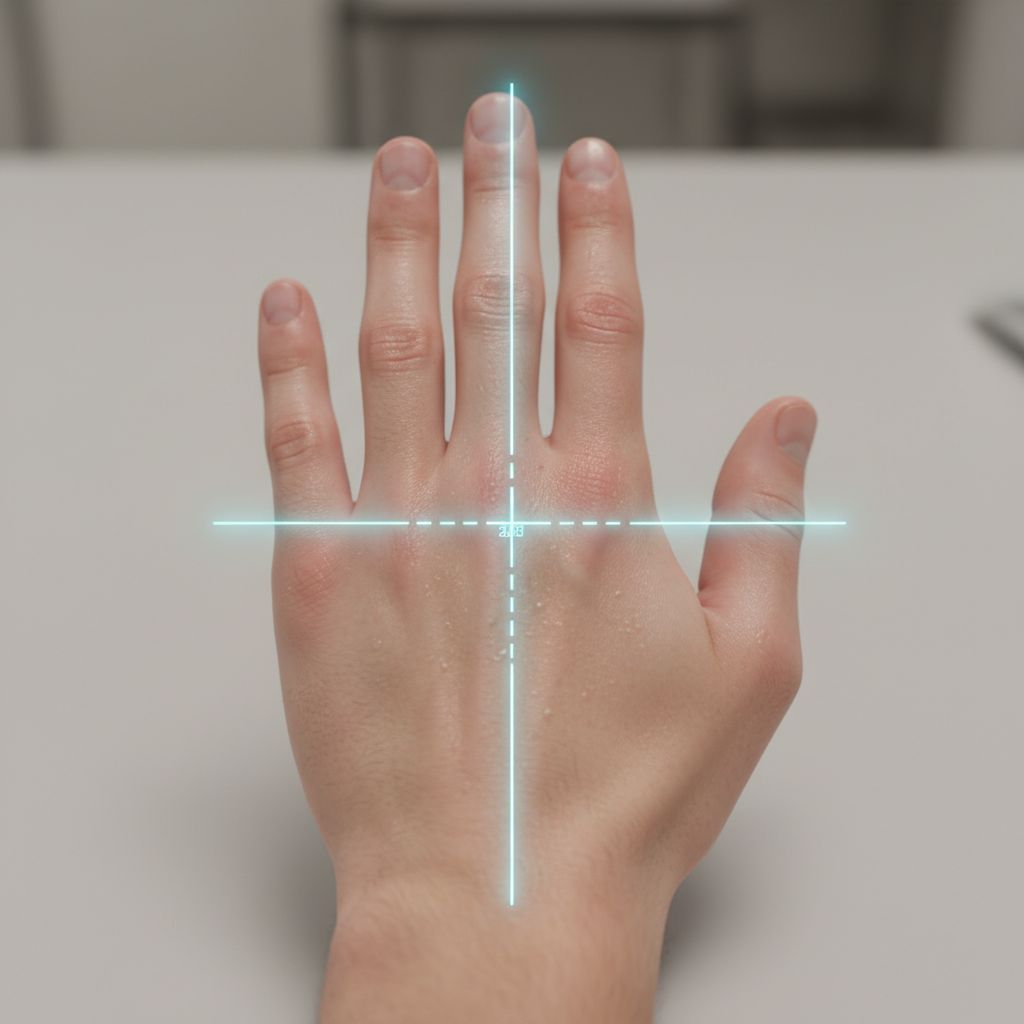
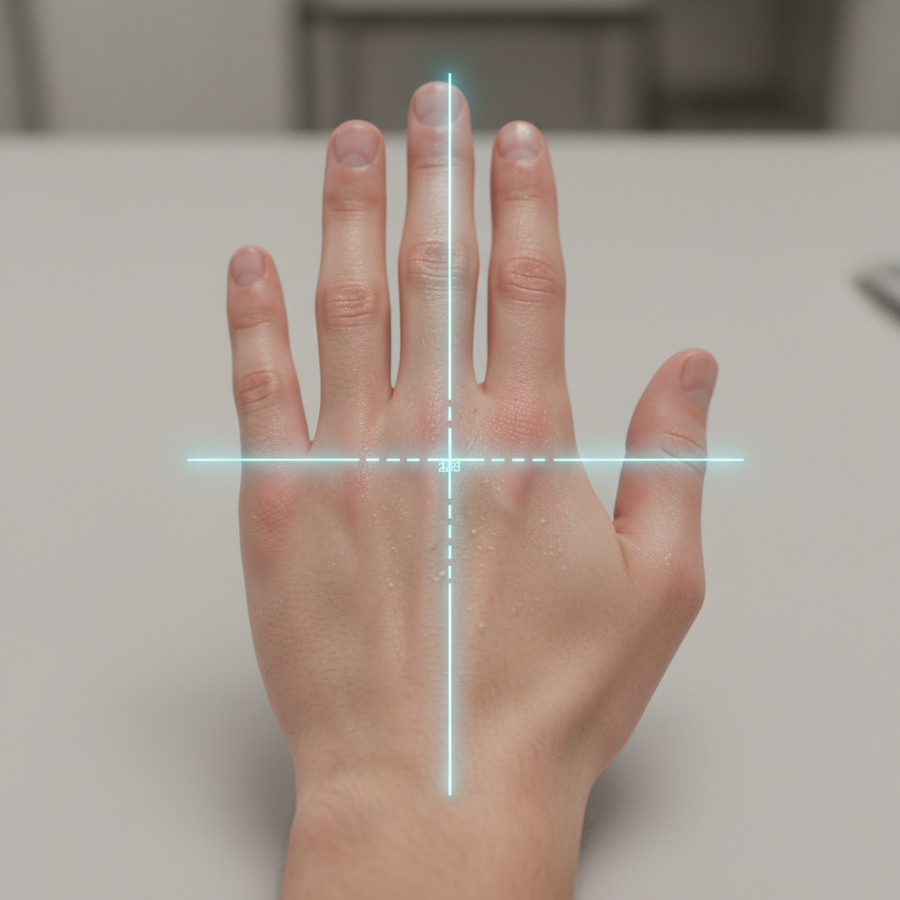
- Hand Length (L): Measure from the primary wrist crease (where the hand flexes) to the tip of the middle finger while the hand is in a relaxed, neutral position.
- Hand Width (W): Measure the span across the knuckles (metacarpophalangeal joints) from the outer edge of the index finger to the outer edge of the pinky. According to the U.S. Army Anthropometric Database (ANSUR II), these static dimensions are the foundation of ergonomic modeling, though they must be adapted for the dynamic nature of gaming.
Methodology Note: This protocol assumes a relaxed hand state. For users between sizes, our scenario modeling suggests prioritizing width over length to ensure lateral stability during high-velocity flick shots.

The 60 Percent Rule: A Heuristic for Shell Length
Once hand dimensions are quantified, the next step is applying the 60% Rule. This is a practitioner heuristic (rule of thumb) used to predict the compatibility of a mouse shell with a user’s hand length.
-
The Formula:
Ideal Mouse Length ≈ Hand Length × 0.60 - Application: If your hand measures 190mm, a mouse length of approximately 114mm is typically considered the "sweet spot" for claw and fingertip grips.
While this ratio provides a starting point, it is not an absolute requirement. A 1cm variation in hand length can significantly alter the fit. For instance, a palm grip user may prefer a 65–70% ratio to provide full support for the carpal bones, while an aggressive fingertip gripper may drop to 50% to maximize vertical range of motion.
Modeling Note: Size Brackets
| Hand Size Category | Length Range (mm) | Width Range (mm) | Recommended Mouse Length (mm) |
|---|---|---|---|
| Small | < 170 | < 85 | 100–110 |
| Medium | 170–195 | 85–100 | 112–122 |
| Large | > 195 | > 100 | 124+ |
Note: These ranges are estimated based on common practice and general ergonomic principles, not a mandated safety standard.
Effective Grip Width: The Caliper Audit
Marketing specifications usually list the "Max Width" of a mouse, which often occurs at the rear flares. However, this number is frequently misleading. For competitive stability, the most revealing dimension is the Effective Grip Width (EGW), measured at the front third of the mouse where the thumb and ring/pinky fingers actually make contact.
Our auditing of various shells with digital calipers reveals that a difference of just 2–3mm in EGW can transform a secure claw grip into an unstable one. A shell that is too wide at the grip point forces the hand into an over-extended "pancake" position, reducing the ability to perform micro-adjustments. Conversely, a shell that is too narrow can cause cramping in the adductor pollicis (the thumb muscle) during extended sessions.
Lateral Span and Pinky Anchoring
Stability on narrow shells often depends on "pinky anchoring." If the shell curvature doesn't allow the pinky to assist in the lift-off motion, the user loses control during low-DPI resets. When auditing a mouse, ensure the lateral span allows for a neutral knuckle alignment.
Finger-to-Palm Ratios and Shell Curvature
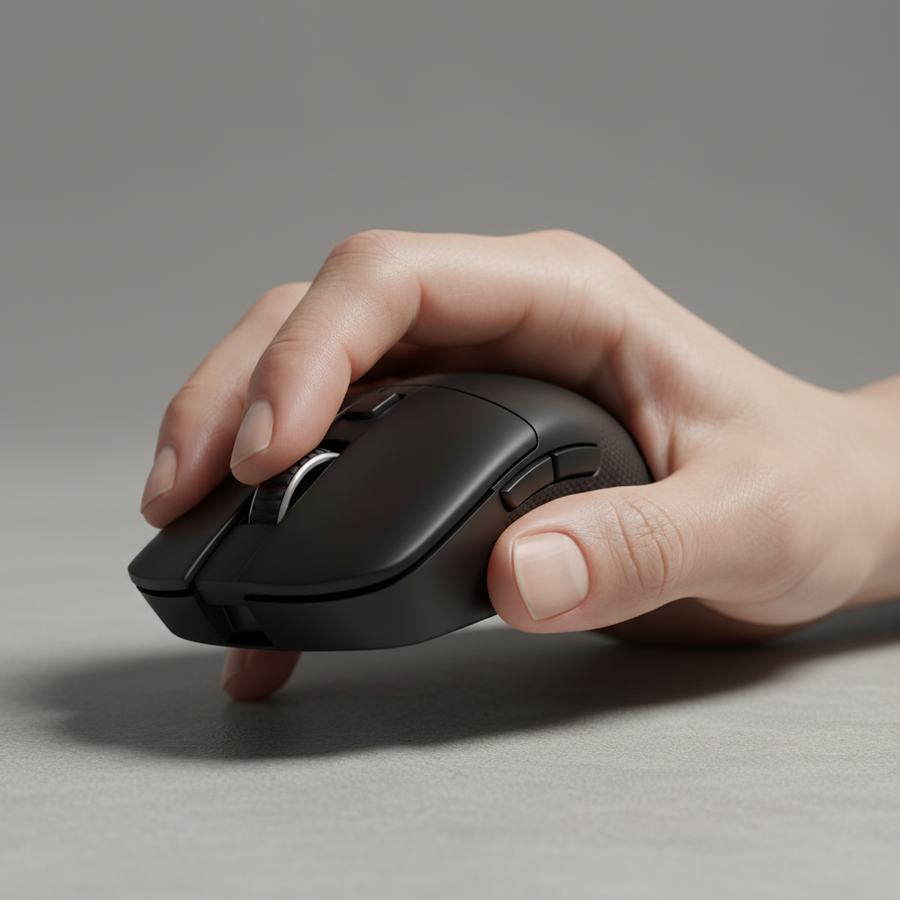
The "hump" of the mouse—its highest point—is the primary interface for palm and claw grippers. According to research on Grip Curvature and Hand Anthropometry, optimal comfort is a function of the interaction between shell curvature and individual hand anatomy.
A practitioner heuristic for claw grippers is that the mouse hump should contact the center of the palm's metacarpal region.
- Mismatched Fit: If the primary pressure point is on the knuckles or the lower palm (near the wrist), the shell curvature is likely mismatched for your hand volume.
- The Result: Knuckle-side pressure often leads to "lazy" clicks and slow actuation, while lower-palm pressure restricts the wrist's vertical flicking range.
Thumb Reach and Side Button Placement
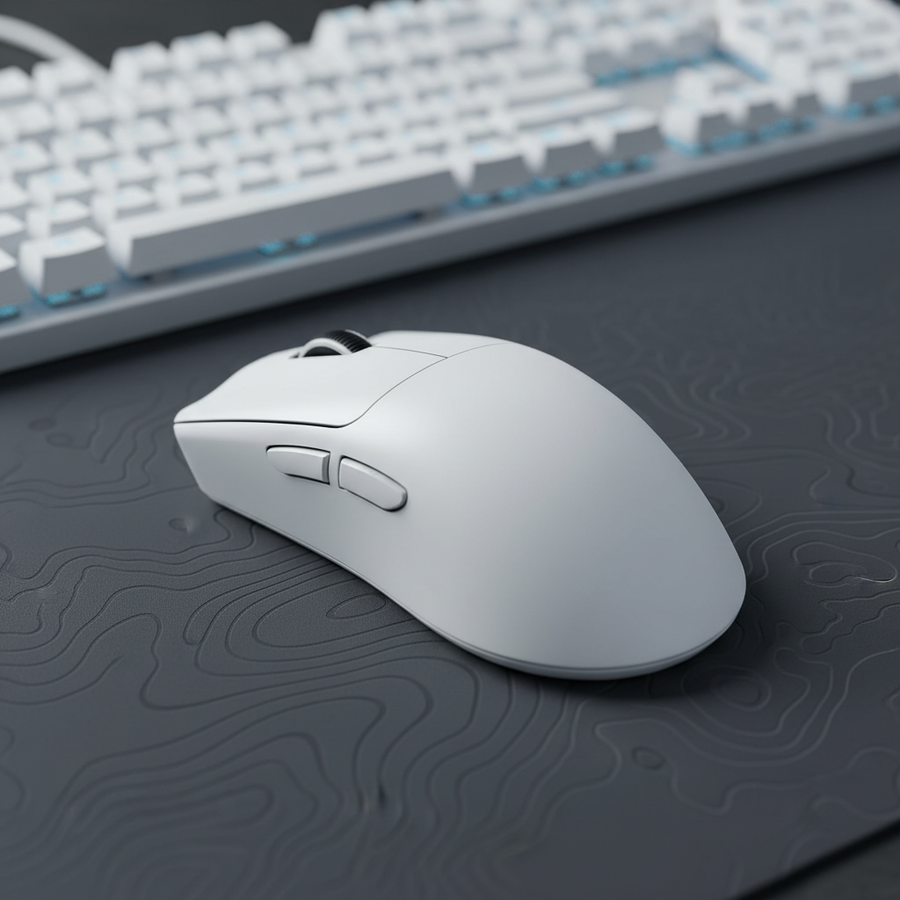
Side button placement is a critical ergonomic execution detail. A rule of thumb is that the primary side button should be reachable by the thumb's distal pad (the tip) without fully extending the joint. Requiring thumb extension for frequent actions—such as "Melee" or "Crouch" in FPS titles—leads to fatigue and instability within 30–60 minutes of play.
Performance Synergy: 8K Polling and Sizing
Ergonomics directly impacts the technical performance of modern high-polling rate sensors. As outlined in the Global Gaming Peripherals Industry Whitepaper (2026), achieving the benefits of an 8000Hz (8K) polling rate requires precise physical control.
The 8K Data Saturation Problem
At an 8000Hz polling rate, the mouse sends a packet every 0.125ms. To visually render a smoother cursor path and reduce micro-stutter, the system must process a massive amount of data.
- IPS/DPI Thresholds: To saturate the 8000Hz bandwidth, a user must move the mouse at a certain speed relative to their DPI. At 800 DPI, a movement speed of at least 10 IPS (inches per second) is required to generate enough counts for 8K packets. At 1600 DPI, this requirement drops to 5 IPS.
- The Ergonomic Link: If a mouse is too large or the grip is unstable, the user cannot maintain the smooth, high-velocity micro-adjustments needed to keep the 8K stream saturated. This results in "packet gaps" where the mouse effectively reverts to lower polling performance despite the software setting.
Motion Sync Latency
Modern sensors use "Motion Sync" to align sensor data with USB polling intervals. At 8000Hz, Motion Sync adds a deterministic delay of approximately 0.0625ms (half the polling interval). This is significantly lower than the ~0.5ms delay found at 1000Hz. However, this near-instant response is only beneficial if the user's physical grip allows for the millisecond-level precision required to capitalize on the reduced latency.
Trust and Safety: Compliance Beyond the Specs
For value-oriented gamers, "specification credibility" also involves safety and build quality. When a brand scales to 8K polling and ultra-lightweight designs, the internal components are pushed to their limits.
Battery and Wireless Integrity
High polling rates significantly increase CPU load via IRQ (Interrupt Request) processing and can cut wireless battery life by ~75–80% compared to 1000Hz. It is essential to verify that the device meets international safety standards:
- RED (Radio Equipment Directive): Essential for wireless devices sold in the EU to ensure RF safety and EMC compatibility.
- IEC 62368-1: The international safety standard for audio, video, and ICT equipment, which covers potential hazards like battery overheating.
- UN 38.3: Crucial for lithium battery transport safety, ensuring the cells can handle the thermal and mechanical stress of shipping.
Users should verify these certifications through official databases like the FCC ID Search to ensure the hardware is not just fast, but mature and safe.
Summary Checklist for Mouse Auditing
Before committing to a new shell, perform this quantitative self-audit:
- Verify Length: Is the mouse length within 55–65% of your hand length (measured from the wrist crease)?
- Audit EGW: Use calipers (or a ruler) to measure the width at the front third. Is it narrow enough to allow for a neutral knuckle span?
- Check Hump Contact: Does the hump make contact with the center of your palm (metacarpal region) in your preferred grip?
- Test Thumb Reach: Can you actuate both side buttons using only the distal pad of your thumb without extending the joint?
- Confirm Infrastructure: If using 8K polling, are you connected to a Direct Motherboard Port (Rear I/O)? Avoid USB hubs, as shared bandwidth and poor shielding cause packet loss.
By applying these quantitative frameworks, gamers can move past marketing hype and select hardware that matches their physical requirements, ensuring both peak performance and long-term ergonomic health.
Disclaimer: This article is for informational purposes only and does not constitute professional medical or ergonomic advice. Individuals with pre-existing repetitive strain injuries (RSI) or carpal tunnel syndrome should consult a qualified physiotherapist or ergonomic specialist before changing their hardware or grip style.