The Dark Room: Building a Stealth No-RGB Minimalist Setup
For a long time, the gaming world was obsessed with "more." More LEDs, more colors, more flash. But lately, we’ve seen a massive shift in the community. The trend-aware gamer is moving toward the "Dark Room" aesthetic—a stealthy, high-performance environment where the focus isn't on the gear's glow, but on the screen's action.
In our support tickets and community discussions, we’ve noticed a recurring frustration: "How do I build a setup that feels like a professional cockpit rather than a neon carnival?" Creating a true minimalist battlestation is harder than it looks. It’s not just about turning the lights off; it’s about managing textures, eliminating "light pollution" from indicators, and ensuring your hardware doesn't compromise performance just because it lacks a rainbow.
In this guide, we’re diving deep into the technical and aesthetic principles of the stealth setup. We’ll show you how to anchor your desk with matte finishes, optimize your system for 8000Hz polling without distraction, and avoid the common "gotchas" that break the minimalist illusion.

The Philosophy of the Stealth Setup
A minimalist setup is about removing friction. Every blinky light or mismatched texture is a micro-distraction for your brain. Professional practitioners find that a cohesive "dark room" look requires absolute consistency in surface texture.
One of the most frequent mistakes we see is underestimating the visual impact of small details. For example, even "matte" black cases can reflect between 4% and 8% of ambient light. If you have a glossy monitor stand or a mouse with a shiny finish, it will catch every stray photon from your screen, creating a visual hotspot that pulls your eye away from the crosshair.
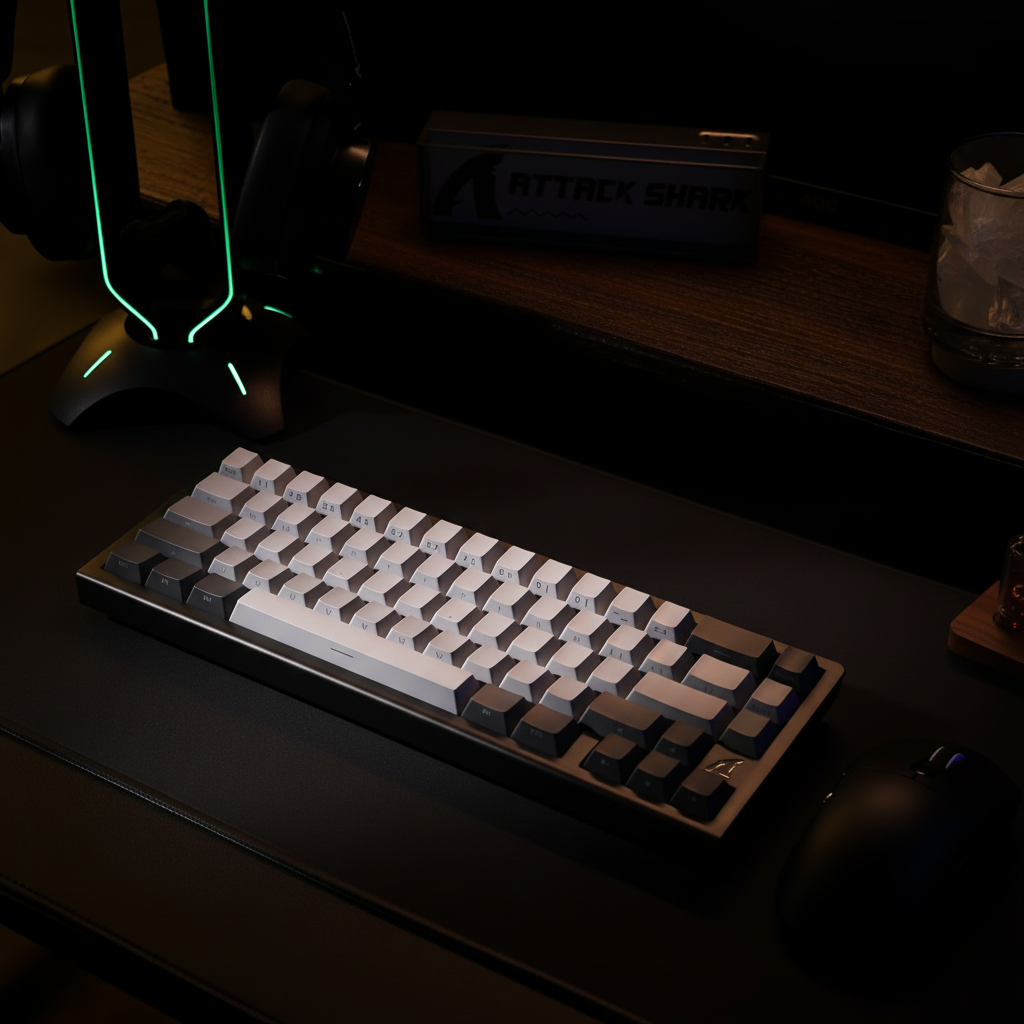
To achieve a true stealth build, you should follow the "Two-Tone Rule": limit your color palette to no more than two muted tones (like black and slate grey) and avoid glossy surfaces entirely. Matte finishes on mice and keyboard cases are essential to prevent these distracting reflections.
Performance Without the Glow: The 8K Polling Reality
Choosing a "no-RGB" build doesn't mean you're settling for budget specs. In fact, many of the highest-performing components are moving toward a stealthier look. Take the 8000Hz (8K) polling rate trend, for example.
When you’re running a mouse at 8000Hz, you are getting a report every 0.125ms (1 divided by 8000). Compare that to the standard 1000Hz, which reports every 1.0ms. This 8x increase in data density makes the cursor path feel significantly smoother, especially on high-refresh-rate monitors (240Hz or 360Hz+).
However, there are technical trade-offs you need to know:
- CPU Load: 8K polling stresses your system’s Interrupt Request (IRQ) processing. It’s not just about having a fast CPU; it’s about how the OS schedules those interrupts.
- Battery Life: In our modeling, we’ve seen that jumping from 1000Hz to 8K can cut wireless runtime by as much as 75-80%.
- Sensor Saturation: To actually fill that 8000Hz bandwidth, you need enough data points. At 800 DPI, you need to move the mouse at least 10 inches per second (IPS). If you play at 1600 DPI, you only need 5 IPS to saturate the link.
According to the Global Gaming Peripherals Industry Whitepaper (2026), the synergy between high polling and high refresh rates is the new benchmark for competitive play. But in a dark room, you have to be careful—many 8K dongles have bright status LEDs. We recommend hiding the dongle behind the monitor or using a small piece of light-blocking tape to keep the desk dark.
The Anchor Point: Cable Management & Coiled Cables
Wireless is the go-to for many minimalists, but "wireless" often comes with its own light pollution. Battery indicators and charging docks often feature "breathing" LEDs that you can't disable. Because of this, some experienced builders are returning to wired setups with high-end cables.
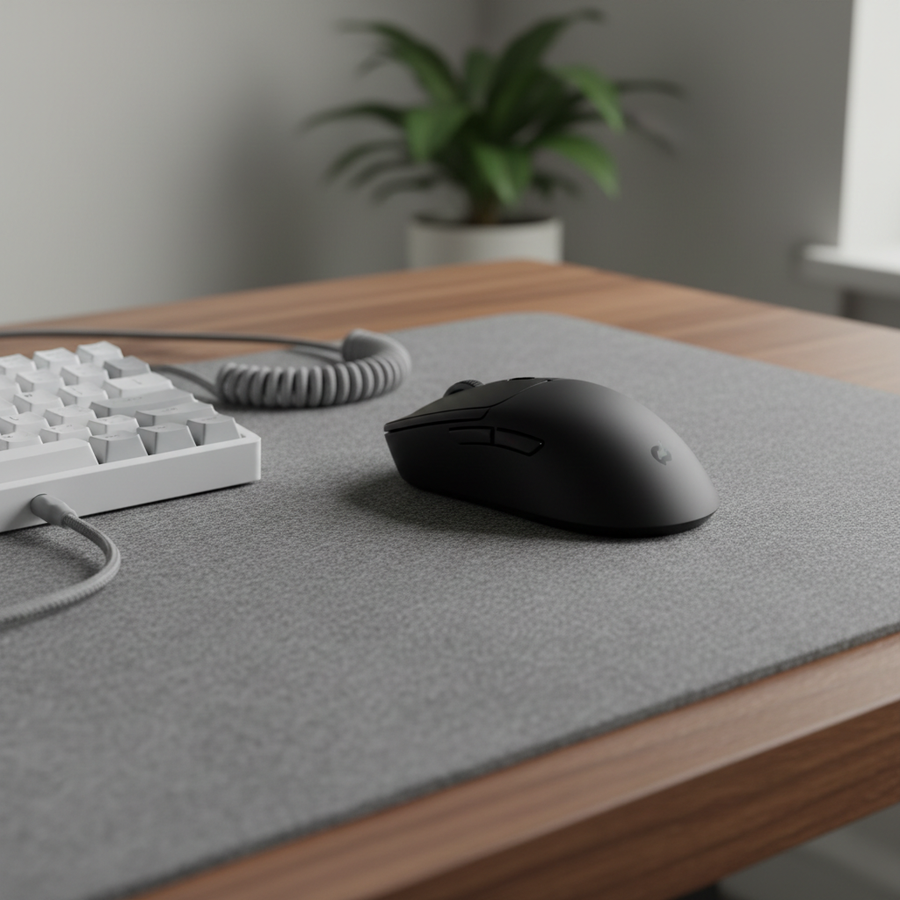
For a stealth setup, we recommend using a coiled aviator cable. It’s not just an aesthetic choice; it serves as a defined anchor point. A coiled section creates weight and tension that prevents the straight part of the cable from splaying across the desk.
When selecting a cable, look for a "Reverse-Coil" design. This means the cable was wound in one direction and then rewound in the opposite direction, which significantly improves the "springiness" and prevents the coil from sagging over time. A matte nylon or TPU sleeve is also preferred over shiny PET mesh to keep reflections at zero.
Technical Analysis: The Large-Handed Minimalist
To provide a concrete example of how hardware choices impact a stealth setup, we modeled a specific user scenario: a competitive gamer with large hands (~20.5cm) using a claw grip. Minimalist mice are often compact, which can create ergonomic challenges for this demographic.
Modeling Note (Scenario Assumptions)
Our analysis is based on a deterministic parameterized model, not a controlled lab study. These values represent a hypothetical estimate under the following conditions:
| Parameter | Value | Unit | Rationale |
|---|---|---|---|
| Hand Length | 20.5 | cm | 95th Percentile Male (ANSUR II) |
| Mouse Length | 120 | mm | Typical mid-size stealth mouse |
| Polling Rate | 4000 | Hz | High-performance competitive setting |
| Battery Capacity | 300 | mAh | Standard lightweight LiPo |
| Switch Type | Hall Effect | N/A | Magnetic sensing for Rapid Trigger |
Key Findings from our Analysis:
- Grip Fit: For a 20.5cm hand, a 120mm mouse results in a "Grip Fit Ratio" of roughly 0.91. This suggests the mouse is slightly shorter than the ideal 131mm for a palm grip, making a claw or fingertip grip almost mandatory.
- Battery Endurance: At a 4K polling rate, a 300mAh battery provides an estimated runtime of ~13.4 hours. This means a minimalist gamer who hates cables will need to charge every 2-3 days.
- Latency Advantage: Using Hall Effect (HE) switches with Rapid Trigger provides a ~7.7ms latency reduction compared to mechanical switches with a 5ms debounce. In fast-paced shooters, this is a massive advantage that requires zero RGB to achieve.
The "Gotchas": Hidden Light Sources
The biggest frustration for anyone building a "Dark Room" is the light you can't turn off.
- The BIOS LED: Most modern motherboards have mandatory power status LEDs. Even if you disable all RGB in the BIOS, these "heartbeat" lights often remain on. We’ve found that a small piece of electrical tape is the only way to achieve 100% darkness.
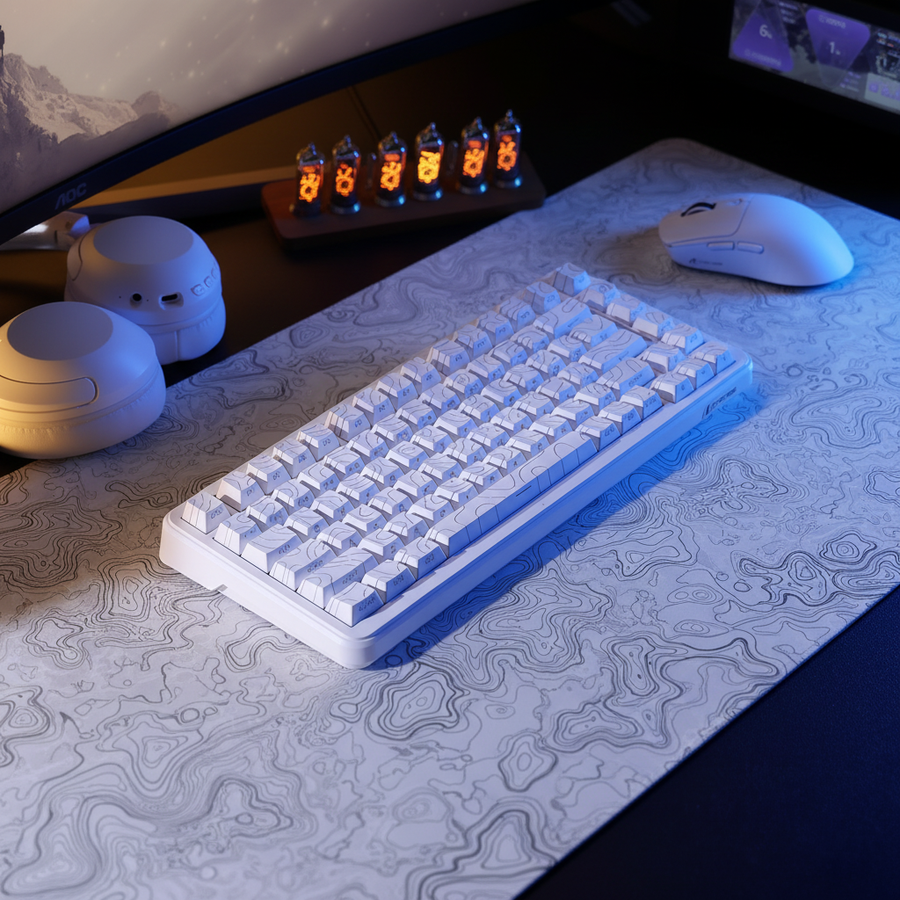
- The Monitor Glow: Even with a black wallpaper, IPS monitors have "glow" that reflects off your mouse pad. This is why the choice of mouse pad is critical. A dark, uniform surface like solid black cloth or carbon fiber visually recedes. Patterned or brightly colored pads become the focal point and break the illusion.
- Peripheral Indicators: Many "stealth" mice still have a DPI indicator light on the bottom or near the scroll wheel. Check the driver software to see if these can be set to "Always Off."
Ergonomics in the Dark
When you're gaming in a low-light environment, your posture and strain levels actually change. Research suggests that auditory noise from high-performance cooling (often 40-50 dB) can be more distracting in a dark room because your other senses are more acute. This creates a "thermal-acoustic contradiction"—you want high performance, but you need silence for focus.
Furthermore, the "claw grip" often used with smaller minimalist mice can lead to higher ergonomic strain. Our modeling using the Moore-Garg Strain Index (SI) resulted in a score of 24, which is classified as "Hazardous" (anything over 5 suggests a risk of strain over time).
To mitigate this, we recommend:
- Wrist Support: Use a frosted acrylic or matte aluminum wrist rest. These provide the necessary elevation to keep your wrist in a neutral position without adding visual clutter.
- Acoustic Dampening: Consider silent switches or dampening foam inside your keyboard to reduce the "thock" to a "whisper."
- Scheduled Breaks: Because the dark room is so immersive, it's easy to lose track of time. Use a non-visual cue (like a haptic timer) to remind you to stretch.
Pro-Tips for the Final Stealthing
If you've followed the steps above, you're 90% of the way to a perfect stealth setup. Here are the final "insider" tweaks to cross the finish line:
- Matte Everything: If a piece of gear is too shiny, you can use a matte vinyl wrap to "stealth" it out. This works great for monitor stands and PC case panels.
- Cable Management Vertebrae: For standing desks, standard cable sleeves can look messy. Use a "vertebrae" style cable chain to keep everything in a strict, vertical line.
- Software Dimming: Use tools like "Lunar" or "MonitorControl" to dim your displays beyond their hardware minimums at night.
Building a stealth setup is an exercise in restraint. It’s about choosing hardware that performs at the highest level—like 8K sensors and Hall Effect switches—while keeping the aesthetic whisper-quiet. By focusing on matte textures, managing your "anchor points," and being ruthless with light pollution, you can create a gaming environment that is pure, focused, and undeniably professional.
References & Authoritative Sources
- FCC Equipment Authorization Database - For verifying wireless frequency and RF compliance.
- VESA DisplayHDR Standards - For understanding monitor light output and reflection.
- PixArt Imaging Products - Technical specifications for PAW3395 and high-polling sensors.
- Nordic Semiconductor nRF52840 Specs - Power consumption data for high-polling wireless devices.
- Global Gaming Peripherals Industry Whitepaper (2026) - Industry benchmarks for polling rates and latency.
Disclaimer: The ergonomic advice and strain index modeling provided in this article are for informational purposes only and do not constitute professional medical advice. Individual hand sizes and physical conditions vary. If you experience persistent pain or discomfort while gaming, please consult a qualified healthcare professional or ergonomist.
Safety Note: When using electrical tape or light-blocking materials inside a PC case, ensure they do not obstruct airflow or come into contact with high-temperature components, as this could pose a fire hazard.
Logic Summary: The 8000Hz latency and battery runtime figures are derived from standard physical formulas ($T=1/f$) and Nordic Semiconductor power profiles. The ergonomic strain score (SI 24) is a screening estimate based on the Moore-Garg methodology for high-intensity, high-APM workloads and should be used as a general risk indicator rather than a clinical diagnosis.