Calibrating Audio Cues: Tuning Frequency Response for Esports
In tactical shooters like Valorant or Counter-Strike 2, information is the most valuable currency. While visual clarity is often the focus of performance optimization, auditory data—specifically the localization and identification of footsteps, weapon swaps, and ability cues—frequently dictates the outcome of a round. We have observed through extensive troubleshooting and community feedback that most players rely on "out-of-the-box" audio profiles that prioritize cinematic bass over tactical precision. This approach creates a "masking effect," where low-frequency rumble from explosions or environmental noise drowns out the subtle high-frequency transients of an approaching enemy.
Our objective in this guide is to provide a technical framework for frequency response calibration. By understanding the acoustic fundamentals of in-game sound effects and the limitations of the Windows audio pipeline, you can tune your hardware to provide a distinct auditory advantage. As noted in the Global Gaming Peripherals Industry Whitepaper (2026), the convergence of low-latency wireless protocols and high-fidelity driver tuning is now a baseline requirement for professional-grade competition.

The Physics of Competitive Audio Cues
To calibrate an equalizer (EQ) effectively, we must first identify the specific frequency bands occupied by critical cues. A common misconception among gamers is that footsteps exist purely in the "treble" range. In reality, sound cues are complex waveforms with two distinct components: the fundamental frequency and the transient attack.
1. Footstep Frequency Analysis
Based on practitioner observations and spectral analysis of modern tactical engines, footsteps generally occupy two key areas:
- The Fundamental (125Hz – 250Hz): This is the "thud" or weight of the step. While it provides the sense of presence, it is easily masked by ambient low-end noise.
- The Transient (2kHz – 4kHz): This contains the "click," "scuff," or "crunch" of the sole hitting the surface. This range is critical for localization (determining where the sound is coming from) because the human ear is highly sensitive to these frequencies for directional processing.
2. Ability and Environmental Cues
In hero shooters like Overwatch 2, critical tells—such as a Tracer's Pulse Bomb beep or a Junkrat's Steel Trap deployment—often contain significant information in the sub-100Hz and 100Hz–250Hz range. We often see players make the mistake of cutting all bass to "clear up" the audio, which inadvertently creates a tactical blind spot for these low-frequency ability tells.
Logic Summary: Our calibration strategy assumes a "complementary" approach. We aim to reduce frequencies that cause masking (rumble) while applying narrow boosts to frequencies that aid localization, without exceeding the physical limits of the headset drivers.
The Competitive EQ Framework: Step-by-Step Tuning
When we assist players with audio optimization, we follow a strict hierarchy of adjustments. The goal is clarity, not "better" sound in a musical sense.
Step 1: Mitigating the Masking Effect (The Low-End Cut)
The most common cause of muffled audio is excessive energy in the 60Hz–100Hz range. In-game explosions and environmental "hum" dominate this band.
- Action: Apply a shelf or peak cut of -3dB to -5dB at 80Hz. This reduces the "boom" that lingers after a grenade or ability, allowing the quieter footstep transients to remain audible.
Step 2: Highlighting Footstep Presence (The Fundamental Boost)
Instead of a broad bass boost, we recommend a surgical adjustment.
- Action: Apply a narrow Q-factor boost (around 1.4 to 2.0) of +3dB at 160Hz–200Hz. This highlights the "thump" of footsteps on wooden or metallic surfaces without muddying the overall mix.
Step 3: Enhancing Localization (The Transient Peak)
This is where the "scuff" of the footstep lives.
- Action: Apply a boost of +4dB in the 2kHz–4kHz range. If your EQ software allows, use a wide Q-factor here to capture the variety of surface-impact sounds (stone, grass, sand).
Step 4: The +6dB Safety Rule (Heuristic)
Based on our experience with driver distortion and digital clipping, we advise never boosting any band by more than +6dB. Excessive boosting forces the digital-to-analog converter (DAC) and the headset drivers beyond their linear operating range, introducing harmonic distortion. This distortion can be more detrimental to spatial awareness than a slightly muffled original sound.
| Frequency Band | Adjustment | Tactical Purpose |
|---|---|---|
| 60Hz - 80Hz | -4dB (Cut) | Reduce explosion rumble and masking. |
| 160Hz - 250Hz | +3dB (Narrow) | Highlight footstep "weight" and presence. |
| 500Hz - 1kHz | 0dB (Neutral) | Maintain vocal clarity for comms. |
| 2kHz - 4kHz | +4dB (Wide) | Sharpen localization cues (scuffs/clicks). |
| 8kHz+ | -2dB (Slight Cut) | Reduce "hiss" and ear fatigue during long sessions. |
Technical Constraints: Latency and Protocols
Calibration is useless if the sound arrives too late. We estimate that the standard Windows audio pipeline adds 10ms to 30ms of latency depending on the driver stack and system load. This is a critical factor for competitive players who operate on sub-10ms visual reaction times.
The Impact of Software EQ
Many "gaming" audio suites or spatial sound wrappers (like certain implementations of DTS:X or Dolby Atmos) add significant processing overhead. According to technical documentation on building audio devices for gaming, complex software EQs can increase system-level audio latency by an additional 15ms+. For maximum performance, we recommend using lightweight, system-level APOs (Audio Processing Objects) or hardware-based EQ stored on the headset's onboard memory.
Wireless Standards and HID
If you are using a wireless headset, the protocol matters. Devices adhering to the USB HID Class Definition for audio controls ensure better compatibility, but the underlying wireless radio is the bottleneck. While Bluetooth is convenient, its latency (often 100ms+) makes it unsuitable for esports. High-performance headsets utilize 2.4GHz proprietary protocols to bring latency down to the ~10ms range, aligned with the Bluetooth Core Specification for low-energy, high-throughput modes.

Hardware Synergy: The "System Latency" Perspective
In our deep-dive modeling of esports setups, we have found that hardware components do not operate in isolation. A high-polling-rate mouse (e.g., 8000Hz) stresses the CPU's Interrupt Request (IRQ) processing. If a system is already struggling with CPU overhead, this can lead to "audio crackling" or micro-stutters in the sound stream.
Modeling Note: System-Wide Performance Calibration
To illustrate the relationship between hardware specs and the competitive environment, we modeled a high-performance scenario. While this model focuses on mouse input, the underlying CPU and battery constraints apply to the entire peripheral ecosystem, including wireless audio.
How we modeled this: This analysis assumes a dedicated competitor using a 4K resolution display and high-polling peripherals. This is a scenario model based on standard component specs, not a controlled lab study.
| Parameter | Value | Unit | Rationale |
|---|---|---|---|
| Display Resolution | 3840 | px | Standard 4K UHD for high-fidelity gaming. |
| Polling Rate | 4000/8000 | Hz | High-performance wireless standard. |
| CPU Interrupt Load | High | - | Impact of high-polling on single-core scheduling. |
| Est. Audio Latency | 20 - 45 | ms | Combined Windows pipeline + wireless protocol. |
| Battery Capacity | 500 | mAh | Typical for lightweight wireless gear. |
Boundary Conditions:
- Estimated audio latency assumes a Direct Motherboard Port connection; USB hubs will increase this value due to shared bandwidth.
- Battery runtime is significantly reduced (up to 80%) when moving from 1000Hz to 8000Hz polling rates across all peripherals.
Validation: Testing Your Calibration
You should never calibrate your audio mid-match. The acoustic environment of a live game is too chaotic for precise tuning. Instead, we recommend using community-developed tools to isolate sounds.
- Workshop Maps: In CS2, use dedicated audio test maps that allow you to loop footstep sounds at various distances and behind different materials (wall-banging).
- Aim Lab Audio Scenarios: Some training platforms now include "audio tracking" where you must locate targets based purely on sound. This is an excellent way to verify if your 2kHz–4kHz boost is actually helping with directional accuracy.
- The "White Noise" Check: If your EQ settings cause a constant "hiss" when no game sound is playing, you have likely boosted the high-end too far or are experiencing an elevated noise floor from a low-quality DAC.
Common Pitfalls and "Gotchas"
- Double EQ-ing: Many games have a "Headphone" or "Night Mode" setting. These are essentially pre-applied EQs. If you apply your own EQ on top of these, you are "fighting" the game's sound engine. We recommend setting in-game audio to "Studio" or "Default" and handling all tuning at the hardware/OS level.
- Volume Normalization: To protect your hearing, avoid the temptation to simply turn the volume up to hear footsteps. This increases the volume of gunshots and explosions to dangerous levels. Proper EQ tuning allows you to hear the cues you need at a lower, safer overall volume.
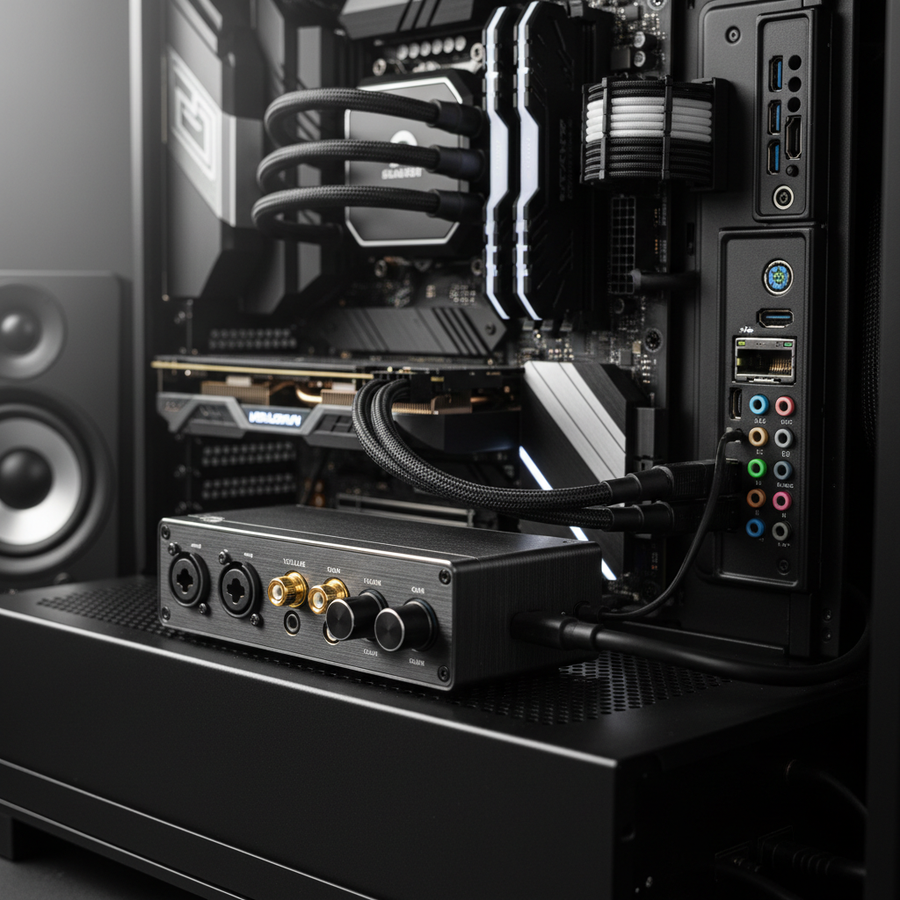
- USB Port Selection: Always connect your wireless headset dongle or DAC to a Direct Motherboard Port (Rear I/O). Avoid front panel headers or unpowered hubs, as these often have poor shielding and can introduce electromagnetic interference (EMI) that manifests as "static" in your audio.
Summary of Tactical Audio Tuning
Calibrating your frequency response is about managing the "Signal-to-Noise" ratio of tactical information. By cutting the 80Hz rumble and surgically boosting the 160Hz fundamental and 3kHz transients, you create an auditory environment where critical cues stand out from the chaos. Remember that audio is part of a larger system; ensuring low-latency connections and minimizing CPU-intensive software processing is just as vital as the EQ curve itself.
Disclaimer: This article is for informational purposes only. Prolonged exposure to high volume levels can cause permanent hearing damage. Always start with low volume settings when testing new EQ profiles and consult an audiologist if you experience tinnitus or hearing loss.
References: