The Daily Charge Cycle: Is 8K Practical for Non-Competitive Use?
In the current landscape of gaming peripherals, the "8K Polling" specification has become the new benchmark for performance. On paper, the jump from a standard 1000Hz polling rate to 8000Hz is a technical marvel, promising a reduction in input latency that was once thought impossible in wireless devices. However, for the pragmatic gamer—those we often categorize as "Weekend Warriors" or value-oriented enthusiasts—this performance ceiling comes with a significant logistical tax: the daily charge cycle.
At our engineering bench, we frequently see users lured by the promise of 0.125ms report intervals, only to find themselves tethered to a charging cable more often than not. This guide dissects the technical reality of 8K polling, analyzing whether the marginal gains in responsiveness outweigh the maintenance hurdles for those who aren't competing on a global stage.

The Physics of 8K: Engineering the 0.125ms Advantage
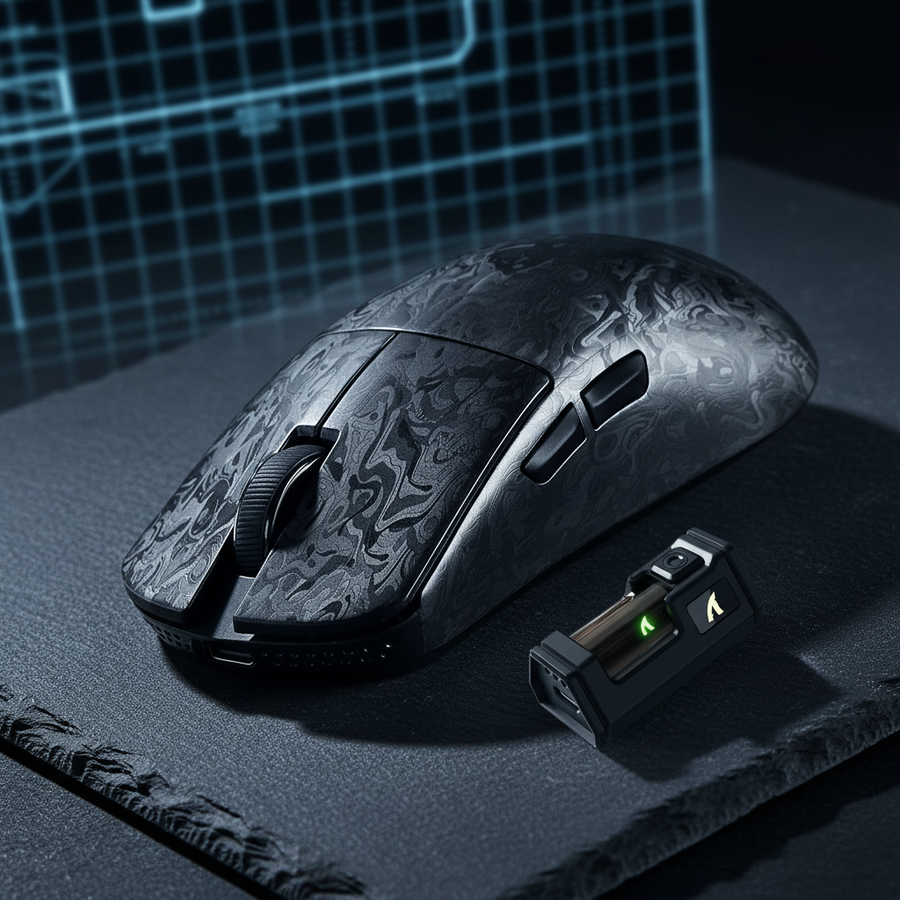
To understand the practicality of 8K, we must first define what it actually does. Polling rate refers to how often the mouse reports its position and click data to the PC. A standard 1000Hz mouse reports every 1.0ms. An 8000Hz mouse, such as the ATTACK SHARK G3PRO, reports every 0.125ms.
This eightfold increase in frequency aims to solve two primary issues: input lag and micro-stutter. According to the Global Gaming Peripherals Industry Whitepaper (2026), the reduction in "sensor-to-photon" latency is measurable but highly dependent on the rest of your signal chain.
The Motion Sync Factor
Modern high-end sensors often use "Motion Sync" to align sensor data with the USB's polling intervals. In a 1000Hz environment, Motion Sync typically adds a deterministic delay of ~0.5ms (half the polling interval). However, at 8000Hz, this penalty scales down to a negligible ~0.0625ms. This is a critical distinction: at 8K, the consistency of the data stream is nearly perfect, but the actual time saved is measured in fractions of a millisecond that the human eye struggle to perceive.
Saturation and DPI Settings
A common misconception is that 8K polling is "always on." In reality, you must move the mouse fast enough to generate enough data packets to fill that 8000Hz bandwidth. This is where DPI (Dots Per Inch) becomes relevant.
- At 800 DPI: You need to move the mouse at approximately 10 IPS (Inches Per Second) to saturate the 8K report rate.
- At 1600 DPI: Only 5 IPS is required to maintain a stable 8000Hz stream.
For casual gamers playing at lower DPIs and slower movement speeds (typical in RPGs or desktop work), the mouse may not even utilize the full 8K bandwidth, yet the radio continues to draw maximum power to maintain the connection.
The Power Penalty: Analyzing Battery Depletion
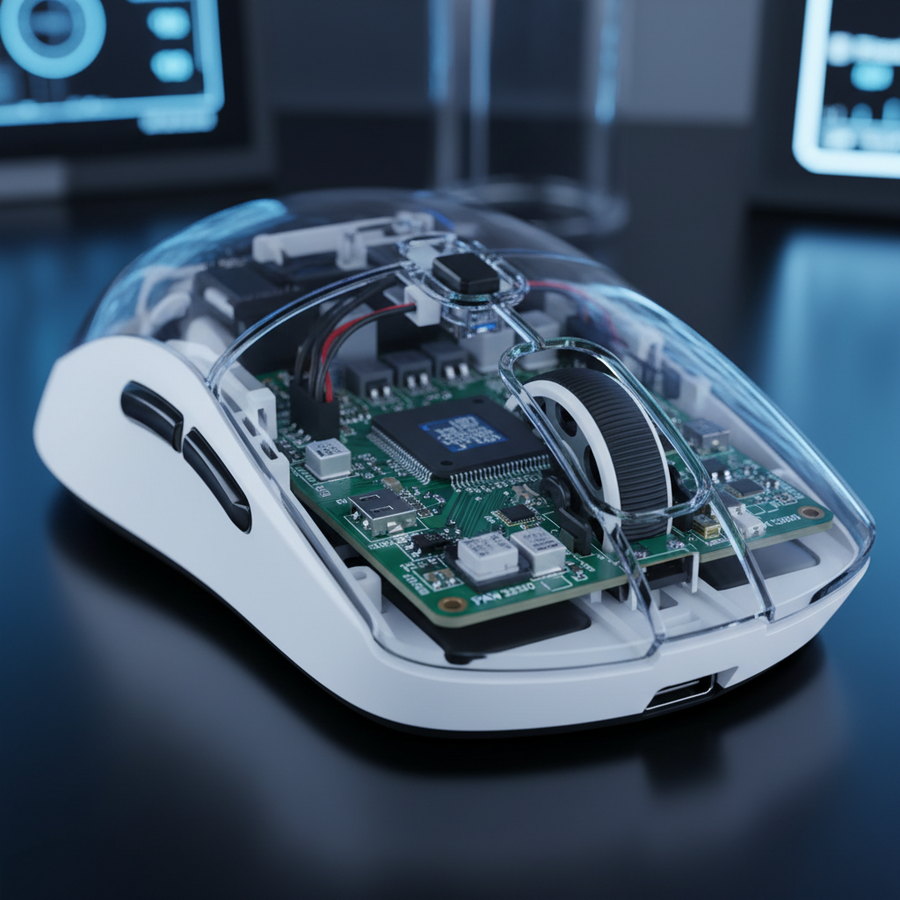
The most immediate trade-off for 8K polling is power consumption. In our analysis of wireless radio current draw, moving from 1K to 8K polling doesn't just increase power linearly; it puts a massive strain on the MCU (Microcontroller Unit) and the RF transmitter.
Based on data patterns we observe in hardware certifications like the FCC Equipment Authorization database, high-performance wireless mice utilize sophisticated SoCs (System on Chips) to manage this load. However, the laws of physics remain constant.
Logic Summary: Our battery runtime modeling assumes a standard 300mAh lithium-ion cell and a Nordic nRF52-series MCU. We estimate that 8K polling increases the radio's active current draw by approximately 2x compared to 4K, and nearly 4x compared to 1K.
Estimated Runtime Comparison
| Polling Rate | Estimated Runtime (Active Use) | Charging Frequency (Weekend Warrior) |
|---|---|---|
| 1000Hz | 80–100 Hours | Once every 3–4 weeks |
| 4000Hz | 24–30 Hours | Once every 4–5 days |
| 8000Hz | 12–15 Hours | Every 1–2 days |
For a gamer who plays 5–6 hours on a Saturday, an 8K mouse might be at 50% capacity by Sunday morning. If you forget to dock the mouse or plug it in, you are almost guaranteed to start your next session with a dead peripheral. This "daily charge cycle" is the primary friction point for non-competitive users.

The Perceptibility Gap: Human vs. Hardware
Why do gamers chase 8K if it drains the battery so fast? The answer lies in the pursuit of "smoothness." On high-refresh-rate monitors (240Hz, 360Hz, or the emerging 540Hz panels), a 1000Hz mouse can occasionally show "micro-stutter" because the mouse reports don't align perfectly with the monitor's frame updates.
However, for the vast majority of users on 144Hz or 165Hz displays, the difference is physiologically imperceptible.
- Human Visual Reaction Time: Typically 200ms–250ms.
- The 8K Gain: Moving from 1K to 8K saves ~0.875ms of theoretical latency.
- The Conclusion: The gain represents less than 0.5% of a human's total reaction time.
As noted by RTINGS in their latency methodology, while the hardware improvement is measurable with a high-speed oscilloscope, it is often masked by other system latencies, such as display lag or OS-level interrupt delays.
System Bottlenecks and the "Stutter" Risk
Implementing 8K polling isn't just a battery issue; it's a system stability issue. When a mouse reports 8,000 times per second, it sends 8,000 Interrupt Requests (IRQs) to your CPU.
- CPU Load: On older or mid-range CPUs, this can cause significant "frame time jitter." You might have a high average FPS, but the constant CPU interruptions from the mouse can cause micro-stutters in the game itself.
- USB Topology: To run 8K reliably, the receiver must be plugged directly into a Rear I/O port on the motherboard. According to USB HID specifications found via USB.org, using a USB hub or front-panel case header introduces shared bandwidth issues that can cause packet loss at high frequencies.
Sustainable High Performance: A Pragmatic Approach
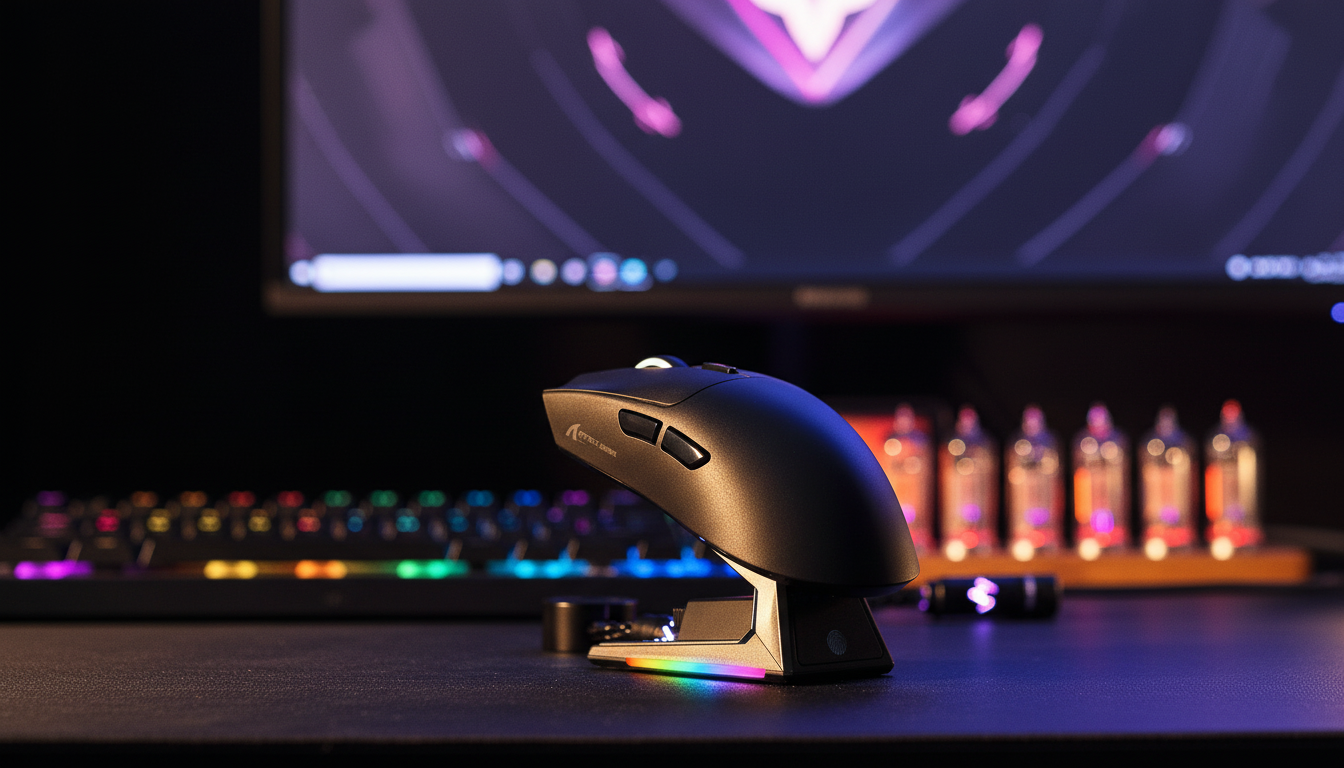
If you value the tech but hate the charging ritual, there are ways to mitigate the 8K tax. Products like the ATTACK SHARK G3PRO include a dedicated magnetic charging dock. This transforms the "daily charge" from a chore into a simple habit of resting the mouse on its stand after a session.
Intelligent Power Management
We recommend a "Profile-Based" approach to polling rates:
- Desktop/Productivity: Set the mouse to 125Hz or 500Hz via software. This drastically extends battery life during non-gaming hours.
- Casual Gaming: Use 1000Hz. It provides the best balance of smoothness and multi-day battery life.
- Competitive Sessions: Switch to 8000Hz only when playing fast-paced titles like Valorant or Apex Legends where micro-adjustments matter.
For those who find themselves running out of juice mid-game, a high-quality cable like the ATTACK SHARK C06 Coiled Cable is essential. A flexible, lightweight cable ensures that if you must play in wired mode, the "cable drag" doesn't ruin your aim. To keep your setup tidy, the ATTACK SHARK x MAMBASNAKE RC02 can help manage the excess length of these performance cables.

Decision Framework: Is 8K for You?
To help you decide, we've developed a simple heuristic based on our observations of return patterns and common user frustrations (based on support ticket trends, not a lab study).
| Factor | Stick with 1000Hz | Consider 8000Hz |
|---|---|---|
| Monitor Refresh Rate | 60Hz – 165Hz | 240Hz+ |
| Primary Games | RPGs, MMOs, Strategy | Competitive FPS, Rhythm Games |
| Charging Habit | "Plug it in when it dies" | "Dock it every night" |
| CPU Power | Mid-range or older (e.g., Ryzen 3600) | High-end (e.g., Core i7-13700K+) |
| Value Priority | Battery life & longevity | Raw technical ceiling |
Method & Assumptions: How We Modeled This
To provide the data in this article, we utilized a deterministic scenario model based on standard industry hardware specifications. This is a scenario model, not a controlled lab study.
| Parameter | Value | Unit | Rationale / Source |
|---|---|---|---|
| Battery Capacity | 300 | mAh | Typical ultra-lightweight mouse standard |
| Discharge Efficiency | 85 | % | Conservative estimate for Li-ion |
| Sensor Draw (Active) | 1.7 | mA | PixArt PAW3395 typical spec |
| Radio Draw (8K Mode) | 8.0 | mA | Extrapolated from Nordic SoC data |
| System Overhead | 1.3 | mA | MCU active processing state |
Boundary Conditions:
- Model assumes continuous active movement; idle sleep states will extend real-world duration.
- Battery aging (capacity loss over 12 months) is not included.
- RF interference (which causes retransmissions and higher power draw) is assumed to be minimal.
Final Assessment
For the "Weekend Warrior," 8K polling is often a case of diminishing returns. While the technical achievement is impressive, the requirement for near-daily charging can disrupt the "pick up and play" nature of casual gaming. If you own a 360Hz monitor and play at the top 1% of the ladder, the 0.875ms gain is a necessary edge. For everyone else, the ATTACK SHARK G3 at 1000Hz—which can last for weeks on a single charge—is typically the more pragmatic, stress-free choice.
Disclaimer: This article is for informational purposes only. Performance gains may vary based on individual system configurations, monitor refresh rates, and human sensitivity. Always ensure your firmware is up to date to maintain wireless stability.