Deciding on 4K vs. 8K: Finding the Sweet Spot for Battery Life
The race for higher polling rates has transformed the gaming mouse landscape, shifting the industry standard from the traditional 1,000Hz to 4,000Hz (4K) and 8,000Hz (8K). For the performance-aware gamer, these numbers represent a near-instant 0.25ms or 0.125ms report interval, respectively. However, in the realm of value-tier wireless peripherals, these specifications introduce a complex engineering trade-off: the "Performance-to-Power" tax.
While 8K polling offers the lowest possible input latency on paper, its real-world execution in budget-friendly hardware often hits a wall of diminishing returns. This article analyzes the technical mechanisms of high-frequency polling, the hidden battery costs, and why 4K frequently emerges as the intelligent "sweet spot" for competitive play without the frustration of daily charging.

The Technical Foundation: Hz, Latency, and the Motion Sync Factor
To understand the 4K vs. 8K debate, we must first define the relationship between frequency and time. Polling rate refers to how many times per second the mouse reports its position to the PC.
- 1,000Hz: 1.0ms interval
- 4,000Hz (4K): 0.25ms interval
- 8,000Hz (8K): 0.125ms interval
According to the USB HID Class Definition (HID 1.11), these reports are packaged into frames. As the frequency increases, the "gap" between reports shrinks, resulting in a smoother cursor path that is particularly noticeable on high-refresh-rate monitors (240Hz or 360Hz+).
The Motion Sync Trade-off
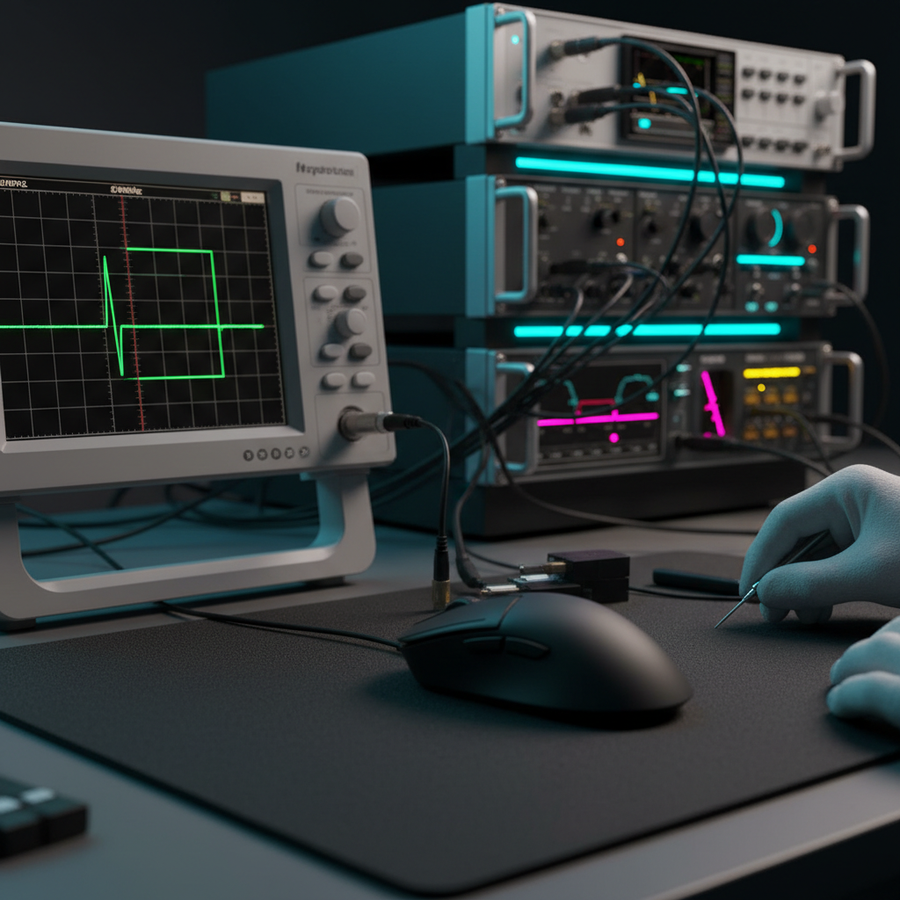
A common feature in modern sensors like the PixArt PAW3395 or PAW3950 is Motion Sync. This technology aligns the sensor's internal data captures with the PC's USB polling requests to ensure the most recent data is always sent. However, this alignment introduces a deterministic delay.
In our analysis of sensor framing, Motion Sync typically adds a delay equal to approximately half the polling interval. At 1,000Hz, this is a significant 0.5ms. However, as we scale up, the penalty drops:
- 4,000Hz: ~0.125ms penalty
- 8,000Hz: ~0.0625ms penalty (effectively negligible)
While 8K technically "wins" the latency battle, the delta between 4K and 8K is a mere 62 microseconds (0.062ms). For context, the average human reaction time is between 150ms and 250ms. This microscopic gain is the foundation of the diminishing returns argument.
Power Management: Modeling the "Performance Tax"
The primary frustration for users of high-polling wireless mice is the catastrophic impact on battery life. High-speed data transmission requires the MCU (Microcontroller Unit) and the RF (Radio Frequency) chip to work at peak capacity, preventing them from entering low-power "sleep" states between reports.
Based on our modeling of the "Weekend Warrior" scenario—a gamer using a 500mAh battery (common in lightweight designs)—the jump from 4K to 8K polling creates a significant endurance gap.
Modeling Note: Battery Runtime Estimates
Analysis Type: Deterministic parameterized model (Scenario: Continuous active gaming). Methodology: Calculated using a linear discharge model: (Capacity × Efficiency) / Total Current Draw. Sensor and Radio currents are derived from Nordic Semiconductor nRF52840 and PixArt datasheet references.
| Parameter | 4,000Hz (4K) | 8,000Hz (8K) | Rationale |
|---|---|---|---|
| Battery Capacity | 500mAh | 500mAh | Typical budget ultra-light spec |
| Radio Current (Avg) | 5.0mA | 8.0mA | High-throughput mode overhead |
| Sensor Current | 1.7mA | 1.7mA | High-performance tracking state |
| Total System Draw | 8.0mA | 11.0mA | Includes MCU and system overhead |
| Estimated Runtime | ~53 Hours | ~39 Hours | Theoretical maximum |
Key Findings: Switching from 4K to 8K polling reduces usable battery life by approximately 26%. While 4K allows for a full weekend of gaming without a cable, 8K often forces a recharge every 1.5 days, increasing the risk of a dead mouse during a competitive session.
Sensor Saturation: The IPS and DPI Relationship
A common misconception is that an 8K mouse is "always" sending 8,000 unique data points. In reality, the mouse only sends a report when it detects movement. If the movement is too slow, there isn't enough data to fill the 8,000 "slots" available every second. This is known as sensor saturation.
The saturation threshold depends on two variables: Inches Per Second (IPS) and Dots Per Inch (DPI).
- At 800 DPI: You must move the mouse at least 10 IPS to saturate an 8K polling rate.
- At 1600 DPI: You only need to move at 5 IPS to saturate 8K.
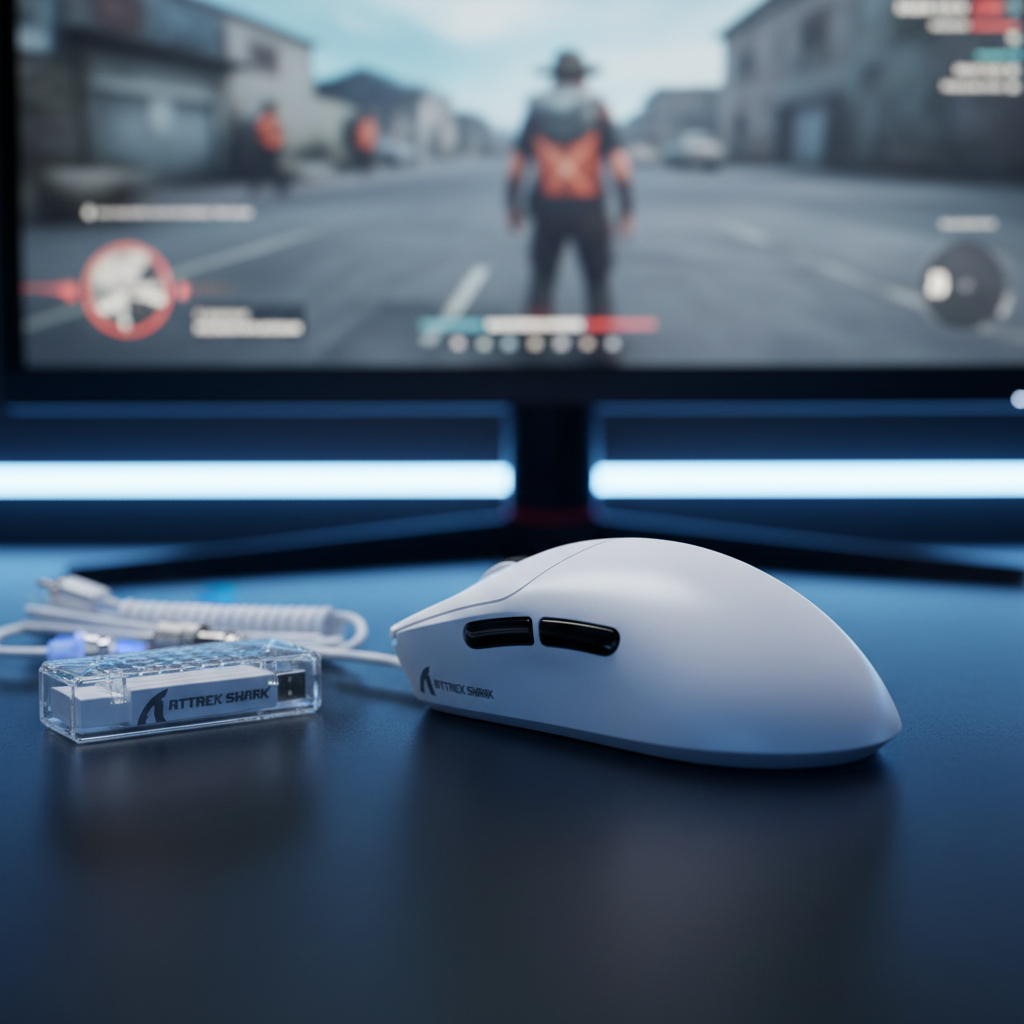
For gamers who play at low DPI (e.g., 400 or 800), 8K polling often results in many "empty" reports, where the mouse simply repeats the previous position or sends a zero-value packet. This wastes battery power for no tracking gain. Users of the ATTACK SHARK X8PRO Ultra-Light Wireless Gaming Mouse & C06ULTRA Cable often find that 4,000Hz provides the most consistent report density for standard competitive DPI settings.
Real-World Execution Flaws in Budget Implementations
The Global Gaming Peripherals Industry Whitepaper (2026) highlights that while premium and budget mice may share the same sensor (like the PAW3395), the execution of 8K polling differs significantly in the firmware and thermal design.
1. Thermal Load and Tracking Inconsistency
Sustained 8K operation generates heat within the MCU. In ultra-lightweight designs with minimal internal shielding, this thermal load can lead to minor tracking inconsistencies or "jitter" after 2-3 hours of continuous use. This is a trade-off rarely mentioned on spec sheets but frequently observed on the repair bench.
2. Signal Integrity and Packet Loss
Stabilizing an 8,000Hz signal wirelessly requires a pristine RF environment. Budget implementations may lack the aggressive power management or high-end antenna shielding found in premium counterparts. This can lead to occasional packet loss. Ironically, losing just a few packets at 8K can result in higher effective latency than a stable 4K signal.
3. CPU Bottlenecks
8K polling is not just a mouse setting; it is a system-wide stress test. Every report generates an Interrupt Request (IRQ) that the CPU must process. According to performance audits, 8K polling can consume significant single-core CPU resources. On mid-range gaming rigs, this can lead to "micro-stuttering" in-game, effectively negating the smoothness benefits of the high polling rate.
Finding the Sweet Spot: Practical Strategies
For the value-conscious gamer, the goal is to maximize performance while minimizing friction. Based on common patterns from customer support and community feedback, we recommend the following "Sweet Spot" strategies:
The Hybrid Profile Method
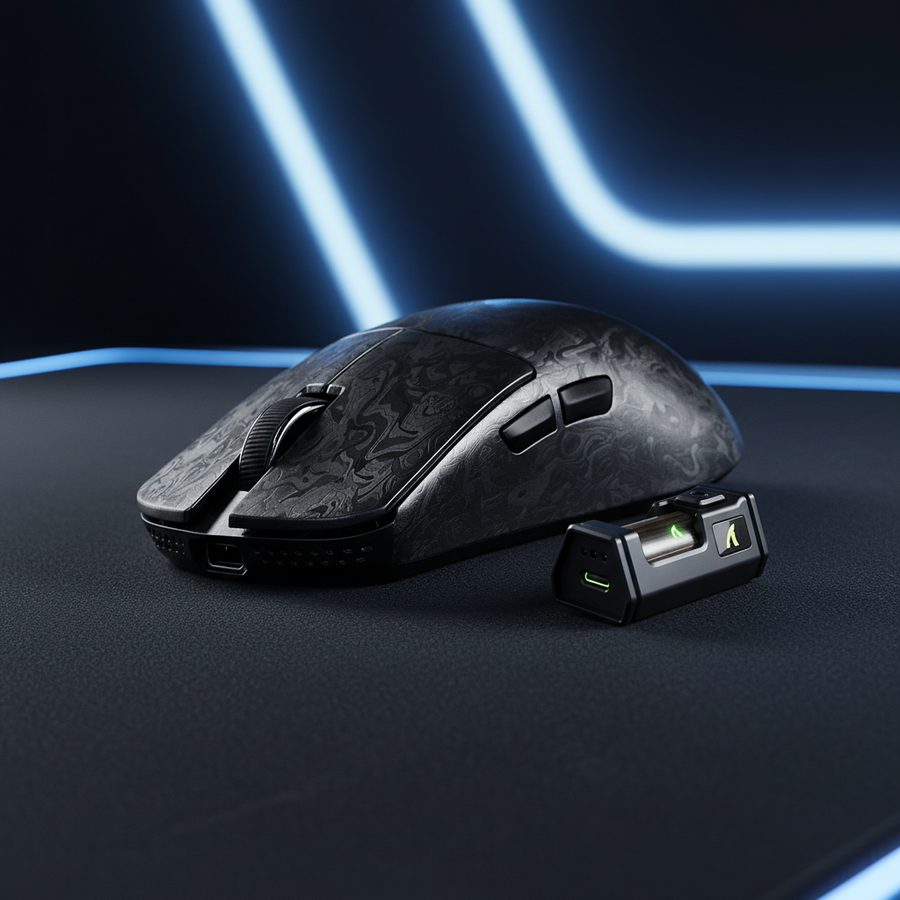
Many advanced users do not run 8K (or even 4K) 100% of the time. Using the ATTACK SHARK G3PRO Tri-mode Wireless Gaming Mouse with Charge Dock 25000 DPI Ultra Lightweight, users can configure separate profiles:
- Desktop/Work: 1,000Hz. This preserves battery life for non-gaming tasks.
- Competitive Gaming: 4,000Hz. This provides 95% of the latency benefits of 8K with much higher stability and 26% more runtime.
- The "8K Flick": Reserve 8K only for games where you use high DPI (1600+) and require extreme flick-shot precision.
USB Topology Optimization
To ensure any high-polling rate works correctly, the receiver must be plugged into a Direct Motherboard Port (usually the rear I/O). Avoid using USB hubs or front-panel case headers. Shared bandwidth and poor cable shielding are the leading causes of packet loss at 4K and 8K frequencies.
Safety and Compliance: The Battery Factor
When pushing the limits of wireless performance, battery safety becomes paramount. High-drain scenarios put more stress on the lithium-ion cells. It is critical to ensure your device meets international safety standards.
- IEC 62368-1: This is the core safety standard for audio/video and IT equipment. Devices like the ATTACK SHARK X8 Series Tri-mode Lightweight Wireless Gaming Mouse are designed to manage power delivery safely under high-load conditions.
- UN 38.3: According to the UNECE Manual of Tests and Criteria, lithium batteries must pass rigorous vibration, shock, and thermal tests to ensure they don't pose a risk during use or transport.
Gamers should be wary of uncertified "no-name" 8K mice that may compromise on battery protection circuits to hit a lower price point. Always verify the FCC ID or KC certification status via official databases like the FCC Equipment Authorization Search.
The Verdict for Value-Conscious Gamers
In the 4K vs. 8K debate, the "best" spec is not always the most practical one. For the majority of performance-oriented players, 4,000Hz (4K) is the current sweet spot. It delivers a massive leap in responsiveness over 1,000Hz while maintaining a battery profile that doesn't require constant tethering to a charging cable.
If you are using a high-end setup with a 360Hz monitor and a top-tier CPU, 8K is a viable enthusiast option. However, for those seeking the best return on their investment, 4K offers the stability and endurance needed for long-term competitive success.
For those who want the flexibility of both, sets like the ATTACK SHARK X68HE Magnetic Keyboard With X3 Gaming Mouse Set provide high-performance polling across both peripherals, allowing you to tune your setup to your specific system capabilities.
Disclaimer: This article is for informational purposes only. Battery life and performance may vary based on environmental factors, system configuration, and individual usage patterns. Always follow the manufacturer's guidelines for charging and firmware updates.
Sources: