


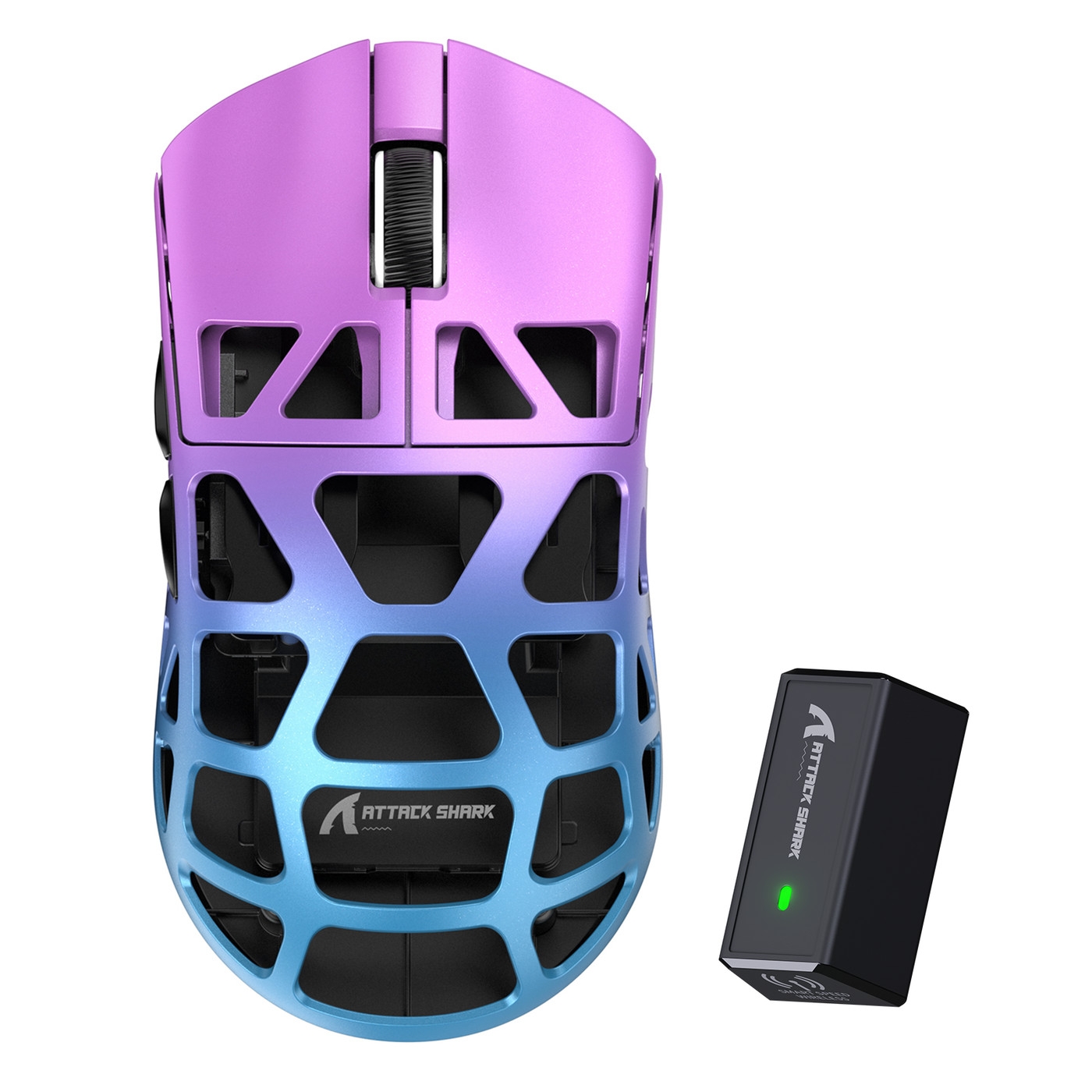
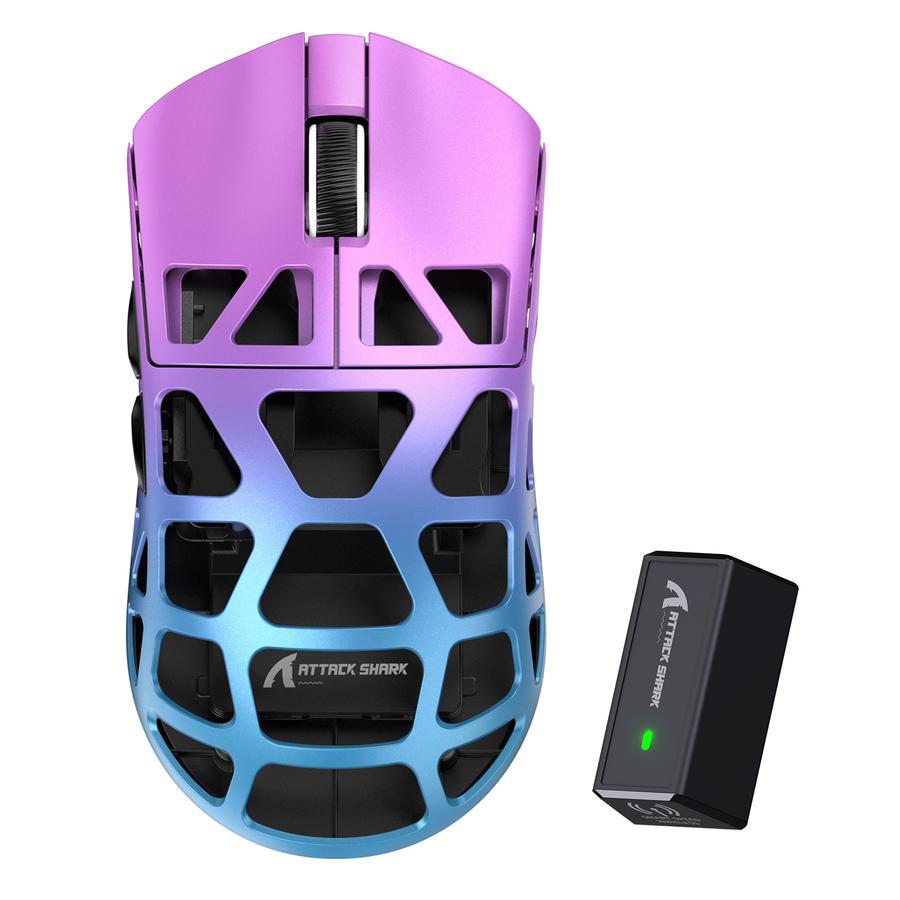
A small mouse for gaming should pass two tests before you buy: its published length, width, and height should address your main fit concern, and your natural grip should let you reach the buttons without stretching, bunching your fingers, or clicking accidentally. Measure your dominant hand from the first wrist crease to the tip of your middle finger, record your palm width separately, and compare those measurements with the mouse dimensions. There is no validated universal cutoff that turns hand measurements into a guaranteed mouse size, so use the comparison to build a shortlist rather than as a promise of fit.

Measure Your Hand and Choose the Right Mouse Dimensions
Start with hand length because it provides the most consistent first comparison. Then add width, grip, and the candidate mouse's documented dimensions to identify which fit issue deserves the closest attention.
- Measure hand length. Rest your dominant hand flat and measure from the first wrist crease to the tip of your middle finger. This is the endpoint described in the mouse size measurement method. A university guide likewise recommends measuring from the first wrist crease to the tip of the longest finger, usually the middle finger, while keeping the units consistent in a repeatable hand measurement.
- Record palm width separately. Measure across the widest part of your palm without including your thumb. Treat this as a comparison point, not a universal small-hand threshold. Width can become the deciding issue when your thumb cannot rest naturally or the side buttons are difficult to reach.
- Write down your actual grip. Choose palm, claw, fingertip, or a related pincer-claw position based on how you really hold a mouse during play. Do not choose a shell based only on a grip you hope to adopt.
- Copy the candidate's documented dimensions. Record its overall length, width, and height in the same unit system as your hand measurements. If you are comparing several options, a simple worksheet keeps the inputs visible:
| Field | Your entry | Why it matters |
|---|---|---|
| Hand length | ___ | First screening input for finger and palm position |
| Palm width | ___ | Separate proportion check for thumb and side clearance |
| Actual grip | ___ | Changes contact, reach, and control requirements |
| Mouse length / width / height | ___ / ___ / ___ | Narrows the fit direction, but does not prove fit |
| Controlling concern | length / width / height / shape | Tells you which check to perform first |
- Name the controlling constraint. If your fingers sit too far forward, start with length. If your thumb or side controls feel misplaced, start with width and side flare. If the hump creates unwanted palm contact or leaves your fingers unsupported, start with height and shell shape.
- Build a conditional shortlist. Choose candidates whose documented dimensions address that controlling concern, then carry them into the shape and grip checks below. This is a practical gaming mouse size guide, not a formula that guarantees comfort or control.
For a broader walkthrough, you can also use this hand measurement guide, but treat any size bands as directional unless they are supported by the product's current dimensions and your own fit test.

Compare Length, Width, Height, and Shell Shape
Overall dimensions narrow the comparison, but shell geometry determines where your hand actually rests. Use the dimension that matches the problem you observed, then inspect the shape details that the basic numbers do not show.
| Dimension | Fit question | Product-page check |
|---|---|---|
| Length | Do your fingers reach the main buttons without stretching, or does your palm sit too far forward? | Compare the published front-to-rear length and look at the side profile. |
| Width | Can your thumb rest naturally while you reach the side controls without accidental clicks? | Compare overall width and inspect side flare or width measurements at more than one point when available. |
| Height | Does the hump support your palm, or does it create unwanted contact and finger-clearance problems? | Compare height, hump position, and the rear profile in photos or diagrams. |
A product page may list only one overall width, even though the shell is wider at the rear than near the buttons. Shape-testing methods can measure grip width at forward, center, and rear positions, which is why it helps to check multi-point shape measurements when available. You do not need three measurements for every mouse, but photos, diagrams, and side views can reveal whether the shell tapers or flares where your hand needs space.
Inspect four details after reading the specification line:
- Rear hump: A tall or rear-set hump changes palm contact and can support a palm grip while interfering with a fingertip position.
- Front taper: A narrow front can change finger placement and button reach even when the overall length looks suitable.
- Button slope: A rising or falling main-button surface changes where your fingers naturally land.
- Side flare: A flared side can stabilize the thumb for one hand shape but force it outward for another.
This is why you cannot choose a mouse for small hands from a small, compact, or medium label alone. Use the documented dimensions to choose a direction, then use shell shape to decide whether that direction makes sense for your grip. A browsing page such as small and medium mouse options can help you organize candidates, but its category label does not show that every listed shell will fit your hand.
Check Grip and Button Reach for a Small Mouse for Gaming
The same shell can feel different with a palm, claw, or fingertip grip. Judge fit against your hand size and the grip you actually use, not a size label alone, as the ergonomics and grip methodology illustrates.
Palm Grip
Rest your palm on the shell without deliberately pushing it forward or lifting it away. The fit looks promising when the palm contact feels intentional and your fingers reach the main buttons from that relaxed position. Reassess the shape if it forces your fingers toward the front, leaves the back of your palm unsupported, or makes you stretch to reach the side controls.
Claw Grip
Let your fingers curl naturally instead of exaggerating the claw. Check whether the rear of the shell supports your hand while your thumb stays stable against the side. Press the main buttons from that position, then lift and reposition the mouse. Someone who uses a pincer-claw grip may need a different balance of rear support and fingertip clearance, so use this pincer claw grip guide as additional context rather than a universal small-hand rule.
Fingertip Grip
Keep your palm lightly clear of the shell and guide the mouse with your fingertips. The key checks are fingertip reach, thumb stability, and side-button access. If the hump creates unwanted palm contact, your fingers cannot reach the buttons without stretching, or your thumb loses a stable resting point, the shell is moving in the wrong direction for this grip even if its overall length looks compact.
Across all three grips, forced stretching, bunched fingers, accidental side-button clicks, or repeated hand adjustments are useful fit signals. They are observations about how you interact with the shell, not guarantees about comfort or gaming performance.
Run a Five-Step At-Home Fit Test and Make the Purchase Call
Use the grip you actually play with, and make your purchase decision only after the dimension comparison and hands-on observations agree. This five-step test works with a mouse you already own or during a retailer's permitted trial period.
- Set your intended grip. Place your hand on the mouse as you would during an ordinary game, without forcing a palm, claw, or fingertip position.
- Check palm contact. Notice where the shell touches your palm. Keep the shape in consideration when the contact matches your intended grip; reassess it when the hump creates unwanted pressure or leaves your hand unstable.
- Check main-button reach. Press the left and right buttons from the relaxed position. Your fingers should reach the switches without stretching forward or bunching tightly.
- Check thumb and side-button reach. Rest your thumb naturally, then use the side controls. Accidental clicks, difficult access, or a thumb that must stay tense indicate that the width or side geometry needs another look.
- Make ordinary movements. Move, lift, and reposition the mouse as you normally would. Repeated adjustments, forced pressure, or a loss of stable contact means the current shape is not passing the practical fit test.
Keep the mouse when the published dimensions point in the right direction and all five observations agree. Choose a different shape when one contact or reach check fails even though the headline dimensions look close. If the product page does not provide enough dimension or shape information for an honest comparison, keep looking. When you cannot test before purchase, compare the official specifications and review the retailer's current return terms before adding the mouse to your cart. A page for comparing mouse dimensions can support that browsing step, but it does not replace hands-on testing.
For a small mouse for gaming, the most reliable purchase path is to measure length, record width, identify your real grip, and use the published dimensions to find the main fit constraint. Then keep only a shell that passes the palm, finger, thumb, button, and movement checks. If those inputs point in different directions, choose a different shape instead of forcing a universal size label.
FAQs
These questions cover the measurements, dimensions, and hands-on checks that help you compare a gaming mouse without relying on a universal size label.
How do I measure my hand for a gaming mouse?
Rest your dominant hand flat and measure from the first wrist crease to the tip of your middle finger. Record palm width separately across the widest part of your palm, without including your thumb, and keep your units consistent. The result is a comparison input for a gaming mouse for small hands, not a guaranteed size result.
What mouse size is right for small hands?
There is no single small label or universal cutoff that answers what mouse size is right for me. Start with hand length, compare the candidate's documented length, width, and height, then use your actual grip and button reach to decide whether the shape fits. When length and width point to different choices, let the failed contact or reach check identify the better direction.
Which mouse dimension matters most for small hands?
Use the problem to choose the first dimension. Length matters when your fingers or palm sit too far forward, width matters when your thumb or side controls are difficult to use, and height matters when palm contact or finger clearance feels wrong. Shell shape can override any one number, so inspect the hump and taper before calling a best small mouse for gaming a fit.
How can I tell if a gaming mouse is too big for my hand?
Look for forced palm contact, stretched or bunched fingers, difficult thumb reach, accidental side-button clicks, or repeated repositioning during ordinary movement. Compare the mouse with another candidate that has a different dimension profile or shell shape. Those signs indicate a fit problem, not a medical conclusion or a guaranteed performance outcome.
Does grip style change the best gaming mouse size for small hands?
Yes. Palm, claw, and fingertip users need different contact and reach checks because the hand rests on different parts of the shell. Test the grip you actually use, then judge the mouse by palm contact, finger position, thumb stability, and button access instead of selecting by hand length alone.