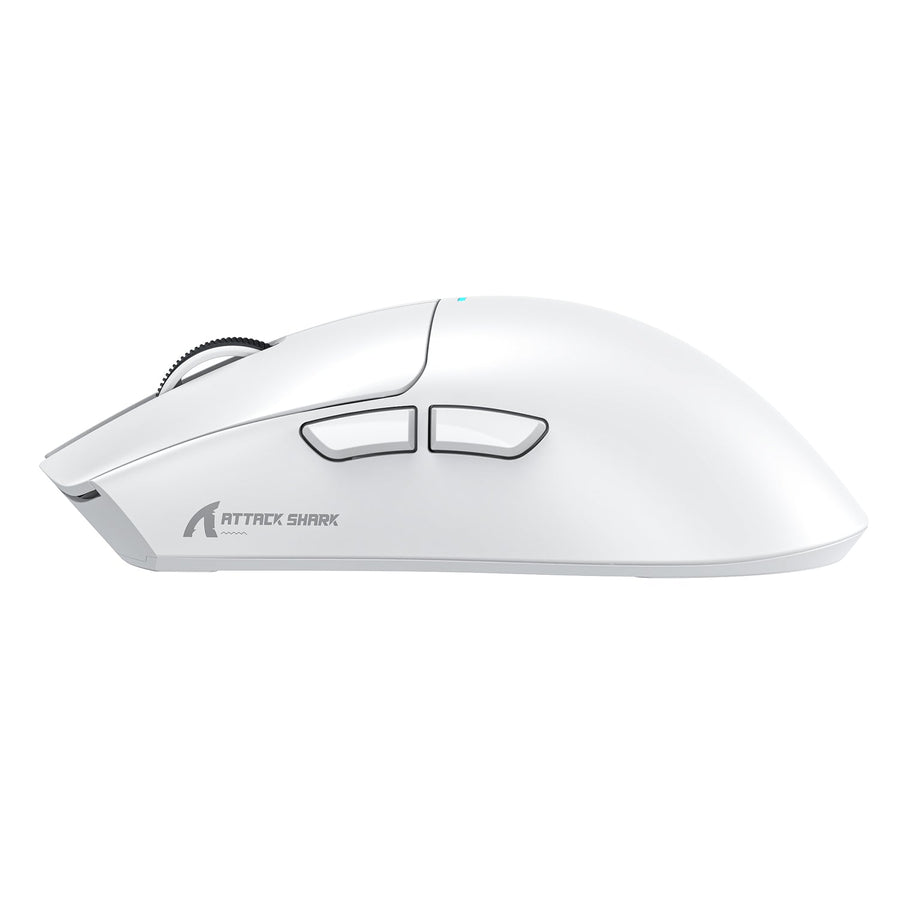



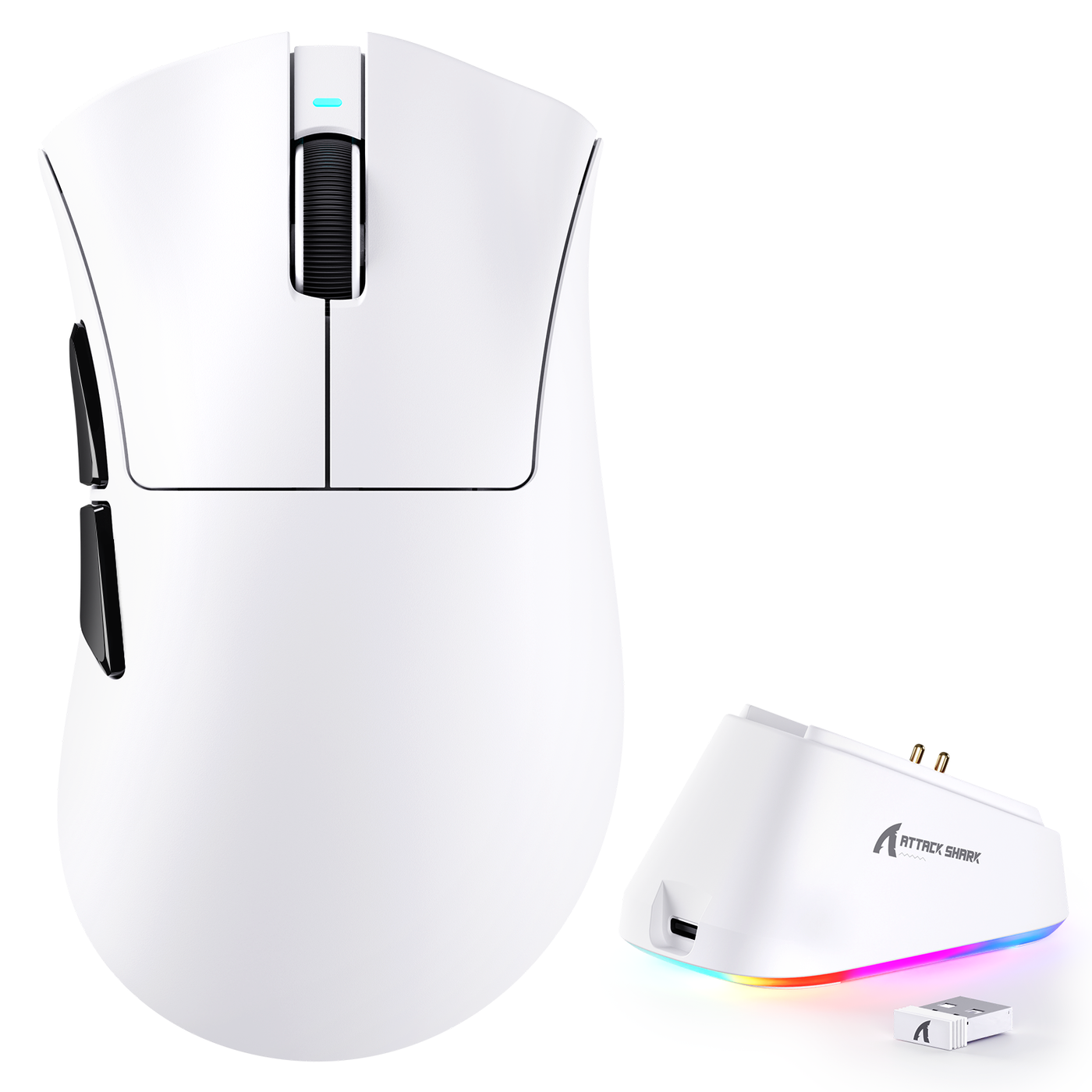
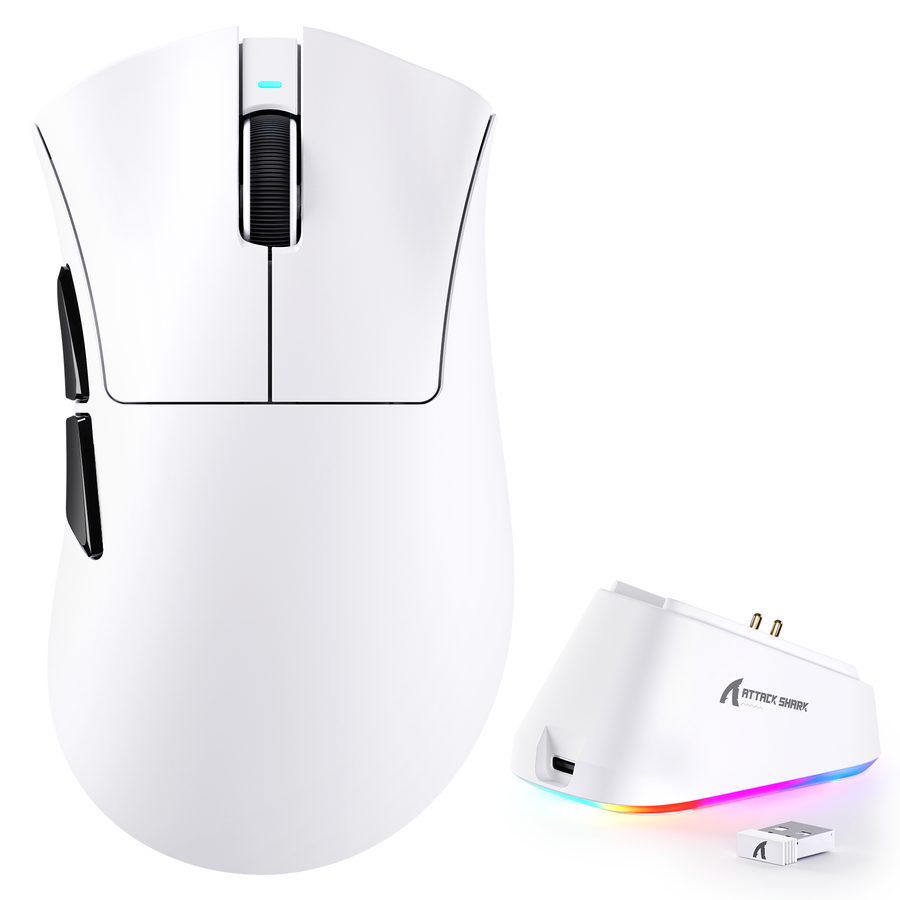
A silent-click gaming mouse can reduce the sharp sound of primary-button actuation, but it does not make every mouse action inaudible. It is most likely to help when clicks are the main disruption and the nearby listener can accept the remaining wheel, shell, hand, and desk sounds. If movement or surface noise is the real problem, change the setup instead. If normal interaction is already acceptable, a standard gaming mouse may be enough.

When Is a Silent-Click Gaming Mouse Quiet Enough for a Shared Room?
Choose a silent-click model when repeated button clicks are the complaint, testing from the other person's position produces an acceptable result, and the remaining sounds do not interrupt the room. Choose setup changes or additional acoustic control when the wheel, shell, hand, movement, or desk is still disruptive. Choose a standard gaming mouse when the overall interaction is already acceptable and quieter clicks would create an unwanted feel or feature tradeoff.
The listener and the room both affect the decision. A quiet gaming mouse for a shared office may be suitable when a coworker is awake and background activity masks some residual sound. A bedroom, dorm, or shared living space next to someone who is sleeping calls for a stricter test during the relevant quiet period. Do not treat the word “silent” as a guarantee that the whole mouse is quiet.
Use the actual listener-position test before making your final choice. For a nearby sleeper, test the complete interaction during the quietest relevant period—not just a few primary clicks. For an awake coworker or roommate, repeated work and gaming actions still need to be acceptable from the usual distance.

Which Parts of a Gaming Mouse Make Noise?
Diagnose the complaint by action instead of assuming the main buttons are the loudest part. A mouse click is a mechanical event whose sound depends on the switch and how it is integrated into the mouse body, including the enclosure and the surrounding air. The technical discussion of mouse click acoustics supports that integrated explanation, but it does not establish a universally loudest component or a shared-room threshold.
Button clicks can get quieter without becoming inaudible
A quieter click mechanism targets the sharp sound created when the primary or secondary button is actuated. The switch, enclosure, press force, click frequency, and listener distance affect what remains audible. Some quieter click implementations may also feel softer than a conventional crisp click, so test gaming feel and room acceptability together rather than assuming the product label tells you both.
A model-specific example shows why this distinction matters: an independent review found that the reviewed mouse had quieter but still audible primary and secondary clicks, while its side buttons were more noticeable and its scroll wheel had a distinct sound. In other words, quieter main clicks can still leave side buttons and the scroll wheel audible. That observation applies to the reviewed model, not to every silent-click gaming mouse.
Scroll-wheel motion creates a separate sound
Wheel rotation can add ratcheting, rubbing, finger, or free-spin noise that a quieter main click does not address. Test repeated scrolling in both directions if the mouse will handle documents, menus, browsing, or games with frequent wheel use. A quiet mouse for gaming and work must remain acceptable while scrolling, not just during isolated button presses.
Shell contact, side buttons, and lifting add movement noise
Grip changes, side-button presses, shell flex, creaks, rattles, lifting, and setting the mouse down can create separate mechanical or impact sounds. Squeeze the shell normally, press the side controls, reposition the mouse quickly, and place it back on the desk as you would during play or work. These checks identify movement noise without implying that every mouse has the same shell behavior.
Do not rank these sounds in advance. The dominant source depends on the mouse, task, surface, room, and listener position. Before changing products, identify whether the objection occurs during clicking, scrolling, shell movement, lifting, or desk contact. If the problem is mainly the surface or handling, review these ways to reduce mouse-click sound as general setup guidance, not as proof of a specific noise-reduction result.
The desk and hand can carry more sound than expected
Mouse feet, hand contact, movement, a hard desk, and desk-mat interaction can add sound apart from the switches. A hand that repeatedly shifts grip or a mouse that lands firmly after being lifted may disturb a nearby person even when the primary click is subdued.
Room quietness, listening distance, line of sight, and whether someone is sleeping or working nearby also affect perceived disruption. Test the mouse on the surface and at the distance used every day. A sound that disappears in an active shared office may remain noticeable beside a sleeper at night.
How Do You Test a Silent Gaming Mouse in Your Shared Room?
Use a seven-step, room-specific test before keeping a silent gaming mouse. This is a practical buying heuristic, not a formal acoustic test or universal pass/fail protocol. The key question is simple: does the nearby listener accept the complete sound pattern during the real task and the relevant quiet period?
- Recreate the setup. Use the actual desk or table, mouse surface or mat, chair position, listener distance, and room conditions. If the mouse will be used beside someone who is sleeping, test in the bedroom or dorm during a comparable quiet period.
- Test primary clicks. Make single and repeated left-button clicks at the pace and frequency you expect during gaming and work. Listen from the nearby person's normal position rather than judging only from your own chair.
- Test secondary and side-button actions. Use right clicks, side buttons, rapid combinations, and the controls used by your games or applications. A quieter primary click does not mean these controls will sound the same.
- Test scrolling. Scroll up and down repeatedly through a document, menu, browser page, or game interface. Include the pace you use in real work, since wheel noise may become the main complaint.
- Test movement and desk contact. Reposition quickly, lift the mouse, set it down, change your grip, and make ordinary hand movements. Notice sound from the feet, shell, hand, desk, and mat separately where possible.
- Ask the nearby listener. Have the coworker, roommate, partner, or sleeper assess the sound from their usual position when practical. Ask which action is noticeable and repeat the relevant test during the quiet period that matters. Their acceptance—not a label or an invented numeric cutoff—is the useful decision boundary.
- Make the keep, modify, or switch decision. Check the listing for explicit click-mechanism or noise-related wording, but do not treat “silent” as proof that the mouse fits the room. Keep the packaging and verify the seller's current return requirements. During the applicable return period, keep the mouse if the complete interaction is accepted, modify the surface or setup if those sounds dominate, or switch models if the remaining pattern is still disruptive.
For a button and scroll-response check during this routine, you can use the mouse button test tool. It helps exercise inputs, but it is not an acoustic measurement and cannot establish that a mouse is quiet enough for a shared room.
The practical conclusion is conditional: a silent-click model is a reasonable first choice when sharp clicks cause the disruption and the listener accepts the rest. If wheel, shell, movement, hand, or desk sounds remain the problem, change the setup or add acoustic control. If normal sounds are already acceptable, choose the standard gaming mouse that provides the feel and performance you prefer. Run the test in the real room before treating the purchase as settled.
Frequently Asked Questions
Are silent gaming mice truly silent?
Usually, “silent” describes reduced sound from a particular click mechanism, not inaudibility across every action. Wheel motion, side buttons, shell contact, hand movement, and desk transmission can remain audible. Test the complete interaction from the nearby listener's position before relying on the label.
Can a silent gaming mouse be quiet enough for an office or bedroom?
It can be a reasonable fit in an office or shared room when the listener accepts the complete sound pattern and clicks are the main complaint. Beside someone who is sleeping, use a stricter quiet-period test at the sleeper's usual position. If any remaining action is disruptive, change the setup or choose another option.
Which part of a gaming mouse creates the most noise?
There is no universally loudest component. The objection may come from primary or secondary clicks, the wheel, side controls, shell movement, lifting, hand contact, feet, or the desk. First identify the action that causes the complaint, then test that action separately from the others.
How can I test a silent-click gaming mouse before keeping it?
Recreate the real surface, distance, and room; test clicks, side buttons, scrolling, movement, lifting, and setting the mouse down; then ask the nearby listener for an assessment. Use the applicable return period and keep the mouse only if the complete interaction is acceptable during the relevant task and quiet period.