


Magnetic keyboard switches, often called Hall Effect switches, use a magnet and a sensor to read how far a key has traveled instead of waiting for a metal contact to touch. That sensing difference is what makes adjustable actuation and Rapid Trigger possible. Whether it is worth changing from a mechanical board comes down to one question: does a specific gaming input problem or customization need outweigh the typing feel, simplicity, and switch variety you already like?

What Are Magnetic Keyboard Switches?
Magnetic keyboard switches are switches built around a small magnet in the stem and a Hall sensor on the circuit board. As you press the key, the magnet moves closer to the sensor, and the sensor reads that changing position. A traditional mechanical switch works differently: it registers a keypress only when two metal contacts physically touch and close a circuit.
This sensing method is why magnetic switches are commonly grouped under the Hall Effect keyboard category. Position data alone does not guarantee every feature. Adjustable actuation and Rapid Trigger are still model-dependent, so a specific board has to support them before you can use them.
That difference sets up the key comparison: position sensing can add adjustable control, while contact switches keep switch-defined behavior.
How Hall Effect Sensing Differs From Mechanical Switching
The core difference is continuous position sensing versus a fixed contact event. A magnetic switch can report where the key is at almost any point in its travel, while a mechanical switch simply reports "pressed" or "not pressed" once the contacts meet.
A magnet moving near a fixed sensor produces a signal that changes with distance. This lets the sensor read linear position without a physical contact event. Contactless Hall Effect position sensing describes this general engineering principle. On a compatible keyboard, the controller and firmware can use that position signal to support an adjustable actuation point instead of a fixed mechanical distance.
| Dimension | Magnetic / Hall Effect | Traditional mechanical |
|---|---|---|
| Sensing method | Magnet and Hall sensor read key position | Physical contacts close a circuit |
| Actuation adjustment | Can be software-adjustable if the board supports it | Fixed by the switch design |
| Rapid Trigger | Available on some supporting models | Not applicable to standard contact switches |
| Feel | Commonly smooth or linear | Wide range: linear, tactile, clicky |
| Software | Often needed for advanced tuning | Usually optional for basic use |
| Compatibility | Model- and switch-family specific | Broad aftermarket switch options |
The sensing method is the foundation, but the features built on top of it, actuation tuning, Rapid Trigger, and calibration, depend on the specific keyboard's controller and firmware. A magnetic sensor by itself does not decide which features you get.
What Adjustable Actuation and Rapid Trigger Actually Change
Adjustable actuation changes how far you have to press a key before it registers, and Rapid Trigger changes how quickly the key can register again after you let go. Together they give supported boards more control over repeated key inputs than a fixed mechanical actuation point allows.
Rapid Trigger works by re-arming the key after it moves back up a small, defined distance, instead of waiting for the key to return to its full resting position. That shorter reset path is the entire practical benefit, and it only exists on models that explicitly support the feature.
When Rapid Trigger can matter
- Games with fast directional changes or quick release-and-press movements, such as competitive strafing or precise counter-strafing, are the clearest fit.
- The benefit only appears if your specific keyboard model supports Rapid Trigger and you configure it, since the feature is not automatic on every magnetic board.
When it may not matter
- Typing, browsing, slower-paced games, and casual play generally do not need a shorter reset distance, so Rapid Trigger adds little there.
- A responsive mechanical keyboard can already feel fast enough for these uses, so switching technology just for this feature may not change your experience.
Do Magnetic Switches Feel Different When Typing?
Magnetic switches do not automatically feel different from mechanical switches; the switch design and board construction still shape most of what you feel. Many available Hall Effect switches are smooth and linear, while mechanical boards offer a wider established range of linear, tactile, and clicky options, so the technology itself is not the only variable.
What shapes the feel
Keycaps, the plate under the switches, mounting style, stabilizers, and internal dampening all affect sound and key response just as much as the switch itself. A Hall Effect sensor changes how the key is read, not automatically how it sounds or how much resistance it offers.
The typing-first boundary
If a specific tactile bump, an audible click, or access to a broad switch and keycap modding ecosystem matters to your daily typing, staying with a mechanical board is the safer choice. If adjustable control is worth more to you than that familiar feel, a Hall Effect keyboard becomes reasonable, as long as you accept a more model-specific feel and replacement ecosystem in exchange.
Do Magnetic Keyboards Need Software?
Basic typing on many magnetic keyboards does not require active software configuration, but advanced features like actuation tuning, Rapid Trigger, and calibration usually do. It helps to separate what the keyboard does out of the box from what you have to set up yourself.
Basic operation versus advanced controls
- Ordinary key registration for typing and everyday use is generally separate from actuation tuning, Rapid Trigger, profiles, and calibration settings.
- Before assuming a board needs constant software, check which specific features you actually plan to use rather than assuming the entire keyboard depends on an app.
What to verify before buying
First, list the features you plan to use: adjustable actuation, Rapid Trigger, profiles, or calibration. Then check how the keyboard provides those controls. The path may be desktop software, a web driver, onboard controls, or firmware support.
Before buying, confirm that the features you want are available through the keyboard's supported control path. Some models rely on a browser-based web driver rather than a desktop install. The X65 PRO HE, for example, lists a web driver, but that detail does not generalize to every keyboard. You can use the store's keyboard driver downloads page as a navigation point when checking a model's software resource.
Can Magnetic Switches Replace Mechanical Switches?
No, an existing traditional mechanical keyboard generally cannot become a Hall Effect keyboard by swapping in magnetic switches, and a Hall Effect board only accepts documented compatible magnetic switches, not just any switch that fits the socket.
A standard mechanical PCB and firmware are built to detect a contact closing, not to read a magnet's position, so installing a magnetic switch there will not register correctly even if the pins line up. On the Hall Effect side, a board's hot-swap support applies to specific magnetic-switch families, and "hot-swappable" should be read as a model-specific feature rather than proof that any magnetic switch will work.
Before ordering replacement switches, confirm the board's supported magnetic-switch polarity or orientation, sensor system, firmware, and calibration procedure. Physical fit alone does not prove functional compatibility. A quick sequence to follow: identify whether your board is mechanical or Hall Effect, check the documented supported switch family or polarity, and confirm firmware or calibration support before you buy or install anything.
Which Buyers Should Choose Hall Effect?
The final decision is a split, not a universal winner: choose Hall Effect when a specific control need drives the purchase, and stay mechanical when feel, simplicity, or switch variety matter more.
Choose Hall Effect when
- Repeated directional inputs in your games make Rapid Trigger genuinely useful.
- Adjustable actuation solves a real problem for you, not just a feature you might try once.
- You are comfortable checking and using model-specific software and switch compatibility.
Stay with mechanical when
- A specific tactile or clicky feel, sound, or a broad aftermarket switch selection matters more to your daily use.
- You want the keyboard to work well for basic typing with less technology-specific setup.
- Rapid Trigger does not solve a recurring problem in the games or tasks you actually do.
If you use your board for both gaming and regular typing, weigh which tradeoff you would notice every day: losing a preferred typing feel, or giving up a specific control advantage in games.
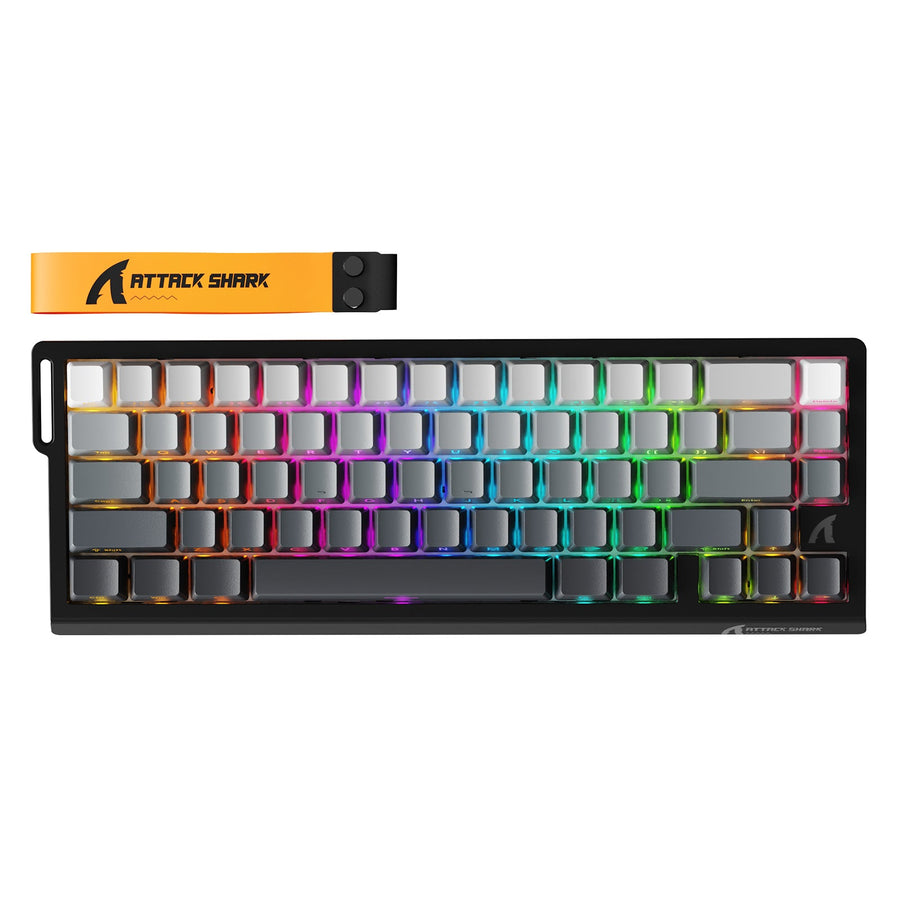
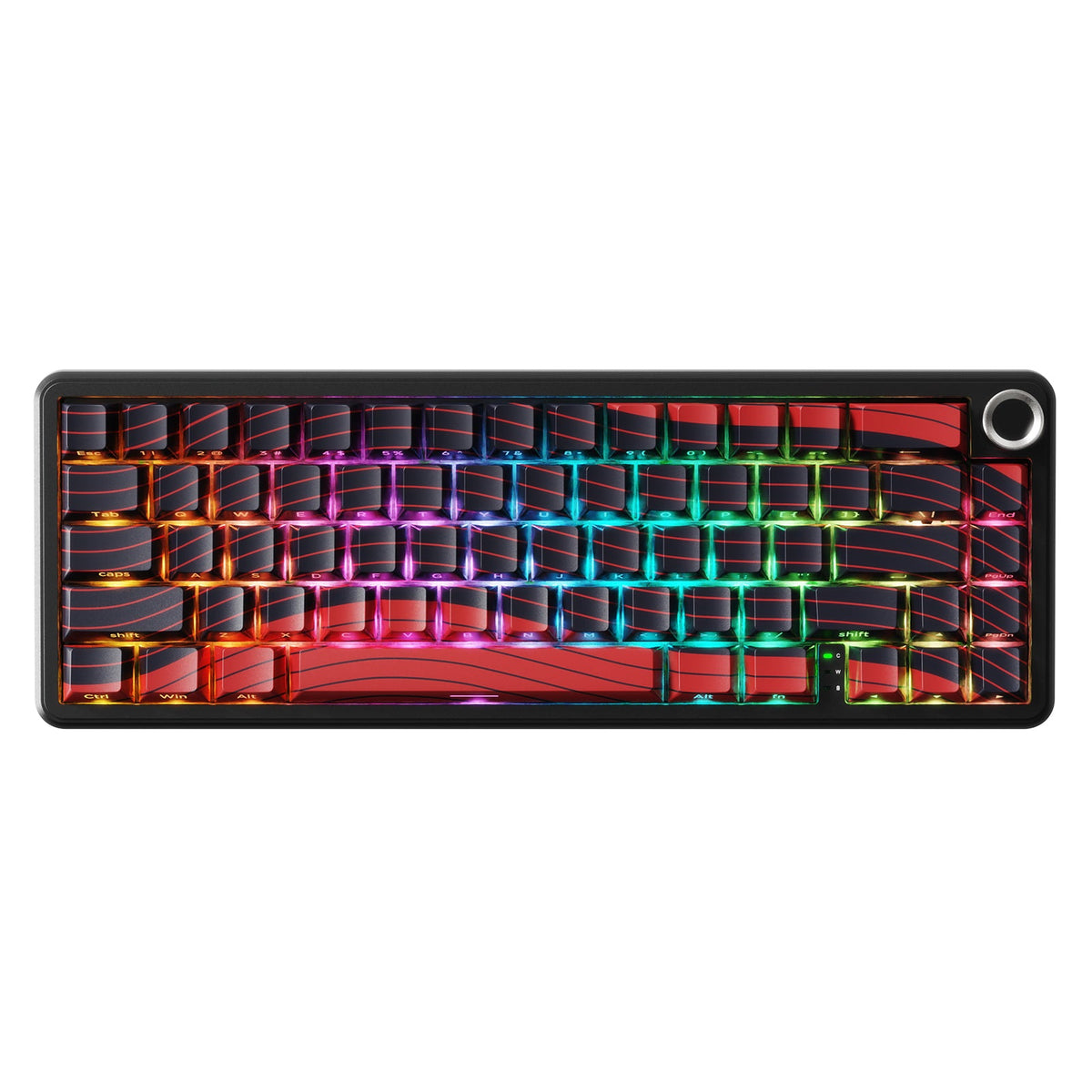
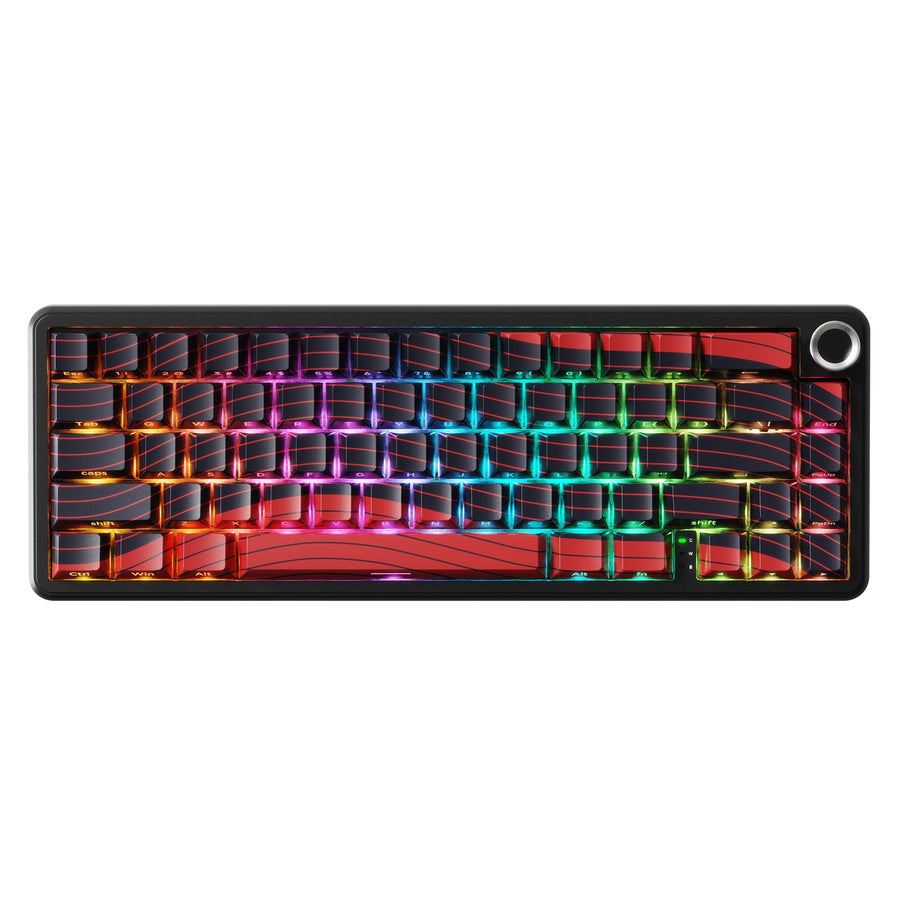
Our X65 PRO HE keyboard is one concrete example. Its listed features include linear magnetic switches, adjustable actuation from 0.1 to 3.4 mm, Rapid Trigger, and a web driver for configuration. The product page lists hot-swap support for N-pole downward magnetic switches. It fits buyers who want that specific control and are comfortable with a model-specific ecosystem. It is not the right fit if a tactile or clicky mechanical feel is your priority.

Use this categorical decision aid to match your priorities with a switch type. It shows fit conditions, not measured performance or a universal ranking.
| If this is your priority | Lean Hall Effect | Lean mechanical |
|---|---|---|
| Repeated directional inputs | Yes | |
| Adjustable actuation | Yes | |
| A tactile or clicky feel | Yes | |
| A broad switch ecosystem | Yes | |
| Low software dependence | Yes |
If your priorities line up with the Hall Effect side, you can explore our Hall Effect keyboard collection to compare layouts and features. There is no need to switch if your priorities point the other way.
FAQs
Do magnetic switches feel like mechanical switches?
Not automatically. Many magnetic switches feel smooth and linear, but keycaps, plate, mounting, and board construction shape the final feel just as much as the switch itself. If you want a specific tactile or clicky response, compare the exact board rather than assuming all magnetic switches feel the same.
Do I need special software for a magnetic keyboard?
Basic typing may work without any active configuration on some models, but adjustable actuation, Rapid Trigger, profiles, and calibration typically depend on the keyboard's software, web driver, or firmware. Check the specific model's supported control path before buying if you plan to use those features.
Are magnetic switches better for gaming?
They are a better fit when repeated directional inputs make Rapid Trigger genuinely useful, such as fast strafing or counter-strafing in competitive games. They are not a universal gaming upgrade, and you may trade some typing feel or add setup steps to get the benefit.
Can I put magnetic switches in my existing mechanical keyboard?
Generally, no. A standard mechanical board lacks the sensors and controller needed to read magnetic switch position, so the switches will not register correctly even if they physically fit. On a Hall Effect board, only documented compatible magnetic switches should be used, and calibration may be required after installation.