


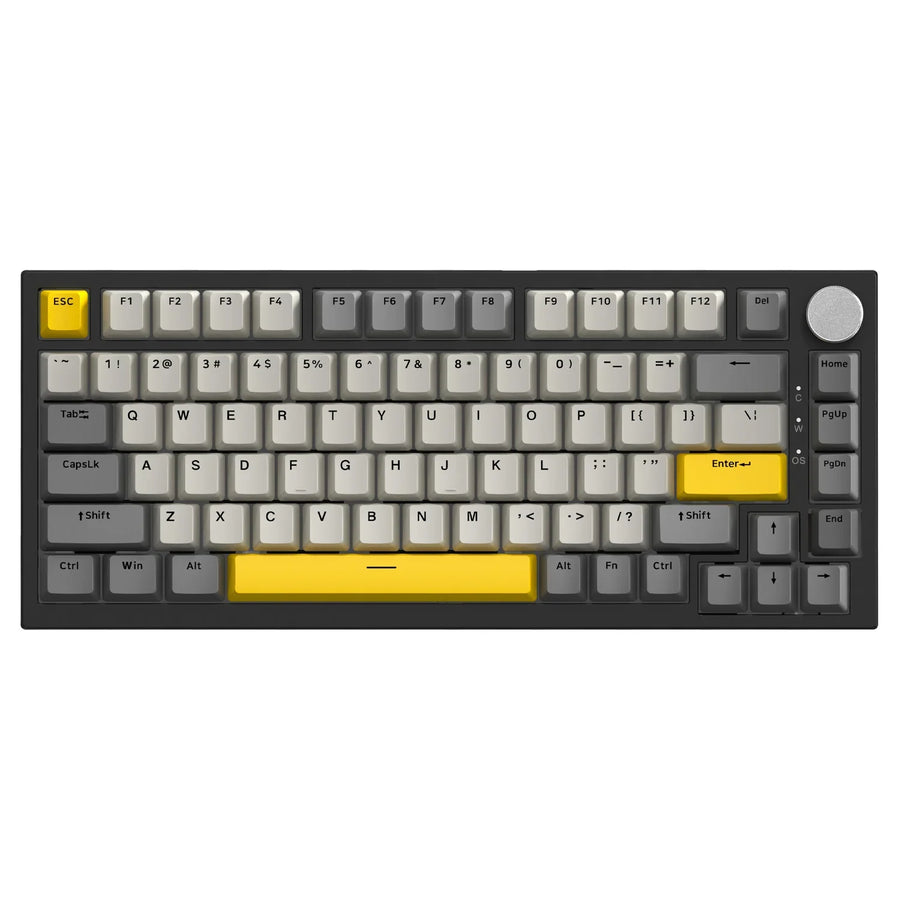
The quickest way to tell them apart is to ask when the problem happens. Key chatter shows up when one quick press of a single key types the character twice or more. Keyboard ghosting and its close cousin, rollover blocking, show up only when you press several keys together.
Inside that combination group, there are two different results. True ghosting adds a key you never pressed. Blocking drops a key you did press. Knowing which one you see keeps you from swapping switches or changing settings that can't fix your actual symptom.
Start with the symptom: repeated alone or only in a combination
Look at what happens on one press compared with a chord. Each pattern points to a different mechanism.
Repeated input from a key pressed alone
Chatter looks like this: you tap a key once, release it fully, and get "ss" or "sss" instead of "s." One mechanism behind it is contact bounce. According to QMK's firmware documentation, mechanical switch contacts often flip on and off several times before they settle, and unmitigated contact bounce can repeat press actions. QMK also notes that settling time can vary with switch type, age, and even how you press the key. Keyboards filter this with hardware or software "debouncing."
That makes repeated output a symptom, not a verdict. It tells you the problem lives with that key's press. It doesn't prove the switch itself is bad.

An extra or missing key in a combination
Combination problems come in two flavors, and they aren't the same thing.
True matrix ghosting means a phantom key appears. Most keyboards wire keys in a grid of rows and columns. In QMK's matrix ghosting example, three pressed keys are read as four, because the current finds a path that makes an unpressed key look pressed. QMK explains that a diode on each key stops this backward path.
Blocking is the opposite result: an intended key just doesn't register. Rollover describes how many keys a keyboard can register at the same time. The Deskthority wiki's overview of rollover and blocked combinations explains that a keyboard with limited rollover guarantees some combinations but not others, so certain chords lose a key. Many people call this "ghosting" too. For diagnosis, keep the two separate: extra key versus missing key.
Run a controlled single-key-versus-combination test
Compare the same key by itself and in the exact combination that gives you trouble. This screen points you in a direction. It doesn't confirm a hardware fault.
- Open a place to watch input. Use a blank text field where you can clearly see each typed character.
- Tap the suspect key alone. Press it briefly and release it fully. Do this 10 to 20 times. Don't hold it down, because holding a key in a text field triggers normal operating-system key repeat.
- Release everything. Make sure no keys are held before the next trial.
- Reproduce the exact combination. Press the same keys that cause the problem in your game or shortcut. Don't swap in a different chord.
- Write down what you intended and what appeared. Note each key you pressed and every key the screen showed.
Here's how to read the results:
- Duplicates on single taps: This is a duplicate-input (chatter) symptom. Focus on that key or the keyboard's debounce handling, not on rollover. Our guide on how contact materials prevent chatter covers the switch side. If you're comparing replacement options, you can sort by mechanical keyboard switch types.
- Clean single taps, but an extra key appears in the chord: This matches true ghosting. A new switch won't help, since the issue is how the keyboard reads that combination.
- Clean single taps, but a pressed key goes missing in the chord: This matches blocking tied to rollover. Changing switches won't fix it either.
When the result is inconclusive
If the problem shows up in only one app or the results change across trials, that alone does not prove a hardware fault. Testing in a second program or text field helps confirm whether the issue follows the keyboard or stays inside one environment.
When symptoms come and go intermittently, ruling out connection issues is a practical next step; our guide on bad USB cable symptoms covers what to look for. If your diagnosis depends on how many keys register at once, check your specific keyboard model's documentation before modifying settings or hardware, as rollover specifications vary widely.
FAQs
Can a brand-new keyboard have chatter?
Yes, it can. QMK notes that bounce settling time varies with switch type and pressing technique, not just age. Run the single-tap test before you blame wear.

What does NKRO mean on a spec sheet?
NKRO stands for n-key rollover. Deskthority defines a true NKRO keyboard as one with neither blocking nor ghosting, where any combination of keys registers correctly. A "6KRO" label usually means six regular keys plus modifiers, because of the USB mode the keyboard uses.
Why do some shortcuts never show up in a browser key tester?
The operating system or browser can catch certain keys first. Fn is often handled inside the keyboard, and system shortcuts like Alt+Tab may never reach a web page. A missing key in that case doesn't mean it's blocked, so test those combinations in the app where you actually use them.
Does holding a key down count as chatter?
No, it doesn't. Holding a key in a text field triggers your operating system's built-in key repeat, which is normal. Chatter means extra characters from one brief press that you release completely.