


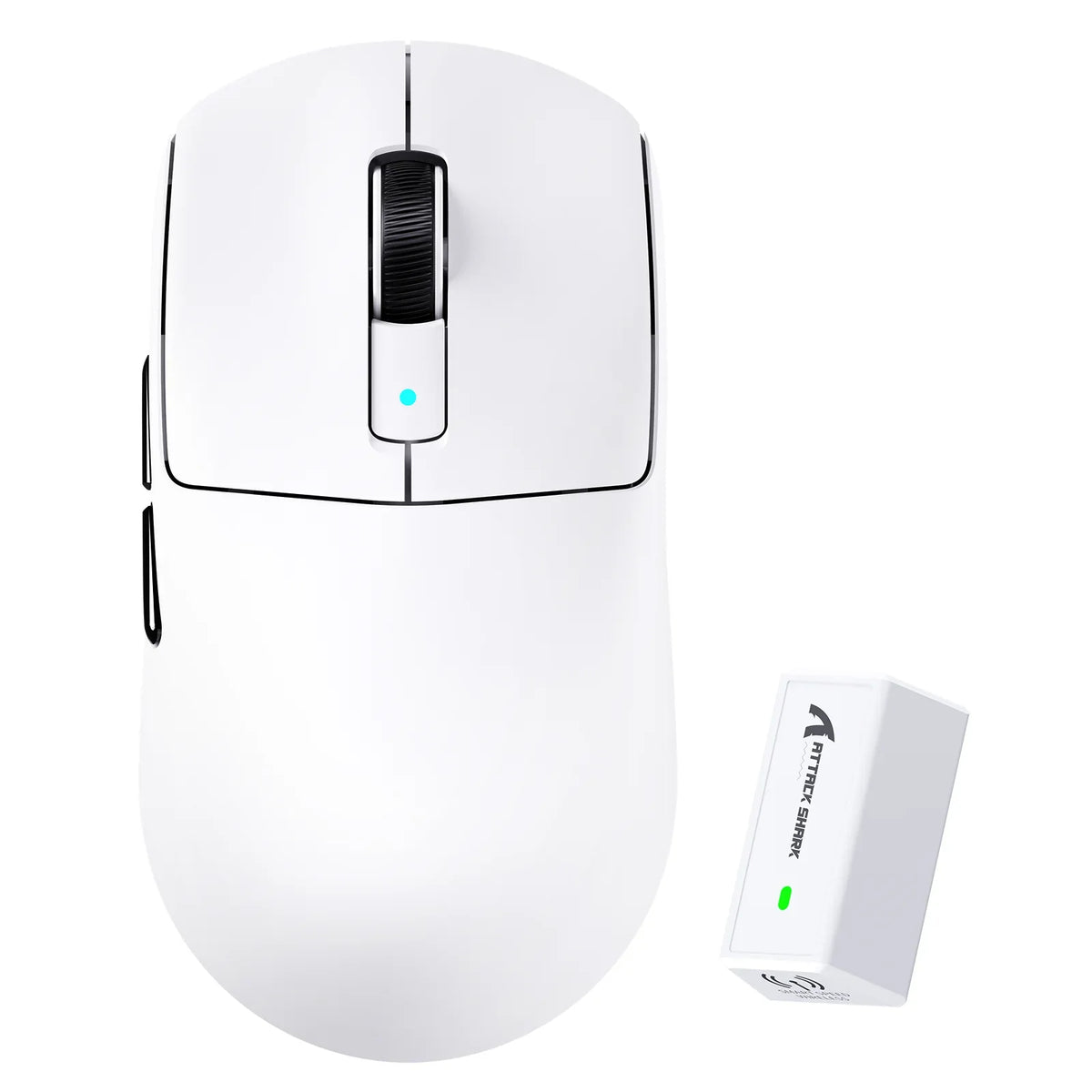
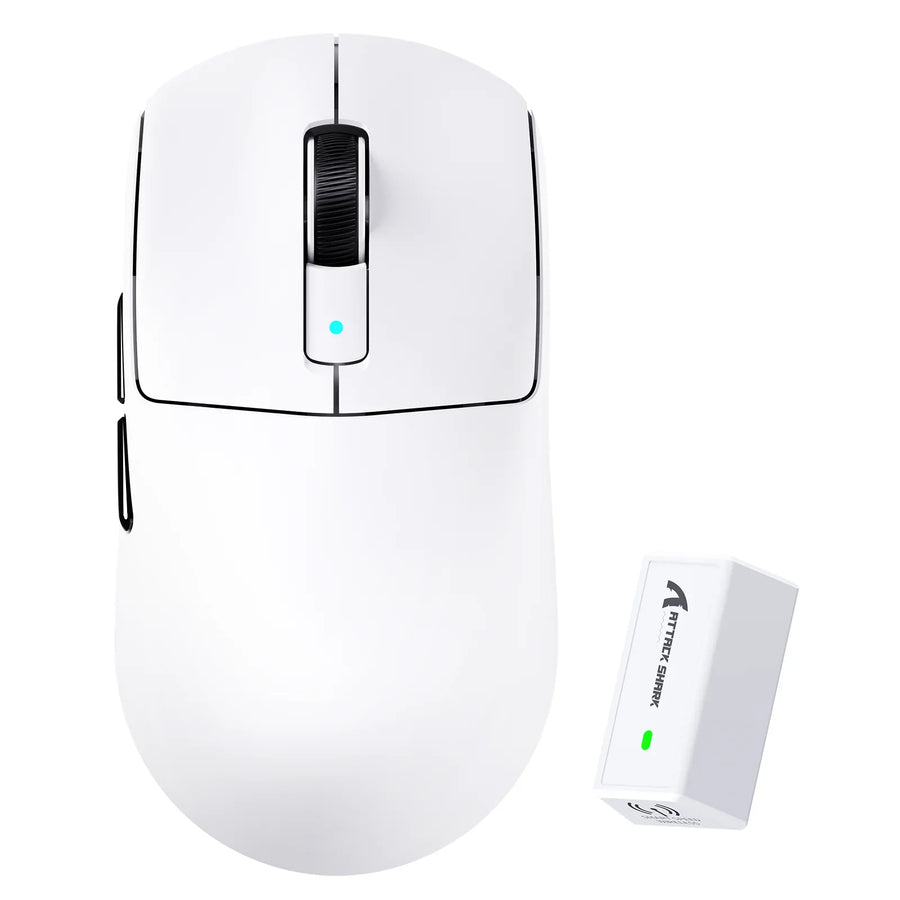
A lightweight gaming mouse becomes too light for you when the reduced weight makes your stops, tracking, and small corrections less consistent than they were with a heavier or more balanced mouse. There is no universal gaming mouse weight cutoff, because whether a lightweight gaming mouse is better for you depends on your sensitivity, movement workload, grip, and mouse surface.

Watch your own control symptoms instead of the number on the box. If a lighter mouse feels easier to move but you start overshooting targets, wobbling during small corrections, or missing precise stops, that mouse is too light for your current setup.
When a Lightweight Gaming Mouse Is Too Light
Too light describes your control experience, not a fixed number on a scale. A 80g vs 87g mouse study among 16 professional players found no statistically significant weight-related difference in performance between the two mice. That result matters because it shows a small weight change is not a guaranteed upgrade, even for players skilled enough to notice subtle differences.

Use your own symptoms as the threshold instead of chasing the lightest listed weight. Watch for overshoot past your target, shaky or repeated corrections when you try to settle on an aim point, accidental movement while lifting the mouse, and stops that land in a different spot each time. If those problems only appear after switching to a lighter mouse, the new weight is likely working against you.
Weight is not the only variable that can cause these symptoms. A mouse that feels too heavy can create its own control problems, including slower repositioning and fatigue during long sessions; our heavy mouse control guide covers that side of the trade-off in more detail.
How Sensitivity and Workload Change the Weight Decision
Your sensitivity setting and how far you move the mouse each turn decide whether lighter weight helps or hurts more than any spec sheet can. Sort your typical movements into two groups: many small corrections, or fewer, larger repositioning movements.
High Sensitivity and Small Corrections
High sensitivity setups make weight differences easy to notice, because a light mouse traveling a short distance is easy to overshoot. A mouse sensitivity study found that higher sensitivity increased corrective submovements and reduced motion precision, while lower sensitivity slowed view rotation speed; the researchers reported a broad near-optimal range of about 0.45 to 1.8 degrees per millimeter, roughly 20 to 80 cm per 360-degree turn, rather than one ideal setting for everyone.
If you play at the high end of that range and notice repeated small corrections or overshoot after switching mice, a balanced or slightly heavier mouse may restore the stopping confidence you lost.
Low Sensitivity and Broad Repositioning
Low sensitivity players who make long, sweeping movements are more likely to benefit from a lighter mouse, because reduced weight cuts the effort of frequent lifting, resetting, and long-distance tracking. This benefit only holds if your stops and tracking stay steady once the mouse is lighter; a mouse that helps mid-swing but slides past the target at the end is not solving your problem.
Gaming mouse weight for low sensitivity play is really a workload question. Judge it by whether your aim still lands where you expect, not by how effortless the movement feels.
How Grip and Surface Friction Change Stability
Grip contact and mouse-surface friction change how stable the same listed weight feels in your hand. Test grip and surface separately from weight so you do not blame the mouse for a shape or pad mismatch.
Grip Contact and Leverage
Palm grip spreads your hand across more of the shell, which can make a light mouse feel more supported during quick stops. Claw and fingertip grips use less contact area, so small changes in leverage tend to be more noticeable, though this is a practical pattern rather than a fixed rule for every hand.
Ask yourself one question while testing: can you lift, start, stop, and correct without squeezing the shell harder than usual? If you need extra grip force to keep a light mouse steady, the shape or contact area may be working against the weight, not the weight alone.
Surface Friction and Stopping Confidence
A faster or smoother mouse pad changes how a light mouse starts and stops compared with a higher-friction surface. A small pilot study of gaming mouse ergonomics described the lightest tested mouse as good for far, fast movements but harder to control for small, low-cycle corrections, while a medium-weight design in the same mouse control pilot study was rated more balanced across both fast and slow scenarios. The sample was small and the results were qualitative, so treat this as a directional pattern rather than a guarantee for your own setup.
Watch for sliding past your intended stop, sideways drift, or inconsistent stops on the same surface. If your pad is inconsistent across its surface, test the same mouse in several spots before deciding the weight itself is the problem. This is one part of the ultralight mouse stability tradeoffs worth checking before you buy.
Choose Lightweight, Balanced, or More Planted Weight
Match your sensitivity, workload, grip, and surface observations to one of three provisional weight categories, then confirm the choice with a short test. This is the same process whether you are comparing a lightweight wireless gaming mouse against a heavier model or choosing between two light options.
| Reader profile | Start with | Why | Move away if | First test |
|---|---|---|---|---|
| Broad, frequent movement, steady stops | Lightweight | Lower weight cuts repositioning effort without costing control | Stops become inconsistent or overshoot appears | Compare aim tasks with deliberate stops at your normal sensitivity |
| Mixed workload, unsure which dominates | Balanced | Keeps most of the movement benefit while preserving stopping feel | Movement feels sluggish, or corrections still feel shaky | Alternate large and small movement drills on the same surface |
| Correction- and stop-dominant, overshoot after grip and surface checks | More planted | Added mass adds resistance during starts and stops | Repositioning starts to feel like a chore | Repeat drills only after ruling out grip and surface issues |
Run a Controlled Side-by-Side Test
Keep your sensitivity, game, mouse pad, and task the same while you compare your current mouse with the candidate. Run through broad repositioning, tracking, small corrections, and deliberate stops in that order, since each stresses the weight decision differently.
Only choose the lighter mouse if movement gets easier without a repeated loss of stopping or correction control. A single good pass is not enough; run the comparison two or three times before deciding.
Use Product Weight as a Starting Point, Not a Verdict
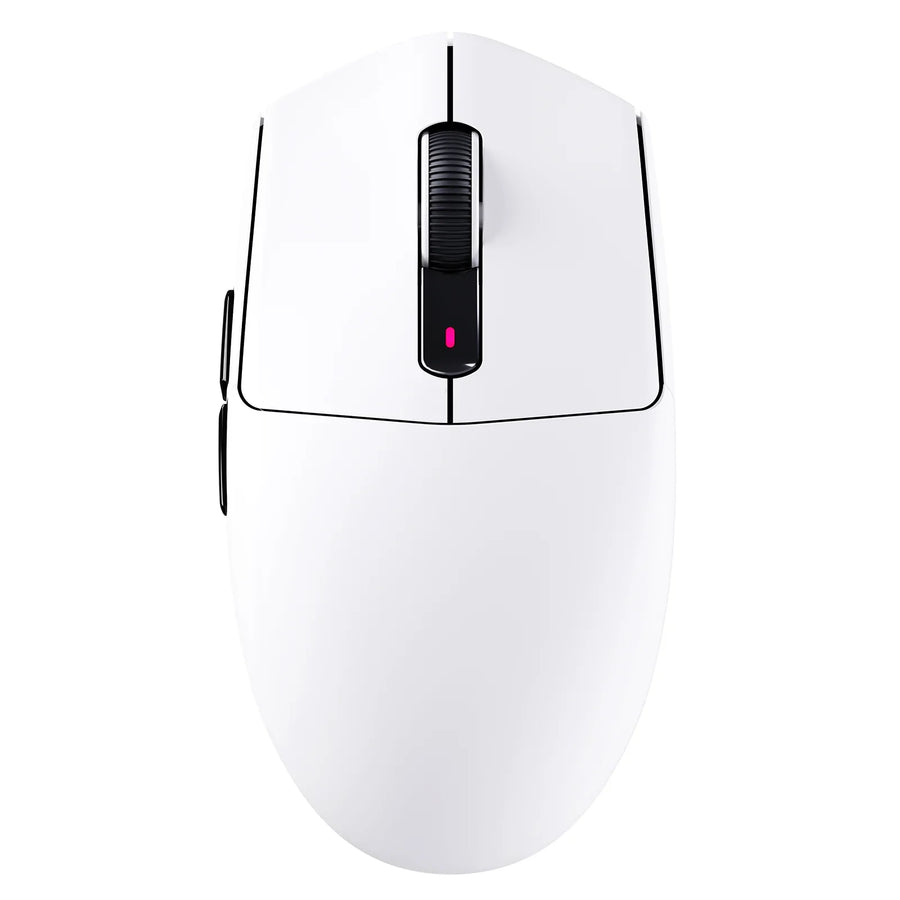
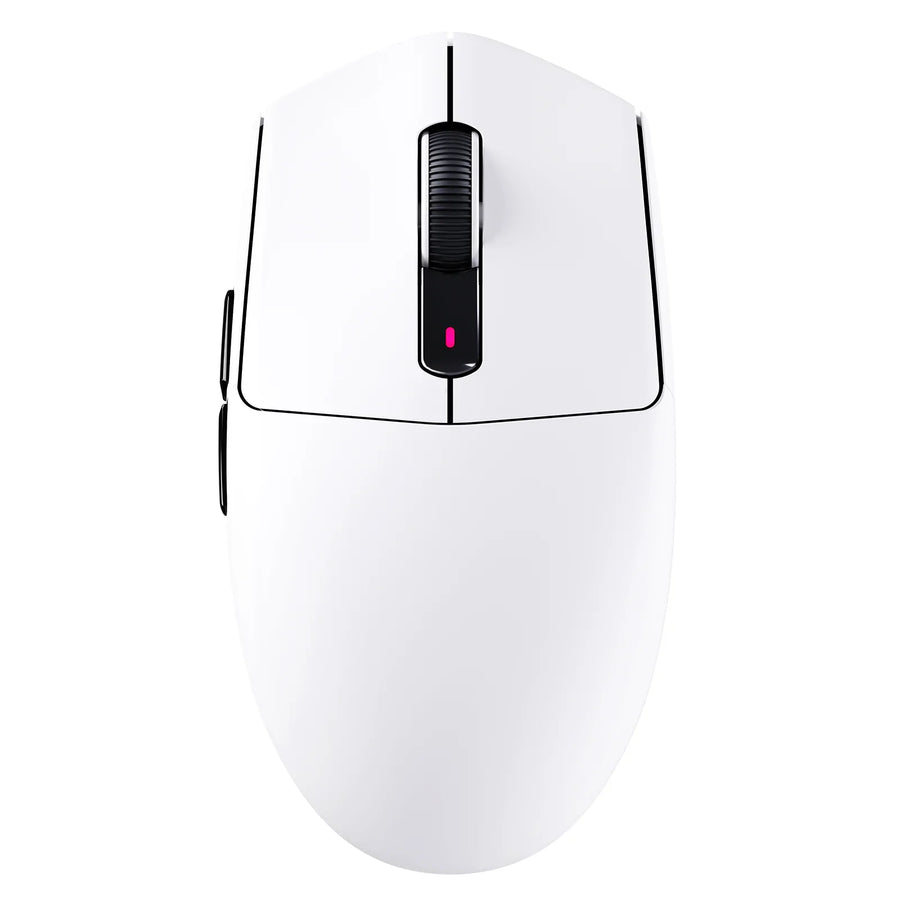
If your test points toward a lightweight profile, our R6 ultralight mouse is listed at 39±3 g, giving you a concrete reference point at the far end of the lightweight range. If you want a lighter feel without going to the extreme, and a right-handed ergonomic shape fits your hand, our V8 ergonomic mouse is listed at 59±3 g.
Neither listed weight proves it will suit your grip or surface. Treat both numbers as starting points for your own side-by-side test, not as a verdict on stability.
FAQs
Can a lightweight gaming mouse actually be too light for one person?
Yes. A lightweight gaming mouse can be too light for you specifically if it causes overshoot, shaky corrections, or inconsistent stops that did not happen with your previous mouse, even if the same mouse works fine for someone else. The clearest way to check is a same-sensitivity, same-surface comparison during your normal aim task: if the lighter mouse does not hold up during deliberate stops and small corrections, it is too light for your setup, regardless of its advertised weight.
Does lowering in-game sensitivity fix a mouse that feels too light?
Lowering sensitivity can reduce small-correction jitter, but it increases the physical distance you must move and reset the mouse. If your main issue is losing control during deliberate stops or overshooting on high-speed sweeps, changing sensitivity alone often masks an unstable mouse weight rather than solving the control mismatch.
Should you switch mouse pads before changing to a heavier mouse?
Testing a higher-friction mouse pad can help determine if low surface resistance is causing your stopping instability. If you still experience overshoot and shaky micro-adjustments across consistent pad areas at your normal grip force, the mouse weight itself is likely too light for your control style.