


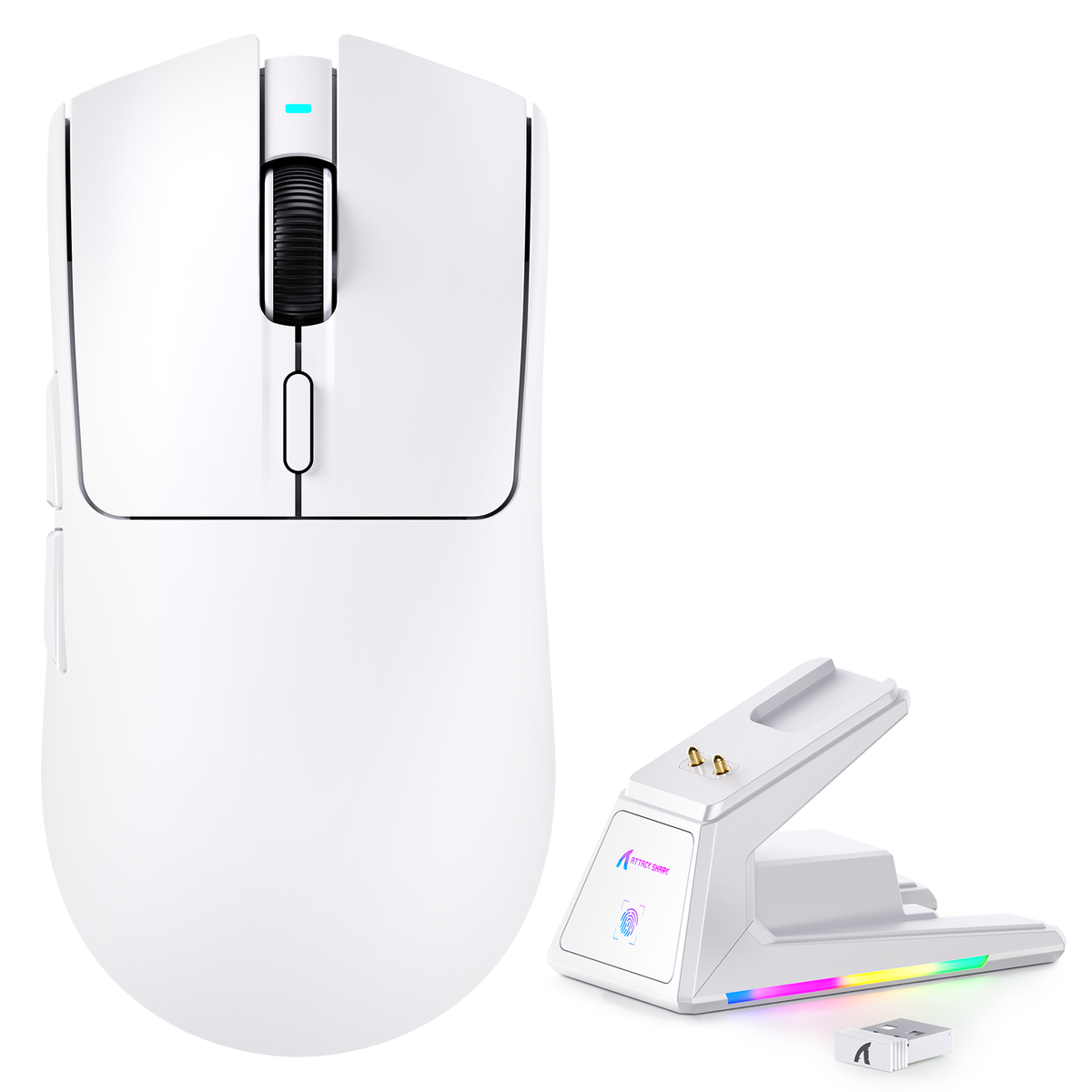
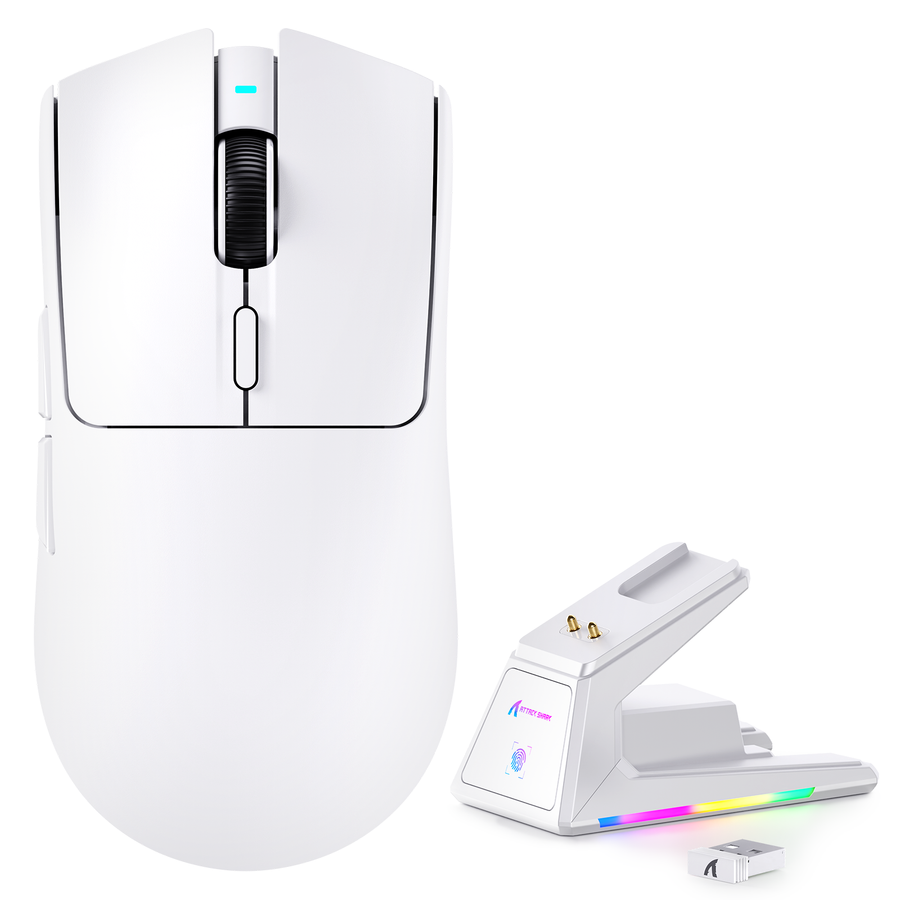
A gaming mouse buying guide works best as a sequence, not a spec sheet. Start with your gaming scenario and what actually bothers you about your current mouse. Then confirm hand fit and grip style before you look at any number. Once fit points you in a direction, use it to judge DPI, polling rate, sensor, and wired-versus-wireless choices. Finish with build quality and ownership checks before you add anything to your cart.

Start With Your Gaming Scenario and Current Mouse Problem
The fastest way to avoid comparison paralysis is naming your current problem in one phrase before you open a single product page. That phrase tells you which later section actually matters to you.
Name the Problem With Your Current Mouse
Most complaints fall into a few buckets, and each one points to a different fix:
- Discomfort or hand fatigue: your next stop is the fit and grip section.
- Unwanted weight or sluggish feel: check grip fit first, then handling preferences.
- Cable friction or tangles: go straight to the wired-versus-wireless section.
- Dropped connections or lag: check connectivity and then performance specs together.
- Buttons or wheel that feel mushy or unreliable: focus on the build-quality checks.
- Suspected performance limits in ranked play: read the DPI, polling rate, and sensor section before you trust any single number.
Choose Your Starting Route
Your gaming scenario sets the order you should work through this guide.
- Competitive or latency-sensitive play: confirm fit first, then dig into performance evidence and connection consistency before anything else.
- General gaming or mixed work: prioritize comfort, controls, charging routine, and everyday ownership over chasing a headline spec.
- Replacing a mouse that's already failing you: use the current mouse as your diagnostic reference. Solve the specific problem you named above instead of upgrading everything at once.
| Your scenario | Current mouse problem | First decision gate | Next step |
|---|---|---|---|
| Competitive play | Feels unstable or slow to react | Fit and grip | Performance specs |
| General or mixed use | Uncomfortable after long sessions | Fit and grip | Connectivity and ownership |
| Replacing a mouse | Named failure (cable, buttons, connection) | Fit and grip | Section that matches the failure |
Make Fit and Grip Your First Purchase Gate
Fit should be settled before you compare a single specification. OSHA's guidance on pointing devices recommends testing a mouse for fit and feel before you commit to it, keeping it close enough to the keyboard, and adjusting sensitivity so your wrist can stay in a neutral position.
Use Grip Style as a Direction, Not a Verdict
Palm, claw, and fingertip labels describe a starting direction. They are not a guaranteed match for every hand.
| Grip direction | What to check | Research question to answer |
|---|---|---|
| Palm | Full hand support, no forced wrist extension | Does the shape support your whole palm at rest? |
| Claw | Rear support plus comfortable button reach | Can you control the front without pressing hard? |
| Fingertip | Low contact, free wrist and arm movement | Does the size avoid overreaching for clicks? |
Weight preference sits inside this same check. A lighter mouse can suit fast wrist movement, and our lightweight mouse guide walks through how that weight difference plays out in fast-paced titles like Apex Legends and Warzone.
Make the Fit Check Practical
Turn grip labels into a real test with three steps:
- Measure your hand length and width the same way each time, then compare those numbers with the mouse's listed dimensions. Our hand measurement guide covers the exact measurement points and common mistakes.
- Check whether your wrist stays neutral and whether you can control the cursor with a light touch, not a tight grip.
- Confirm the mouse sits close enough to your keyboard for your actual desk layout, so you are not stretching to reach it.
If a shape fails this check, no specification later in this guide will fix it.
Interpret DPI, Polling Rate, and Sensor Specs in Context
DPI, polling rate, and sensor specs answer different questions. None of them alone tells you how a mouse will feel in your game.
Translate the Numbers Into Questions
| Specification | What it actually controls | What it can't prove alone |
|---|---|---|
| DPI | Cursor sensitivity and adjustment range | Overall tracking accuracy or comfort |
| Polling rate | How often the mouse reports position to your PC | Whole-system responsiveness |
| Sensor | The tracking hardware installed | Real-world performance without independent testing |
NVIDIA describes motion-to-photon latency as the time between an input and the resulting on-screen event, which includes your mouse, PC, game, and display together. That means a single mouse specification cannot describe your complete system's responsiveness. Our polling rate guide and sensor comparison guide go deeper into how each setting behaves in practice.
Read Performance Reviews for Method, Not Hype
Before trusting a performance claim, check three things:
- Does the review disclose the test rig, settings, and surfaces used?
- Does it separate mouse-level measurements from full-system responsiveness?
- Does it treat a maximum DPI or polling number as a spec to verify, not a promise?
Treat mouse specifications as partial inputs. Confirm the test conditions before you assume a number will translate into a real advantage on your desk.
Choose Wired or Wireless by Your Desk and Routine
Connectivity is an ownership choice as much as a technical one. Neither wired nor wireless is universally better; the right pick depends on your cable tolerance, charging routine, and desk layout.
Choose Wired When Simplicity Is the Priority
A cable can be the simpler choice for a fixed desk setup.
- Choose wired if you don't want to manage charging or battery levels at all.
- Check the cable's flexibility, connector placement, and whether your desk has room to route it without snagging.
Choose Wireless When the Routine Fits
Wireless suits readers who value a clear desk or switch between devices often.
- Choose wireless if a clear desk matters more to you than avoiding a charging routine.
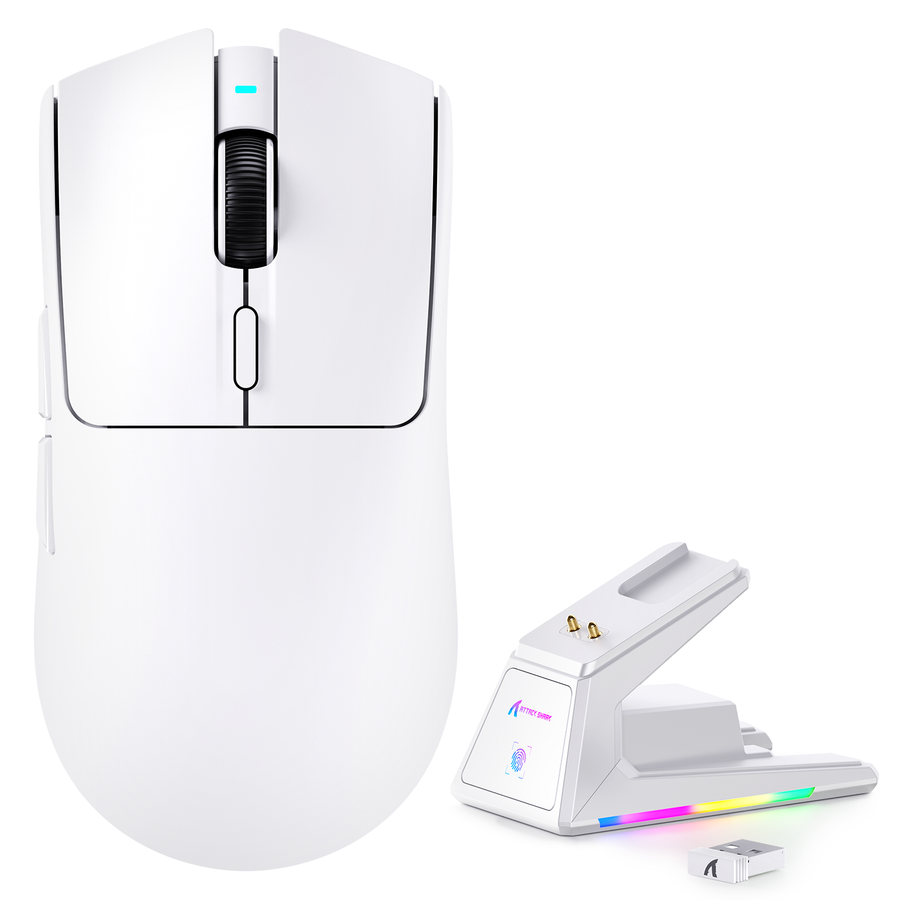
- Confirm the intended connection mode, charging method, fallback option, and support details before you buy, since a tri-mode label doesn't guarantee every mode fits your setup equally well.
Check Surface, Controls, and Build Details Before You Buy
Surface behavior and build quality show up every day, long after the spec sheet stops mattering.
Match the Surface Check to Your Desk
Use your actual mousepad or desk surface as the real test condition, not a generic claim.
- Look for reviews that test more than one surface instead of assuming universal glide.
- Check how the feet and cable move together as part of the full desk interaction.
- Treat surface compatibility as a conditional test tied to your own setup, not a universal spec.
Inspect the Parts You Touch Every Day
A published mouse-testing methodology compares multiple surfaces, CPI levels, and sensor behavior under controlled settings, which is the kind of disclosed condition worth looking for in any review you read.
Check these physical details directly:
- Shell material, coating, and whether the shell flexes under normal pressure.
- Main buttons, side buttons, and scroll wheel feel.
- Feet material and glide, plus cable or charging hardware condition.
A material description alone isn't evidence of long-term durability. Our build quality guide breaks down why a mouse can look great on paper and still feel cheap in daily use. You can also confirm button response and rollover in real time with our mouse testing tool before you commit to a purchase.
Plan the Ownership Checks Before Purchase
Ownership includes software, charging, accessories, support, warranty, and returns, not just the mouse itself.
Verify the Ownership Routine
- Confirm the required configuration software, driver path, and operating system support for the exact model you're considering.
- If it's wireless, confirm the charging method, battery indicator, cable fallback option, and receiver storage.
- Check whether the included accessories actually match your desk setup and intended use.
- Record the exact model's support channel, contact path, and listed support hours or availability before ordering.
Verify the Purchase Protections
- Read the current warranty terms and any listed exclusions on the exact product page.
- Check the return window, condition requirements, and who covers return shipping.
- Save the product page and your order record for the specific model you purchased, in case you need to reference it later.
Confirm these details on the exact model's page before placing the order. That single check protects you more than any generic brand promise.
Choose Your Next Research Step Before You Add to Cart
Your remaining question decides your next stop.
Route the Unresolved Question
- Still unsure about fit or hand size? Continue to our hand measurement guide.
- Still weighing performance specs? Continue to our polling rate guide or sensor guide.
- Still evaluating handling or build quality? Continue to our build quality guide.
Move From Research to the Collection
Once your fit direction, use case, and ownership checks are clear, you're ready to shop with criteria instead of guesswork. We organize mice by hand fit in our hand size collection, so you can browse using the exact fit direction you just confirmed rather than starting over from a blank product list.
Use This Final Pre-Cart Checklist
Run through this before you add a gaming mouse to your cart:
- Name your gaming scenario and the specific problem with your current mouse.
- Confirm your grip direction and check that the shape and dimensions actually match your hand.
- Identify the one performance spec (DPI, polling rate, or sensor) that matters most for your scenario, and check for disclosed test conditions behind any claim.
- Confirm the connection mode, charging routine, or cable setup fits your desk.
- Verify the warranty, return window, and support details on the exact product page before you check out.
If you can answer all five points for a specific mouse, you're ready to complete the purchase.
FAQs
How Do I Choose a Gaming Mouse?
Start with your current problem and gaming scenario, confirm your hand fit and grip direction, then compare only the performance and connectivity features that actually address that use case. Working in that order keeps you from getting distracted by specs that don't apply to you.
What Matters Most When Buying a Gaming Mouse?
Shape and fit usually decide whether a mouse feels controllable at all. After that, weigh the performance evidence, connection routine, surface behavior, build quality, and ownership terms that matter for your specific situation.
Should I Prioritize Shape, Weight, or Sensor?
Start with shape and grip fit, since an uncomfortable shape undermines everything else. Treat weight as a handling preference tied to your grip and games. Treat the sensor specification as one technical input to verify, not the sole reason to buy.
Is a Wired or Wireless Gaming Mouse Better?
Choose wired if a permanent cable is acceptable and you'd rather skip charging altogether. Choose wireless if a clear desk matters more to you and you can manage a charging routine, while confirming the connection mode and support details before you buy.