


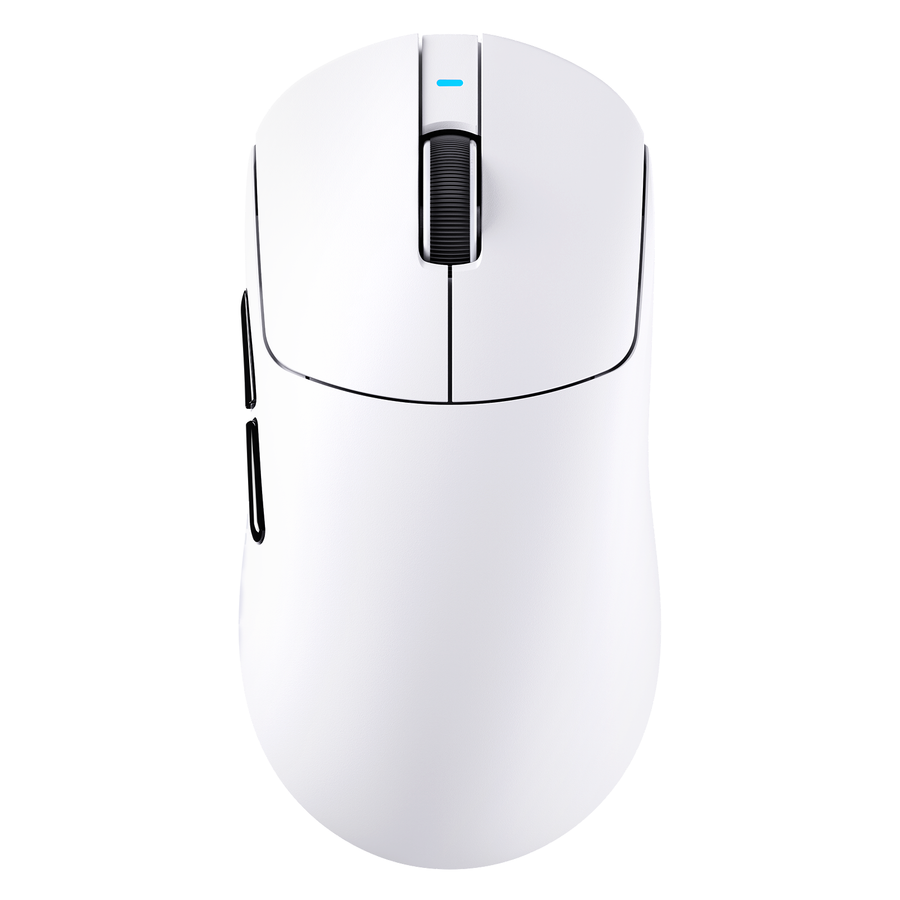
To understand how to compare gaming mice, evaluate every candidate in the same order: shape and fit, weight, controls, clicks, sensor implementation, connection, battery for wireless models, and ownership. Record the same evidence for each mouse, label every row pass, preference, tie, or unresolved, and eliminate any mouse that fails a non-negotiable fit, control, connection, or compatibility requirement. This keeps a high DPI or polling-rate figure from making the decision on its own.

Before opening product pages, write down your usual grip, hand size, primary games, preferred connection, required buttons, operating system, and any other requirements you will not compromise on.

How to compare gaming mice in one pass
A one-row-per-criterion comparison keeps physical fit, technical specifications, use conditions, and ownership terms visible instead of collapsing them into one score. A multi-field mouse comparison reference illustrates how several fields can sit side by side; your non-negotiable requirements should determine the result.
| Criterion | What to check | Record for each mouse | Choice rule |
|---|---|---|---|
| Shape and fit | Shell profile, contact points, grip support, and pressure | Dimensions, hump, sides, grip notes, fit result | Eliminate a persistent fit mismatch |
| Weight and balance | Starting, stopping, stability, and repositioning | Weight, balance, and personal preference | Use only after shape passes |
| Controls | Reach, spacing, wheel, and accidental presses | Required buttons and access notes | Eliminate unreachable required controls |
| Click feel | Force, travel, sound, sharpness, and consistency | Documented switch facts plus test or review notes | Prefer the behavior that matches your use |
| Sensor implementation | Sensor fields, software, firmware, settings, and placement | Model, DPI, polling options, controls, and conditions | Do not rank the largest headline number |
| Connection | Cable behavior or receiver setup, recovery, and fallback | Mode, setup, and environment notes | Eliminate an unacceptable connection mode |
| Battery if wireless | Runtime conditions, charging, lighting, and polling | Like-for-like battery evidence | Mark unresolved when conditions differ |
| Ownership | Software, compatibility, warranty, returns, and replacement | Current product or seller information | Verify every decision-changing gap |
Use the matrix in four steps:
- Record the same field for every candidate and note whether it came from a product page, review, test, or your own observation.
- Record the conditions—such as polling rate, lighting, connection mode, grip, or operating system—whenever they change the meaning of the result.
- Mark pass when a requirement is met, preference when both choices work but one suits you better, tie when no supported difference matters, and unresolved when decision-changing information is missing.
- Remove any candidate that fails a non-negotiable requirement before using weight, DPI, polling rate, price, or battery as a tie-breaker.
Check shape, hand fit, and weight before specifications
Shape is the first gate. Keep the mouse that supports your normal grip and contact points; remove a shell that creates persistent pressure, cramped reach, or instability, even if its advertised specifications are stronger.
Match the shell to your hand and grip
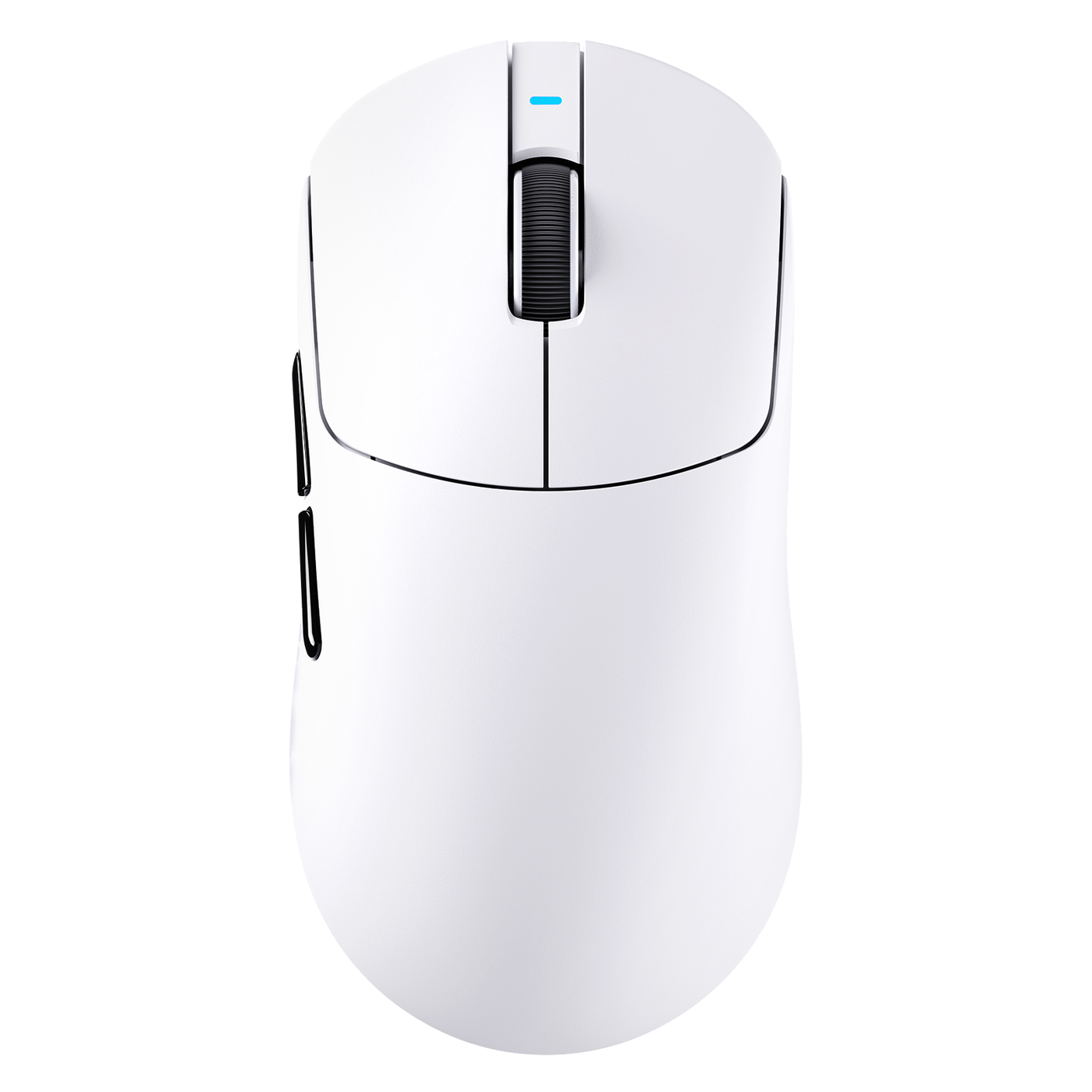
Compare length, width, height, hump position, side curvature, and symmetrical or asymmetrical construction with the way you hold the mouse. As a starting point, a shell-geometry comparison resource can narrow the field with dimensions and profiles, while hands-on comparison remains the better way to judge contour, hump position, and side shape.
For a palm, claw, or fingertip grip, note rear-palm support, finger reach, thumb placement, side contact, and pressure points. Similar length and width can still feel different when the contour or hump changes, so use a familiar mouse as a reference when possible. Treat listed dimensions as a starting point, not a hand-size cutoff.
If the shell creates recurring finger, thumb, palm, or wrist pressure in your normal grip, treat it as a fit failure. Use handling or comparable hands-on evidence for the final fit decision.
Use weight and balance as a control check
Record the complete listed weight, then compare how each candidate starts, stops, stays stable, and can be repositioned. Relate those observations to your grip, sensitivity, mouse pad, and games rather than treating light or heavy as universally better.
Weight is a later preference among mice that already fit. If both shells pass, choose the balance and movement feel that match your control style. If weight remains the deciding factor, use a focused gaming-mouse weight guide without allowing a weight preference to override a physical mismatch.
Compare control layout and click feel as separate decisions
Control access and click behavior answer different questions. First eliminate a mouse whose required controls are difficult to reach or cause repeated accidental presses; then compare the click feel and consistency that suit your use.
Check the controls you can reach without shifting your grip
Count only the buttons you will actually use. Check thumb buttons, main buttons, wheel click, profile controls, and sensitivity controls for placement, spacing, reach, wheel behavior, and accidental activation in your normal grip. A model-specific review can illustrate why button count is not enough: its reachable-button example discusses how placement may change your grip or create misclick risk.
For MMO or productivity-heavy use, easy access may justify more controls. For a simpler setup, unused buttons should not decide the comparison. If a required action cannot be reached reliably without shifting your grip, mark the layout as a mismatch rather than giving it a pass because of a better sensor figure.
Compare click feel and behavior separately
Record your preferred force, travel, sharpness, sound, and consistency for the main buttons, side buttons, and wheel. Treat switch type and quoted click rating as specifications, not a complete description of feel or durability.
Independent hands-on evidence can add the missing context. For example, a click-feel review example discusses force, sound, tactility, and wheel behavior for one reviewed model. If you already own or can test a candidate, the mouse button test tool can check response and double-click behavior. It cannot establish fit or long-term value. Without hands-on information, leave feel and consistency unresolved.
Separate sensor specifications from sensor implementation
A sensor comparison should record headline fields and practical context separately. Maximum DPI, IPS, acceleration, or polling rate is a specification, not an automatic ranking.
Record the sensor specification consistently
For both mice, record the sensor model, sensitivity range, polling-rate options, software controls, and stated implementation details from comparable sources. Use the same units for each candidate. If a field is absent or unclear, leave it blank instead of filling it with a generic assumption.
Then compare those settings with your operating system, games, sensitivity preferences, and setup. A higher maximum figure matters only if it matches a requirement you actually have and can use.
Check implementation and real-use behavior
For the practical row, note firmware and software controls, lift-off or tracking settings when listed, sensor position, receiver behavior, and the sensor’s placement within the shell. Keep product-page facts, independent tests, and your own impressions as separate entries.
A model-specific review can show why implementation and practical relevance deserve their own row rather than being folded into a headline number. The review used above notes that a high polling option may involve a battery tradeoff for that reviewed model, so do not generalize its result to every mouse. A sensor-position and aim guide or mouse polling-rate tool can support a focused follow-up, but neither replaces product-specific compatibility and implementation information.
If required operating system support, software control, firmware handling, or documented connection behavior cannot be verified, mark the candidate unresolved. Its sensor headline is not a substitute for missing setup information.
Make wired and wireless connection tradeoffs explicit
Choose the acceptable connection mode first. A cable, receiver, charging routine, or maintenance requirement that you will not accept eliminates a candidate before sensor or weight becomes a tie-breaker.
Compare connection behavior, not just connection labels
For a wired mouse, record cable flexibility, connector placement, cable length, and whether your setup leaves enough room to move without drag or snagging. For a wireless mouse, record available modes, receiver placement and storage, pairing or switching, connection recovery, nearby dongles, and wired fallback.
A wireless receiver review example shows why receiver placement and the surrounding wireless environment belong in the comparison. If your setup is crowded, keep interference behavior as a verification item rather than assuming every 2.4GHz implementation behaves the same.
A wired, wireless, or multi-mode label lists options; it does not show how each mode will behave in your setup. Mark the connection row unresolved when the mode you plan to use lacks adequate product information.
Compare battery and charging only when wireless is in the choice
For wireless candidates, record the stated battery conditions, connection mode, polling rate, lighting state, charging connector, charging time when listed, play-while-charging support, low-battery indication, and required accessories. Compare only like-for-like conditions. A battery testing example shows why runtime figures can change with polling and lighting conditions.
Compare charging maintenance with your tolerance for cable use and interruptions. If those conditions are missing, mark battery life unresolved. A wired mouse has no applicable battery advantage or disadvantage in this row, so leave the field blank rather than treating it as a benefit.
Verify ownership details and make the final choice
The final choice is the mouse with the better fit and control experience after it passes your connection and compatibility requirements. Ownership details can still change that result, so handle them as a separate purchase decision before checkout.
Check software and support before you commit
Compare required software, operating-system compatibility, remapping, onboard profiles, firmware updates, and whether preferred settings remain usable when the app is closed or unavailable. Record support contacts and product-specific setup limitations when listed. Software requirements are part of compatibility, not an optional afterthought.
When a product page omits a decision-changing software or firmware detail, consult the applicable current documentation before treating the candidate as ready to buy. Do not infer support from a sensor specification or product category.
Check returns, warranty, and replacement friction
Review current warranty and return terms on the applicable product or seller page, including exclusions, deadlines, shipping responsibility, and restocking conditions. Record replacement options for the mouse, receiver, or other relevant parts only when that path is stated.
You can use a side-by-side mouse comparison to organize the shortlist, but use current product and seller terms for purchase-specific decisions. If a required ownership or compatibility condition remains unavailable, keep the choice open rather than substituting weight, DPI, or price for it. Verify that fact before adding the mouse to your cart.
FAQ: comparing gaming mice
What should I compare when buying a gaming mouse?
Start with shape and fit, then weight and controls, clicks, sensor implementation, connection, battery for wireless models, and ownership. A failed non-negotiable fit, control, connection, or compatibility requirement eliminates a candidate before specifications become tie-breakers.
Is shape more important than the sensor in a gaming mouse?
Shape comes first when it determines whether you can hold and control the mouse comfortably. Once both candidates fit, compare sensor implementation and settings for your games and setup. Neither shape nor sensor should be ranked universally without that context.
How do I compare wireless gaming mice?
Compare the modes you will use, receiver placement, nearby wireless devices, connection recovery, charging, battery conditions, wired fallback, software, and ownership terms. If you will not accept the receiver setup or charging routine, treat it as a choice boundary.
What is the fastest way to compare two gaming mice side by side?
For a gaming mouse comparison, record the same fields in a fixed order and mark each row pass, preference, tie, or unresolved. Eliminate failed non-negotiables first, then verify every unresolved, decision-changing requirement before checkout.