


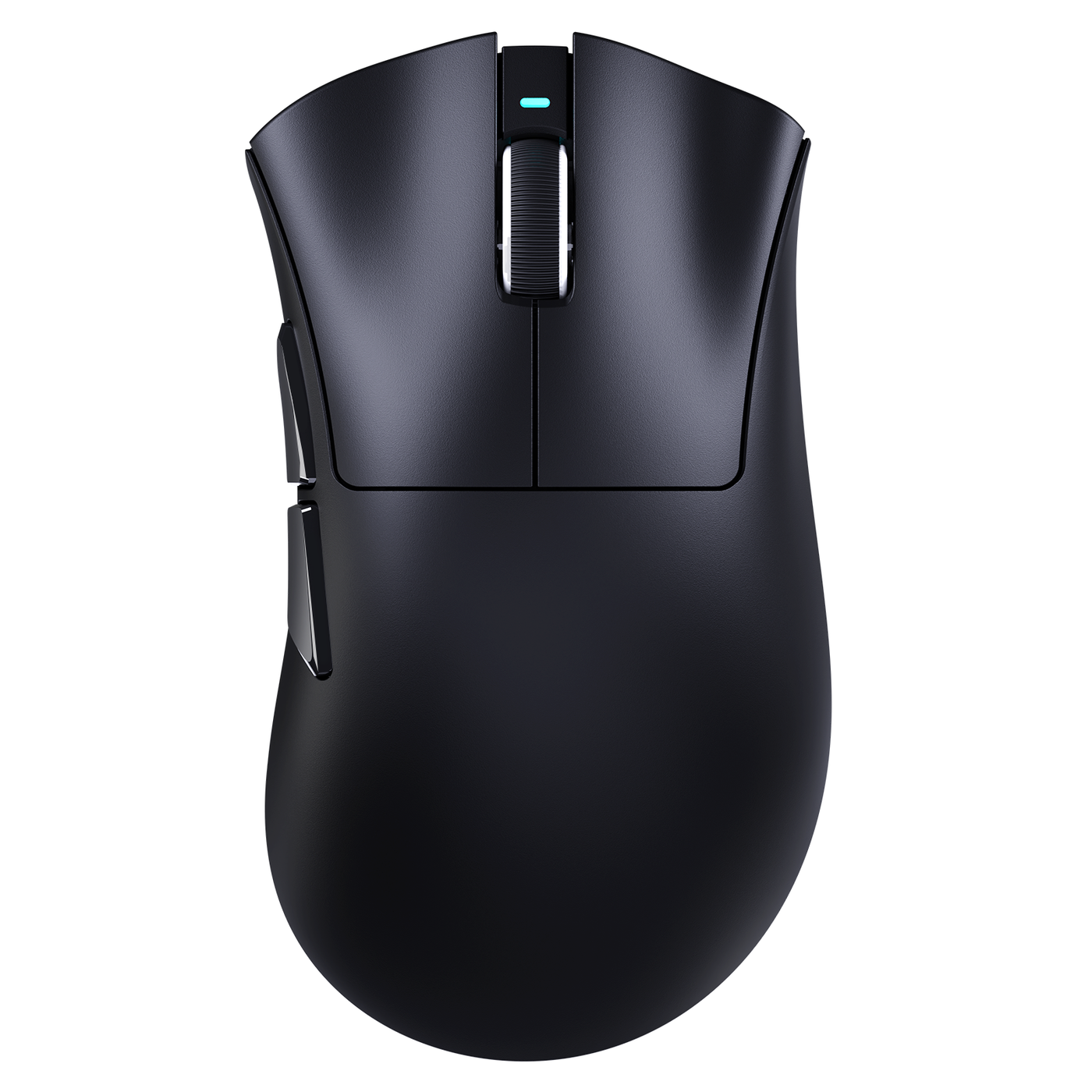
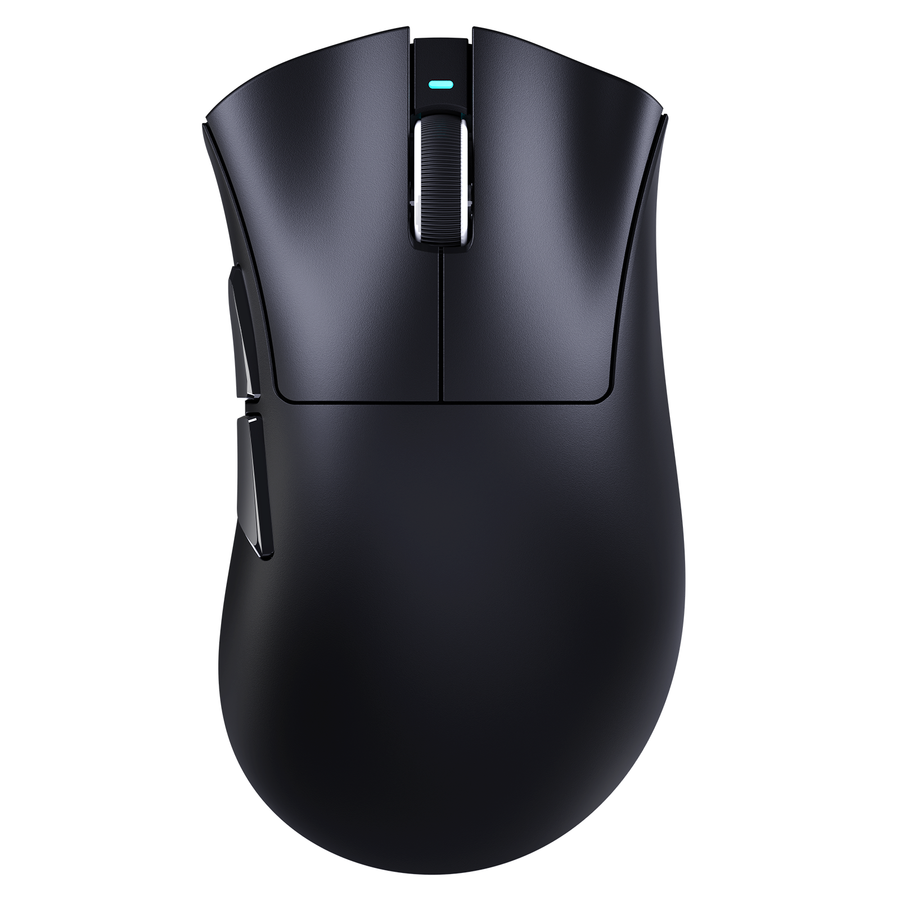
The spec sheet is not a build-quality test. A cheap gaming mouse can have impressive sensor, polling, weight, or connectivity numbers and still feel disappointing if the shell shifts, clicks reset inconsistently, the wheel skips, or the feet catch on your pad. Start with normal use: your intended grip, your actual mouse pad, ordinary clicks and scrolling. Repeat anything suspicious. A different sound or texture is usually a preference; repeatable behavior that affects control, comfort, or confidence is a stronger reason to contact support or consider a return.

Start with a cheap gaming mouse baseline before judging the specs
Begin with the mouse in the setup where you will actually use it. That gives you a fair baseline without causing damage or mistaking an unfamiliar tactile feel for a defect.
- Inspect the visible condition. Look for loose panels, uneven seams, exposed edges, peeling surfaces, or feet that are visibly lifting. Keep the packaging and purchase records nearby.
- Use your normal grip and movements. Lift, reposition, swipe, and make ordinary adjustments with normal hand pressure. Do not squeeze aggressively to manufacture shell flex.
- Repeat the main clicks. Compare the left and right buttons for actuation, reset, wobble, scraping, sticking, missed clicks, or double-clicking.
- Scroll and press the wheel. Test it in the games and applications where you will use it. Check the steps, direction, grip, side-to-side stability, and middle-click input.
- Glide on your intended pad. Try normal direction changes and faster swipes, then note any catching, scratchiness, drag, or squeaking.
- Check the contact surfaces and fit. During a normal session, watch for residue, tackiness, uneven texture, panel movement, rattles, and shifting components.
- Repeat and document. Record a photo, video, or clear description of behavior that returns during normal use. Do not open the mouse, replace the feet, apply a product, or use adhesive before deciding whether to keep it.

Specifications describe performance features; they do not establish physical consistency. A hands-on budget shell that stays stable during normal handling is a more useful ownership signal than a premium-looking specification list alone.
Check the shell for flex, creaks, and movement
A stable shell should stay aligned and controlled when you grip, lift, and move the mouse normally. A lighter or less substantial feel can be acceptable as long as it does not alter your grip or controls.
Use normal pressure and repeat any creak, flex point, loose panel, or rattle. A less premium sound is not automatically a problem. Persistent movement that changes control, creates uncertainty in your grip, or accompanies a loose panel is more concerning. A mouse shell rigidity and flex guide can provide background, but it should not turn one material or sound into a universal pass/fail rule.
The useful distinction is stability, not whether the mouse feels luxurious. Accept simpler construction when the shell behaves consistently in your normal grip. Escalate when movement is repeatable and disruptive rather than merely audible.
Compare the main-button feel on both sides
Compare the left and right buttons repeatedly with the same finger position and normal pressure. The important question is whether each button actuates and resets consistently, not whether both clicks make the same sound.
A louder, lighter, or less crisp click can be a reasonable design tradeoff if it feels deliberate and comfortable. Recurring wobble, excessive post-click travel, mushiness, scraping, sticking, missed activation, double-clicking, or failure to reset is more consequential.
A browser tool can help confirm an input report, so you can test mouse button input after noticing a problem. Treat that result as confirmation, not as a substitute for repeated physical use. If the button behaves consistently in normal gaming and work, sound alone should not decide the verdict.
Scroll the wheel for even steps and a stable press
A consistent wheel gives predictable steps, maintains its grip, scrolls in the intended direction, and registers its press during normal use. Test it in the applications and games that matter to you rather than judging it by a quick spin.
Different detent resistance or sound can be a preference. Repeatable uneven resistance, excessive side play, skipped or reversed input, or an intermittently failing middle click is a stronger fault signal. A review of predictable wheel steps and middle-click input illustrates the distinction between controlled wheel behavior and a merely different tuning choice.
Repeat a suspected skip or failed press before escalating. If the wheel sounds unusual but scrolling and middle-click input remain controlled, treat it as a fit issue. If the input changes direction, disappears, or becomes unstable during ordinary use, it has moved beyond a sound preference.
Inspect the feet for smooth contact and alignment
Test the stock feet on the mouse pad you actually plan to use. The feet should sit flat enough for that surface, avoid catching, and move consistently through ordinary direction changes. The same feet can feel acceptable on cloth and scratchy on hard plastic, so the pad is part of the test.
Basic or less-polished feet may be fine when they stay attached and their glide suits your sensitivity. Independent observations of feet behavior on the mouse pad you use support judging the setup rather than assuming price determines the result.
A peeling edge, missing section, exposed adhesive, sharp catch, or persistent scratchiness that disrupts movement is different from a personal preference about glide. Photograph an apparent defect, and do not peel off or replace the feet during the initial ownership decision.
Evaluate the coating by grip, residue, and consistency
Judge the coating across every area your hand contacts during a normal session. A matte, glossy, or textured surface can work when its grip is predictable and comfortable for your hand.
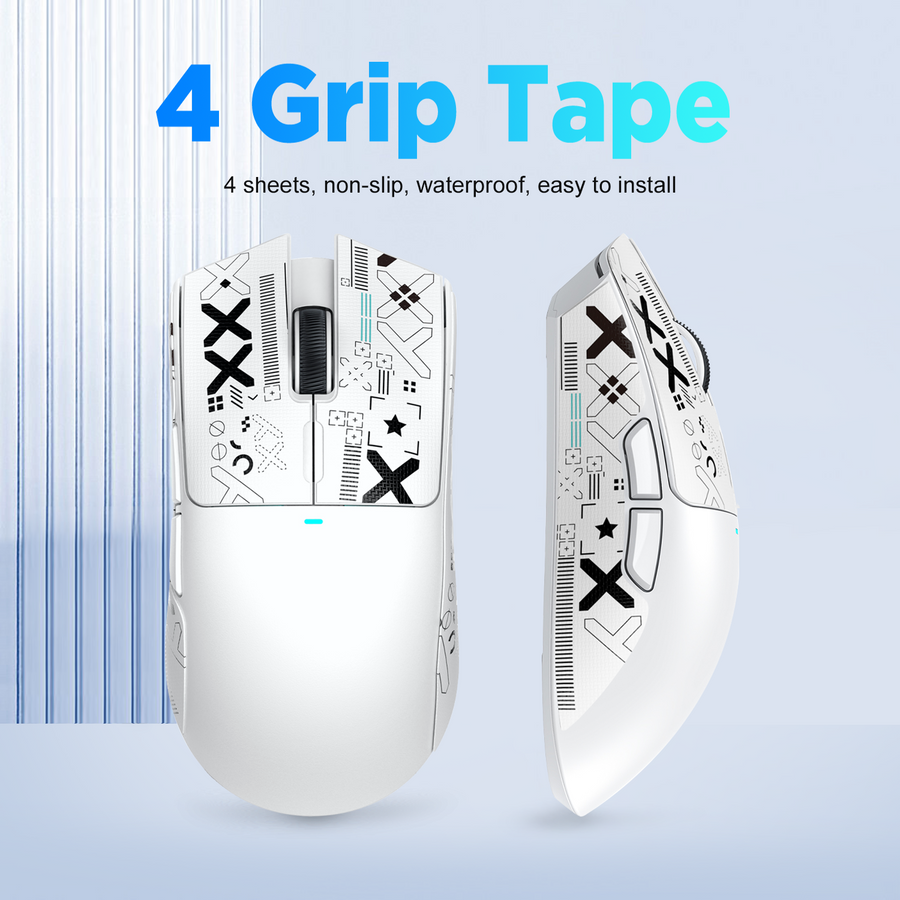
Finish type alone does not establish quality. A reviewer's coating feel as a grip and comfort variable demonstrates why surface choice is personal: a finish can feel warmer or less suitable for one hand without being universally defective. Residue, flaking, localized tackiness, rapidly changing texture, or an uneven finish is a stronger condition to document.
Leave the original surface unmodified while you decide. Do not apply restoration products or adhesive to solve a suspected coating problem before the seller or manufacturer has assessed the mouse.
Check tolerances where panels, buttons, and the wheel meet
Use this section as the final fit-and-finish check after testing the individual controls. Look for aligned panels and buttons, controlled side-button movement, even seams, and no unrelated rattle during normal handling.
A visible seam, different acoustic note, or less polished finish can be acceptable when parts stay secure and controls remain stable. A loose button, persistent rattle, uneven gap that exposes an edge, or component movement that creates inconsistent input is more significant. The same button-to-shell interaction that feels merely different at first can become a real concern when it changes activation or comfort.
Repeat the observation without forcing the parts. Do not treat every gap, sound, or visible seam as a fault. Escalate movement when it persists, exposes an edge, causes discomfort, or changes your confidence in the controls.
Make the buy, keep, support, or return call
Buy or keep a cheap gaming mouse when its compromises are predictable, comfortable for your grip and pad, and non-disruptive during ordinary use. A minor flex point, different click character, warmer coating, or faint sound can remain a practical compromise when it does not affect control or confidence. One hands-on example of minor shell flex that does not interfere with use supports this as a bounded heuristic, not an objective quality score.
Choose the lower-priced option in a comparison only when its physical fit works for you. Strong specifications do not cancel out a control or comfort problem that appears every session.
Contact support when you can reproduce a physical or input issue and the seller or manufacturer may have a current troubleshooting or replacement process. Return the mouse when a persistent fault materially affects control, comfort, or confidence and the applicable seller process permits it. Eligibility, timing, and remedies vary, so do not assume a universal deadline or outcome.
Before taking either action, record the affected control or surface, photograph or record the repeatable behavior, retain the packaging and purchase details, and review the store return policy or the applicable seller instructions. Do not modify the mouse first. The practical verdict is simple: keep a predictable compromise and escalate a repeatable disruption.
FAQ: cheap gaming mouse reliability and physical feel
These questions focus on how physical feel, repeatable behavior, and personal fit affect the ownership decision.
Are cheap gaming mice reliable?
A lower price or simpler feel does not by itself establish unreliability. For this buying decision, reliability means that the shell, controls, wheel, feet, coating, and panel fit behave consistently during ordinary use. Repeated disruptive faults should change the ownership decision, even when the specifications look strong.
How do I check gaming mouse build quality?
Use your intended grip and pad, then observe shell stability, repeated clicks, wheel steps and press, foot contact, coating consistency, and panel alignment. Repeat anything suspicious and document it before contacting the seller or manufacturer. This separates a personal preference from a repeatable issue without inventing a universal flex or travel threshold.
What should a good gaming mouse feel like?
It should feel stable, predictable, and comfortable rather than necessarily luxurious. Clicks should reset, the wheel should track deliberate input, the feet should move evenly on your pad, the coating should suit your grip, and the panels should stay controlled. Your hand, pad, and tolerance for sound or texture still determine which non-disruptive compromises you prefer.