


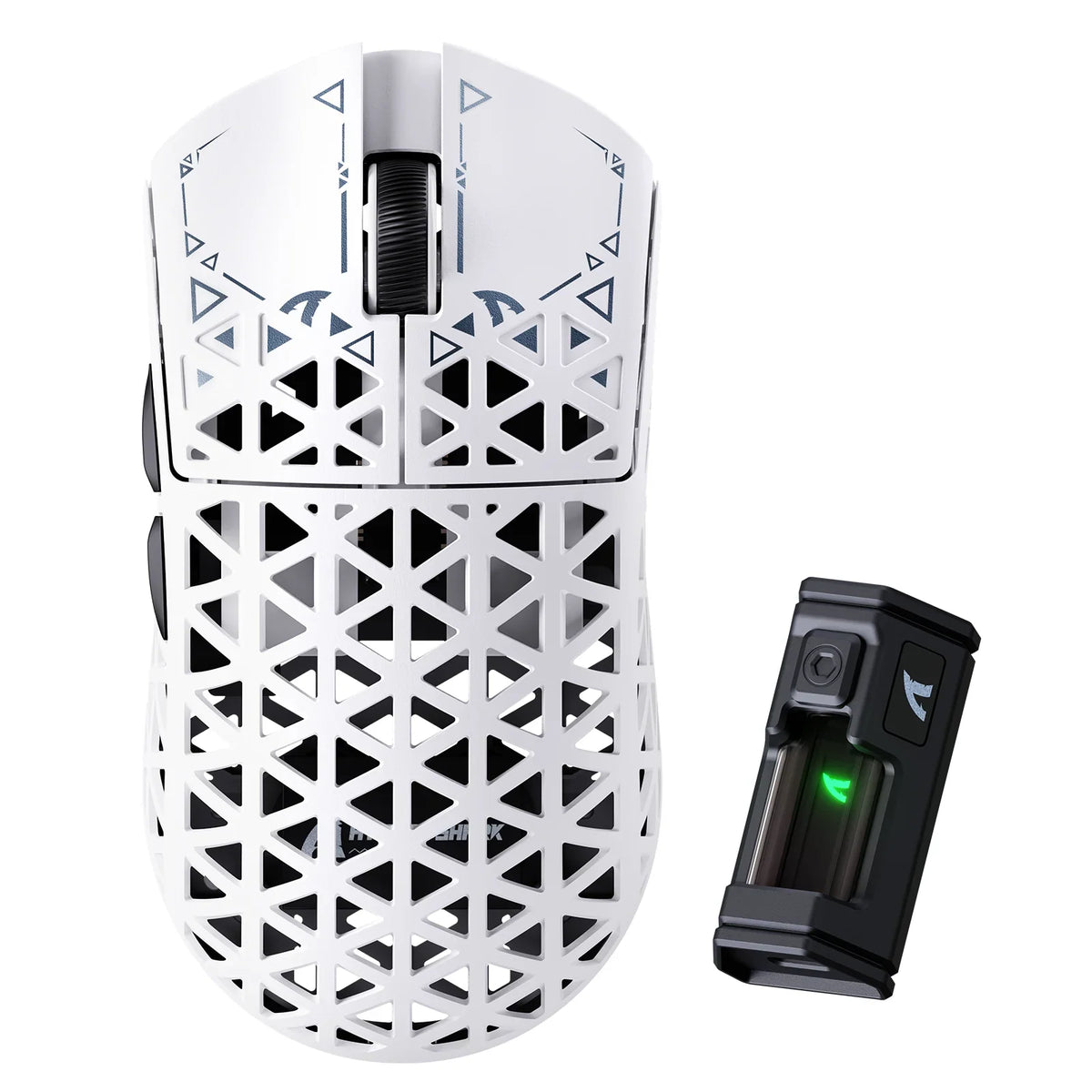
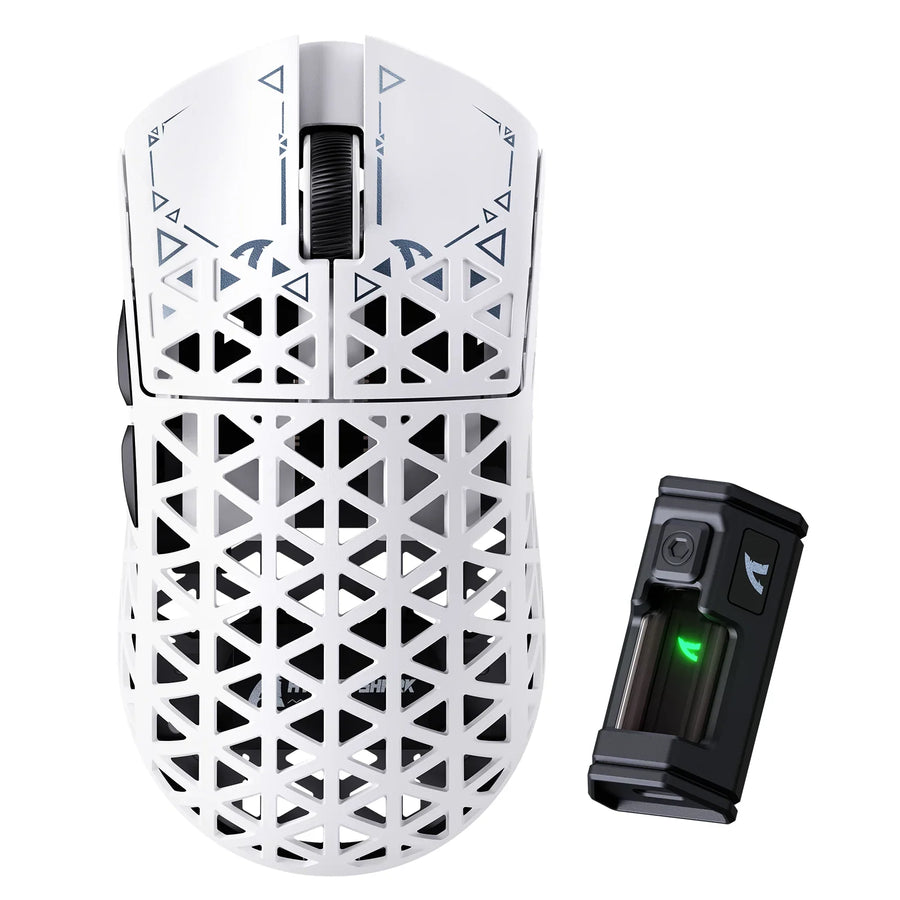
Comparing different types of mouse grips helps clarify why fingertip grip demands unique hardware: you steer entirely with your fingers while keeping your palm off the shell. Start by looking for a short, compact, relatively low body that leaves your buttons within easy finger reach. That single rule filters out many unsuitable shapes before you compare sensors or weight.
No single shape wins for everyone. Mouse dimensions, geometry, and weight need to match your hand and grip, according to ergonomic mouse design research, so treat "short and low" as a practical starting filter rather than a guaranteed fit.
The Best Fingertip-Grip Shape Starts Short and Low
Fingertip grip means your fingers do the steering while your palm stays mostly clear of the shell, rather than resting on it. The practical starting shape is short front-to-back, narrow enough for your fingers to wrap the sides, and low enough that the rear hump doesn't push into your palm before your fingertips reach the buttons.
That starting profile can fail two ways. A shell that's too short can crowd your fingers and cut your reach to the side buttons. A shell that's the right length but too tall in the rear can still force palm contact, even though the label says "compact." The only way to confirm either problem is to compare the mouse's listed dimensions against your own hand and check button reach directly, which the next two sections walk through.
How Mouse Shape Changes Fingertip Control
Six shape variables change fingertip fit in different ways, so treat them as separate checks rather than one combined "compact" judgment. Go through them in order: length and height first, then width and contour, then weight last.

Length and Palm Clearance
A shorter body usually leaves more open space behind your fingertips, which is what fingertip grip depends on. But if the body is shorter than your hand needs, your fingers can end up reaching too far forward, cramping your grip on the front buttons. Compare the shell's total length with the point where your palm naturally starts to contact a desk-height mouse; that contact point, not the raw number, tells you whether the length works.
Hump Height and Position
A low or forward hump is the first profile to check when your goal is keeping the palm clear. A taller or rearward hump can feel more supportive for other grip styles, but for fingertip grip it tends to occupy the space you want left open. Height alone won't tell you where the hump sits, so check product photos or the FAQ answer below for edge cases.
Width, Side Contour, and Symmetry
Width decides whether your thumb and ring or pinky finger can hold the sides without stretching or squeezing. A shell that's too wide can force your thumb into an awkward angle; too narrow, and your fingers may overlap. Side flare, taper, and button placement matter here too, and those details are usually only visible in product images or a hands-on check, not in the width number alone. Symmetrical shells and right-handed ergonomic shells can both work for fingertip grip; the deciding factor is whether the contour matches how you naturally hold the mouse, not the shape category itself.
Weight as a Secondary Filter
Lighter mice can make repeated movements feel easier, and mouse weight is linked to forearm muscle activity during fast operation, but that evidence doesn't establish a universal aiming benefit from lower weight. Treat weight as a tiebreaker: once two shells both pass your length, height, width, and reach checks, the lighter one is a reasonable next filter, not the deciding one.
Which ATTACK SHARK Shapes Match Each Priority?
Among our current lineup, three models give a useful, conditional comparison for fingertip-focused shoppers: the R5 Ultra for the lowest listed height and lightest listed weight, the R2 for the shortest listed length, and the V8 for readers who specifically want a larger right-handed ergonomic shell. None of the three is a universal winner; the right one depends on which dimension matters most to you.
| Model | Listed size and weight (US units) | Choose this row when |
|---|---|---|
| R5 Ultra dimensions | 4.70 x 2.40 x 1.43 in, 1.38 oz nominal | You want the lowest listed height and the lightest listed mass to check first for palm clearance |
| R2 dimensions | 4.63 x 2.43 x 1.53 in, 1.59 oz nominal | You want the shortest listed length, but you still need to check its taller profile for palm contact |
| V8 dimensions | 4.98 x 2.67 x 1.60 in, 2.08 oz nominal | You intentionally want a larger right-handed ergonomic shell over the lowest-obstruction profile |
The R5 Ultra's 1.43-inch height and 1.38-ounce nominal weight make it the first row to check if minimizing palm contact and mass is your priority. The R2 is about a tenth of an inch shorter in length than the R5 Ultra, but it's also taller, so a shorter overall footprint doesn't automatically mean less palm contact. The V8 is the largest and heaviest of the three and is listed as a right-handed ergonomic shell, which makes it a candidate only when you want that larger, hand-orientation-specific form rather than the smallest possible profile. All three carry a listed 15-day no-reason return and exchange window, which is useful if a shape doesn't fit once it arrives, though you should confirm current terms before ordering.
How to Check Fit Before You Buy
Before you order, run a short pass, borderline, or reject check using your own hand and the listing details rather than the marketing copy alone. This sequence takes a few minutes and catches most shape mismatches early.
- Measure your hand length and note where your fingertips naturally land when you rest your hand in a fingertip position, without assuming a universal hand-size cutoff.
- Compare that reach against the mouse's listed length, width, and height to see whether your fingers would land on or past the main buttons.
- Look closely at top, side, and rear product photos for hump position, side flare, and taper; if the geometry isn't visible, mark it as unresolved instead of guessing.
- Check whether your fingers can comfortably reach the side buttons and scroll wheel without shifting your grip.
- Decide pass, borderline, or reject based on whether your palm stays clear and your fingers keep full button access, as mouse design influences hand posture and perceived ease of use.
- Use weight only to break a tie between two shells that already pass, and check the seller's current testing or return window if the listing alone can't confirm palm clearance.
FAQs
Can a taller mouse still work for fingertip grip?
Yes, conditionally. A taller hump doesn't automatically disqualify a shell if your palm still stays mostly clear and your fingers keep direct control of the buttons. Judge the actual point where your palm touches the shell rather than rejecting a mouse for height alone.
Can a right-handed ergonomic mouse work with fingertip grip?
Yes, conditionally. An ergonomic, right-handed shell isn't automatically incompatible with fingertip grip. The deciding check is whether the side contour matches your natural hand angle without forcing your palm or fingers to rotate to reach the buttons.
What if my fingers reach the buttons but my palm still touches the mouse?
That's a shape mismatch, not a weight problem. If your fingers reach every button fine but your palm still contacts the rear shell, look for a lower or shorter profile instead of trying to fix it with a lighter mouse or different sensor settings.