A gaming room works best when every part of the setup supports comfort, performance, and long-term use. A strong result usually comes from building the space step by step instead of focusing only on appearance. The desk, chair, input devices, lighting, sound, and room organization all affect how the setup feels every day. When these parts work together, the room becomes more comfortable, more immersive, and easier to keep clean.

Step 1: Build the Foundation With the Right Desk, Chair, and Layout
The first step is creating a foundation that supports everything else. Before choosing accessories or visual upgrades, the room needs a stable desk, a supportive chair, and a layout that makes daily use easy.
Choose a desk that fits the room and the setup
Desk size affects almost every later decision. A shallow desk can force the monitor too close. A narrow desk can leave too little room for proper hand movement. A desk that is too large for the room can make the entire layout feel cramped.
For most PC gaming setups, the desk should have enough depth for a comfortable monitor distance and enough width for keyboard, mouse, speakers, and daily accessories. If the setup may expand later, extra surface area helps. This is especially useful for dual monitors, a microphone arm, or additional storage.
Desk material also matters. A stable desk with minimal wobble is better than a lightweight option that shifts during fast movement. If the room is used for both gaming and work, a clean rectangular surface usually provides the most flexibility.
Pick a chair based on support, not only style
A gaming chair or office chair should support long sessions without creating strain in the lower back, shoulders, or neck. That makes adjustability more important than branding or appearance.
Seat height should let the feet rest flat on the floor. Armrests should stay close to desk height so the shoulders can remain relaxed. The backrest should support upright sitting without pushing the body too far forward. If the chair forces a poor sitting position, even a strong desk and monitor setup will feel uncomfortable over time.
A footrest can help if the desk height is fixed and the chair needs to sit slightly higher. The goal is a setup where the body can stay neutral without constant shifting.
Plan the room before filling it
A gaming room should be easy to move through. Leave enough space behind the chair, think about where doors open, and avoid blocking storage or windows. If the room includes a bed, couch, console corner, or streaming background, it helps to define those zones early.
Desk placement also matters for lighting and power access. A wall with nearby outlets usually makes cable management easier later. At the same time, avoid placing the monitor where direct sunlight or strong reflections will hit the screen.

Step 2: Set Up the Desk for Comfort and Daily Efficiency
Once the main furniture is in place, the next step is refining the desk setup. A gaming room feels better when the core posture and hand position already work before any decorative details are added.
Place the monitor at the right height and distance
Monitor position affects comfort more than many people expect. The screen should generally sit at or slightly below eye level, which helps reduce neck strain during long use. A display placed too low encourages slouching. One placed too high can cause unnecessary tension in the neck and shoulders.
Distance matters too. The screen should feel close enough to read clearly but far enough away to avoid constant eye fatigue. Larger monitors need more desk depth, so this should match the size of the screen.
If dual monitors are used, keep the main monitor directly in front of the chair. The second display should sit to the side at an angle that feels easy to glance toward, not far enough away to require twisting the body.
Create enough room for arm movement
The mouse side of the desk needs more room than many basic setups allow. In shooters, strategy games, and long general-use sessions, cramped mouse movement quickly becomes frustrating. Even players who use higher sensitivity settings usually benefit from more space than they expect.
This is where a larger gaming mousepad becomes useful. It provides a consistent surface and creates a more defined input area. A gaming mousepad also helps reduce friction differences that can happen when the mouse moves between separate surfaces or uneven desk textures.
Center the setup to improve posture
A desk setup feels more natural when the chair, primary display, and keyboard are aligned with one another. This is not only about appearance. Centering reduces the chance of sitting slightly twisted for hours at a time.
Once the core position is set, it becomes much easier to adjust speakers, lights, and accessories around it without making the setup feel off-balance.
Step 3: Choose High-Performance Peripherals for Better Control
Peripherals affect performance and comfort every day. A room may look complete visually, but if the keyboard and mouse feel wrong, the entire setup will feel less satisfying to use.
Start with gaming keyboards and mice that fit your habits
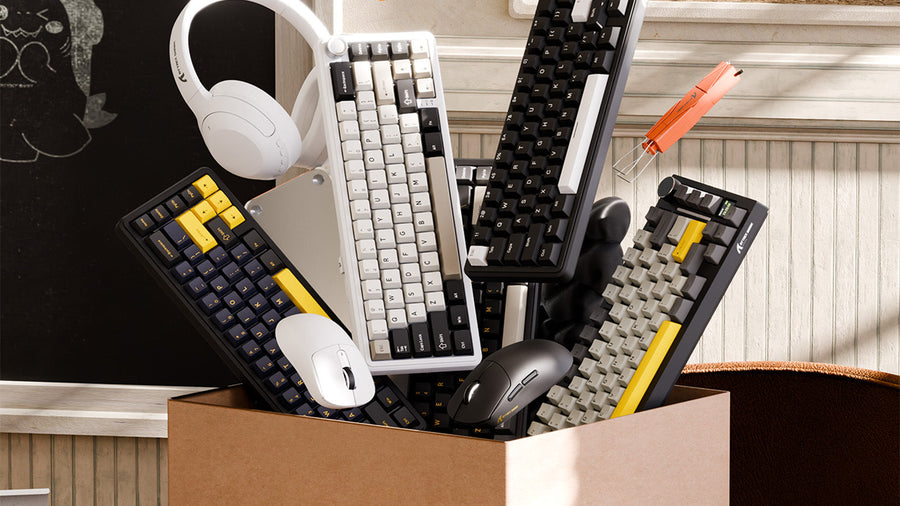
The best gaming keyboards and mice should match the way the setup is actually used. Fast competitive games, MMO keybind-heavy layouts, and general all-purpose gaming do not always require the same features.
For keyboards, the important questions include layout size, switch feel, key spacing, and whether extra keys are really needed. For mice, shape, weight, button placement, and grip style matter more than visual effects alone. A mouse that fits the hand well can feel noticeably better after just a few sessions.
Many people first notice appearance, but gaming keyboards and mice should support control and comfort before they support aesthetics.
Upgrade to a gaming mechanical keyboard that feels consistent
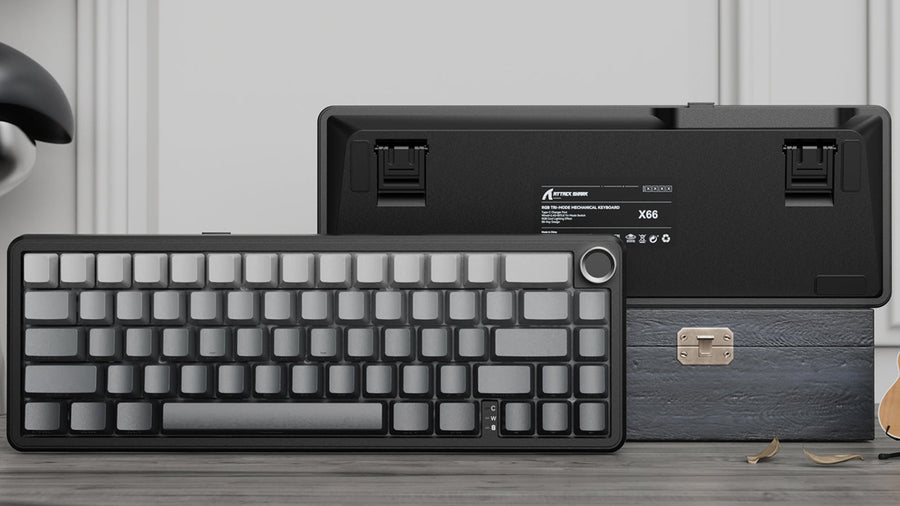
A gaming mechanical keyboard is one of the most common upgrades in gaming setups because it changes both the input feel and the quality of daily use. Mechanical switches usually provide more consistent actuation, clearer feedback, and stronger long-term durability than basic membrane designs.
Different switch types also suit different preferences. Some players prefer a smoother and lighter press. Others prefer stronger tactile feedback. The best choice depends on how the keyboard is used, whether typing matters as much as gaming, and how much noise is acceptable in the room.
Layout size also affects the desk. A full-size gaming mechanical keyboard offers function keys and a numpad, but it uses more space. A tenkeyless or compact model often creates more room for mouse movement, which can be useful in smaller setups.
Because it affects both performance and comfort, a gaming mechanical keyboard often becomes one of the most meaningful desk upgrades.
Choose a cool gaming mouse that still prioritizes shape
A cool gaming mouse should not be chosen by looks alone. Design matters in a gaming room, but the first priority should still be shape, sensor quality, click feel, and overall control.
A good mouse should support the user’s natural grip. Palm grip users often prefer a fuller shape. Claw and fingertip users may prefer something lighter and more compact. Weight also changes the experience. Some players prefer a very light mouse for fast movement, while others prefer more resistance and stability.
The best cool gaming mouse usually combines performance and appearance in a way that feels intentional rather than flashy.
Step 4: Improve the Input Zone With the Right Surface and Placement
A good input zone is more than a keyboard and mouse placed on a desk. Surface quality, spacing, and positioning all influence how the setup performs.
Use a surface that supports consistent tracking
A mouse sensor performs best on a stable, predictable surface. Desk materials vary too much in texture and friction to always provide that. A proper mousepad creates more consistent glide and stopping control, which is especially important in fast-paced games.
A gaming mousepad can also improve comfort by softening the wrist contact area and reducing small interruptions caused by desk seams or uneven finishes.
Leave enough separation between keyboard and mouse
The keyboard should not push the mouse into a corner. The most comfortable setups leave clear room on the dominant-hand side and avoid placing large decorative items too close to the input zone.
A large input surface often makes the desk look cleaner as well. It visually groups the main tools together and helps the setup feel more deliberate.
Adjust angles only if they improve comfort
Some players tilt the keyboard slightly or shift it left to create more mouse room. That can work well, but only if it still feels natural during long sessions. The final position should reduce strain, not create a more dramatic look.
Step 5: Build Better Visual and Audio Immersion
Once the desk and input zone are working well, the room should support deeper immersion. At this stage, the focus moves to the screen, sound, and how the room feels during actual use.
Match the monitor to the way the room is used
Not every setup needs the same display priorities. Competitive gaming often benefits from high refresh rates and low latency. Story-driven games, video editing, and general use may benefit more from higher resolution, stronger contrast, or better color quality.
Screen size should still match the desk. A large display can feel excellent on a deep desk but overwhelming on a shallow one. The room should support the screen, not force the screen into a layout that does not fit.
Improve sound in a practical way
Audio helps make the setup feel complete. Headsets are useful for communication, privacy, and accurate positional sound. Speakers can create a stronger room experience when used in an appropriate environment.
If speakers are part of the setup, they should be placed at a reasonable listening height and angled toward the sitting position. Even a simple two-speaker arrangement can feel much better than speakers placed unevenly or blocked by other gear.
Control echo and harsh reflections
Rooms with bare walls, hard floors, and little furniture often sound harsher than expected. That affects both game audio and voice clarity. Curtains, rugs, fabric chairs, and wall panels can reduce that problem.
The room does not need to become heavily treated. It only needs enough soft material to reduce the sharpness that makes sound feel tiring over time.
Step 6: Design Lighting From Glare to Glow
Lighting changes the room dramatically. It affects screen visibility, comfort, and the overall atmosphere. Good lighting design should support long-term use first, then support the visual style of the room.
Eliminate glare before adding accent lights
The first task is controlling unwanted light. Monitors should not face strong sunlight or bright overhead reflections. If daylight enters the room, blinds or curtains can help maintain a more usable screen during daytime hours.
A room that is too dark can also become uncomfortable. A bright display in a completely dark space often causes more eye fatigue than a softly lit room.
Use layered lighting instead of one bright source
A well-balanced gaming room usually uses three levels of light: overall room lighting, local task lighting, and soft ambient lighting. This creates a more comfortable environment than relying on a single ceiling fixture.
Bias lighting behind the monitor is especially useful because it softens the contrast between the screen and the wall behind it. Floor lamps, LED strips behind furniture, and low-intensity side lighting can all contribute to a room that feels more stable and less harsh.
Use keyboard rgb software with more control
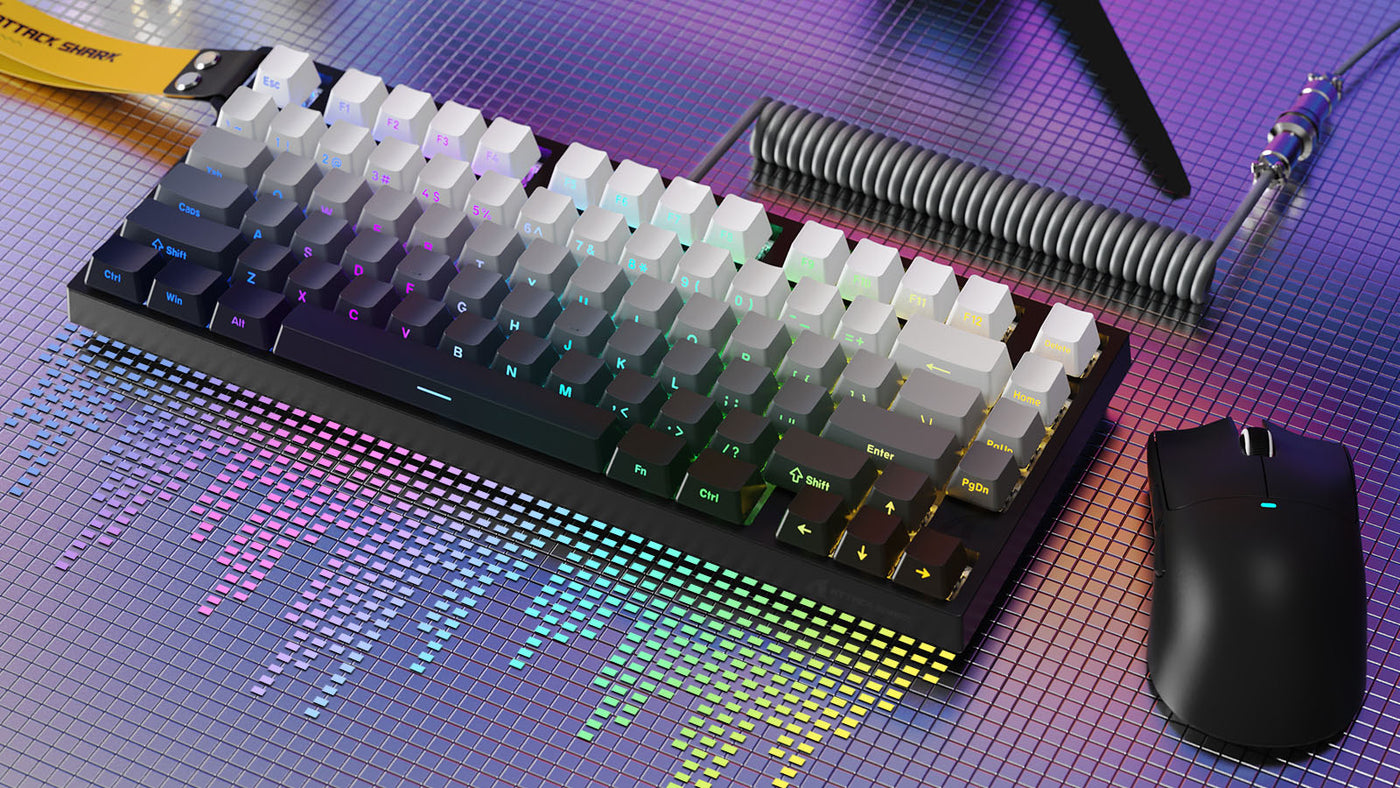
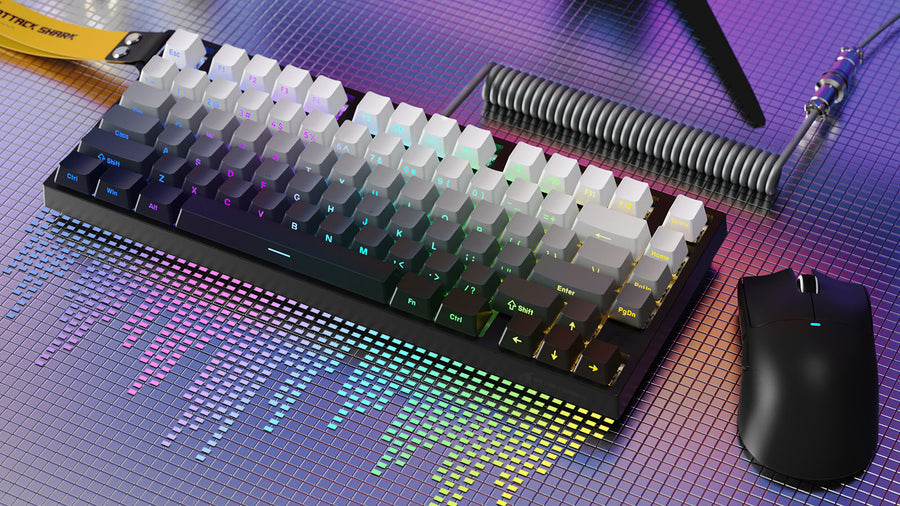
RGB lighting works best when it supports the room instead of overpowering it. Keyboard rgb software can help keep effects consistent, reduce brightness, and create profiles that match the rest of the setup.
A calmer profile often works better for long-term use than rapid animations or extreme color changes. In many setups, keyboard rgb software is most useful when it helps the keyboard feel integrated into the room rather than becoming a separate light source with no visual relationship to anything else.
Step 7: Use Cable Management to Make the Setup Look Professional
Cable management is often the difference between a room that looks unfinished and one that feels polished. Even excellent gear can lose impact if cables are visible everywhere.
Start underneath the desk
The easiest improvement usually comes from moving the power strip off the floor and mounting it under the desk. This shortens visible cable runs and keeps plugs from becoming a mess near the baseboard.
Under-desk trays, adhesive clips, and sleeves can help route cables cleanly without making the setup hard to change later.
Separate cables by function
It helps to group display cables, power cables, charging cables, and accessories separately. This makes the system easier to understand and easier to fix if something needs to be replaced.
When cables are loosely organized by purpose, upgrades become much less frustrating.
Keep the floor area clean
Visible cable clutter near the feet or around the chair can make the entire room feel less refined. A cleaner floor also makes vacuuming, chair movement, and future adjustments easier.
Good cable management does not require that every wire be invisible. It only requires that the setup looks controlled and intentional.
Step 8: Personalize the Room Without Making It Feel Busy
The last step is adding identity to the space. This should make the room feel complete while keeping the setup practical.
Choose a consistent visual direction
A gaming room usually looks better when it follows one clear direction. That could be dark and minimal, bright and clean, or more tech-focused with controlled accent lighting. The theme does not need to be complex. It only needs to stay consistent.
A cool gaming mouse can support that direction if its design fits the desk instead of clashing with it. Lighting profiles managed through keyboard rgb software can also help maintain a more unified look.
Add decor selectively
Shelves, posters, framed prints, small collectibles, and display items can all work well. The key is not adding too many at once. The room should still feel functional first.
The desk itself should stay relatively clear. Most personalization looks better around the setup than directly on top of the main work and input area.
Use finishing touches that improve daily use
A headset stand, controller dock, drawer unit, charging station, or side shelf can make the room more efficient while also making it look complete. The best finishing touches add both convenience and visual order.
Key Takeaways
The ultimate gaming room is built step by step. A better desk layout, stronger peripherals, balanced lighting, cleaner cables, and practical finishing touches all improve the space in meaningful ways. The most successful setup is not the one with the most gear. It is the one that feels comfortable, performs well, and stays easy to use every day.
FAQ
What should be the first thing to buy for a gaming room?
The first priorities should usually be the desk, chair, and main layout. These choices affect posture, comfort, monitor placement, and the amount of usable space for the rest of the setup.
Are gaming keyboards and mice worth upgrading early?
Yes. Good gaming keyboards and mice often improve the setup more than visual accessories because they affect control, comfort, and consistency every day.
Is a gaming mechanical keyboard really better for gaming?
For many setups, yes. A gaming mechanical keyboard usually provides more reliable input feel, stronger durability, and more switch options than a basic keyboard.
Does a gaming mousepad make a real difference?
Yes. A gaming mousepad can improve tracking consistency, desk organization, and comfort, especially when the setup needs more room for controlled movement.
Why does keyboard rgb software matter?
Keyboard rgb software matters because it helps control brightness, synchronize effects, and keep the desk lighting aligned with the rest of the room. Used well, it improves both function and visual consistency.