Late-night gaming in a pitch-black room is a common habit, but it severely degrades your visual health. Staring at a bright monitor in total darkness forces your pupils to work overtime, leading to headaches and dry eyes. To prevent this, you must introduce secondary lighting.
The debate usually comes down to a monitor light bar vs desk lamp. This guide explains the technical differences between these two lighting solutions, detailing exactly how they affect screen glare, illuminate your workspace, and ultimately dictate your physical comfort during long sessions.
Why is Proper Desk Setup Lighting Critical for Gamers?
The human eye adapts to ambient light levels. When you play a game in a dark room, your pupils dilate to let in more light from the dark background walls. However, the bright flashes from your monitor (like an explosion or a flashbang in an FPS game) hit your widened pupils at full intensity. Your eyes constantly struggle to adjust between the bright screen and the dark room. This aggressive, continuous adjustment is the primary cause of digital eye fatigue.
If you stream, take notes between matches, or use specific keyboard accessories like macro pads or stream decks, you need light directed at your desk surface. While a lighted keyboard wireless setup provides backlighting for the keys, it does not illuminate the paper or the equipment surrounding it. Task lighting solves this issue, but the source of that light determines whether it creates more problems than it solves.
What is a Monitor Light Bar?
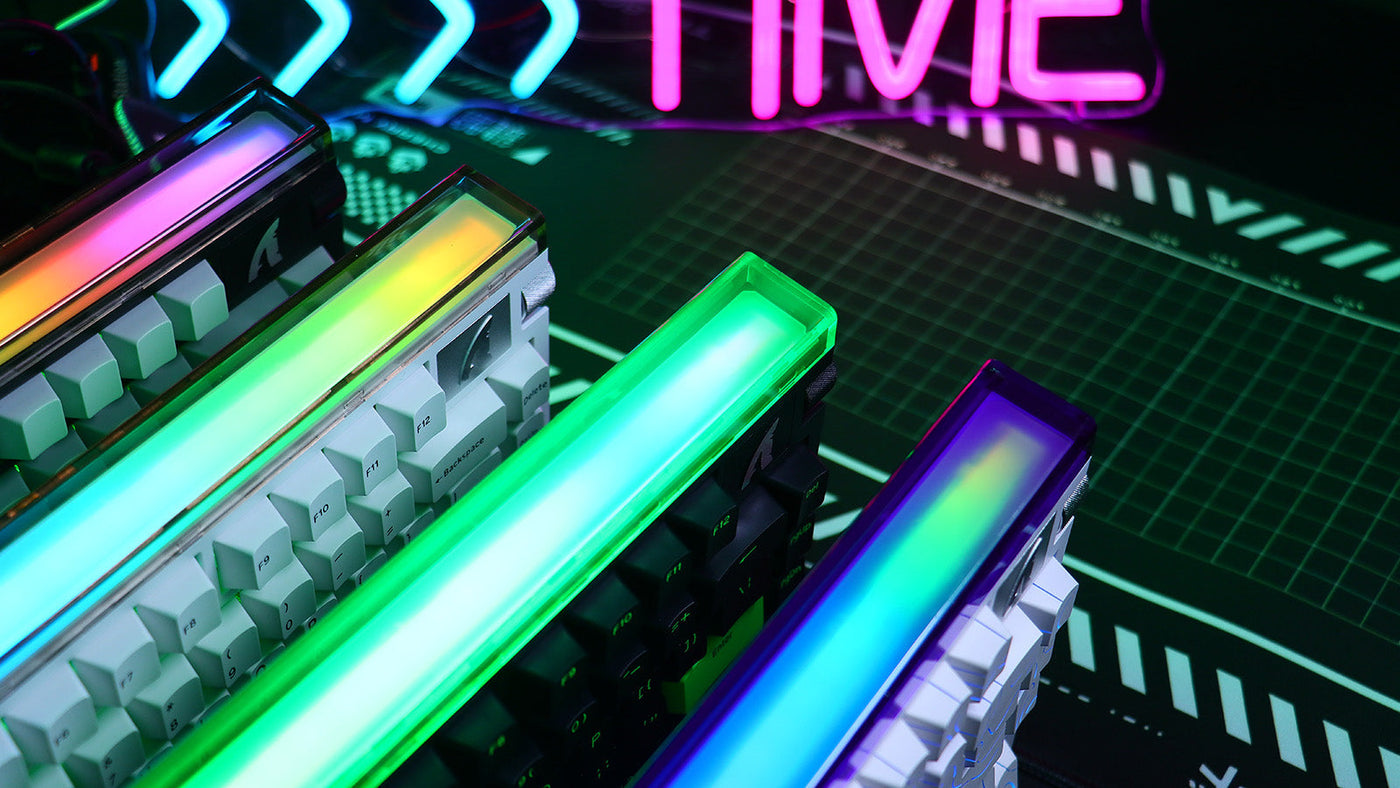
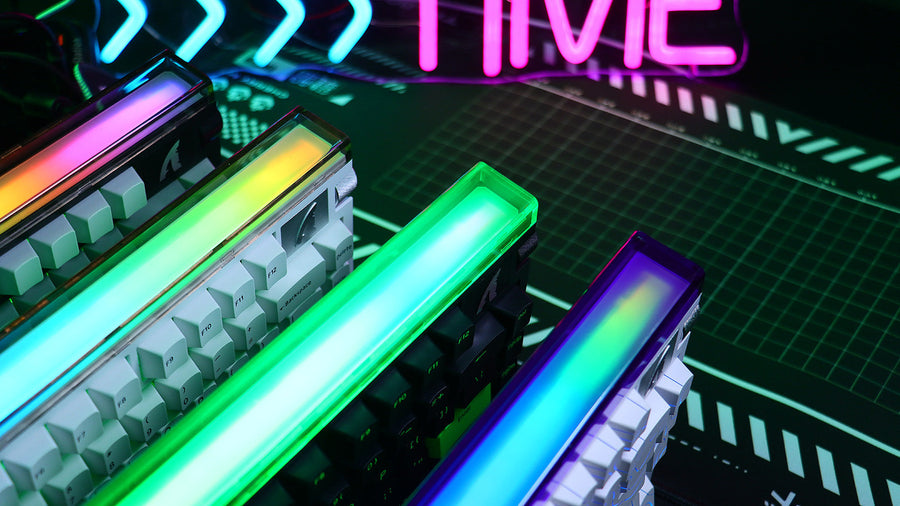
A monitor light bar is a specialized, cylindrical LED fixture that mounts directly onto the top bezel of your computer screen. It is specifically engineered for modern digital workspaces.
The Physics of Asymmetrical Lighting
The defining feature of a light bar is its asymmetrical optical design. Instead of casting light outward in a 360-degree circle, the LEDs inside the bar are angled. They project light straight down and slightly forward onto your desk surface. Crucially, the housing of the bar physically blocks any light from hitting the glass of your monitor.
This design completely eliminates screen glare. The light illuminates your mouse, your notes, and your keyboard accessories perfectly without washing out the colors or contrast of your display. Because the light source is elevated and centered over the desk, it creates a uniform, shadow-free working area that is ideal for late-night productivity or gaming.
Space-Saving Efficiency
A monitor light bar takes up zero desk space. It clamps securely to the top of the monitor and draws power via a USB cable plugged directly into the screen or the PC. For gamers with small desks or those who use massive, extended mouse pads, this space-saving design is a massive advantage over bulky traditional lamps.
The Pros and Cons of Traditional Desk Lamps
The traditional desk lamp (or architect lamp) has been the standard for desk setup lighting for decades. It utilizes an articulating arm to position a bulb over the work surface.
The Advantages of Flexibility
The primary benefit of a desk lamp is raw power and flexibility. You can manually swing the arm to illuminate a specific corner of the desk, or pull the light extremely close to your hands if you are painting a miniature or repairing intricate hardware. Desk lamps often use standard, replaceable bulbs, allowing you to choose exactly how many lumens or what color temperature you prefer.
The Glare and Shadow Problem
However, for computer use, traditional lamps present severe flaws. A desk lamp typically emits light spherically. If you position the lamp anywhere near your monitor, the light will inevitably hit the screen glass. This creates a massive reflection (glare) that obscures the digital image. To compensate, you must position the lamp far off to the side.
Positioning a lamp to the side creates harsh, asymmetrical shadows across your keyboard. If you are typing on a lighted keyboard wireless model, the intense side-light can wash out the RGB backlighting entirely. Furthermore, the base of the lamp occupies valuable desk real estate, which can interfere with wide mouse sweeps during competitive gaming.
Screen Glare and Eye Strain: Which Option is Healthier?
When comparing a monitor light bar vs desk lamp, the impact on your physical health and visual clarity is the deciding factor.
How to Reduce Eye Strain Gaming
To effectively reduce eye strain gaming, you must eliminate the harsh contrast between your bright screen and the dark room, and you must eliminate direct glare.
A traditional desk lamp often fails at both. If the lamp is in your peripheral vision, the exposed bulb acts as a secondary, distracting light source that your eyes must process simultaneously with the monitor. This causes a phenomenon known as "disability glare," where the bright light source physically reduces your ability to see the contrast on your screen.
The Superior Ergonomics of the Light Bar
A monitor light bar excels in ergonomic health. Because it sits above your eye line and directs light exclusively downward, you never look directly at the LEDs. It illuminates the desk surface flawlessly, raising the ambient brightness of your immediate environment. This lessens the contrast ratio between the screen and the desk, allowing your pupils to remain relaxed. Because it guarantees zero screen glare, your eyes never have to strain "through" a reflection to see the game. For users who suffer from frequent tension headaches, a light bar is the medically superior choice.
How to Create the Ultimate Late-Night Vibe
While physical health is paramount, the aesthetic atmosphere of your room heavily influences your gaming immersion.
Controll Color Temperature and Brightness
Modern desk setup lighting must be customizable. High-quality monitor light bars feature capacitive touch controls that allow you to adjust both brightness and color temperature (measured in Kelvin).
- Cool Light (5000K+): Ideal for focus. Use this setting if you are writing code or playing a high-stakes competitive match. It mimics daylight and keeps you alert.
- Warm Light (2700K - 3000K): Perfect for relaxation. Switch to a warm, orange-toned light when playing a casual, story-driven game or watching a movie late at night. Warm light does not suppress melatonin production as harshly as blue light, making it easier to fall asleep after your session.
Pair with Bias Lighting
To create the ultimate setup, combine a monitor light bar with "bias lighting" (an LED strip attached to the back of the monitor that illuminates the wall behind it). This combination surrounds the screen with soft, ambient light from the front and back. It is the most effective way to reduce eye strain gaming while creating a highly immersive, cinematic atmosphere. Even if you use a premium lighted keyboard wireless setup, adding controlled, downward task lighting completes the professional aesthetic without overwhelming the room.
Conclusion: The Definitive Tool to Reduce Eye Strain Gaming
Choosing between a monitor light bar vs desk lamp requires analyzing your specific workspace needs. A desk lamp offers raw power and mobility for detailed physical projects, but its tendency to cause severe screen glare makes it detrimental for digital work. A monitor light bar provides superior, glare-free illumination that highlights your keyboard accessories while saving valuable desk space. By raising ambient light levels without causing reflections, a light bar is the definitive tool to reduce eye strain gaming late into the night.
FAQs
Are monitor light bars actually good for your eyes?
Yes. Monitor light bars are excellent for eye health. By using an asymmetrical optical design, they direct light strictly onto the desk and keyboard. This prevents light from reflecting off the screen into your eyes, significantly reducing digital eye fatigue during long sessions.
Can I use a desk lamp behind my monitor?
Yes, using a desk lamp positioned behind the monitor (pointing at the wall) is an effective way to create bias lighting. This reduces the contrast between the bright screen and the dark room. However, it will not provide task lighting for your keyboard or desk surface in front of the monitor.
Will a monitor light bar ruin my webcam picture?
Usually, no. If the light bar is positioned correctly, it directs light downward, not forward into the camera lens. In fact, the ambient light bouncing off your desk and shirt can subtly illuminate your face, improving the overall quality of your webcam feed in a dark room.
Does a monitor light bar work on a curved screen?
Most standard light bars are designed for flat screens. If you attach a straight light bar to a heavily curved monitor (like 1000R), the ends of the bar may cast light onto the curved edges of the screen, creating glare. You must purchase a light bar specifically designed with a curved housing to match your monitor's radius.