The Physics of RF Congestion in Modern Gaming Environments
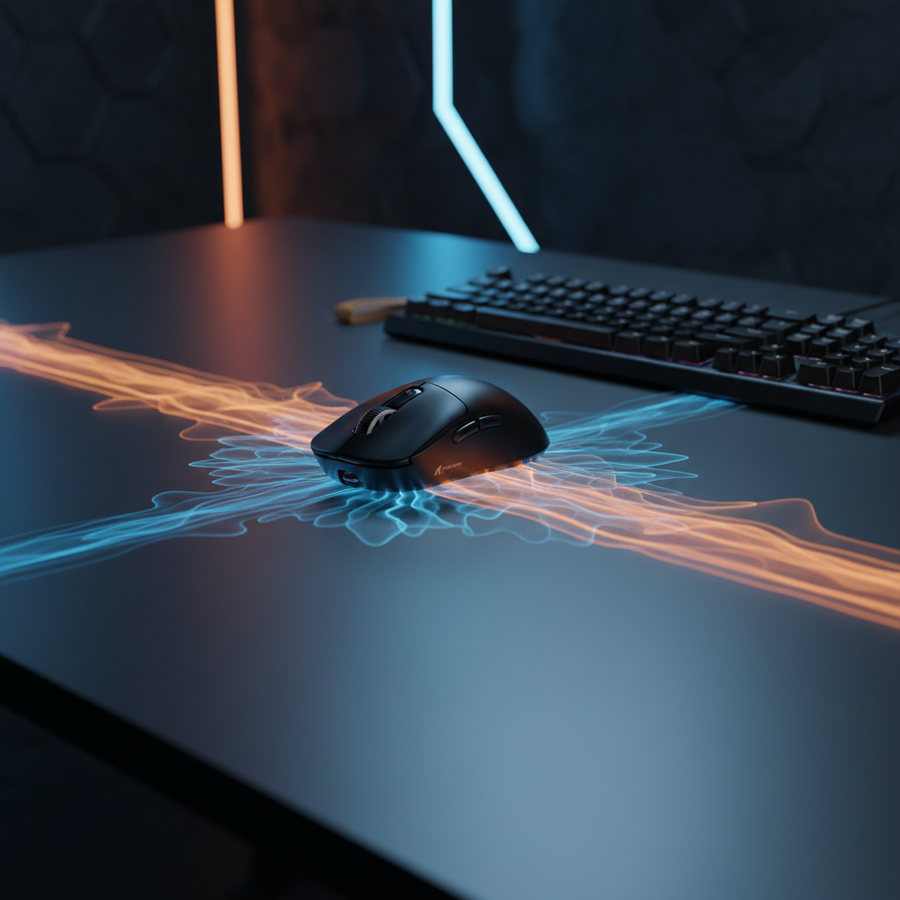
Marketed specifications for wireless gaming peripherals often highlight a "10-meter operating range." While technically accurate under the idealized conditions of an open-air laboratory—such as those used for FCC Equipment Authorization—this figure rarely translates to the reality of high-density living. In a modern dormitory, apartment complex, or shared office, the effective reliable range of a 2.4GHz wireless mouse can drop to under 3 feet before packet loss becomes visually and mechanically noticeable.
The primary culprit is not merely the distance, but the "Signal-to-Noise Ratio" (SNR). In environments saturated with dozens of overlapping Wi-Fi networks, Bluetooth devices, and proprietary 2.4GHz dongles, your mouse is competing for "airtime." This competition creates a "collision tax," where the radio must wait for a clear channel or retransmit lost packets. According to the Global Gaming Peripherals Industry Whitepaper (2026), maintaining signal integrity in these "signal jungles" requires a fundamental shift from relying on raw power to optimizing physical placement.

The "Collision Tax" and Micro-Stuttering Mechanisms
For competitive gamers, the most detrimental effect of high-density environments is not a total loss of connection, but "micro-stuttering." These are intermittent, sub-10ms delays caused by packet collisions in the unlicensed 2.4GHz ISM (Industrial, Scientific, and Medical) band.
Unlike consistent latency, which a player can mentally compensate for, micro-stutters are unpredictable. They disrupt muscle memory during critical flick shots. This phenomenon is exacerbated by the way different protocols handle congestion. While Wi-Fi 6 (802.11ax) is designed to handle multiple devices more efficiently in high-density residential areas, it still operates on a contention-based access model that can "crowd out" the lower-power signals of a gaming mouse.
Expert Observation: Based on patterns observed in technical support and RMA data (not a controlled lab study), we find that users often mistake these RF-induced micro-stutters for sensor malfunctions or "double-clicking" issues. In reality, the sensor is tracking perfectly, but the data packets are being delayed or dropped by the receiver due to ambient noise.
The Hidden Cost: Battery Runtime Degradation
One of the most overlooked consequences of a "noisy" RF environment is the impact on battery life. When a wireless mouse detects high packet loss, its internal radio controller typically increases transmit power and initiates more frequent retransmissions to maintain a stable connection. This "active mitigation" significantly increases the total current draw of the device.
Based on our scenario modeling for a competitive gamer in a high-density dormitory, we estimated the real-world battery runtime compared to advertised "best-case" figures.
Modeling Note: Battery Runtime (Congested Environment)
- Model Type: Deterministic linear discharge scenario model.
- Key Assumption: Radio current draw increases by ~60% due to retransmission overhead and interference mitigation in a noisy 2.4GHz band.
| Parameter | Value | Unit | Rationale |
|---|---|---|---|
| Battery Capacity | 300 | mAh | Standard capacity for lightweight gaming mice |
| Discharge Efficiency | 0.85 | Ratio | Typical DC-DC conversion loss factor |
| Sensor Current | 1.7 | mA | Average draw for high-end optical sensors |
| Radio Current (Noisy) | 6.5 | mA | Modeled 60% increase from standard 4mA |
| System/MCU Overhead | 1.3 | mA | Standard SoC idle/active current |
| Total Current Draw | 9.5 | mA | Combined load under interference |
| Estimated Runtime | ~27 | Hours | Derived from (Capacity * Efficiency) / Total Current
|
This analysis suggests that in a dense environment, a user may need to charge their device every 1–2 days of heavy use, rather than the weekly schedule often expected from marketing materials. This makes the utility of wired fallbacks and high-quality charging accessories a practical necessity rather than an optional luxury.
High-Resolution Precision and the Nyquist-Shannon Limit
In high-density environments where micro-stutters are a risk, maintaining a high level of "pixel fidelity" is critical. If a signal drop occurs, having a higher sampling rate (DPI) ensures that when the connection resumes, the cursor movement is as smooth and accurate as possible.
For gamers using QHD (2560x1440) monitors, there is a theoretical minimum DPI required to avoid "pixel skipping" (aliasing). This is governed by the Nyquist-Shannon Sampling Theorem, which dictates that the sampling rate must be at least twice the frequency of the signal being measured.
Logic Summary: DPI Minimum for 1440p
To translate fine motor movements into precise on-screen cursor paths on a 2560-pixel-wide display with a 103° Field of View (FOV) at a sensitivity of 40 cm/360, the minimum required DPI is approximately 1150.
- Heuristic: Always set your DPI to at least 1200 on a 1440p monitor to ensure the sensor provides enough data points for the OS to render smooth movement without aliasing.
- Application: Higher DPI settings (with a corresponding reduction in in-game sensitivity) provide more "data headroom," which can help mask the visual impact of minor packet jitter in congested environments.
The 8000Hz (8K) Polling Factor
Modern high-spec mice now offer polling rates up to 8000Hz (8K). This reduces the polling interval from 1.0ms (at 1000Hz) to a near-instant 0.125ms. While this provides a competitive edge, it also places extreme demands on the system and the RF environment.
- Motion Sync Latency: At 8000Hz, the delay added by Motion Sync is approximately 0.0625ms (half the polling interval). This is mathematically negligible compared to the 0.5ms delay found at 1000Hz.
- CPU Bottleneck: The primary bottleneck for 8K polling is IRQ (Interrupt Request) processing. This stresses the CPU's single-core performance and OS scheduling. In a high-density environment, the CPU must also process the "noise" and retransmissions, further increasing the risk of system-level stutter.
- USB Topology: To maintain 8K stability, the receiver must be plugged into a Direct Motherboard Port (Rear I/O). USB hubs or front-panel headers introduce shared bandwidth and inferior shielding, which can lead to catastrophic packet loss in a "noisy" room.
Ergonomic Considerations for Marathon Sessions
In high-density environments, gamers often find themselves in cramped setups. Ergonomic fit becomes vital to prevent the accumulation of strain during long sessions where connection issues might already be causing frustration.
For a user with large hands (~20.5 cm in length), a standard 120 mm mouse often results in a "cramped" feeling during intense claw-grip maneuvers.
Grip Fit Heuristic: For a claw grip, the ideal mouse length is typically
Hand Length * 0.64. For a 20.5 cm hand, the target length is ~131 mm. A 120 mm mouse yields a fit ratio of 0.91, which we categorize as "Slightly Short." Users in this category may experience the heel of their palm resting off the mouse, leading to localized wrist strain.
Strategic Mitigation: The "30-Centimeter Rule"
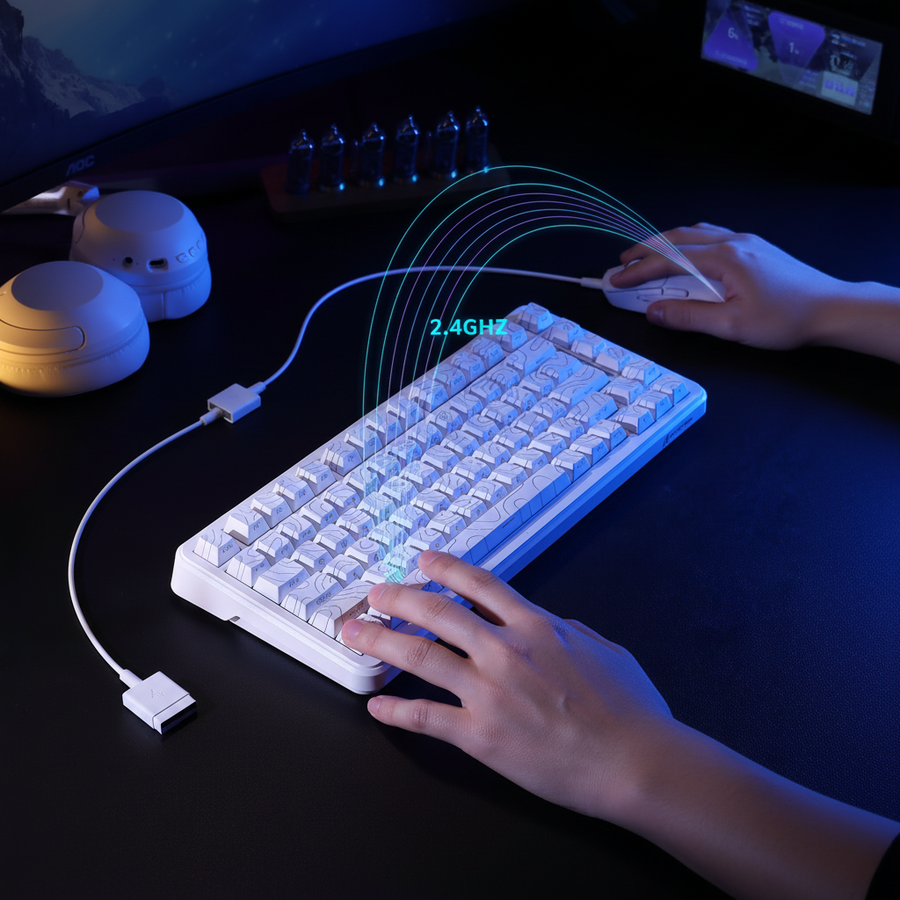
The most effective, low-cost solution to environmental signal degradation is physical proximity. While a mouse might work at 10 feet in a vacant house, we recommend keeping the receiver within 12 inches (30 cm) of the mousepad in dense environments.
- The USB 2.0 Extension Fix: Use a USB 2.0 extension cable to bring the dongle closer to the mouse. Avoid USB 3.0 extensions for this specific purpose; USB 3.0 ports are known to emit their own 2.4GHz interference which can paradoxically worsen the connection quality.
- Router Coordination: If you have control over the local Wi-Fi, manually set your 2.4GHz router channels to 1, 6, or 11. These are the only non-overlapping channels in the 2.4GHz band. Most consumer routers auto-select poorly, contributing to the "signal jungle."
- Physical Barriers: Avoid placing the receiver behind a monitor or inside a metal PC case. Modern "Low-E" glass or metal desk components can act as signal barriers with attenuation exceeding 40 dB, effectively creating a Faraday cage that kills wireless range.
Compliance and Safety Standards
When navigating the world of high-performance wireless gear, technical specs are only half the story. Trustworthiness is built on compliance with international safety and radio standards.
- Radio Compliance: Devices sold in North America must adhere to FCC Part 15 regulations, while those in Europe follow the Radio Equipment Directive (RED) 2014/53/EU. These standards ensure that your device doesn't cause harmful interference to others—and has a baseline level of immunity to ambient noise.
- Battery Safety: High-density environments often mean higher ambient temperatures (dorms without AC, multiple PCs in a small room). Ensure your peripherals use batteries tested to IEC 62133 or UN 38.3 standards to prevent thermal runaway risks in these warm, enclosed spaces.
- Material Safety: Look for RoHS and REACH compliance to ensure the plastics and coatings used in your ergonomic gear are free from hazardous substances like lead or cadmium.
Strategic Takeaways for the Tech-Savvy Gamer
Navigating high-density wireless environments requires a move away from "plug and play" towards "place and optimize." By understanding that RF range is a variable of the environment rather than a fixed hardware spec, you can reclaim the performance you paid for.
- Prioritize Proximity: Use a USB 2.0 extension to keep the receiver within 30cm of your mouse.
- Manage Expectations: Expect battery life to be ~40-50% lower in noisy environments due to retransmission overhead.
- Optimize Topology: Connect high-polling (4K/8K) receivers directly to the motherboard's rear I/O.
- Wired Fallback: In high-stakes competitive matches where the "signal jungle" is at its peak (e.g., peak evening hours in a dorm), switching to wired mode remains the most reliable way to eliminate micro-stutters.
Disclaimer: This article is for informational purposes only. While ergonomic heuristics and technical models are based on industry patterns, individual comfort and performance may vary. For persistent physical discomfort, consult a qualified ergonomic specialist or healthcare professional. For electrical safety, always use official cables and chargers provided by the manufacturer.
Appendix: Modeling Parameters & Assumptions
To ensure transparency in our findings, the following parameters were used for the scenario models presented in this article:
| Model | Key Input | Value | Source/Rationale |
|---|---|---|---|
| Battery Model | Radio Load | 6.5 mA | Estimated 60% increase due to RF noise |
| DPI Model | Resolution | 2560 px | Standard QHD (1440p) monitor |
| DPI Model | FOV | 103° | Common competitive FPS horizontal FOV |
| Grip Fit | Hand Length | 20.5 cm | P95 Male (ANSUR II Database) |
| Grip Fit | Grip Style | Claw | 0.64 Coefficient for length calculation |
Methodology: These figures are derived from scenario modeling and deterministic calculations. They are intended as a guide for understanding environmental impacts, not as absolute lab-measured constants. Actual results will vary based on specific firmware versions, ambient RF noise floor (dBm), and individual user behavior.